Yomu AI vs Letterly
In the face-off between Yomu AI vs Letterly, which AI Writing Assistant tool takes the crown? We scrutinize features, alternatives, upvotes, reviews, pricing, and more.
In a face-off between Yomu AI and Letterly, which one takes the crown?
If we were to analyze Yomu AI and Letterly, both of which are AI-powered writing assistant tools, what would we find? Both tools have received the same number of upvotes from aitools.fyi users. Join the aitools.fyi users in deciding the winner by casting your vote.
Feeling rebellious? Cast your vote and shake things up!
Yomu AI
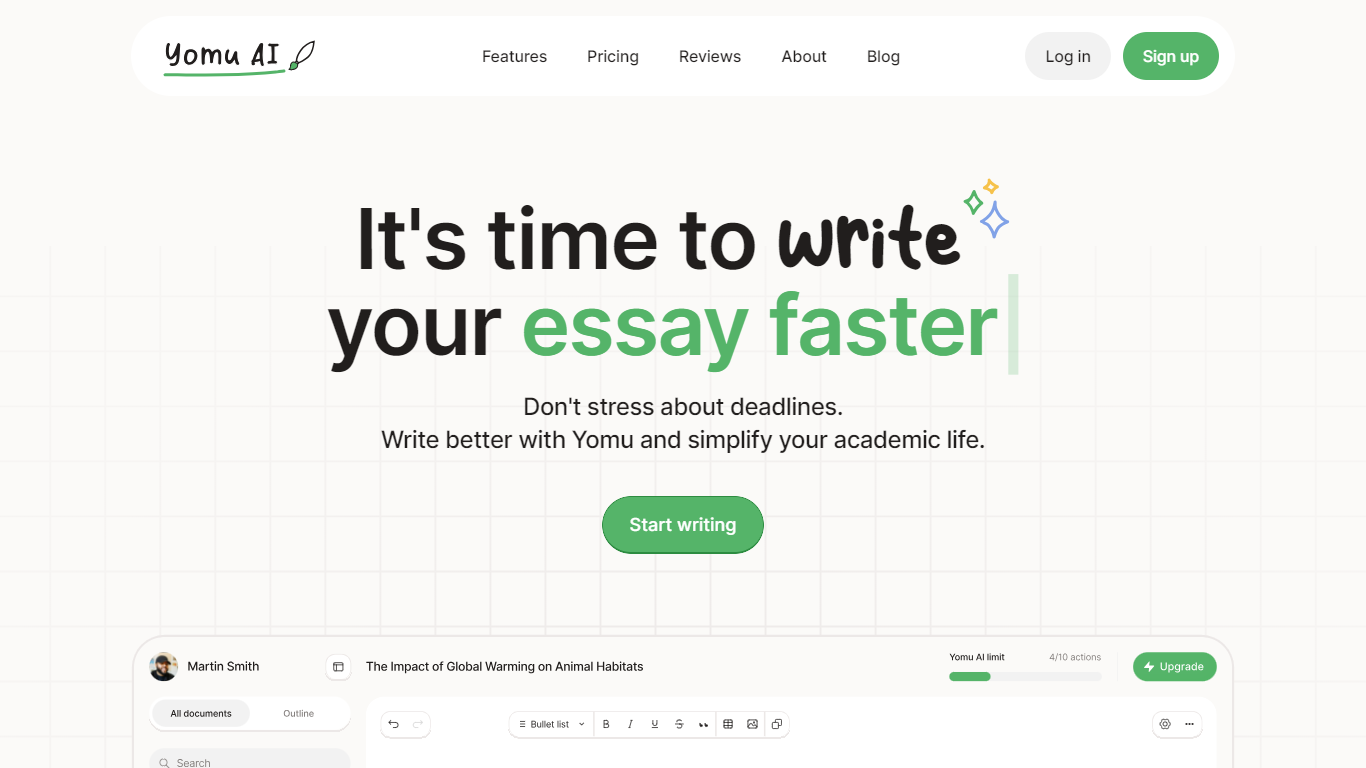

What is Yomu AI ?
Yomu AI offers an advanced AI-powered writing assistant designed to simplify and enhance the process of academic writing. By utilizing Yomu AI, users can seamlessly write papers and essays with higher efficiency, creativity, and integrity.
The platform features a variety and innovative tools including a smart Document Assistant, AI autocomplete for essay writing, comprehensive editing functionalities, and an AI-powered citation tool that streamlines the referencing process. Additionally, Yomu AI ensures the originality of your work with an advanced plagiarism checker, thereby maintaining academic integrity.
With a focus on multiple language support and accessibility, Yomu AI aims to empower writers to produce high-quality content effortlessly. Embrace the future of academic writing with Yomu AI.
Letterly
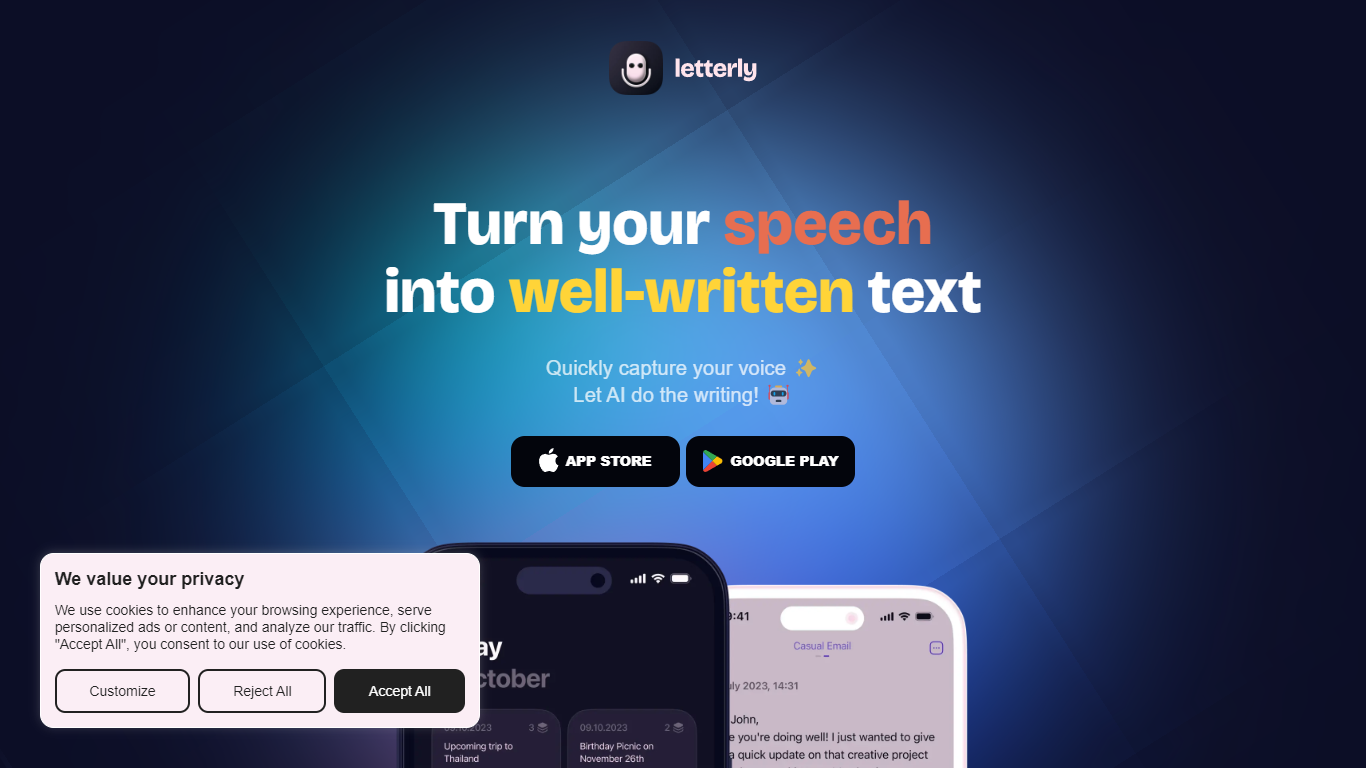
What is Letterly?
Letterly turns spoken words into polished text you can paste, send, or save. You record on your phone, Mac, Windows, or browser, and the app transcribes what you said, then runs it through rewrite styles tuned for emails, meeting recaps, journal entries, or social posts. It sits between a voice memo app and a writing assistant, built for people who think faster out loud than on a keyboard.
Most dictation tools either transcribe or summarize, but rarely both in the same workflow. Letterly layers three jobs: system-wide dictation that pipes text into Gmail, Slack, and Notion; standalone note capture with rewrite prompts; and long-form meeting recording with speaker-separated transcripts up to 90 minutes. The Letterly MCP connector lets Claude, ChatGPT, or Cursor search and rewrite your stored notes without leaving those tools.
Freelancers, managers, and creators who capture ideas while walking or between calls are the clearest fit. A product manager dictating Slack updates, a writer turning walk monologues into blog drafts, or anyone who records lectures and wants labeled speaker notes can stay in one app instead of chaining separate transcription and rewrite tools.
Yomu AI Upvotes
Letterly Upvotes
Yomu AI Top Features
Intelligent Document Assistant: A tool to help write entire sections and provide feedback.
AI Autocomplete: Completes sentences and paragraphs to elevate essay writing.
Advanced Editing Tools: Includes paraphrasing, expanding, shortening, summarizing, and transforming bullet points into detailed text.
AI-Powered Citation Tool: Easily find, include, and format citations in your paper, powered by Sourcely.
Plagiarism Checker: Advanced tool to ensure original work and provide insights on maintaining authenticity.
Letterly Top Features
Dictate inside Gmail, Slack, Notion, or any app without opening Letterly
Recordings up to 90 minutes with speaker-separated transcripts for meetings
Rewrite library with 25+ premade styles plus custom prompts you can build
Auto-detects 90+ languages and switches mid-sentence without manual settings
Letterly MCP connects notes to Claude, ChatGPT, Cursor, and other AI tools
No caps on recordings or AI rewrites according to the homepage
Syncs live across iOS, Android, Mac, Windows, and Web
Yomu AI Category
- Writing Assistant
Letterly Category
- Writing Assistant
Yomu AI Pricing Type
- Freemium
Letterly Pricing Type
- Freemium