Lexidesk vs Screens
In the face-off between Lexidesk vs Screens, which AI Legal tool takes the crown? We scrutinize features, alternatives, upvotes, reviews, pricing, and more.
In a face-off between Lexidesk and Screens, which one takes the crown?
If we were to analyze Lexidesk and Screens, both of which are AI-powered legal tools, what would we find? There's no clear winner in terms of upvotes, as both tools have received the same number. Your vote matters! Help us decide the winner among aitools.fyi users by casting your vote.
Feeling rebellious? Cast your vote and shake things up!
Lexidesk

What is Lexidesk?
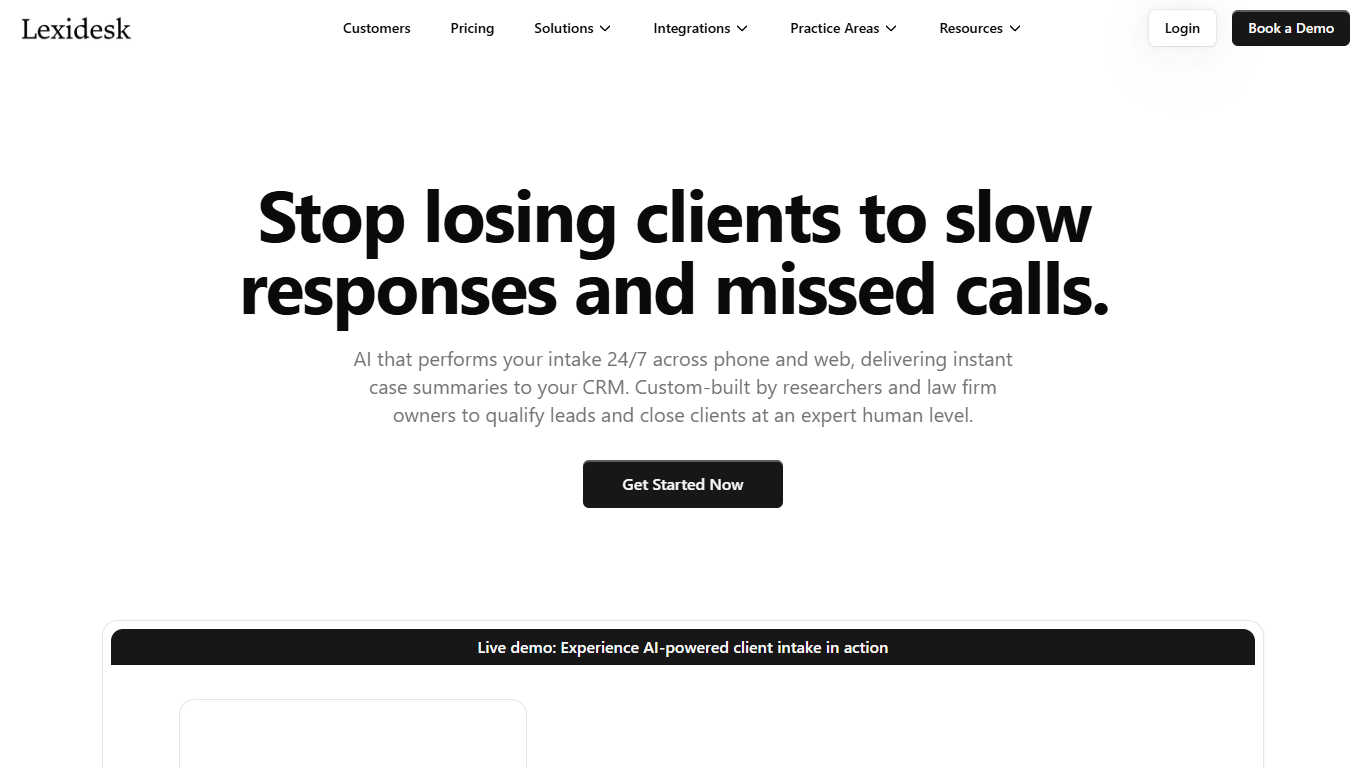
Lexidesk answers law firm phones and website chats around the clock, runs your intake script, scores each caller from 1 to 10, and books consultations or warm-transfers qualified leads with a full matter summary. The Emma voice agent discloses it is AI, records transcripts, and pushes contacts into Clio, HubSpot, Lawmatics, or HighLevel without manual data entry.
Traditional answering services return a name and callback number. Lexidesk captures the full matter, qualification reasoning, recording, and priority score so intake teams can call 8s, 9s, and 10s first instead of working identical callback slips. It also books paid consultations after hours, routes matters to the right attorney calendar, and runs Lead Lock follow-up sequences by text and email when a caller does not book.
Family law, personal injury, immigration, criminal defense, and estate planning firms use Lexidesk for overflow, nights, and weekends. Case studies cite a lead-to-schedule jump from 31% to 49% at Modern Law and nine paid weekend consultations at King Law Offices. Onboarding typically takes 3 to 5 business days with unlimited tweaks during the first two weeks live.
Screens
What is Screens?
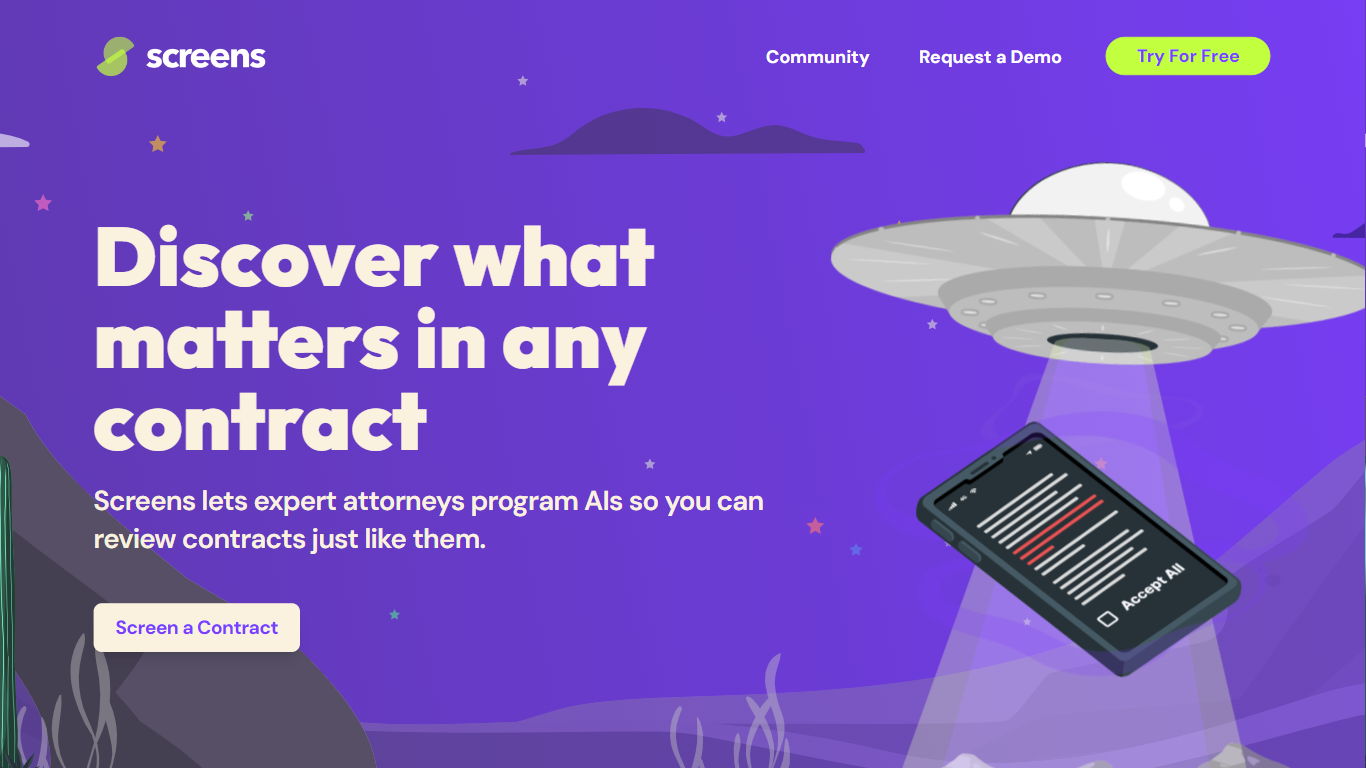
Screens offers an advanced AI-powered contract review platform that makes understanding and analyzing legal documents more efficient and user-friendly. Designed by expert attorneys, Screens allows users to choose from pre-programmed AI reviews or to customize their own for any type of contract. This AI tool identifies key aspects and potential issues within contracts, streamlining the review process for both legal professionals and businesses. It features community-driven screens by top legal minds, enabling users to tap into collective expertise.
Affordability, accuracy, and trustworthiness are central to Screens' service, offering an intelligent solution for all your contract review needs. Additionally, it offers document storage with powerful search capabilities and emphasizes strict data security and privacy policies. Whether you're looking to analyze a single contract or manage a database of documents, Screens provides a trusted, accurate, and budget-friendly AI contract review assistant.
Lexidesk Upvotes
Screens Upvotes
Lexidesk Top Features
Scores every caller from 1 to 10 on fit and urgency using firm-defined qualification rules
Books consultations, sends scheduling links, or warm-transfers qualified leads with context
Native integrations with Clio Grow, Clio Manage, HubSpot, Lawmatics, and HighLevel
Supports 25-plus languages on phone and web chat for immigration and diverse client bases
Lead Lock automated text and email follow-up runs until a caller books or opts out
Hosted on Microsoft Azure with encryption in transit and at rest plus role-based access
Screens Top Features
👩⚖️ Expert-Crafted AIs: Attorneys program AIs to mimic expert contract reviews, ensuring accuracy.
🛠️ Community and Custom Screens: Use community-created screens or build your own for tailored contract analysis.
🔍 Audit Feature: Verify AI-highlighted contract sections for added confidence and transparency.
🔒 Data Privacy and Security: Privacy by design with enterprise-grade security measures to protect your data.
💼 Flexible Pricing Tiers: Free workspace option and premium Pro Workspace for advanced features and support.
Lexidesk Category
- Legal
Screens Category
- Legal
Lexidesk Pricing Type
- Paid
Screens Pricing Type
- Freemium