Lifestack vs Agenda Hero
When comparing Lifestack vs Agenda Hero, which AI Productivity tool shines brighter? We look at pricing, alternatives, upvotes, features, reviews, and more.
In a comparison between Lifestack and Agenda Hero, which one comes out on top?
When we put Lifestack and Agenda Hero side by side, both being AI-powered productivity tools, The upvote count shows a clear preference for Agenda Hero. The number of upvotes for Agenda Hero stands at 7, and for Lifestack it's 6.
Don't agree with the result? Cast your vote and be a part of the decision-making process!
Lifestack


What is Lifestack?
Lifestack is a productivity planner that builds your daily schedule around sleep, recovery, and focus instead of empty calendar blocks. It reads wearable and health signals, maps energy peaks and calm periods across your day, and drafts a schedule that places demanding work when you can actually focus.
Most calendar apps treat you like a task executor with unlimited stamina. Lifestack treats energy, meals, and rest as first-class inputs, overlaying focus and calm zones on your calendar so you see when deep work fits and when lighter tasks make sense. That body-first layer is the trade-off: it is narrower than a general project manager, but it connects health data to scheduling decisions most planners ignore.
The product suits professionals juggling meetings and deep work, ADHD users who need external structure around energy swings, and anyone syncing tasks from tools like Trello while trying to protect sleep and meal timing. Apps run on iPhone, Mac, Android, and Chrome, with a desktop Mac download and browser extension for calendar access.
Agenda Hero
What is Agenda Hero?
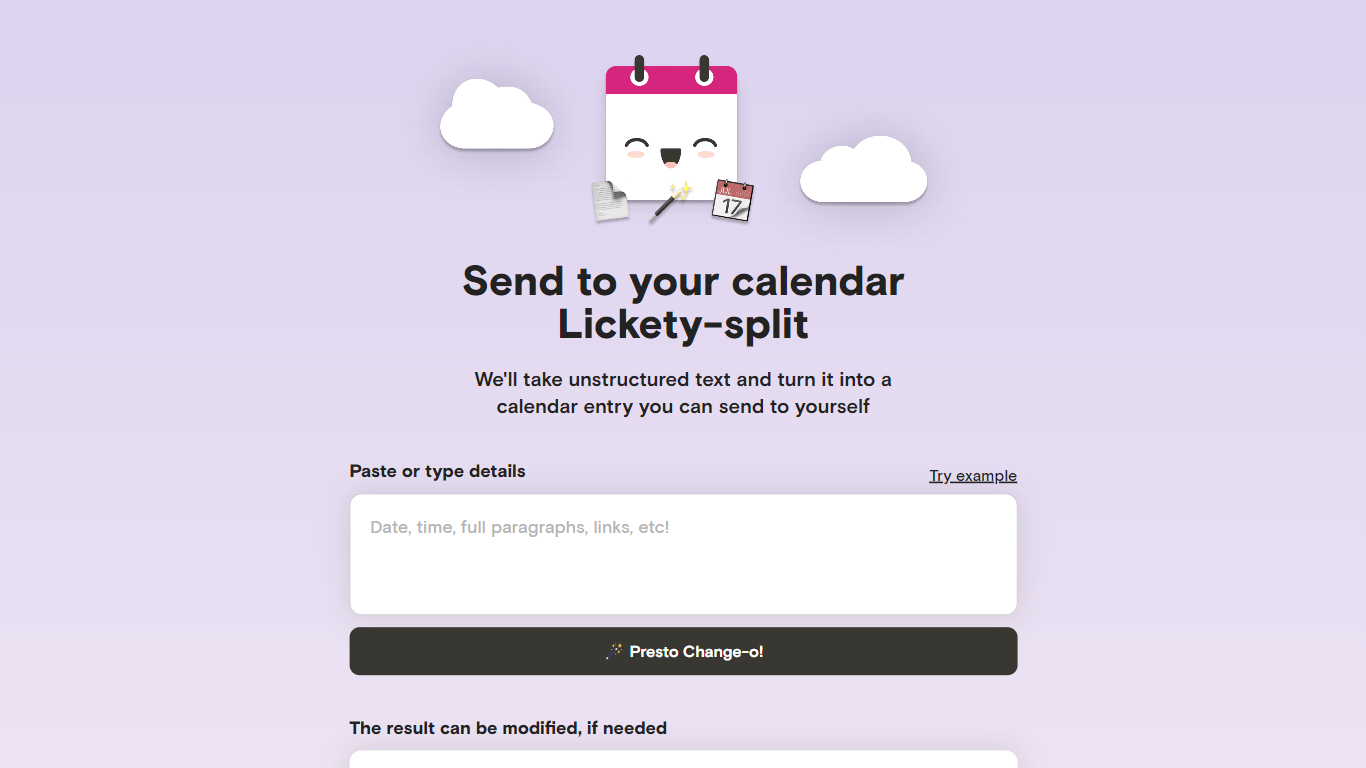
Agenda Hero Magic turns pasted text, photos, and PDFs into calendar events you can add to Google Calendar or email to yourself. Drop a school calendar PDF, a newsletter paragraph, or a screenshot of a flyer, and the web app returns structured dates, times, locations, and descriptions. It runs at agendahero.com/magic and also ships as iOS, Android, and Chrome apps.
Most calendar apps make you type every field by hand. Agenda Hero starts from messy source material instead. Its school calendar directory lists 831+ districts and 29,526+ schools, so families can pull a full academic year without transcribing PDF tables. You can also generate multiple events from one prompt, which fits weekly newsletters better than single-event forms.
Parents, students, and teachers use it as a productivity shortcut to import school schedules, spirit days, and back-to-school nights without retyping dates. Office workers paste meeting blocks from email, and travelers convert itineraries from images. After generation, you can edit titles, times, locations, and emoji before sending events to Google Calendar, Apple Calendar, Outlook, or Office 365.
The FAQ notes daily, weekly, biweekly, monthly, and annual recurrences, though some calendar apps only copy the first occurrence until you adjust them locally. Agenda Hero shares Magic prompts with OpenAI GPT-3.5 and GPT-4 per its privacy policy, so reviewing results before saving is worth the extra click.
Lifestack Upvotes
Agenda Hero Upvotes
Lifestack Top Features
Maps Energy Zones on your calendar so focus work lands during peak energy periods
Pulls wearable and Apple Health data into the same view as your schedule
Syncs tasks from third-party tools such as Trello alongside calendar events
Plans meals and sleep blocks around the day's meetings and task load
Chat copilot answers daily planning questions with your schedule in context
Runs on iPhone, Mac, Android, and Chrome with unlimited calendars and tasks on paid plans
Used by 30,000+ users per the Lifestack homepage
Agenda Hero Top Features
Converts text, images, and PDF uploads into calendar-ready events from agendahero.com/magic
School calendar directory covers 831+ districts and 29,526+ schools
Exports events to Google Calendar, Apple Calendar, Outlook, and Office 365
Chrome extension highlights web text and adds an Add to Calendar button
iOS App Store, Google Play, and Chrome Web Store apps listed on the Magic page
Supports daily, weekly, biweekly, monthly, and annual recurring events from one prompt
Lifestack Category
- Productivity
Agenda Hero Category
- Productivity
Lifestack Pricing Type
- Paid
Agenda Hero Pricing Type
- Free