Lifestack vs BeeDone
In the face-off between Lifestack vs BeeDone, which AI Productivity tool takes the crown? We scrutinize features, alternatives, upvotes, reviews, pricing, and more.
In a face-off between Lifestack and BeeDone, which one takes the crown?
If we were to analyze Lifestack and BeeDone, both of which are AI-powered productivity tools, what would we find? Interestingly, both tools have managed to secure the same number of upvotes. Be a part of the decision-making process. Your vote could determine the winner.
Disagree with the result? Upvote your favorite tool and help it win!
Lifestack


What is Lifestack?
Lifestack is a productivity planner that builds your daily schedule around sleep, recovery, and focus instead of empty calendar blocks. It reads wearable and health signals, maps energy peaks and calm periods across your day, and drafts a schedule that places demanding work when you can actually focus.
Most calendar apps treat you like a task executor with unlimited stamina. Lifestack treats energy, meals, and rest as first-class inputs, overlaying focus and calm zones on your calendar so you see when deep work fits and when lighter tasks make sense. That body-first layer is the trade-off: it is narrower than a general project manager, but it connects health data to scheduling decisions most planners ignore.
The product suits professionals juggling meetings and deep work, ADHD users who need external structure around energy swings, and anyone syncing tasks from tools like Trello while trying to protect sleep and meal timing. Apps run on iPhone, Mac, Android, and Chrome, with a desktop Mac download and browser extension for calendar access.
BeeDone
What is BeeDone?
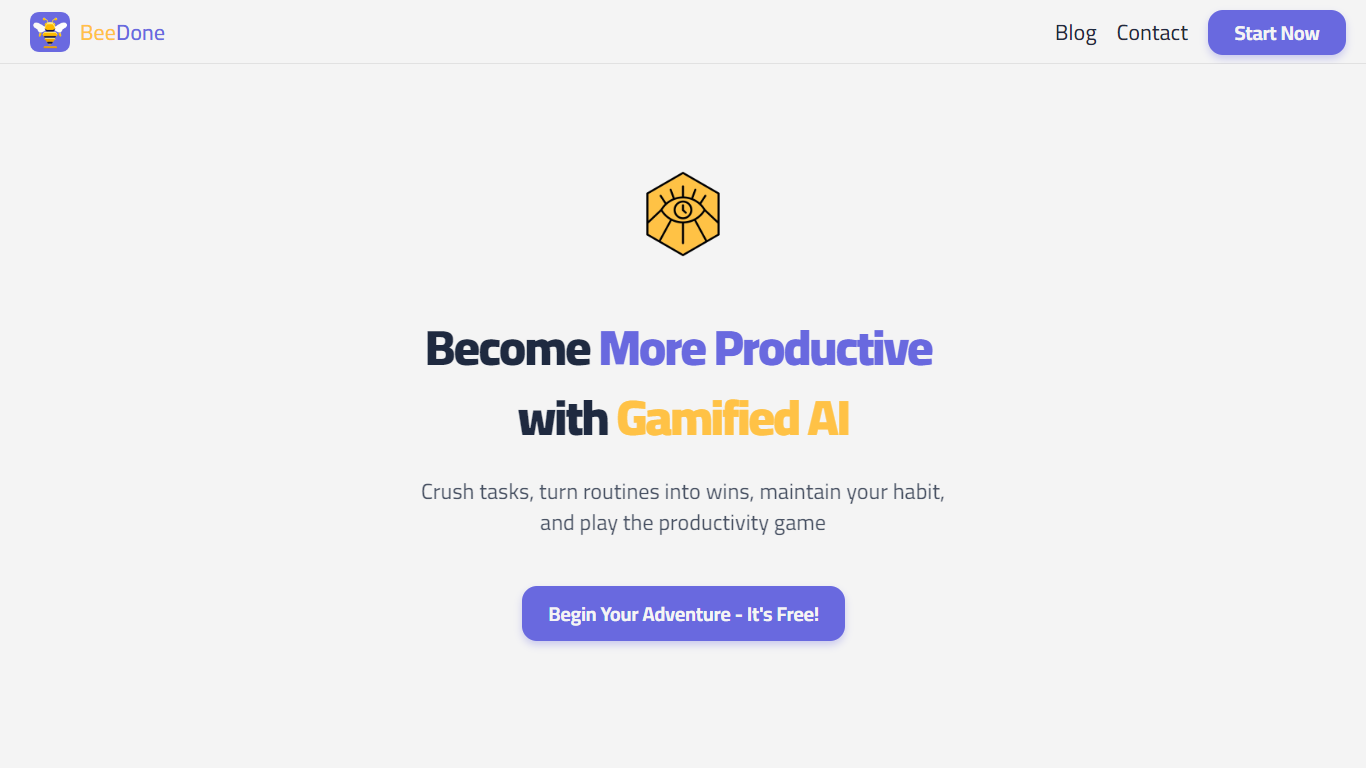
BeeDone turns tasks, habits, and focus sessions into an XP-driven game you play on iOS, Android, or the web. You complete quests, level up, and unlock 20+ power-ups as routines stick. Dopa, the in-app bee coach, adapts its tone across five switchable moods so motivation feels personal rather than generic. The site reports 50,000+ active players, a 4.8-star App Store rating, and more than one million goals tracked.
Most task managers stop at lists and reminders. BeeDone ties completion to rewards and locks doomscroll apps like TikTok, Instagram, and YouTube until you hit a daily XP target, which is a sharper ADHD-oriented trade-off than Habitica's RPG layer or Todoist's plain checkboxes. The Doomscroll Blocker re-arms each morning with zero setup, so screen time becomes something you earn through finished work.
Solopreneurs, students, remote workers, and people with ADHD use BeeDone for habit streaks, deep-work timers, task roulette when priorities blur, and AI-assisted task splitting on big projects. The Novice tier stays free with three active habits and basic gamification, while Pro at $8 per month unlocks Dopa, unlimited habits, and the full feature set.
Lifestack Upvotes
BeeDone Upvotes
Lifestack Top Features
Maps Energy Zones on your calendar so focus work lands during peak energy periods
Pulls wearable and Apple Health data into the same view as your schedule
Syncs tasks from third-party tools such as Trello alongside calendar events
Plans meals and sleep blocks around the day's meetings and task load
Chat copilot answers daily planning questions with your schedule in context
Runs on iPhone, Mac, Android, and Chrome with unlimited calendars and tasks on paid plans
Used by 30,000+ users per the Lifestack homepage
BeeDone Top Features
Doomscroll Blocker locks TikTok, Instagram, and YouTube until you hit your daily XP goal
Dopa coach switches between 5 moods: Motivated, Blunt, Fearless, Teacher, and Glitch
AI Todo Magic adds generated visuals and custom motivation text to every task
AI Task Splitter breaks large projects into bite-sized steps you can start today
Deep Work Timer runs distraction-free focus sessions with XP rewards on completion
Task Roulette picks your next task when decision paralysis stalls your list
Lifestack Category
- Productivity
BeeDone Category
- Productivity
Lifestack Pricing Type
- Paid
BeeDone Pricing Type
- Freemium