Lifestack vs Itemery
Explore the showdown between Lifestack vs Itemery and find out which AI Productivity tool wins. We analyze upvotes, features, reviews, pricing, alternatives, and more.
In a face-off between Lifestack and Itemery, which one takes the crown?
When we contrast Lifestack with Itemery, both of which are exceptional AI-operated productivity tools, and place them side by side, we can spot several crucial similarities and divergences. The upvote count favors Itemery, making it the clear winner. Itemery has attracted 7 upvotes from aitools.fyi users, and Lifestack has attracted 6 upvotes.
Disagree with the result? Upvote your favorite tool and help it win!
Lifestack


What is Lifestack?
Lifestack is a productivity planner that builds your daily schedule around sleep, recovery, and focus instead of empty calendar blocks. It reads wearable and health signals, maps energy peaks and calm periods across your day, and drafts a schedule that places demanding work when you can actually focus.
Most calendar apps treat you like a task executor with unlimited stamina. Lifestack treats energy, meals, and rest as first-class inputs, overlaying focus and calm zones on your calendar so you see when deep work fits and when lighter tasks make sense. That body-first layer is the trade-off: it is narrower than a general project manager, but it connects health data to scheduling decisions most planners ignore.
The product suits professionals juggling meetings and deep work, ADHD users who need external structure around energy swings, and anyone syncing tasks from tools like Trello while trying to protect sleep and meal timing. Apps run on iPhone, Mac, Android, and Chrome, with a desktop Mac download and browser extension for calendar access.
Itemery
What is Itemery?
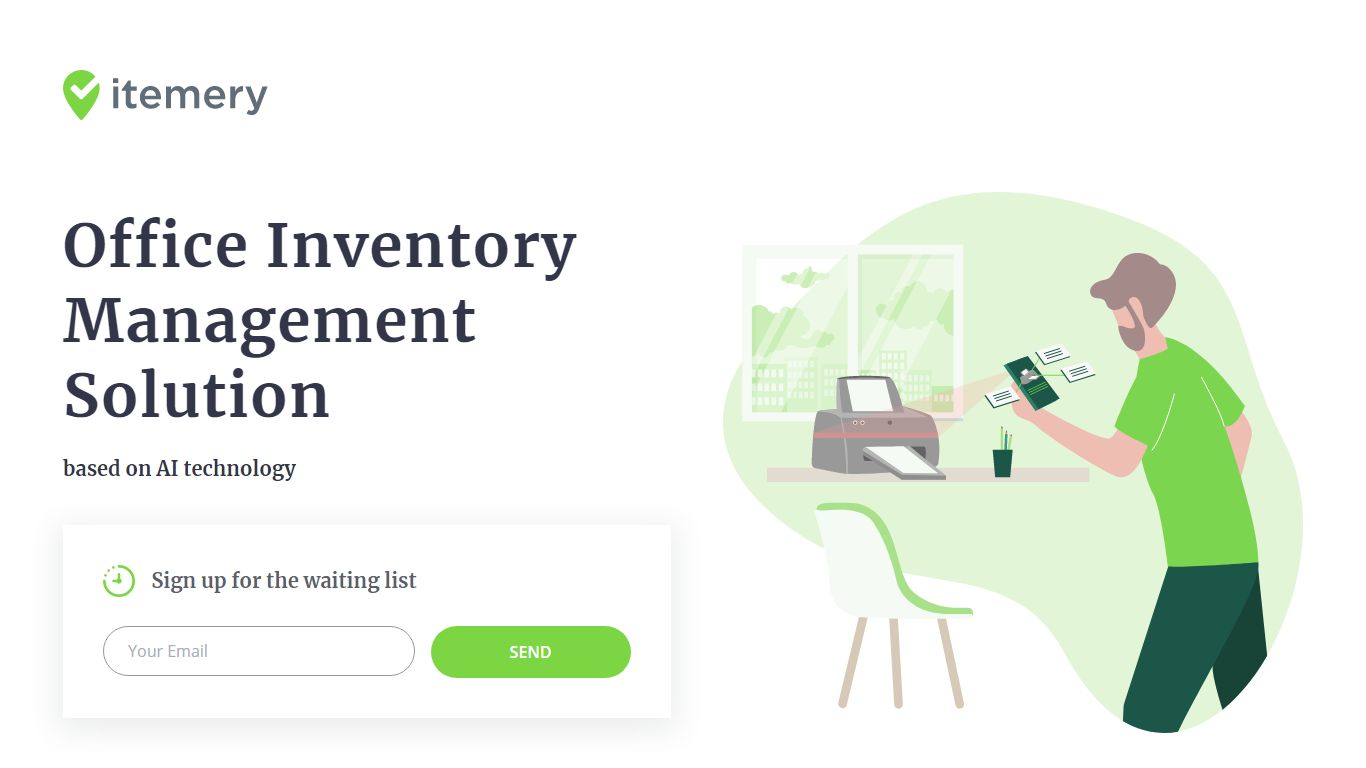
Itemery is office inventory management software that tracks company assets for small and medium businesses through a web dashboard and mobile app. You scan barcodes or QR codes, import existing spreadsheets from Excel or Google Sheets, and assign items to locations across your organization.
Most inventory tools make you type every asset manually. Itemery adds items by pointing your phone camera at an object so a neural network recognizes and catalogs it automatically. Paid plans from $15 per month unlock that camera recognition plus item photos, while the free tier handles 50 items with barcode scanning alone.
The product accepts signups for a release waiting list, but pricing and feature tiers are published on the site. Setup takes about 20 minutes according to Itemery, with dashboards for audit counts, location tracking, and supply quantities. Law firms, co-working spaces, and IT departments are among the company types listed on the homepage.
Lifestack Upvotes
Itemery Upvotes
Lifestack Top Features
Maps Energy Zones on your calendar so focus work lands during peak energy periods
Pulls wearable and Apple Health data into the same view as your schedule
Syncs tasks from third-party tools such as Trello alongside calendar events
Plans meals and sleep blocks around the day's meetings and task load
Chat copilot answers daily planning questions with your schedule in context
Runs on iPhone, Mac, Android, and Chrome with unlimited calendars and tasks on paid plans
Used by 30,000+ users per the Lifestack homepage
Itemery Top Features
Free plan tracks 50 items across 1 location with barcode and QR scanning
AI camera recognition on paid plans adds items by pointing your phone at objects
Import existing asset databases from Excel or Google Sheets in 2 clicks
Four tiers from $0 to $70 per month scaling to unlimited items and admins
Mobile app for scanning and auditing plus web dashboard for asset overview
Auto-generates unique barcodes or QR codes for items that lack them
Lifestack Category
- Productivity
Itemery Category
- Productivity
Lifestack Pricing Type
- Paid
Itemery Pricing Type
- Freemium