Lifestack vs Mind Your Now
Compare Lifestack vs Mind Your Now and see which AI Productivity tool is better when we compare features, reviews, pricing, alternatives, upvotes, etc.
Which one is better? Lifestack or Mind Your Now?
When we compare Lifestack with Mind Your Now, which are both AI-powered productivity tools, Interestingly, both tools have managed to secure the same number of upvotes. You can help us determine the winner by casting your vote and tipping the scales in favor of one of the tools.
Feeling rebellious? Cast your vote and shake things up!
Lifestack


What is Lifestack?
Lifestack is a productivity planner that builds your daily schedule around sleep, recovery, and focus instead of empty calendar blocks. It reads wearable and health signals, maps energy peaks and calm periods across your day, and drafts a schedule that places demanding work when you can actually focus.
Most calendar apps treat you like a task executor with unlimited stamina. Lifestack treats energy, meals, and rest as first-class inputs, overlaying focus and calm zones on your calendar so you see when deep work fits and when lighter tasks make sense. That body-first layer is the trade-off: it is narrower than a general project manager, but it connects health data to scheduling decisions most planners ignore.
The product suits professionals juggling meetings and deep work, ADHD users who need external structure around energy swings, and anyone syncing tasks from tools like Trello while trying to protect sleep and meal timing. Apps run on iPhone, Mac, Android, and Chrome, with a desktop Mac download and browser extension for calendar access.
Mind Your Now
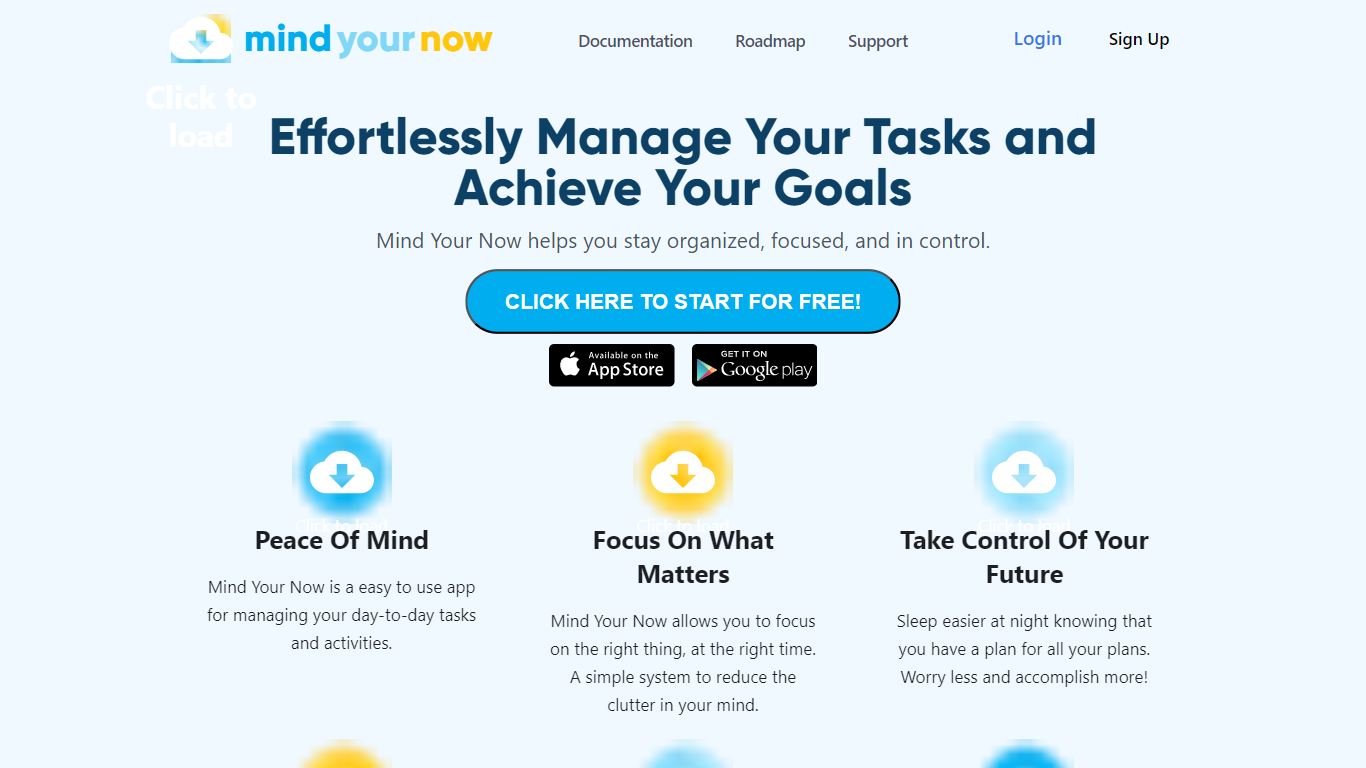
What is Mind Your Now?
Mind Your Now is an AI-powered task management app built around the Master Your Now (MYN) productivity method created by Michael Linenberger. It organizes tasks into four priority zones: Critical Now (5 or fewer must-do items), Opportunity Now (next 10 days), Over-the-Horizon (10+ days out), and Parking Lot (someday ideas).
Kaia, the built-in AI coach, remembers your preferences across sessions and helps you manage tasks, habits, and household responsibilities. Project Compass monitors task health and sends AI-powered course corrections before deadlines slip. The app syncs two-way with Google Calendar and Microsoft Outlook for schedule-aware recommendations.
Mind Your Now is available as a web and mobile app with a free forever tier, and also integrates directly into ChatGPT with interactive widgets and full account sync. It supports habit tracking with streak protection, time blocking, and GTD-style workflows.
Lifestack Upvotes
Mind Your Now Upvotes
Lifestack Top Features
Maps Energy Zones on your calendar so focus work lands during peak energy periods
Pulls wearable and Apple Health data into the same view as your schedule
Syncs tasks from third-party tools such as Trello alongside calendar events
Plans meals and sleep blocks around the day's meetings and task load
Chat copilot answers daily planning questions with your schedule in context
Runs on iPhone, Mac, Android, and Chrome with unlimited calendars and tasks on paid plans
Used by 30,000+ users per the Lifestack homepage
Mind Your Now Top Features
Four-zone MYN priority system: Critical Now, Opportunity Now, Over-the-Horizon, and Parking Lot
Kaia AI coach with cross-session memory that learns your preferences and patterns
Project Compass monitors task health and suggests course corrections before deadlines slip
Two-way Google Calendar and Microsoft Outlook sync with schedule-aware AI recommendations
ChatGPT integration with interactive widgets, one-click actions, and full account sync
Habit tracking with streak protection via Compass alerts
Free forever tier with no credit card required and 14-day free trial on paid features
Sub-100ms app load with real-time sync across phone, tablet, and computer
Lifestack Category
- Productivity
Mind Your Now Category
- Productivity
Lifestack Pricing Type
- Paid
Mind Your Now Pricing Type
- Freemium