Lifestack vs Missive
In the clash of Lifestack vs Missive, which AI Productivity tool emerges victorious? We assess reviews, pricing, alternatives, features, upvotes, and more.
When we put Lifestack and Missive head to head, which one emerges as the victor?
Let's take a closer look at Lifestack and Missive, both of which are AI-driven productivity tools, and see what sets them apart. There's no clear winner in terms of upvotes, as both tools have received the same number. Since other aitools.fyi users could decide the winner, the ball is in your court now to cast your vote and help us determine the winner.
You don't agree with the result? Cast your vote to help us decide!
Lifestack

What is Lifestack?
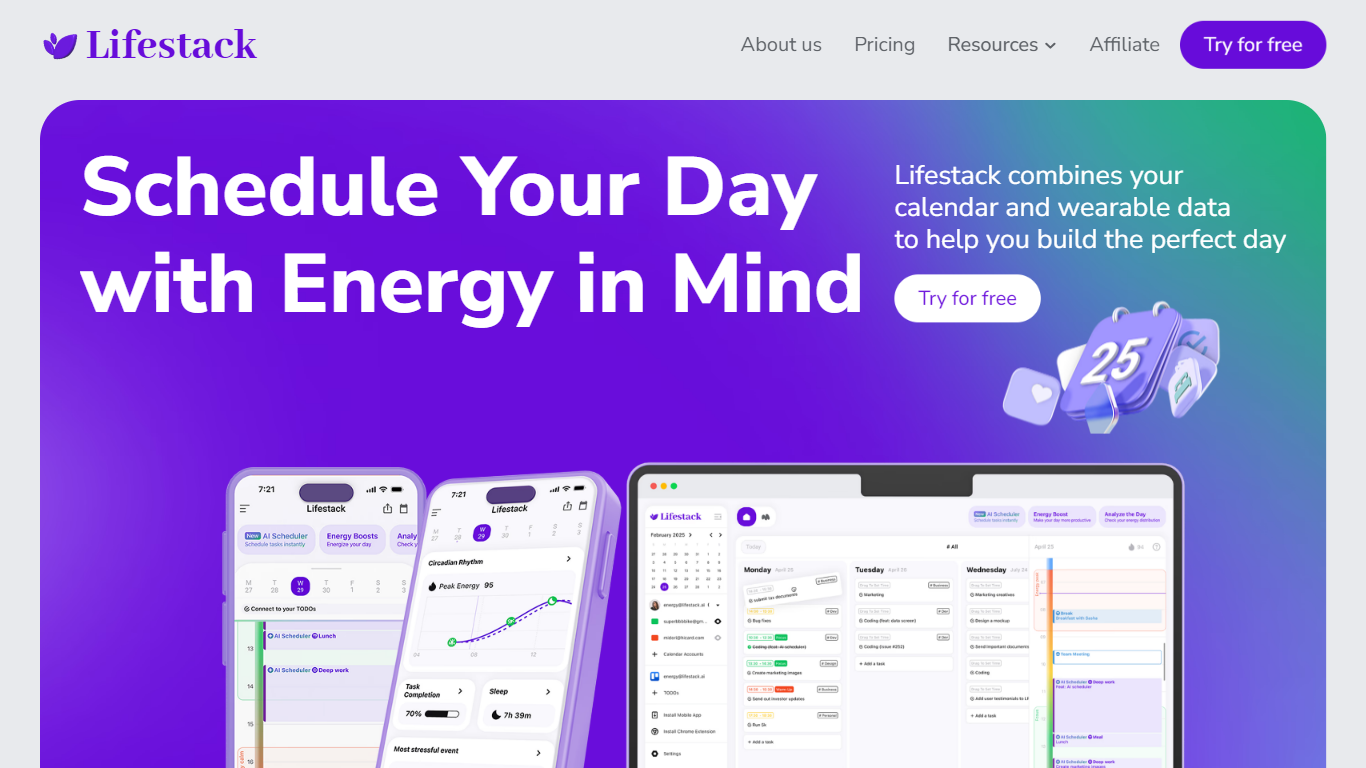
Lifestack is a productivity planner that builds your daily schedule around sleep, recovery, and focus instead of empty calendar blocks. It reads wearable and health signals, maps energy peaks and calm periods across your day, and drafts a schedule that places demanding work when you can actually focus.
Most calendar apps treat you like a task executor with unlimited stamina. Lifestack treats energy, meals, and rest as first-class inputs, overlaying focus and calm zones on your calendar so you see when deep work fits and when lighter tasks make sense. That body-first layer is the trade-off: it is narrower than a general project manager, but it connects health data to scheduling decisions most planners ignore.
The product suits professionals juggling meetings and deep work, ADHD users who need external structure around energy swings, and anyone syncing tasks from tools like Trello while trying to protect sleep and meal timing. Apps run on iPhone, Mac, Android, and Chrome, with a desktop Mac download and browser extension for calendar access.
Missive
What is Missive?
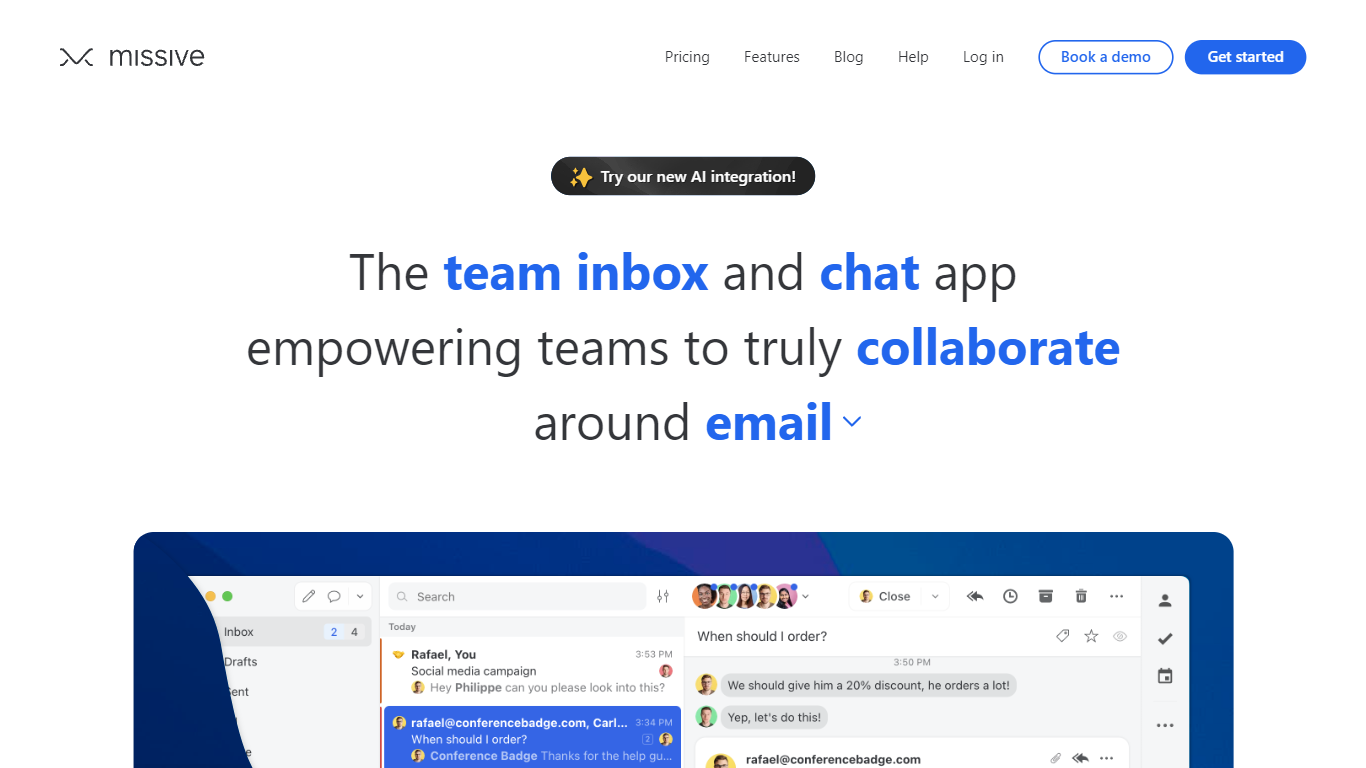
Missive turns shared email, SMS, and social inboxes into a team workspace where coworkers assign threads, comment internally, and track tasks without forwarding chains. The product splits into Collaborate for inbox teamwork, Coordinate for turning messages into work, and Connect for pulling CRM and tool context into conversations.
Where basic shared Gmail folders collapse into reply-all chaos, Missive adds @mentions, conversation assignments, and rules with up to 1,000 automations on higher tiers. Pricing is per seat with a 30-day trial and no credit card, and plans scale from five users on Starter to unlimited seats on Business with SAML SSO and IP restrictions.
Small agencies, law firms, logistics teams, and remote operators use Missive to keep client email visible across the team while personal inboxes stay private. The site cites SOC 2 Type II compliance, integrations with ChatGPT, Pipedrive, and Trello, plus desktop and mobile apps synced through mail.missiveapp.com.
Lifestack Upvotes
Missive Upvotes
Lifestack Top Features
Maps Energy Zones on your calendar so focus work lands during peak energy periods
Pulls wearable and Apple Health data into the same view as your schedule
Syncs tasks from third-party tools such as Trello alongside calendar events
Plans meals and sleep blocks around the day's meetings and task load
Chat copilot answers daily planning questions with your schedule in context
Runs on iPhone, Mac, Android, and Chrome with unlimited calendars and tasks on paid plans
Used by 30,000+ users per the Lifestack homepage
Missive Top Features
Unified email, SMS, and social accounts inside team spaces and inboxes
Starter plan at $14 per user per month billed yearly with up to 5 users
Productive tier adds integrations, rules, basic analytics, and API access for up to 50 users at $24 per user monthly
Business tier at $36 per user monthly includes SAML SSO, IP restrictions, and advanced analytics
30-day free trial with no credit card required before upgrade
AI assistant and automations available on paid plans with API key setup
SOC 2 Type II audited security policies listed across all workspace tiers
Lifestack Category
- Productivity
Missive Category
- Productivity
Lifestack Pricing Type
- Paid
Missive Pricing Type
- Paid