Lifestack vs PDF Candy
In the clash of Lifestack vs PDF Candy, which AI Productivity tool emerges victorious? We assess reviews, pricing, alternatives, features, upvotes, and more.
When we put Lifestack and PDF Candy head to head, which one emerges as the victor?
Let's take a closer look at Lifestack and PDF Candy, both of which are AI-driven productivity tools, and see what sets them apart. The community has spoken, PDF Candy leads with more upvotes. The number of upvotes for PDF Candy stands at 12, and for Lifestack it's 6.
Disagree with the result? Upvote your favorite tool and help it win!
Lifestack


What is Lifestack?
Lifestack is a productivity planner that builds your daily schedule around sleep, recovery, and focus instead of empty calendar blocks. It reads wearable and health signals, maps energy peaks and calm periods across your day, and drafts a schedule that places demanding work when you can actually focus.
Most calendar apps treat you like a task executor with unlimited stamina. Lifestack treats energy, meals, and rest as first-class inputs, overlaying focus and calm zones on your calendar so you see when deep work fits and when lighter tasks make sense. That body-first layer is the trade-off: it is narrower than a general project manager, but it connects health data to scheduling decisions most planners ignore.
The product suits professionals juggling meetings and deep work, ADHD users who need external structure around energy swings, and anyone syncing tasks from tools like Trello while trying to protect sleep and meal timing. Apps run on iPhone, Mac, Android, and Chrome, with a desktop Mac download and browser extension for calendar access.
PDF Candy
What is PDF Candy?
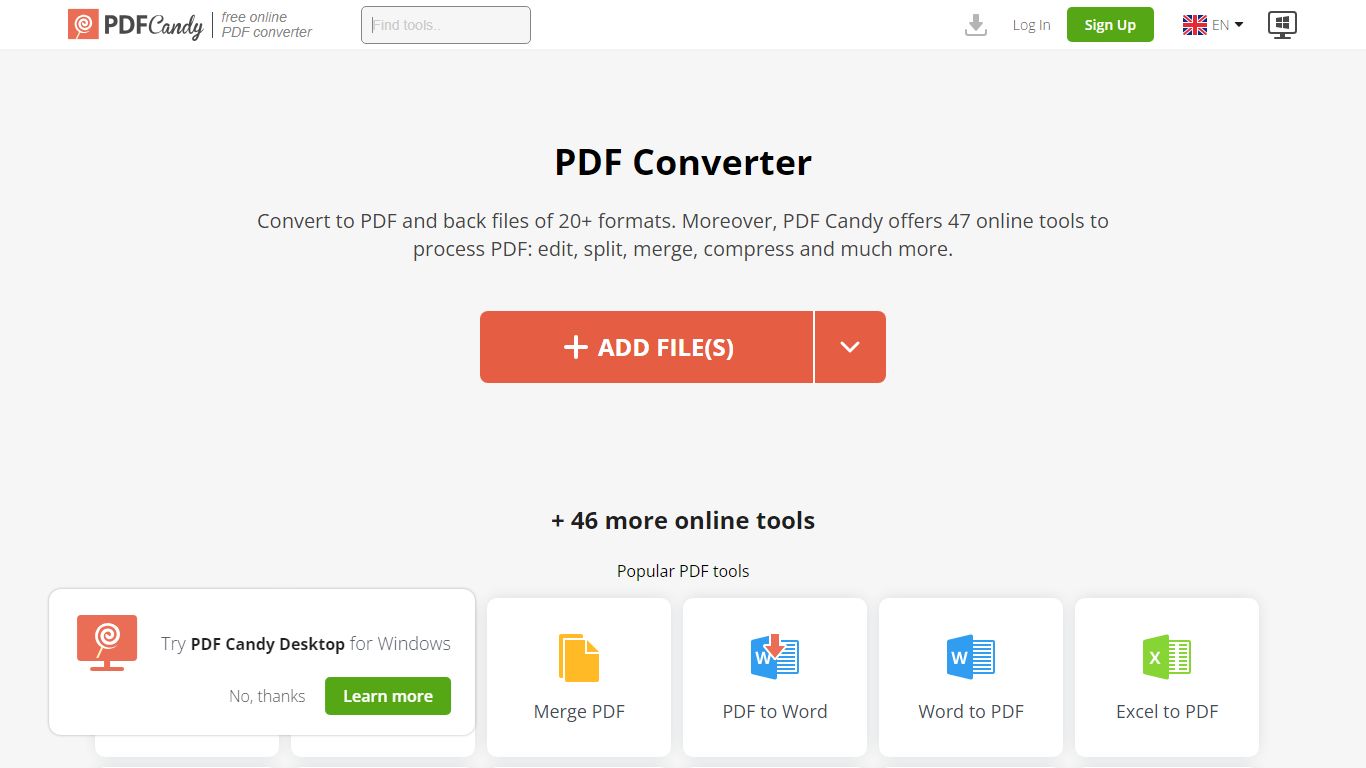
PDF Candy packs 90+ browser-based PDF tools into one productivity hub for editing, converting, merging, compressing, signing, and protecting documents. Newer additions include AI summarize, chat, and translate workflows alongside classics like PDF to Word and JPG to PDF.
Competing PDF sites usually split free limits across separate pages. PDF Candy keeps a forever-free web tier with no ads and no account required, then sells priority processing, 500 MB uploads, and an offline Windows desktop app with 35 tools. Paid bundles also include Video Candy and Image Candy web access.
Office workers, students, and small businesses reach for PDF Candy when they need a quick conversion without installing software, or when they want batch-friendly desktop processing. Files upload from Dropbox or Google Drive, and the site deletes uploads within two hours under GDPR rules.
Lifestack Upvotes
PDF Candy Upvotes
Lifestack Top Features
Maps Energy Zones on your calendar so focus work lands during peak energy periods
Pulls wearable and Apple Health data into the same view as your schedule
Syncs tasks from third-party tools such as Trello alongside calendar events
Plans meals and sleep blocks around the day's meetings and task load
Chat copilot answers daily planning questions with your schedule in context
Runs on iPhone, Mac, Android, and Chrome with unlimited calendars and tasks on paid plans
Used by 30,000+ users per the Lifestack homepage
PDF Candy Top Features
Offers 90+ online PDF tools covering edit, convert, merge, split, compress, and sign workflows
AI tools summarize PDFs, chat with document content, and translate PDF text in the browser
Forever free web tier works without signup and shows no ads
Paid web plans raise uploads to 500 MB per task with no hourly limits
Desktop + Web Yearly plan costs $4 per month and includes offline Windows software with 35 tools
Lifetime Desktop + Web license is a one-time $99 payment
Site supports 18 localized language versions from English to Korean
Lifestack Category
- Productivity
PDF Candy Category
- Productivity
Lifestack Pricing Type
- Paid
PDF Candy Pricing Type
- Freemium