Lifestack vs Talknotes
When comparing Lifestack vs Talknotes, which AI Productivity tool shines brighter? We look at pricing, alternatives, upvotes, features, reviews, and more.
In a comparison between Lifestack and Talknotes, which one comes out on top?
When we put Lifestack and Talknotes side by side, both being AI-powered productivity tools, The community has spoken, Talknotes leads with more upvotes. The upvote count for Talknotes is 9, and for Lifestack it's 6.
You don't agree with the result? Cast your vote to help us decide!
Lifestack


What is Lifestack?
Lifestack is a productivity planner that builds your daily schedule around sleep, recovery, and focus instead of empty calendar blocks. It reads wearable and health signals, maps energy peaks and calm periods across your day, and drafts a schedule that places demanding work when you can actually focus.
Most calendar apps treat you like a task executor with unlimited stamina. Lifestack treats energy, meals, and rest as first-class inputs, overlaying focus and calm zones on your calendar so you see when deep work fits and when lighter tasks make sense. That body-first layer is the trade-off: it is narrower than a general project manager, but it connects health data to scheduling decisions most planners ignore.
The product suits professionals juggling meetings and deep work, ADHD users who need external structure around energy swings, and anyone syncing tasks from tools like Trello while trying to protect sleep and meal timing. Apps run on iPhone, Mac, Android, and Chrome, with a desktop Mac download and browser extension for calendar access.
Talknotes
What is Talknotes?
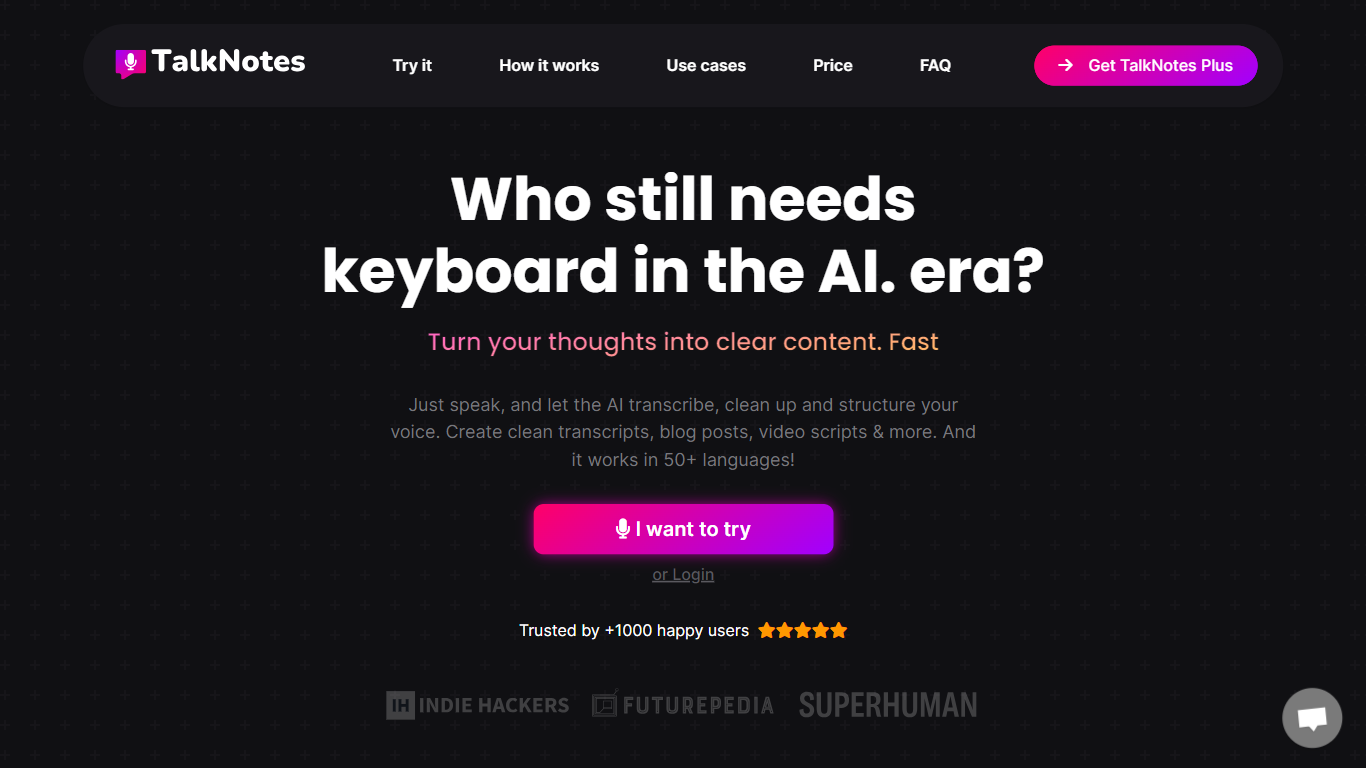
Talknotes is a voice note and transcription app that records your speech and turns it into structured notes, transcripts, task lists, blog drafts, and more than 100 output styles. You tap record, pick a format like meeting notes or LinkedIn post, and the app transcribes with advertised 99% accuracy before you edit or share. It runs on web, iOS, and Android and supports 50+ languages from English and Spanish to Japanese and Welsh.
Dedicated transcription tools stop at raw text. Talknotes layers style templates on top, so the same ramble becomes a formal email, flashcard deck, or podcast script without re-prompting. The trade-off is cloud dependence: you need an internet connection, audio uploads cap at 20 minutes on standard plans (2 hours on Pro), and heavy users hit the 2-hour per-note recording limit on paid tiers.
Professionals use Talknotes to capture meetings, brainstorm content, and dictate blog posts on the go. Students convert lectures into flashcards, journalists transcribe interviews, and creators export PDF, Markdown, or public links. Zapier and webhook integrations push finished notes into other apps, and a WhatsApp bot transcribes voice messages in chat.
Lifestack Upvotes
Talknotes Upvotes
Lifestack Top Features
Maps Energy Zones on your calendar so focus work lands during peak energy periods
Pulls wearable and Apple Health data into the same view as your schedule
Syncs tasks from third-party tools such as Trello alongside calendar events
Plans meals and sleep blocks around the day's meetings and task load
Chat copilot answers daily planning questions with your schedule in context
Runs on iPhone, Mac, Android, and Chrome with unlimited calendars and tasks on paid plans
Used by 30,000+ users per the Lifestack homepage
Talknotes Top Features
100+ output styles including meeting notes, blog posts, flashcards, and LinkedIn posts
7-day free trial on monthly ($19.97) and yearly ($197) TalkNotes Plus plans
2-hour recording limit per note on paid plans with unlimited note storage
50+ transcription languages with web, iOS, and Android apps
Export notes as PDF, Text, or Markdown and share via public URL
Zapier and webhook integrations plus a WhatsApp voice message transcriber bot
Lifestack Category
- Productivity
Talknotes Category
- Productivity
Lifestack Pricing Type
- Paid
Talknotes Pricing Type
- Freemium