Lifestack vs Trickle 1.0
Compare Lifestack vs Trickle 1.0 and see which AI Productivity tool is better when we compare features, reviews, pricing, alternatives, upvotes, etc.
Which one is better? Lifestack or Trickle 1.0?
When we compare Lifestack with Trickle 1.0, which are both AI-powered productivity tools, The community has spoken, Trickle 1.0 leads with more upvotes. Trickle 1.0 has received 11 upvotes from aitools.fyi users, while Lifestack has received 6 upvotes.
Think we got it wrong? Cast your vote and show us who's boss!
Lifestack


What is Lifestack?
Lifestack is a productivity planner that builds your daily schedule around sleep, recovery, and focus instead of empty calendar blocks. It reads wearable and health signals, maps energy peaks and calm periods across your day, and drafts a schedule that places demanding work when you can actually focus.
Most calendar apps treat you like a task executor with unlimited stamina. Lifestack treats energy, meals, and rest as first-class inputs, overlaying focus and calm zones on your calendar so you see when deep work fits and when lighter tasks make sense. That body-first layer is the trade-off: it is narrower than a general project manager, but it connects health data to scheduling decisions most planners ignore.
The product suits professionals juggling meetings and deep work, ADHD users who need external structure around energy swings, and anyone syncing tasks from tools like Trello while trying to protect sleep and meal timing. Apps run on iPhone, Mac, Android, and Chrome, with a desktop Mac download and browser extension for calendar access.
Trickle 1.0
What is Trickle 1.0?
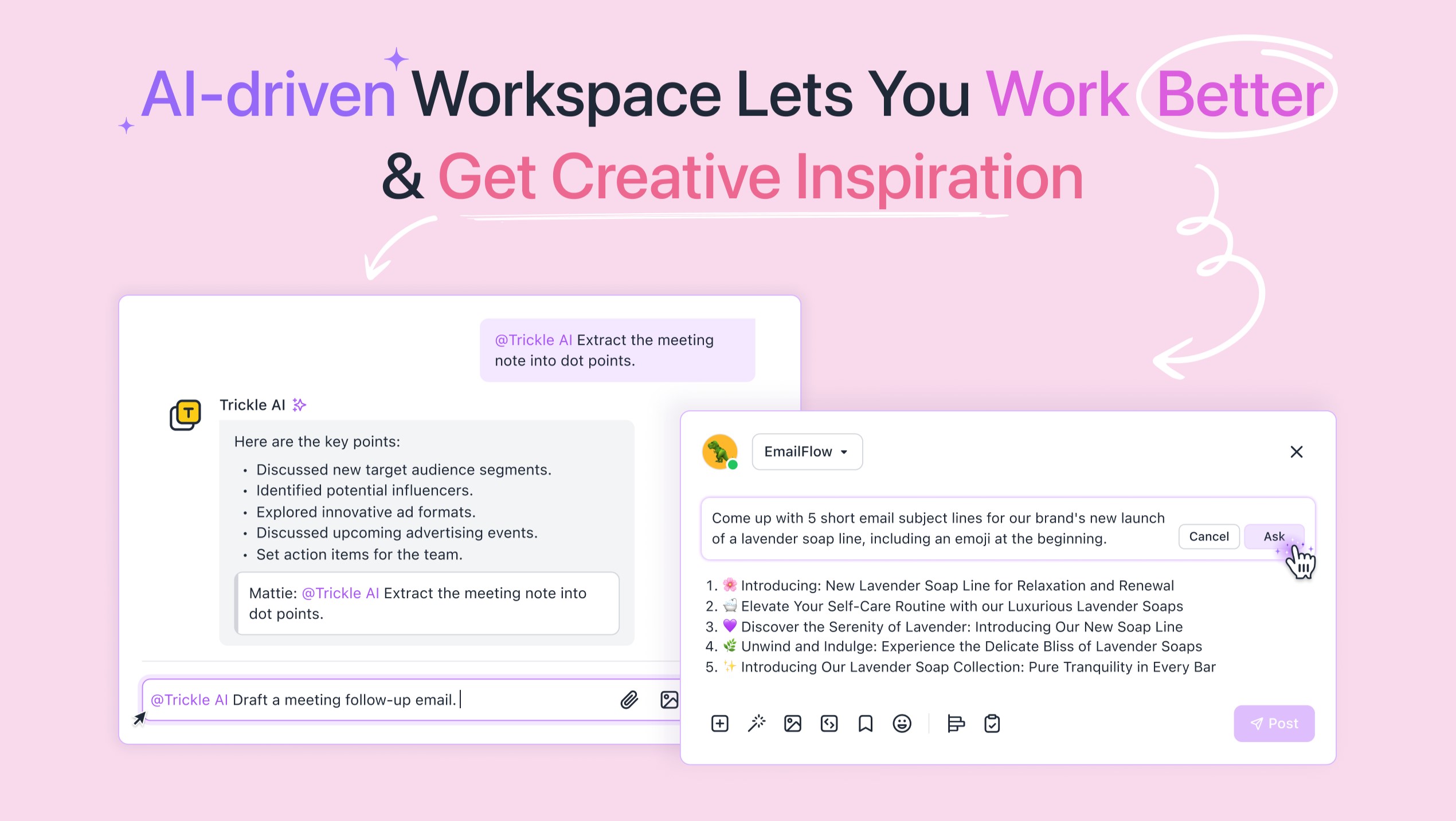
Trickle turns natural-language prompts into live websites, apps, and forms you can publish from a visual canvas. You describe what you want, co-create with the built-in AI, and deploy with hosting, a database, and custom domains on the same platform. It targets founders, designers, and marketers who need a shippable product in hours, not a Figma mockup.
Most no-code builders split design, database, and hosting across separate tools. Trickle bundles a visual editor, built-in database rows, trickle.host subdomains, and one-click publishing so a solo founder can launch a landing page or internal tool without wiring up Supabase and Vercel separately. Credit packs ($10 for 750 credits) let you scale usage without jumping tiers immediately.
The Free plan gives 70 daily credits (up to 350 per month), 100 database rows, and 3 projects with hosting included. Pro at $17 per month raises limits to 1,500 monthly credits, 1 custom domain, and unlimited projects. Premium at $42 per month adds 3,750 credits and 10,000 database rows for heavier apps.
Lifestack Upvotes
Trickle 1.0 Upvotes
Lifestack Top Features
Maps Energy Zones on your calendar so focus work lands during peak energy periods
Pulls wearable and Apple Health data into the same view as your schedule
Syncs tasks from third-party tools such as Trello alongside calendar events
Plans meals and sleep blocks around the day's meetings and task load
Chat copilot answers daily planning questions with your schedule in context
Runs on iPhone, Mac, Android, and Chrome with unlimited calendars and tasks on paid plans
Used by 30,000+ users per the Lifestack homepage
Trickle 1.0 Top Features
Free plan includes 70 daily credits (up to 350 per month), 100 database rows, and 3 hosted projects
Pro plan at $17 per month adds 1,500 monthly credits, 1 custom domain, and unlimited projects
Premium plan at $42 per month includes 3,750 monthly credits and 10,000 database rows
Built-in database and website hosting ship with every tier, no external stack required
Template library covers landing pages, CRM dashboards, forms, and interactive web apps
Add-on credit packs sell 750 credits for $10 or 1,500 credits for $20 mid-cycle
Visual canvas editor lets you refine AI output before one-click publish
Lifestack Category
- Productivity
Trickle 1.0 Category
- Productivity
Lifestack Pricing Type
- Paid
Trickle 1.0 Pricing Type
- Freemium