Lightkey vs ChatGPT Prompt Generator
When comparing Lightkey vs ChatGPT Prompt Generator, which AI Text Generation tool shines brighter? We look at pricing, alternatives, upvotes, features, reviews, and more.
Between Lightkey and ChatGPT Prompt Generator, which one is superior?
When we put Lightkey and ChatGPT Prompt Generator side by side, both being AI-powered text generation tools, ChatGPT Prompt Generator is the clear winner in terms of upvotes. The number of upvotes for ChatGPT Prompt Generator stands at 9, and for Lightkey it's 6.
Not your cup of tea? Upvote your preferred tool and stir things up!
Lightkey
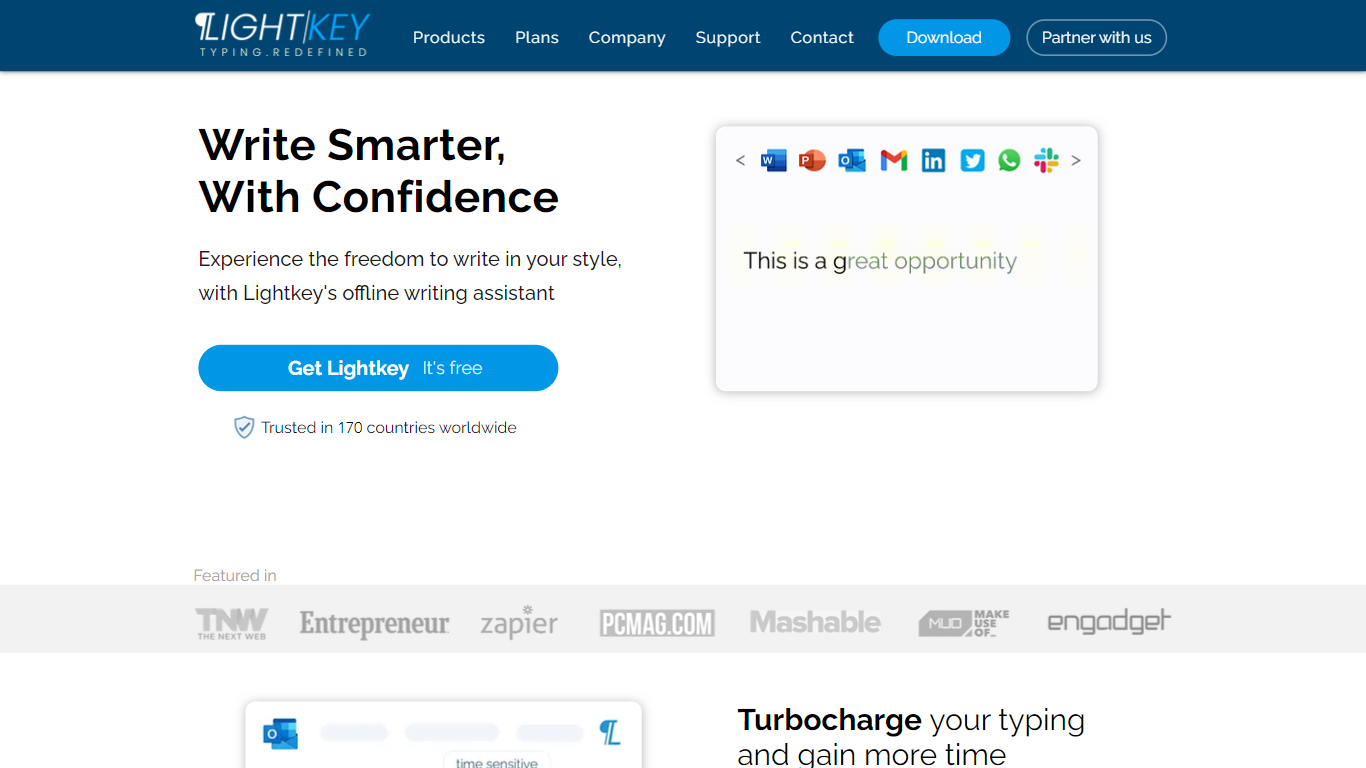

What is Lightkey?
Lightkey learns how you type on Windows and suggests the next words while you write in Office apps or the browser. Accept a prediction with Tab and keep drafting emails, documents, and chat replies without stopping to fix typos.
Cloud writing assistants send keystrokes to remote servers, which is a non-starter for legal, healthcare, and enterprise drafts. Lightkey keeps prediction on your machine, supports 60-plus industry content domains, and offers a business tier with team terminology, which is the trade-off worth knowing if privacy matters more than cross-device sync.
Writers, support reps, and office teams use it in Word, Outlook, Gmail, Slack, Notion, and ChatGPT on the web. A free tier handles basic prediction, while Lightkey Pro unlocks unlimited suggestions and productivity metrics.
ChatGPT Prompt Generator
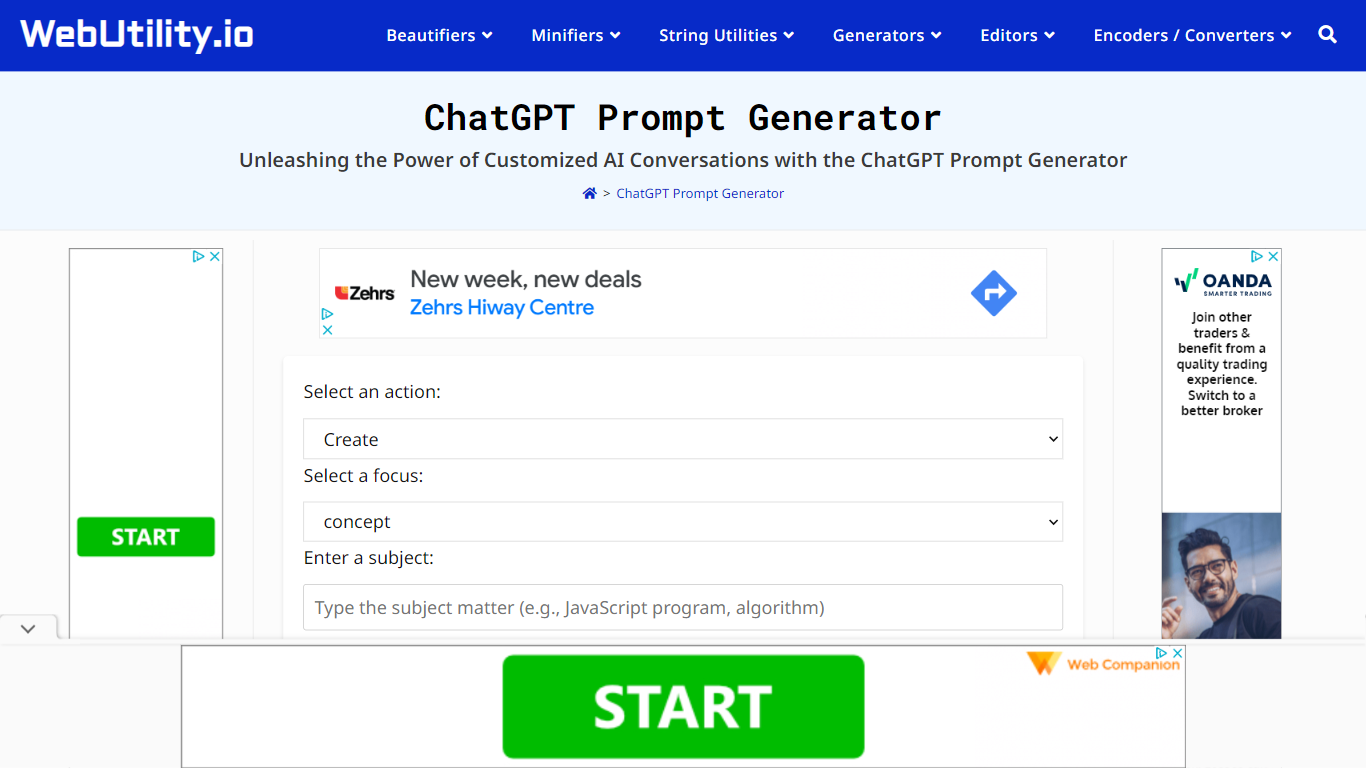
What is ChatGPT Prompt Generator?
ChatGPT Prompt Generator on WebUtility.io builds structured prompts from a short form: pick an action, set a focus area, enter a subject, and add optional context. The tool outputs a system instruction plus a detailed main prompt you can paste into ChatGPT, Claude, Gemini, or any other language model.
Unlike blank chat boxes that leave you guessing at structure, this generator wraps your inputs in nine preset frameworks (Create, Explain, Analyze, Compare, Evaluate, Predict, Recommend, Debate, Write) with focus options that change based on the action. Everything runs in the browser with no account, no usage limits, and no data sent to a server, which sets it apart from cloud-based prompt libraries that require sign-up.
The tool fits students, marketers, and developers who want better model outputs without learning prompt engineering from scratch. It sits alongside other free WebUtility.io generators and code beautifiers, all built by Vinish Kapoor.
Lightkey Upvotes
ChatGPT Prompt Generator Upvotes
Lightkey Top Features
Predicts up to 18 words ahead, including punctuation, from local typing patterns
Runs offline without sending your content to the cloud
Supports Microsoft Office 2010 through 2024 plus Office 365 natively
Chrome and Edge extensions cover Gmail, Slack, Notion, LinkedIn, and ChatGPT on the web
Offers 60-plus industry content domains such as technology, academia, and legal
Lightkey Pro adds unlimited predictions, productivity metrics, and corpus file training
ChatGPT Prompt Generator Top Features
Nine action types: Create, Explain, Analyze, Compare, Evaluate, Predict, Recommend, Debate, Write
Each generated prompt includes a system instruction and a detailed main prompt
Focus options update dynamically based on the selected action
Runs entirely in the browser with no login or data storage
One-click copy to paste into ChatGPT, Claude, Gemini, Llama, or Mistral
Lightkey Category
- Text Generation
ChatGPT Prompt Generator Category
- Text Generation
Lightkey Pricing Type
- Freemium
ChatGPT Prompt Generator Pricing Type
- Free