LightPDF vs Atomic
In the face-off between LightPDF vs Atomic, which AI tool takes the crown? We scrutinize features, alternatives, upvotes, reviews, pricing, and more.
In a face-off between LightPDF and Atomic, which one takes the crown?
If we were to analyze LightPDF and Atomic, both of which are AI-powered tools, what would we find? In the race for upvotes, LightPDF takes the trophy. The number of upvotes for LightPDF stands at 6, and for Atomic it's 3.
You don't agree with the result? Cast your vote to help us decide!
LightPDF

What is LightPDF?
LightPDF lets you upload PDFs, Word files, Excel spreadsheets, PowerPoint decks, and scanned documents, then ask questions and get cited answers back. The ChatPDF feature runs on GPT-4, supports multi-document chats, OCR for scanned files, and follow-up questions. You can upload a file up to 100 pages on the free web tier before upgrading.
Unlike standalone ChatPDF clones, LightPDF bundles document chat into a wider PDF toolkit with conversion, editing, e-signatures, and a dozen other AI tools like mind map creation, PDF translation, and presentation generation. One premium subscription covers Windows, Mac, Android, iOS, and the web app, with AI credits allocated monthly or as a one-time pool on the perpetual plan.
Researchers, students, and office workers use LightPDF to summarize contracts, extract tables from financial reports, and pull outlines from long readings. Business teams can also use it for document Q&A on proposals and compliance files. The company behind LightPDF has operated since 2015 and holds ISO/IEC 27001, ISO/IEC 27701, and GDPR certifications.
Atomic
What is Atomic?
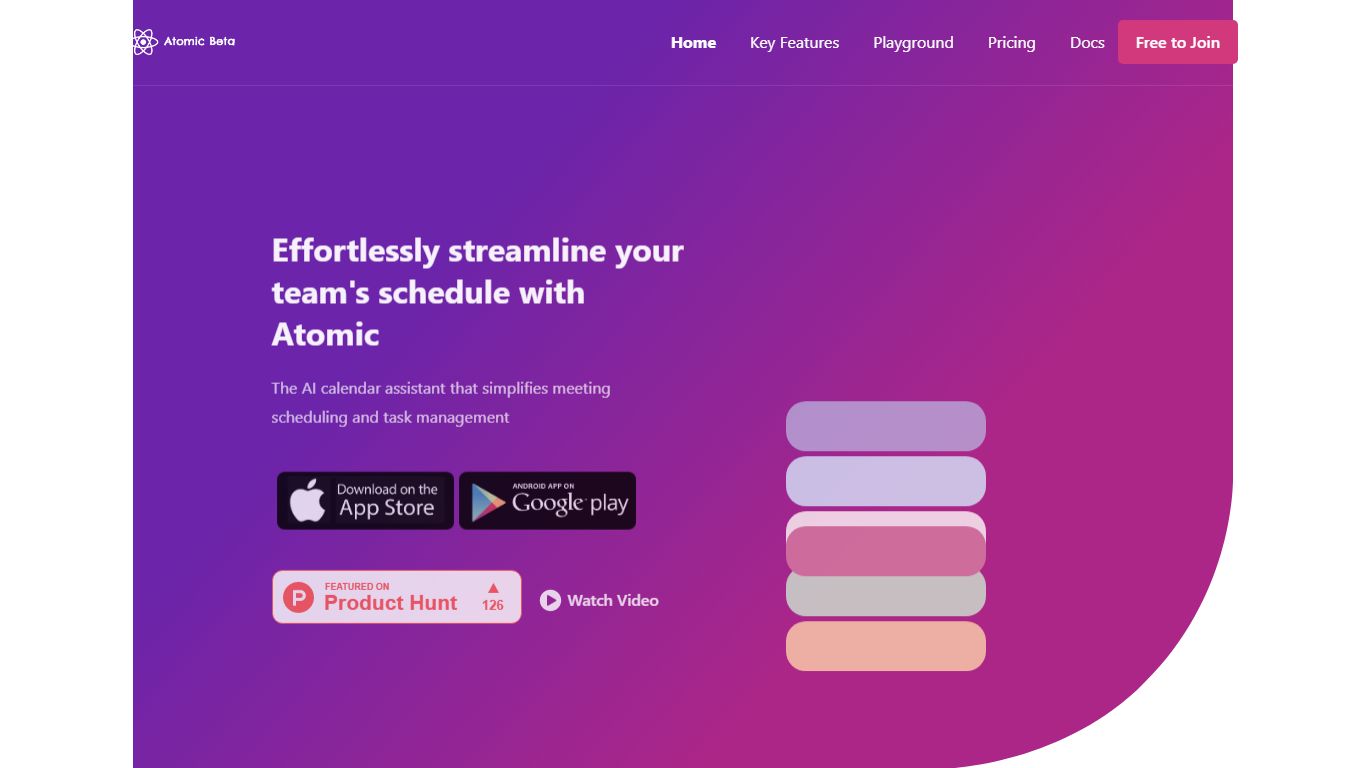
Introducing Atomic - the ultimate solution for teams struggling with inefficient scheduling and task management. As a self-hostable AI calendar assistant, Atomic simplifies the process of scheduling meetings and managing tasks for teams. With features like semantic search, automated event tagging, and customizable time blocking, you'll be able to streamline your schedule and get more done. Plus, with self-hosting options and customizable features, you can have full control over your data and tailor the app to your specific needs.
Schedule recurring 1:1 meetings and flexible team meetings with ease
Augment events with time preferences and other attributes like tags and colors
Automated time blocking of tasks based on deadline and priority information
AI planner takes every attendee's calendar into account when scheduling new meetings
Autopilot feature runs daily to ensure that all of your meetings are scheduled and organized
Atomic is the perfect tool for teams who are tired of the constant back and forth of scheduling and the disorganized tasks. With Atomic, you'll be able to focus on what matters most - your work. Try Atomic today and start living the vision of effortless scheduling and task management.
LightPDF Upvotes
Atomic Upvotes
LightPDF Top Features
Chat with PDF, Word, Excel, PPT, EPUB, TXT, and scanned files using GPT-4
Upload documents up to 100 pages free on the web app before upgrading
Multi-document chat lets you query several files in one session
Answers include clickable citations pointing to the source passage
Premium includes 1,000 AI credits per month on monthly and annual plans
One subscription covers Windows, Mac, Android, iOS, and web platforms
Atomic Top Features
No top features listedLightPDF Category
- PDF
Atomic Category
- Productivity
LightPDF Pricing Type
- Freemium
Atomic Pricing Type
- Freemium