LightPDF vs GpTea
In the battle of LightPDF vs GpTea, which AI tool comes out on top? We compare reviews, pricing, alternatives, upvotes, features, and more.
Between LightPDF and GpTea, which one is superior?
Upon comparing LightPDF with GpTea, which are both AI-powered tools, GpTea stands out as the clear frontrunner in terms of upvotes. GpTea has garnered 7 upvotes, and LightPDF has garnered 6 upvotes.
Think we got it wrong? Cast your vote and show us who's boss!
LightPDF

What is LightPDF?
LightPDF lets you upload PDFs, Word files, Excel spreadsheets, PowerPoint decks, and scanned documents, then ask questions and get cited answers back. The ChatPDF feature runs on GPT-4, supports multi-document chats, OCR for scanned files, and follow-up questions. You can upload a file up to 100 pages on the free web tier before upgrading.
Unlike standalone ChatPDF clones, LightPDF bundles document chat into a wider PDF toolkit with conversion, editing, e-signatures, and a dozen other AI tools like mind map creation, PDF translation, and presentation generation. One premium subscription covers Windows, Mac, Android, iOS, and the web app, with AI credits allocated monthly or as a one-time pool on the perpetual plan.
Researchers, students, and office workers use LightPDF to summarize contracts, extract tables from financial reports, and pull outlines from long readings. Business teams can also use it for document Q&A on proposals and compliance files. The company behind LightPDF has operated since 2015 and holds ISO/IEC 27001, ISO/IEC 27701, and GDPR certifications.
GpTea
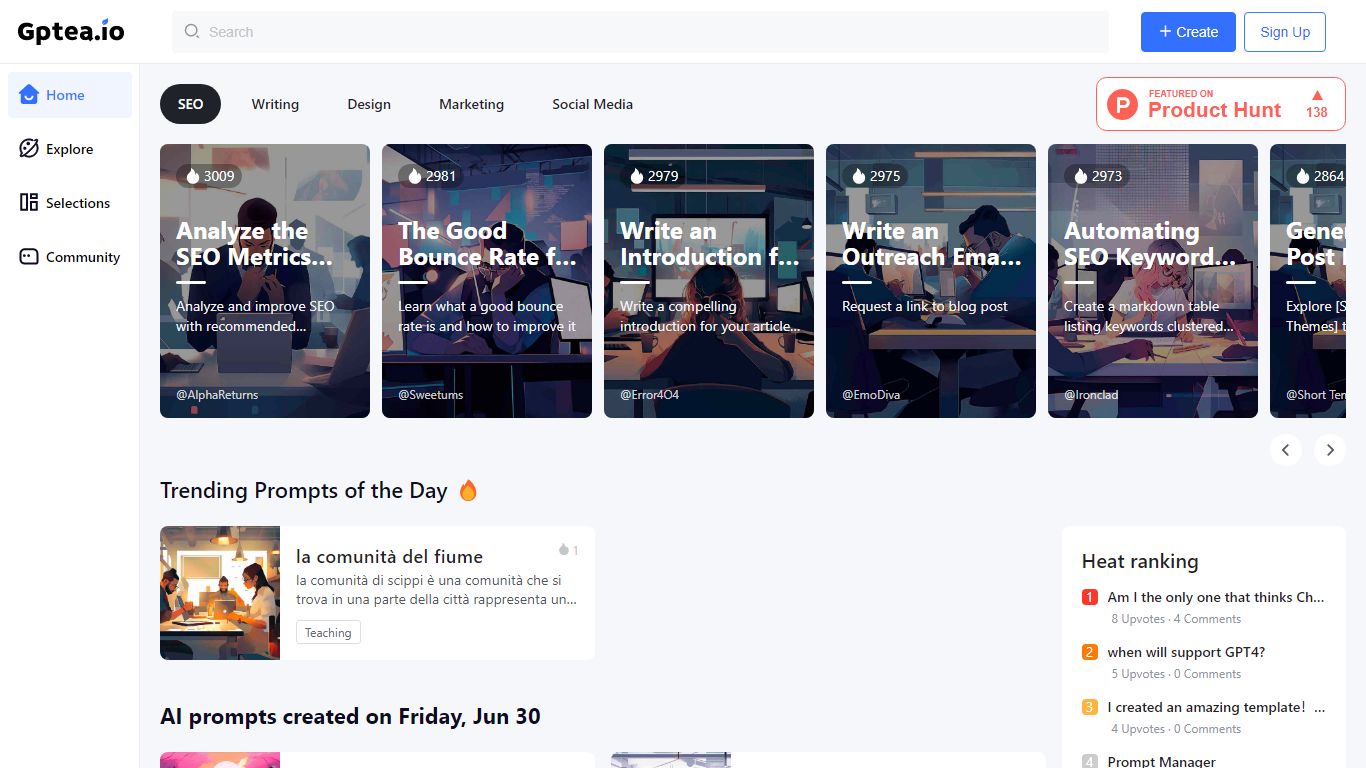
What is GpTea?
With GpTea, you'll never run out of inspiration. Our community sources the most engaging prompts to help you get the most out of ChatGPT. Why stare at a blank screen when there's a whole library of conversation starters to explore?
Whether you're looking to unleash your creativity, speed up research or just have some fun, you'll find a prompt for that. Upvote your favorites, share ones that spark new ideas or submit your own - together we'll keep refining the best collection of prompt potions to keep your ChatGPT conversations flowing.
LightPDF Upvotes
GpTea Upvotes
LightPDF Top Features
Chat with PDF, Word, Excel, PPT, EPUB, TXT, and scanned files using GPT-4
Upload documents up to 100 pages free on the web app before upgrading
Multi-document chat lets you query several files in one session
Answers include clickable citations pointing to the source passage
Premium includes 1,000 AI credits per month on monthly and annual plans
One subscription covers Windows, Mac, Android, iOS, and web platforms
GpTea Top Features
19 niches including: writing, design, marketing, SEO, social media, etc.
New Prompts added daily by the community
Chat with ChatGPT directly without login to ChatGPT
Join the community, good prompts that come from your own people
LightPDF Category
- PDF
GpTea Category
- Productivity
LightPDF Pricing Type
- Freemium
GpTea Pricing Type
- Free