Lightricks vs AI Image Enlarger
In the battle of Lightricks vs AI Image Enlarger, which AI Photo Editing tool comes out on top? We compare reviews, pricing, alternatives, upvotes, features, and more.
Between Lightricks and AI Image Enlarger, which one is superior?
Upon comparing Lightricks with AI Image Enlarger, which are both AI-powered photo editing tools, In the race for upvotes, AI Image Enlarger takes the trophy. AI Image Enlarger has attracted 30 upvotes from aitools.fyi users, and Lightricks has attracted 6 upvotes.
Does the result make you go "hmm"? Cast your vote and turn that frown upside down!
Lightricks

What is Lightricks?
Lightricks builds mobile and web tools for photo and video creators, backed by in-house AI models like the open-source LTX-2.3 video generator. Its consumer apps include Facetune for portrait retouching, Videoleap for phone video editing, Photoleap for AI image creation, and LTX Studio for end-to-end visual storytelling. Popular Pays connects brands with creators for influencer campaigns.
Adobe and Canva target desktop workflows with broad suites. Lightricks focuses on phone-first editing and generative video, shipping fast open models developers can deploy via API while folding the same tech into its own vertically integrated apps. The company reports 730 million app downloads, 15 million monthly users, and 6.6 million monthly subscribers across its portfolio.
Casual creators, social media influencers, and marketing teams use Lightricks apps to retouch selfies, edit Reels and TikToks, turn stills into video clips, and run creator partnerships. Individual apps are free to download with in-app subscription upgrades; enterprise teams contact Lightricks for LTX Studio and Popular Pays.
AI Image Enlarger
What is AI Image Enlarger?
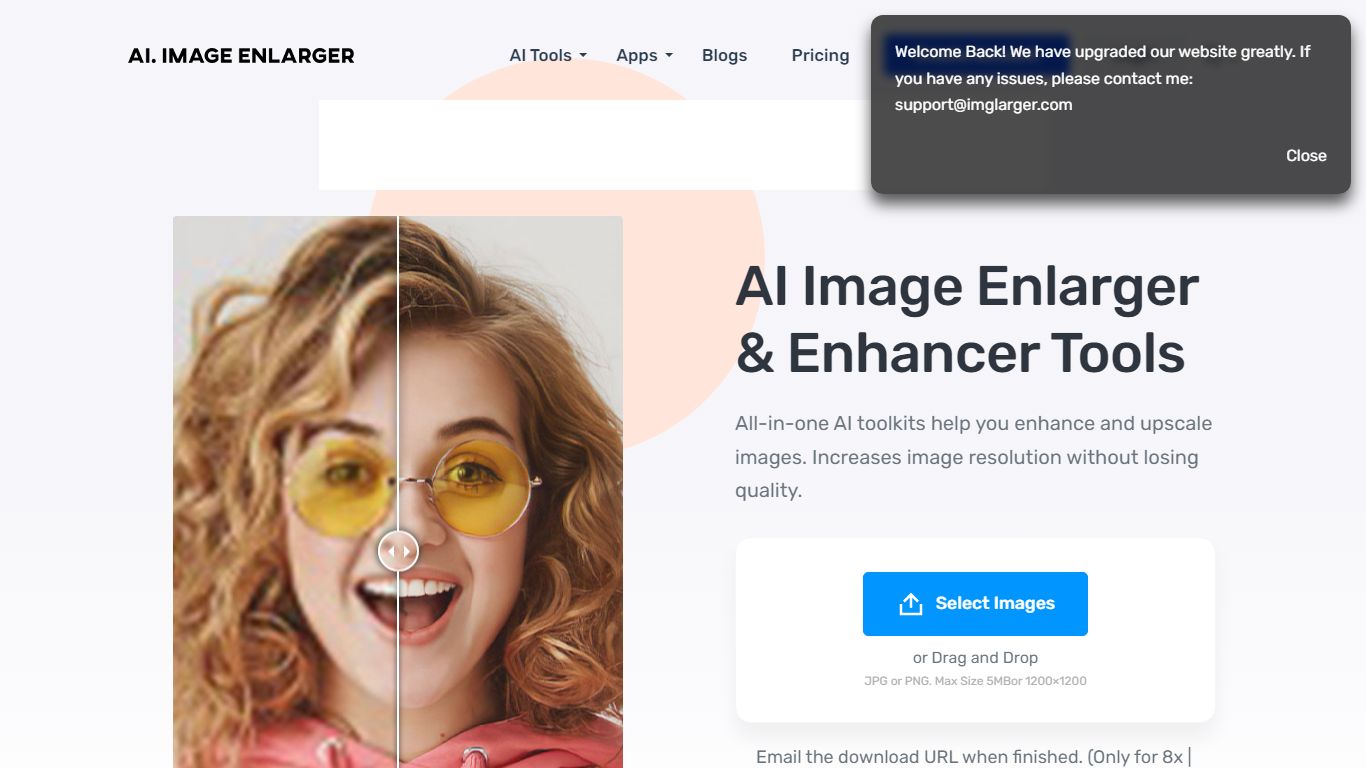
ImgLarger runs a browser-based suite of image editing tools centered on enlarging, upscaling, sharpening, and uncropping photos without desktop software. Upload a JPG, PNG, or WebP file, pick a dedicated workflow like AI Image Enlarger or AI Image Extender, preview the before-and-after, then download the result.
Basic photo editors stretch pixels and leave blocky artifacts; ImgLarger uses SRCNN-based models to rebuild edges and textures at 2x, 4x, or 8x scale. The free tier caps input at 1024px and 2x enlargement, while Premium unlocks 8x output and batch processing at $9.99 per month with 2,000 credits. Competitors like Let's Enhance or Topaz Gigapixel target pros with desktop apps; ImgLarger keeps everything in the browser with free converters and crop tools bundled in.
Photographers, ecommerce sellers, and anime fans use it for product shots, old photo restoration, background removal, and generative outpainting. Uploaded files auto-delete within six hours, and mobile browsers on iPhone and Android are supported alongside desktop.
Lightricks Upvotes
AI Image Enlarger Upvotes
Lightricks Top Features
Facetune retouches photos and videos for social-ready portraits
Videoleap adds pro-level cuts, effects, and remix tools on mobile
Photoleap generates and edits images with AI plus manual controls
LTX Studio turns concepts into finished video stories in one platform
Open-source LTX-2.3 model generates video in seconds with creative control
Popular Pays matches brands with creators for paid content campaigns
AI Image Enlarger Top Features
Enlarge images by 2x, 4x, or 8x on Premium and Business plans
Free plan includes 100 credits per month with 2x scaling and 1024px max input
Premium at $9.99 per month provides 2,000 credits and batch processing
AI Image Extender adds generative outpainting to uncrop and change aspect ratios
Uploaded and processed files auto-delete within 6 hours
Supports JPG, JPEG, PNG, and WebP with free browser-based format converters
Lightricks Category
- Photo Editing
AI Image Enlarger Category
- Photo Editing
Lightricks Pricing Type
- Freemium
AI Image Enlarger Pricing Type
- Freemium