Linguana vs Littlecook
Explore the showdown between Linguana vs Littlecook and find out which AI Web Apps tool wins. We analyze upvotes, features, reviews, pricing, alternatives, and more.
When comparing Linguana and Littlecook , which one rises above the other?
When we contrast Linguana with Littlecook , both of which are exceptional AI-operated web apps tools, and place them side by side, we can spot several crucial similarities and divergences. Neither tool takes the lead, as they both have the same upvote count. You can help us determine the winner by casting your vote and tipping the scales in favor of one of the tools.
Don't agree with the result? Cast your vote and be a part of the decision-making process!
Linguana

What is Linguana?
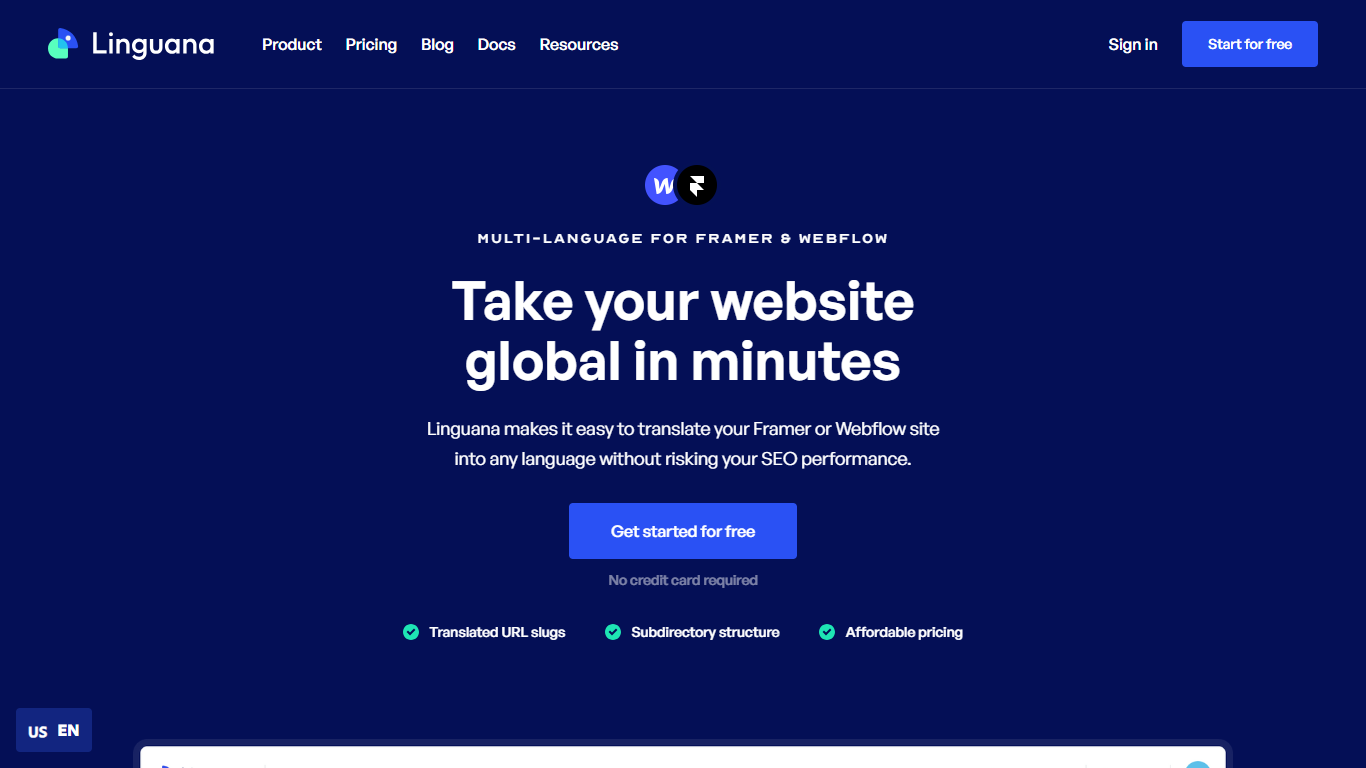
Linguana is a website translation platform from CodeConda that helps you publish your site in 100+ languages while keeping international SEO intact. Connect your site, let its parser detect content, then translate manually or fill fields with automatic translations. No code is required to get started, and a free tier is available without a credit card.
What sets Linguana apart is its focus on multilingual SEO mechanics. It supports translated URL slugs, subdirectory structures, custom domains, and hidden metadata like page titles, OpenGraph tags, and alt text. Translated pages are cached and served from its CDN rather than duplicated on your origin server.
Webflow and Framer agencies are a core audience, but Linguana also ships dedicated workflows for Carrd, Wix, WordPress, and Kajabi. Over 800 companies and agencies use it, including teams that switched from tools like Weglot for clearer pricing and more control over when translations update.
Littlecook
What is Littlecook ?
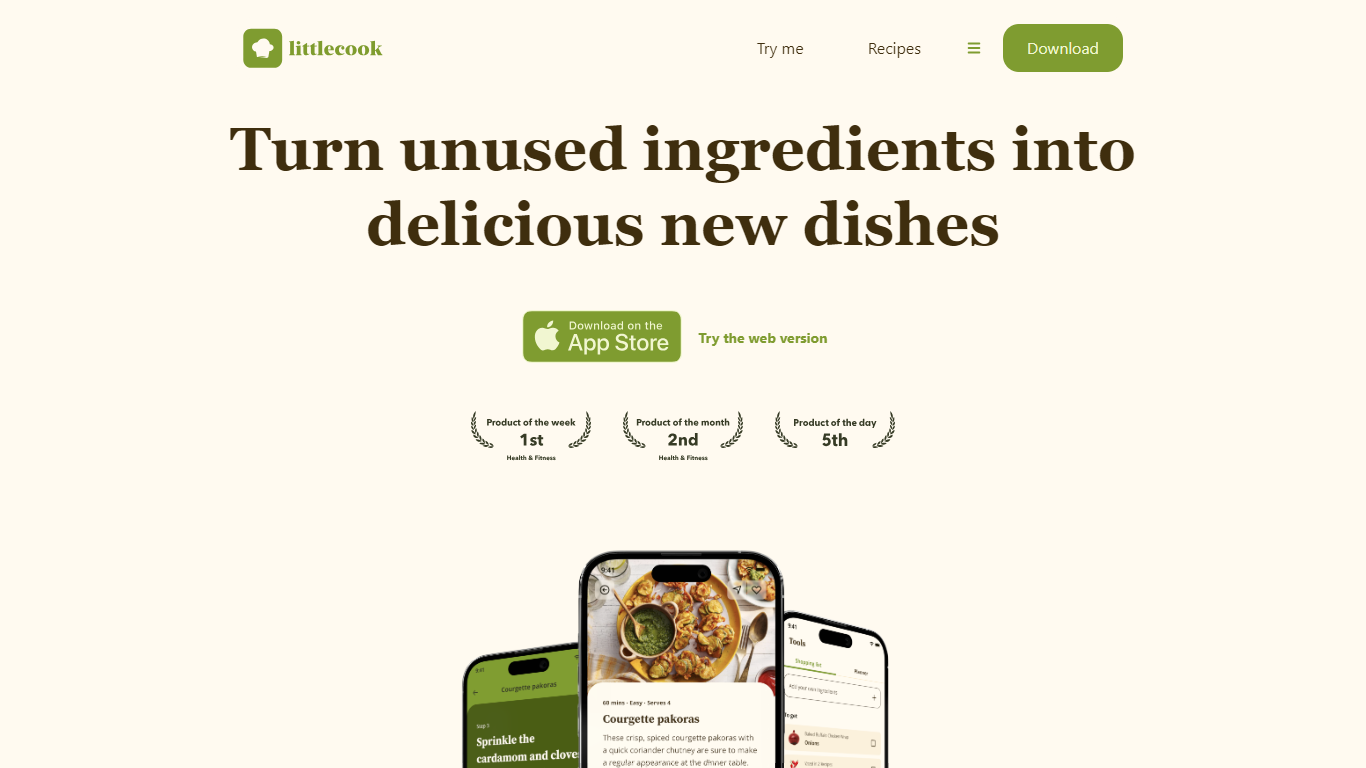
Littlecook turns the ingredients already in your pantry into recipe ideas, meal plans, and shopping lists through a browser web app and mobile apps. You log what you have on hand, and Littlecook suggests dishes so you cook with food before it spoils. The site also offers a browser-based try-me flow at littlecook.io/try-me without installing anything.
Recipe apps that start from a blank search assume you will shop for every dish. Littlecook starts from inventory you already own, which is why it quotes savings of about £12 per week when you use staples instead of buying extras. Pantry tracking, weekly meal planning, and smarter shopping lists all tie back to that same ingredient-first workflow.
Home cooks trying to cut food waste, plan weekly meals, or hit nutrition goals without constant grocery runs get the most out of it. Littlecook lists Free, Premium (£4 per month), and Unlimited (£8 per month) plans with tiered caps on ingredients, saved recipes, meal plans, and weekly AI suggestions.
Linguana Upvotes
Littlecook Upvotes
Linguana Top Features
Publish translated pages at SEO-friendly subfolder paths like /es and /de
Translate URL slugs so search engines index pages in the visitor's language
Auto-translate site content with Google Cloud neural translation plus in-house algorithms
Edit any translation manually in the dashboard without buying extra AI credits
Dedicated setup flows for Webflow, Framer, Carrd, Wix, WordPress, and Kajabi
Littlecook Top Features
Browser try-me page lets you pick ingredients and test recipes without installing the app
Pantry tracking logs ingredients so you use food before it spoils
Weekly meal planning with saved recipe slots across Free, Premium, and Unlimited tiers
Free plan includes 25 ingredients, 25 recipe saves, 5 meal plans, and 3 weekly AI suggestions
Premium at £4 per month raises limits to 100 ingredients, 100 saves, and 8 AI suggestions
Unlimited plan at £8 per month removes caps on ingredients, saves, meal plans, and AI suggestions
Homepage claims users can save about £12 weekly by cooking with ingredients already at home
Linguana Category
- Web Apps
Littlecook Category
- Web Apps
Linguana Pricing Type
- Freemium
Littlecook Pricing Type
- Freemium