Listen411 vs SpeechGPT
Explore the showdown between Listen411 vs SpeechGPT and find out which AI Audio Generation tool wins. We analyze upvotes, features, reviews, pricing, alternatives, and more.
When comparing Listen411 and SpeechGPT, which one rises above the other?
When we contrast Listen411 with SpeechGPT, both of which are exceptional AI-operated audio generation tools, and place them side by side, we can spot several crucial similarities and divergences. Both tools are equally favored, as indicated by the identical upvote count. Be a part of the decision-making process. Your vote could determine the winner.
Don't agree with the result? Cast your vote and be a part of the decision-making process!
Listen411

What is Listen411?
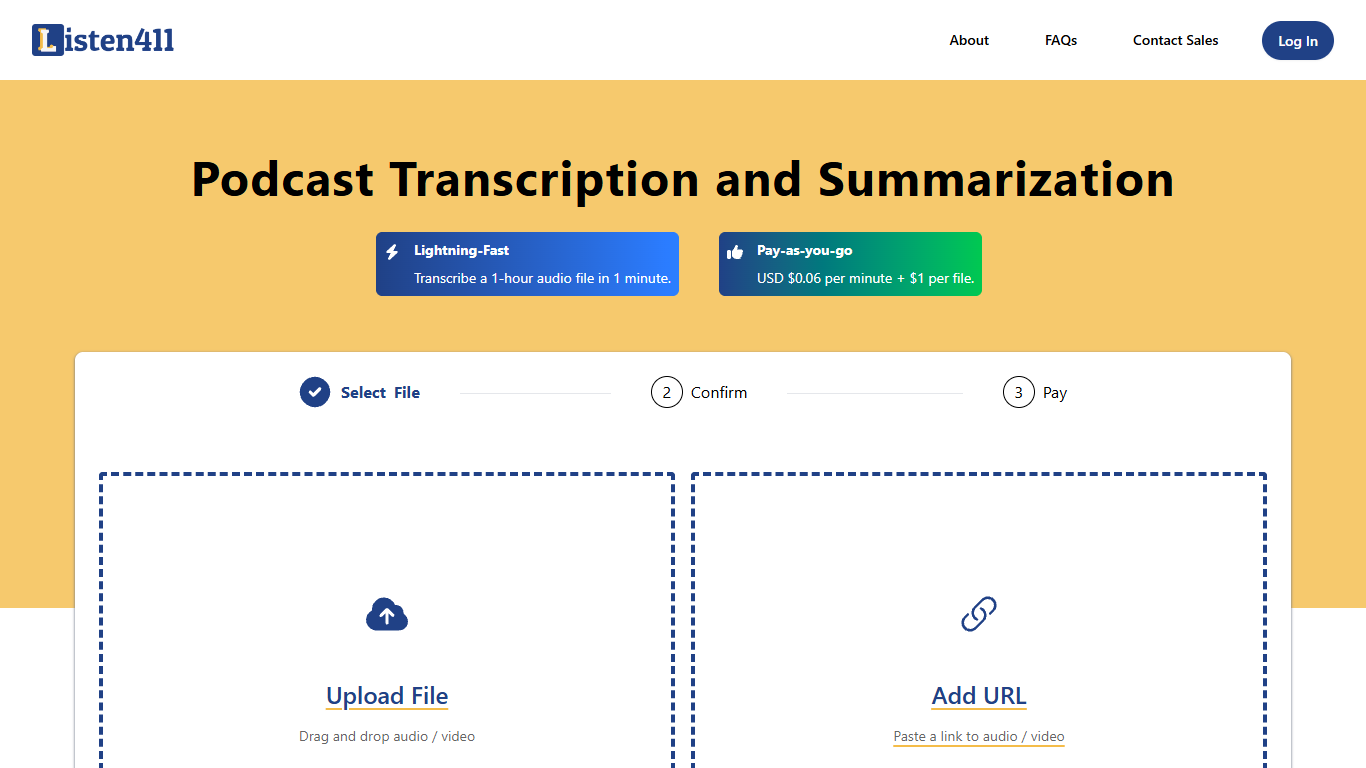
Listen411 transcribes and summarizes podcasts, audio files, and videos. Upload a file or paste a URL, and the service returns full transcripts plus summaries. The same product is also reachable at Transcript.New, a shortcut alias. It is built by Listen Notes, Inc., the team behind the Listen Notes podcast search engine.
Speed is the main draw. Listen411 says a 60-minute file typically finishes in under a minute. You get an email when the job is done, or you can check status from the dashboard after logging in.
Automatic language detection covers 20 languages, including English, Spanish, French, German, Italian, Portuguese, Dutch, Chinese, Greek, Japanese, Korean, Malay, Swedish, Turkish, Polish, Russian, Thai, Vietnamese, Indonesian, Hindi, and Ukrainian. Output ships as plain text, SRT, VTT, or JSON, with a separate summary file alongside the transcript.
Podcasters, journalists, and researchers who need fast turnaround on spoken content without committing to a subscription tend to be the core audience.
SpeechGPT

What is SpeechGPT?
SpeechGPT lets you hold voice conversations in the browser using your own OpenAI API key. You type or record messages, send them through a chat interface, and hear spoken replies without installing desktop software.
Unlike hosted TTS services that bundle model costs into a subscription, SpeechGPT runs in the browser and bills you only through the OpenAI, Azure Speech Services, or Amazon Polly accounts you connect. That makes it a lightweight option for developers and language learners who already have API access and want a simple voice chat front end.
The interface supports English, Spanish, and Chinese UI labels, includes a record button for speech input, and stores session data locally in the browser. It suits developers testing voice chat flows, language learners practicing spoken prompts, and anyone who wants a minimal ChatGPT voice client on mobile or desktop.
Listen411 Upvotes
SpeechGPT Upvotes
Listen411 Top Features
Upload a file or paste an audio or video URL to start a job
A 60-minute file typically finishes in under a minute
Automatic language detection across 20 supported languages
Transcripts arrive as plain text, SRT, VTT, or JSON
Summaries are included alongside the full transcript
SpeechGPT Top Features
Chat interface accepts typed messages or recorded speech input with Enter to send
Requires your OpenAI API key in settings before the app will run conversations
Optional Azure Speech Services or Amazon Polly access keys for alternate text-to-speech backends
UI available in English, Spanish, and Chinese from the in-app language selector
Shift plus Enter inserts a newline without sending the message
Runs as a web app on Vercel with no separate desktop install required
Listen411 Category
- Audio Generation
SpeechGPT Category
- Audio Generation
Listen411 Pricing Type
- Paid
SpeechGPT Pricing Type
- Free