LOFI By CivitAI vs Canva-Text to Image
Compare LOFI By CivitAI vs Canva-Text to Image and see which AI Image Generation tool is better when we compare features, reviews, pricing, alternatives, upvotes, etc.
Which one is better? LOFI By CivitAI or Canva-Text to Image?
When we compare LOFI By CivitAI with Canva-Text to Image, which are both AI-powered image generation tools, Canva-Text to Image is the clear winner in terms of upvotes. Canva-Text to Image has 107 upvotes, and LOFI By CivitAI has 6 upvotes.
Think we got it wrong? Cast your vote and show us who's boss!
LOFI By CivitAI
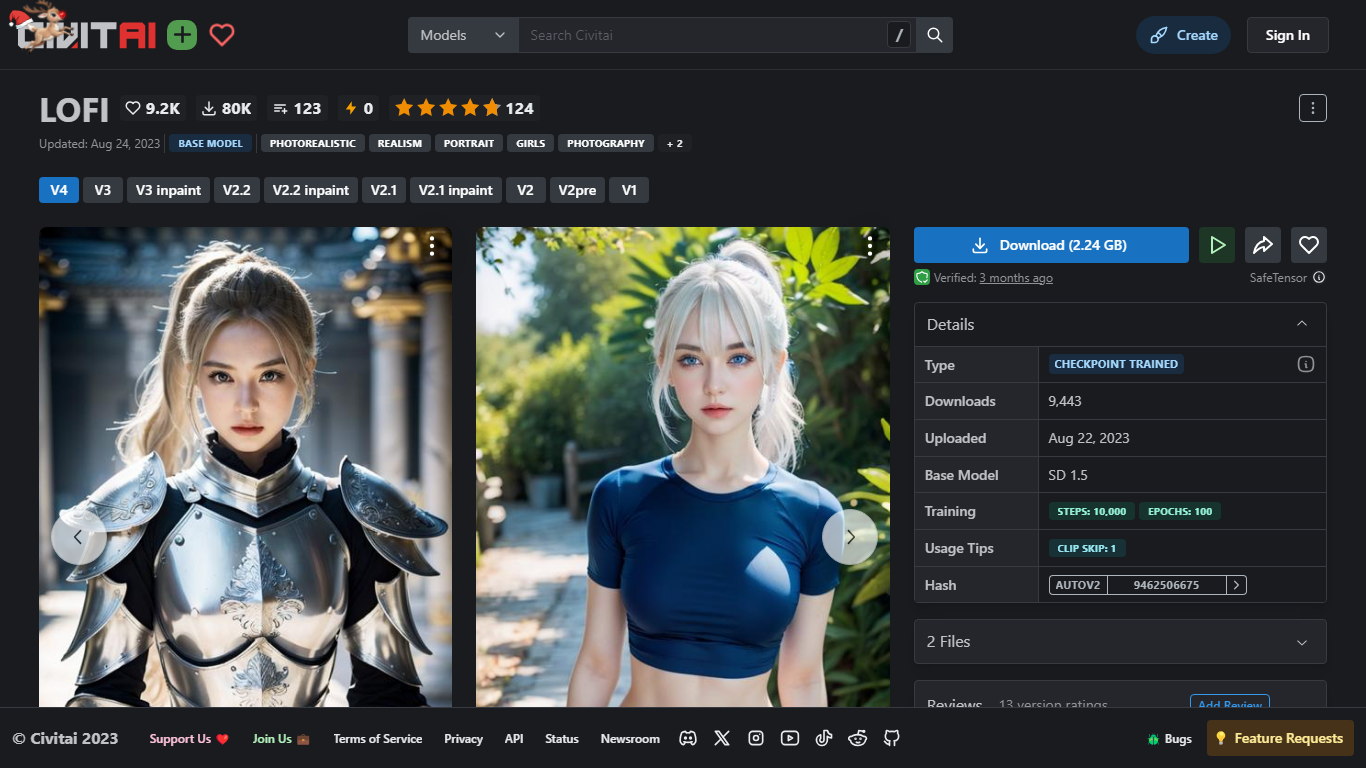

What is LOFI By CivitAI?
LOFI is a Stable Diffusion 1.x checkpoint published on Civitai for photorealistic portraits and subject-focused images. The v5-final release ships as a 2.39 GB fp16 SafeTensor file and targets users who want a tuned 1.5 base model rather than building their own fine-tunes from scratch.
Compared with stock SD 1.5 checkpoints, LOFI emphasizes prompt fidelity at low CFG values and portrait-heavy compositions. Version 5 recommends CFG between 2 and 5 with DPM++ samplers, works with LCM or HyperSD distillation helpers, and warns that scenes without a clear subject can be harder to generate without ControlNet depth guidance.
Digital artists, hobbyists, and SDXL users who keep a 1.5 refiner pipeline download LOFI for portrait work, ControlNet-guided layouts, and inpainting variants across the version history on Civitai.
Canva-Text to Image
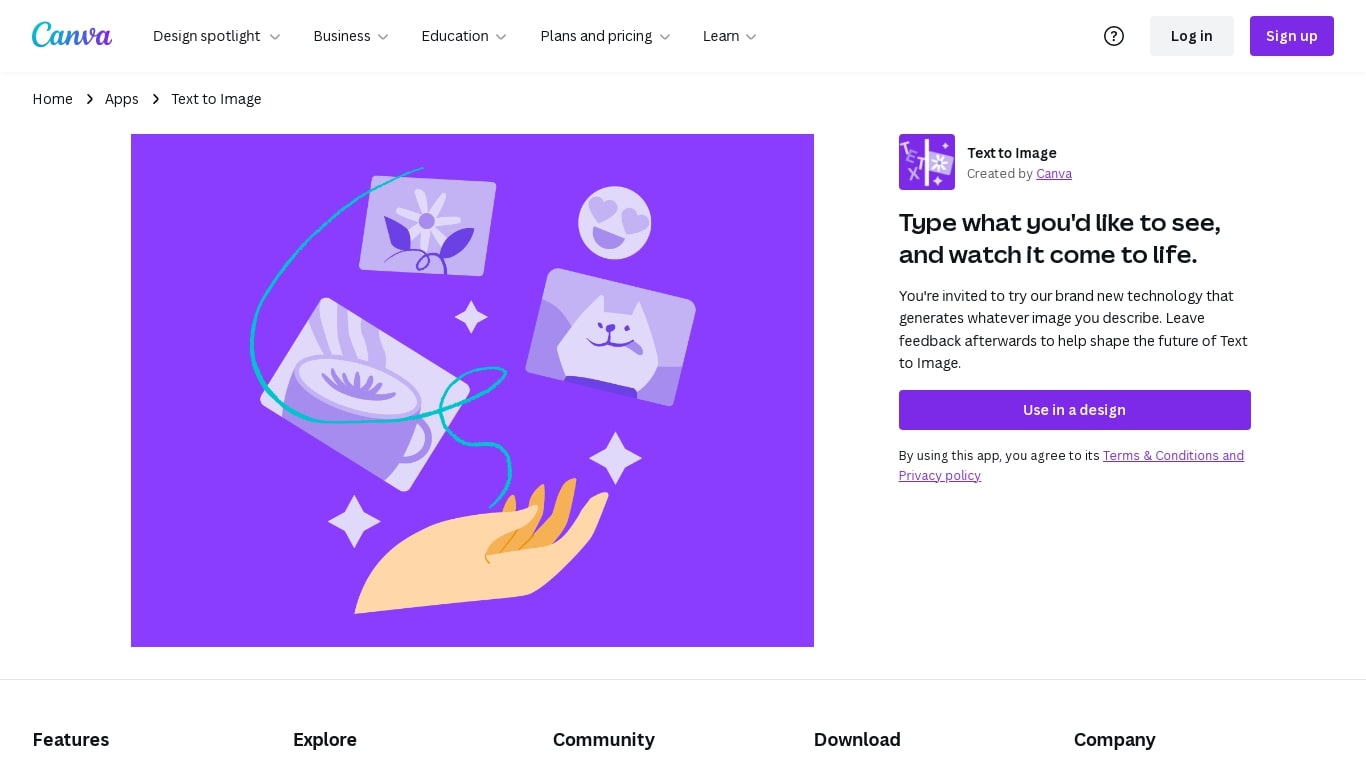
What is Canva-Text to Image?
Canva Text to Image turns a written prompt into a finished visual without leaving the Canva editor. You describe what you want, pick from 10+ preset art styles like Photo, Vibrant, Sketch, or Retrowave, and set an aspect ratio. The tool generates several variations in seconds, and you can drop any result straight into a presentation, social post, or poster layout.
Where standalone generators like Midjourney or DALL-E hand you a file to download and edit elsewhere, Canva keeps everything in one workflow. Background removal, Magic Edit prompt-based retouching, text overlays, and export to PNG, JPG, PDF, or PPTX all sit in the same canvas. That trade-off means less raw control over model parameters, but a much faster path from prompt to publishable design.
Content creators use it for social graphics and thumbnails, entrepreneurs for quick branding assets, and hobbyists for concept sketches. You can also upload a reference photo and generate new images that keep the original layout or subject. Pro and Business plans unlock higher AI generation allowances, Magic Expand for extending image borders, and a content planner for scheduling posts.
Free accounts include up to 200 Standard AI uses or 20 Premium AI uses per year. Canva runs automated prompt checks to block inappropriate content, and commercial use is permitted under Canva's AI Product Terms, though you are responsible for trademark and public figure rights.
LOFI By CivitAI Upvotes
Canva-Text to Image Upvotes
LOFI By CivitAI Top Features
v5-final fp16 SafeTensor checkpoint at 2.39 GB for Stable Diffusion 1.x
Recommended CFG 2 to 5 with DPM++ samplers and 15 to 55 steps (35 suggested)
Combines with LCM or HyperSD distillation for faster generation
Multiple versions including inpaint builds from V1 through v5-final
CreativeML Open RAIL-M Addendum license on Civitai
ControlNet-friendly training history across V2.2 and later releases
Prompt weights should stay at or below 1.2 for best results on v5
Canva-Text to Image Top Features
Choose from 10+ preset art styles including Photo, Vibrant, 3D Render, Cinematic, and Retrowave
Free plan includes up to 200 Standard AI uses or 20 Premium AI uses per year
Generate from a text prompt or upload a reference photo to preserve layout and subject
Export finished designs as PNG, JPG, PDF, or PPTX without leaving Canva
Pro plan at $180 per year includes 10x the AI generation allowance of the Free tier
Magic Edit and Magic Eraser let you refine generated images with short written prompts
LOFI By CivitAI Category
- Image Generation
Canva-Text to Image Category
- Image Generation
LOFI By CivitAI Pricing Type
- Freemium
Canva-Text to Image Pricing Type
- Freemium