LOGO vs Figflow
In the clash of LOGO vs Figflow , which AI Design tool emerges victorious? We assess reviews, pricing, alternatives, features, upvotes, and more.
When we put LOGO and Figflow head to head, which one emerges as the victor?
Let's take a closer look at LOGO and Figflow , both of which are AI-driven design tools, and see what sets them apart. The upvote count favors LOGO, making it the clear winner. LOGO has attracted 8 upvotes from aitools.fyi users, and Figflow has attracted 6 upvotes.
You don't agree with the result? Cast your vote to help us decide!
LOGO

What is LOGO?
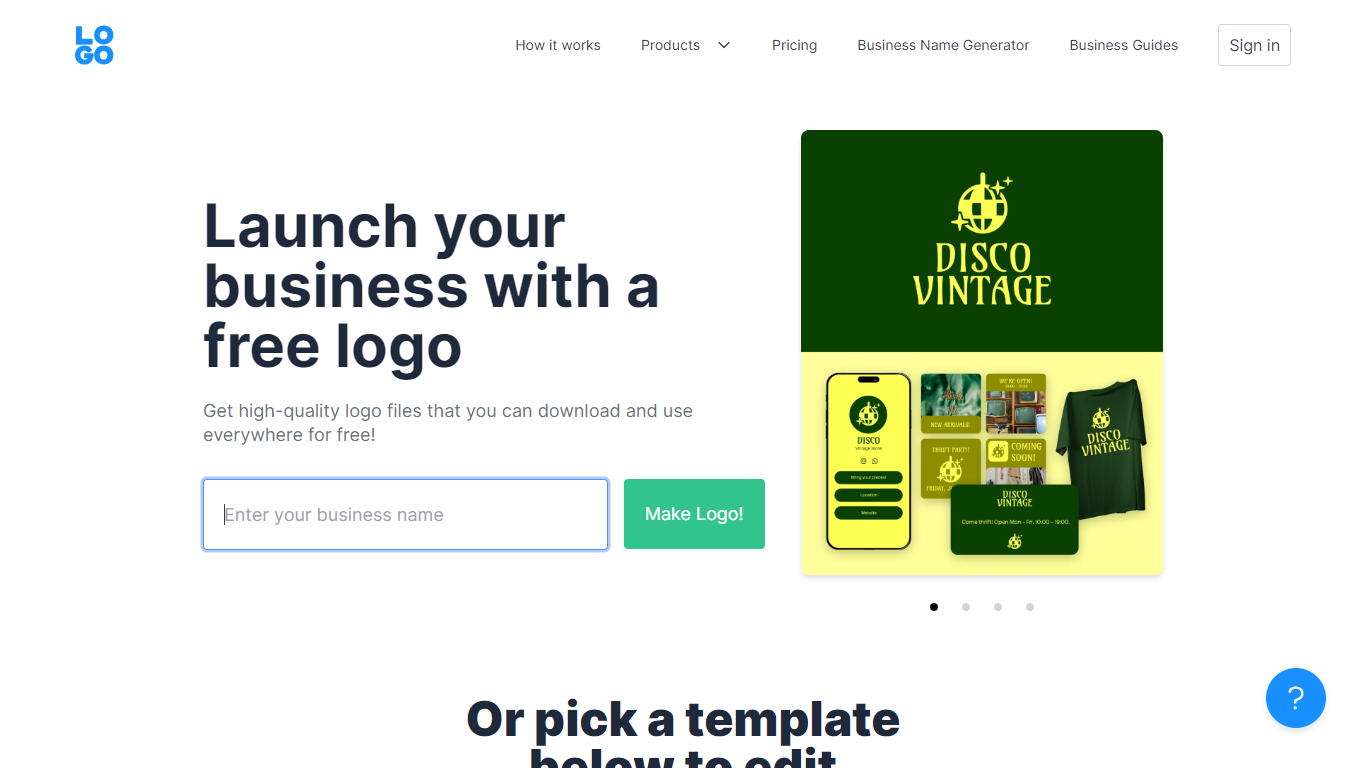
LOGO.com is a leading free logo maker platform that simplifies the process of creating a customized logo for your business. With over 20 million logos created, it empowers business owners globally to turn their business into a recognizable brand without any design background. The on-site logo editor is intuitive and inviting, described as "fun" by users, allowing for easy customization of design elements such as text, colors, fonts, and icons.
Download high-resolution logo files like PNG, SVG vector files, and more at no cost to establish your corporate identity. Additionally, with the LOGO Pro subscription, users can access Stitch, an all-in-one design tool with premium templates for launching a business swiftly. LOGO.com ensures the uniqueness of your brand with a vast library of over five million icons and a variety of fonts, making it unlikely for someone to replicate your exact logo.
Users also benefit from valuable business resources like guides on creating a brand story, using LinkedIn for business growth, and designing professional email signatures.
Figflow
What is Figflow ?
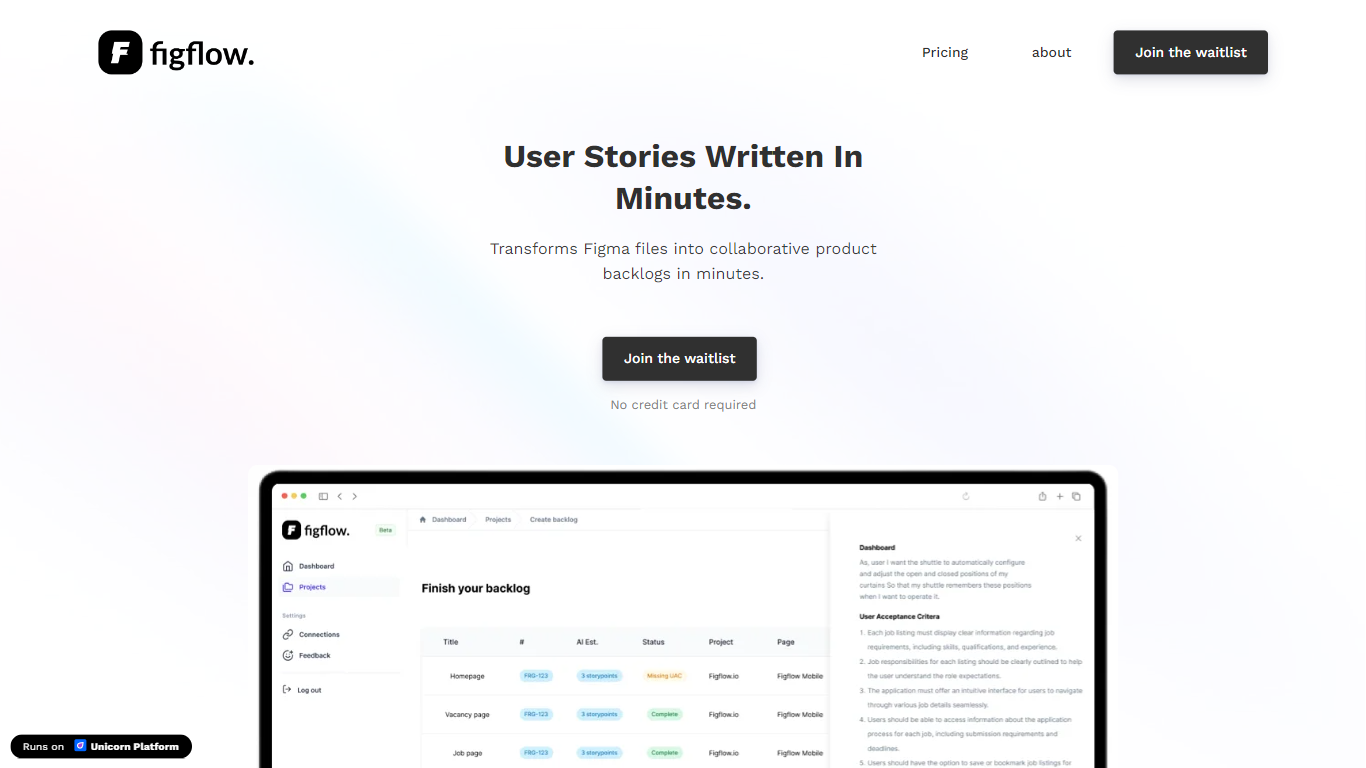
Figflow is an innovative tool designed to simplify the process of creating user stories from design files. It's perfect for product owners, product managers, and product designers who want to save time and enhance collaboration in product development. With Figflow, you can convert your Figma design files into comprehensive product backlogs within minutes, streamlining your sprint planning and execution. This no-hassle solution empowers teams to focus on building, minimizing the tedious task of writing user stories and preparing for development sprints. Whether you're refining user stories for clarity, gathering product requirements, or ensuring that your design smoothly transitions into development, Figflow assists every step of the way. Get ready to enhance your workflow and join the waitlist today—no credit card required!
LOGO Upvotes
Figflow Upvotes
LOGO Top Features
Free Logo Designs: Access hundreds of no-cost logo design options and customize to your preference.
Custom Logo Editor: An intuitive and user-friendly interface for personalizing your logo.
High-Quality Downloads: Download your logo for free in formats such as PNG, SVG vector files, and more.
Comprehensive Brand Toolkit: Utilize Stitch, the all-in-one design tool for premium branding templates.
Continuous Logo Customization: Edit your logo's layout, design, and other elements anytime without additional charges.
Figflow Top Features
User Stories Creation: Transforms Figma files into collaborative product backlogs in minutes.
Manual Work Reduction: Refines user stories to streamline sprint planning and execution.
Insights Gathering: Helps product managers easily collect product requirements and communicate with stakeholders.
Design to Development Transition: Seamlessly generates user stories from Figma files for a smooth process.
No Credit Card Required: Join the waitlist without any upfront payment requirement.
LOGO Category
- Design
Figflow Category
- Design
LOGO Pricing Type
- Freemium
Figflow Pricing Type
- Freemium