Loud Fame vs Pictory AI
In the clash of Loud Fame vs Pictory AI, which AI Video Generation tool emerges victorious? We assess reviews, pricing, alternatives, features, upvotes, and more.
When we put Loud Fame and Pictory AI head to head, which one emerges as the victor?
Let's take a closer look at Loud Fame and Pictory AI, both of which are AI-driven video generation tools, and see what sets them apart. Pictory AI stands out as the clear frontrunner in terms of upvotes. The number of upvotes for Pictory AI stands at 41, and for Loud Fame it's 7.
Feeling rebellious? Cast your vote and shake things up!
Loud Fame
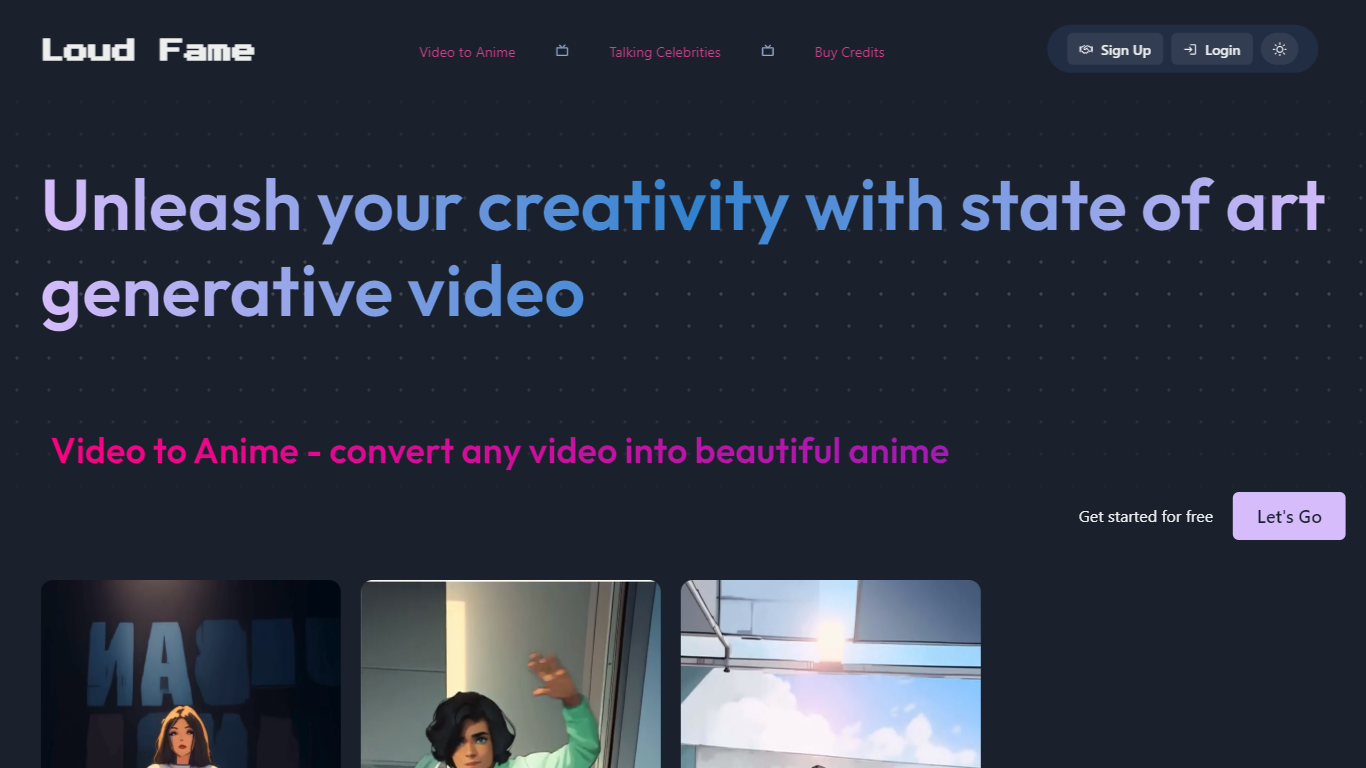

What is Loud Fame?
Loud Fame turns ordinary clips into stylized animated videos and talking celebrity clips using credit-based AI models. Upload a video, describe the scene in a short prompt, and the stylizer re-renders it with creative filters at 12 or 24 fps. A separate talking-video mode generates lip-synced celebrity clips from text prompts for birthday wishes, jokes, or promotional shoutouts.
Most video stylizers lock you into one look. Loud Fame splits the job into two products on one site: video-to-anime at 1 credit per second of input (max 45 seconds per clip) and talking celebrities at a flat 3 credits per video. Rendering takes about 3 to 5 minutes per 10 seconds of output, and download links expire after 7 days, so it fits quick social posts more than long-form production.
Content creators, social media managers, and meme makers use Loud Fame for Instagram reels, anime-style edits, and personalized celebrity greeting videos. Credit packs start at $4.99 for 15 seconds of animation with no subscription required.
Pictory AI

What is Pictory AI?
Pictory AI turns scripts, blog posts, PowerPoint decks, URLs, audio files, and screen recordings into finished marketing videos without a traditional timeline editor. You feed text or existing media into Pictory, and it builds scenes with stock footage, Gen AI visuals, automatic captions, realistic voices, and optional AI avatars ready for social or training channels.
Desktop editors expect you to hunt B-roll and manually chop long webinars into clips. Pictory automates structure, highlights key moments from long recordings, and resizes exports for multiple platforms, which is why teams use it to repurpose Zoom calls and articles instead of rebuilding each cut by hand.
Marketers, course creators, and enterprise video teams adopt Pictory to ship more video from content they already own. The homepage advertises a 14-day free trial with no credit card required and plans that start at $25 per month on annual billing.
Loud Fame Upvotes
Pictory AI Upvotes
Loud Fame Top Features
Video stylizer converts clips up to 45 seconds at 1 credit per second of input length
Talking celebrity videos with lip sync and head movement cost 3 credits each
Output frame rate selectable at 12 fps or 24 fps for stylized animations
Text prompts up to 150 characters for scene descriptions on stylized videos
Credit packs from $4.99 for 15 seconds up to $24.99 for 200 seconds of animation
Pictory AI Top Features
14-day free trial includes 3 video project exports on pictory.ai
Starter plan is $25 per month billed annually with 2,400 video minutes per year
Professional plan adds custom avatars and voice cloning at $35 per month annually
Library includes 5 million Getty Images and Storyblocks clips on Starter
Rated 4.7 out of 5 on G2 according to the Pictory homepage
Loud Fame Category
- Video Generation
Pictory AI Category
- Video Generation
Loud Fame Pricing Type
- Paid
Pictory AI Pricing Type
- Freemium