LowTech AI vs YouTube Summarizer
Compare LowTech AI vs YouTube Summarizer and see which AI Summarizer tool is better when we compare features, reviews, pricing, alternatives, upvotes, etc.
Which one is better? LowTech AI or YouTube Summarizer?
When we compare LowTech AI with YouTube Summarizer, which are both AI-powered summarizer tools, The upvote count reveals a draw, with both tools earning the same number of upvotes. Your vote matters! Help us decide the winner among aitools.fyi users by casting your vote.
Want to flip the script? Upvote your favorite tool and change the game!
LowTech AI
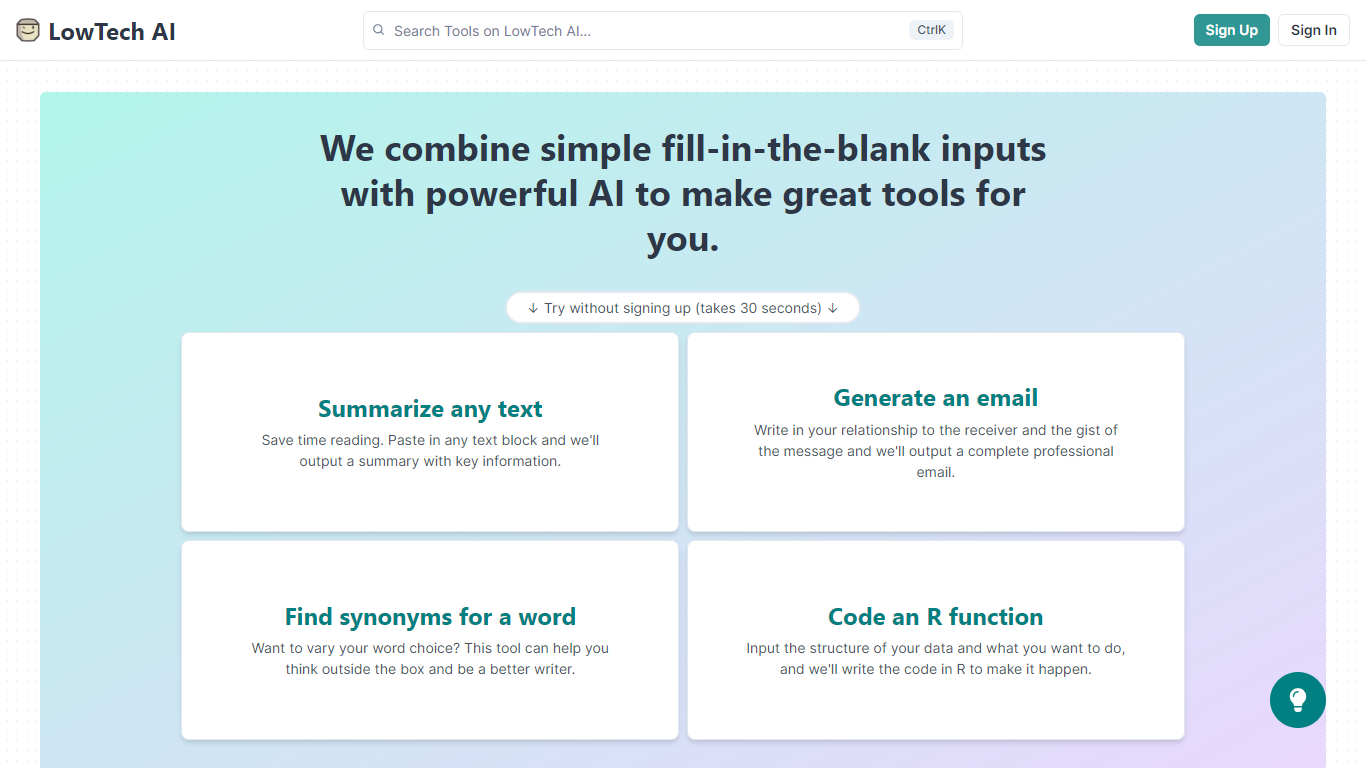

What is LowTech AI?
LowTech AI is a platform of ready-made AI tools built around fill-in-the-blank prompts. Instead of learning how to write prompts from scratch, you pick a tool, answer a few guided questions, and get a result. Popular starting points include text summarizers, professional email generators, and R code helpers, and you can try them without signing up.
Each tool is a templated prompt connected to language models. The site hosts a large library of community and team-built tools across categories like writing, teaching, research, coding, and sales. You can browse by category, search by keyword, and sort by usage, saves, or recency.
Anyone can build a custom tool through a guided creation flow. You write a prompt with input placeholders like {{Input Name}}, add a title and simple instructions, assign categories, and publish at a custom URL under your username. Existing tools can also be forked and improved.
Sharing is built to be frictionless. Recipients can open a shared link and run a tool immediately without creating an account. Tools can also be grouped into bundles for specific workflows like college counseling, financial analysis, or blog writing. The platform publishes research articles through its blog and researcher fellowship program.
YouTube Summarizer
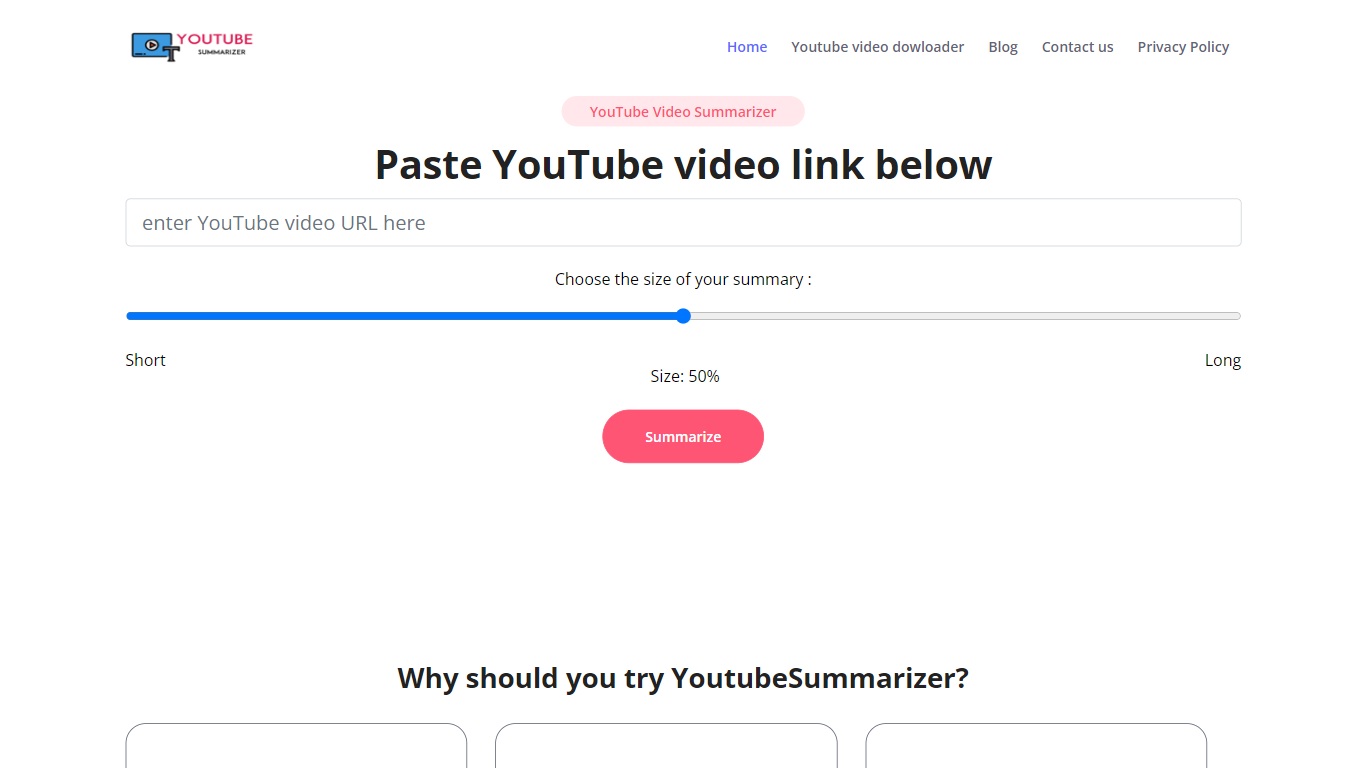
What is YouTube Summarizer?
YouTube Summarizer turns long videos into structured notes without making you watch every minute. Paste a link from YouTube, Vimeo, TikTok, or Dailymotion and it pulls the transcript, then returns key points, detailed summaries, or timestamped outlines in under 10 seconds. The free tier works with no account, though registering unlocks 30 lifetime credits beyond the daily limit.
Most video summarizers stop at bullet points. This one layers mind maps, flashcards, and an AI chat that answers questions about the video content. Pro users get a searchable summary library, email digests for subscribed channels, and a Chrome extension for one-click summaries. That study-tool stack sets it apart from transcript-only utilities.
Students use it to condense lecture recordings and generate flashcards before exams. Content creators and researchers skim competitor videos and conference talks without watching them end to end. Professionals pull action items from training videos and share TXT or PDF exports with their teams.
LowTech AI Upvotes
YouTube Summarizer Upvotes
LowTech AI Top Features
Fill-in-the-blank forms replace open-ended chat boxes for every tool
Try featured tools without signing up, including summarizers and email writers
Browse hundreds of community tools with category filters and keyword search
Create custom tools with templated prompts and your own shareable URL
Group related tools into bundles for teams, students, or specific workflows
YouTube Summarizer Top Features
10 free summarization requests per day without an account, or 30 lifetime credits after free registration
Outputs key points, detailed notes, and timestamped outlines, plus mind maps and flashcards on paid plans
Works with YouTube, Vimeo, TikTok, and Dailymotion videos that have captions in 50+ languages
Full transcript view with clickable timestamps that jump to the exact moment in the source video
Pro plan at $7.99 per month includes chat with video, a summary library, and a Chrome extension
LowTech AI Category
- Summarizer
YouTube Summarizer Category
- Summarizer
LowTech AI Pricing Type
- Freemium
YouTube Summarizer Pricing Type
- Freemium