Lufe AI Translator vs Transcript Download
In the contest of Lufe AI Translator vs Transcript Download, which AI Translation tool is the champion? We evaluate pricing, alternatives, upvotes, features, reviews, and more.
If you had to choose between Lufe AI Translator and Transcript Download, which one would you go for?
When we examine Lufe AI Translator and Transcript Download, both of which are AI-enabled translation tools, what unique characteristics do we discover? The upvote count reveals a draw, with both tools earning the same number of upvotes. Since other aitools.fyi users could decide the winner, the ball is in your court now to cast your vote and help us determine the winner.
Does the result make you go "hmm"? Cast your vote and turn that frown upside down!
Lufe AI Translator
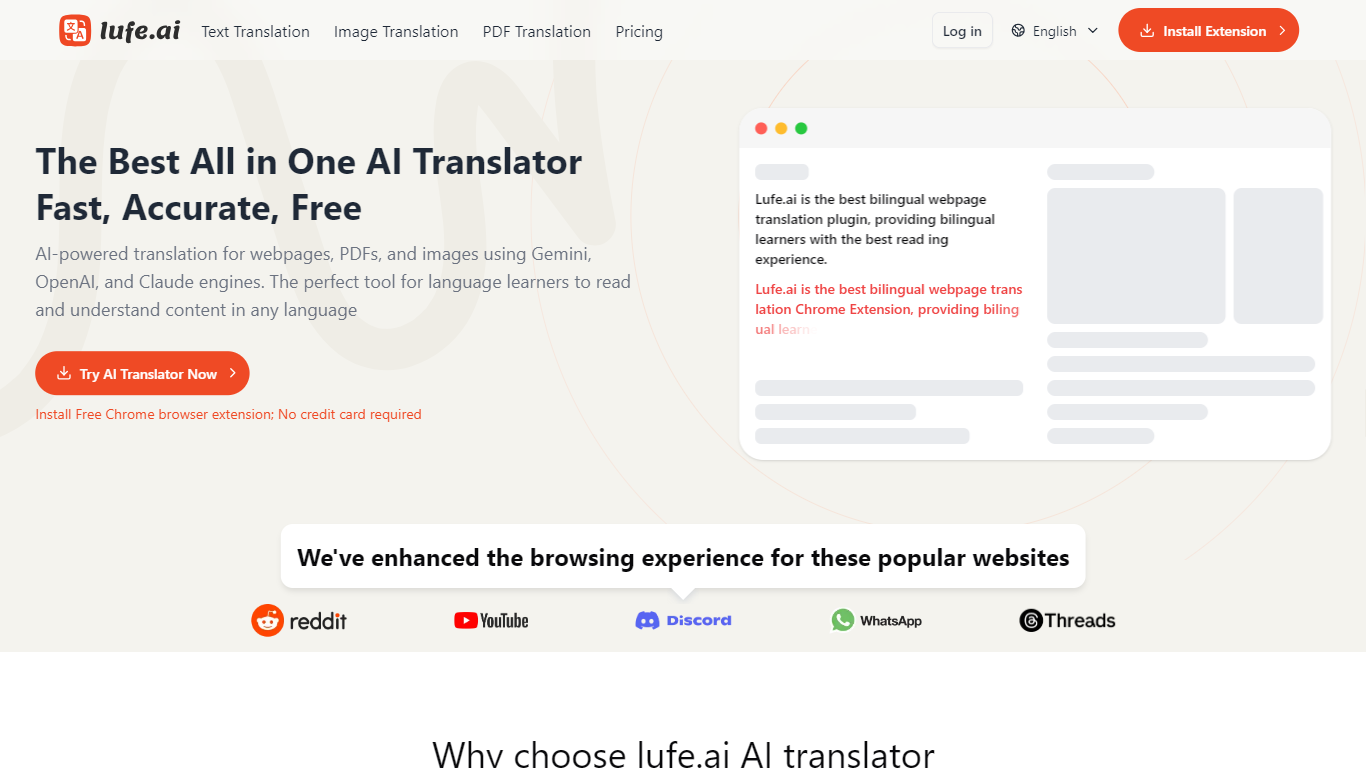

What is Lufe AI Translator?
Lufe AI Translator is a Chrome extension that shows foreign-language webpages, PDFs, and images side by side with your native language. You pick from Google, Bing, Yandex machine translation or AI engines like ChatGPT, Claude, and Gemini, then read bilingual lines, select words for instant lookup, or upload files for layout-preserving translation.
Google Translate replaces the whole page in one language. Lufe keeps the original text visible next to the translation, which the site argues is better for second-language learners doing extensive bilingual reading. That side-by-side format is the main reason to pick it over a full-page replacement tool, even though it means more screen space per paragraph.
Language learners, students, researchers, and professionals use Lufe to read news, novels, Discord threads, and academic PDFs in 100+ languages. The free tier covers unlimited machine translation; paid plans from $9.99 per month add AI credits for higher-accuracy ChatGPT, Claude, and Gemini output.
Transcript Download
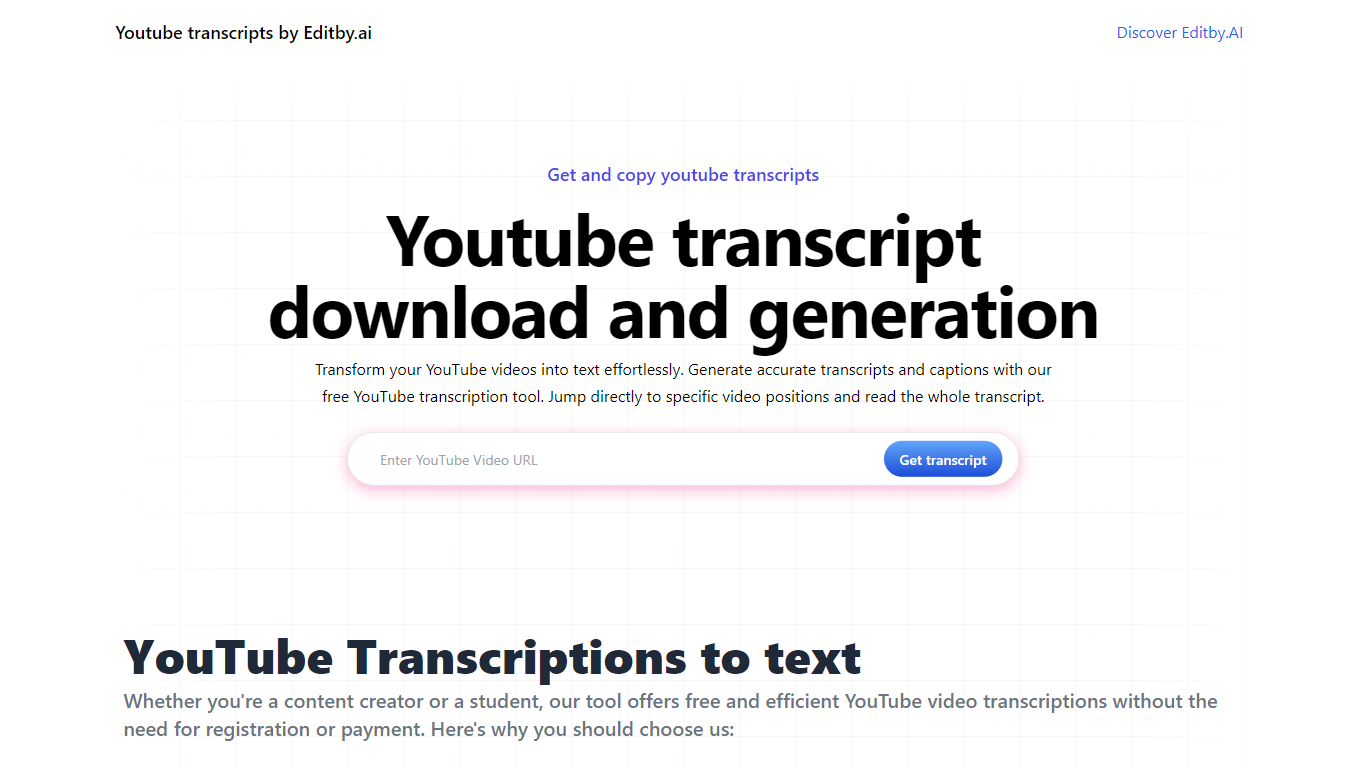
What is Transcript Download?
Unlock the full potential of your YouTube videos with Editby.AI's YouTube Transcription Tool. Our user-friendly platform caters to a range of users including students, researchers, content creators, and SEO professionals by providing an efficient way to generate accurate transcripts and captions. With our tool, there's no need for manual transcription. Simply input a YouTube URL and receive instant transcripts. Highlighted search terms, direct video position jumps, auto-scrolling features, and easy clipboard copying and downloading options streamline your workflow. Our commitment to user privacy is unmatched, requiring no sign-up or personal information. Enhance your productivity and save time with Editby.AI's transcription tool, all at no cost.
Lufe AI Translator Upvotes
Transcript Download Upvotes
Lufe AI Translator Top Features
Bilingual webpage display shows foreign and native text line by line for extensive reading practice
Select-to-translate lets you slide over any word for instant AI lookup and voice pronunciation
Image translation auto-detects text and preserves layout across 100+ languages
PDF translation supports files with no word limit on paid plans; free tier caps at 1,500 words per PDF
Choose from ChatGPT, Claude, Gemini, Google, Bing, or Yandex translation engines
Starter plan at $9.99 per month includes 5,000,000 AI translation credits
Premium plan at $39.99 per month includes 50,000,000 AI credits and 24/7 email support
Transcript Download Top Features
Instant Transcripts: Paste a YouTube URL and receive transcripts instantly.
Downloadable Transcripts: Easily download transcripts with a single click.
Jump to Video Position: Navigate directly to specific video segments from the transcript.
Autoscroll Transcripts: Enjoy synchronized transcripts that auto-scroll as the video plays.
No Registration Needed: Access the transcription tool without any account or personal details.
Lufe AI Translator Category
- Translation
Transcript Download Category
- Translation
Lufe AI Translator Pricing Type
- Freemium
Transcript Download Pricing Type
- Freemium