Lunchbreak AI vs Learnitive
In the battle of Lunchbreak AI vs Learnitive, which AI Education tool comes out on top? We compare reviews, pricing, alternatives, upvotes, features, and more.
Between Lunchbreak AI and Learnitive, which one is superior?
Upon comparing Lunchbreak AI with Learnitive, which are both AI-powered education tools, The upvote count favors Learnitive, making it the clear winner. The number of upvotes for Learnitive stands at 37, and for Lunchbreak AI it's 8.
Think we got it wrong? Cast your vote and show us who's boss!
Lunchbreak AI

What is Lunchbreak AI?
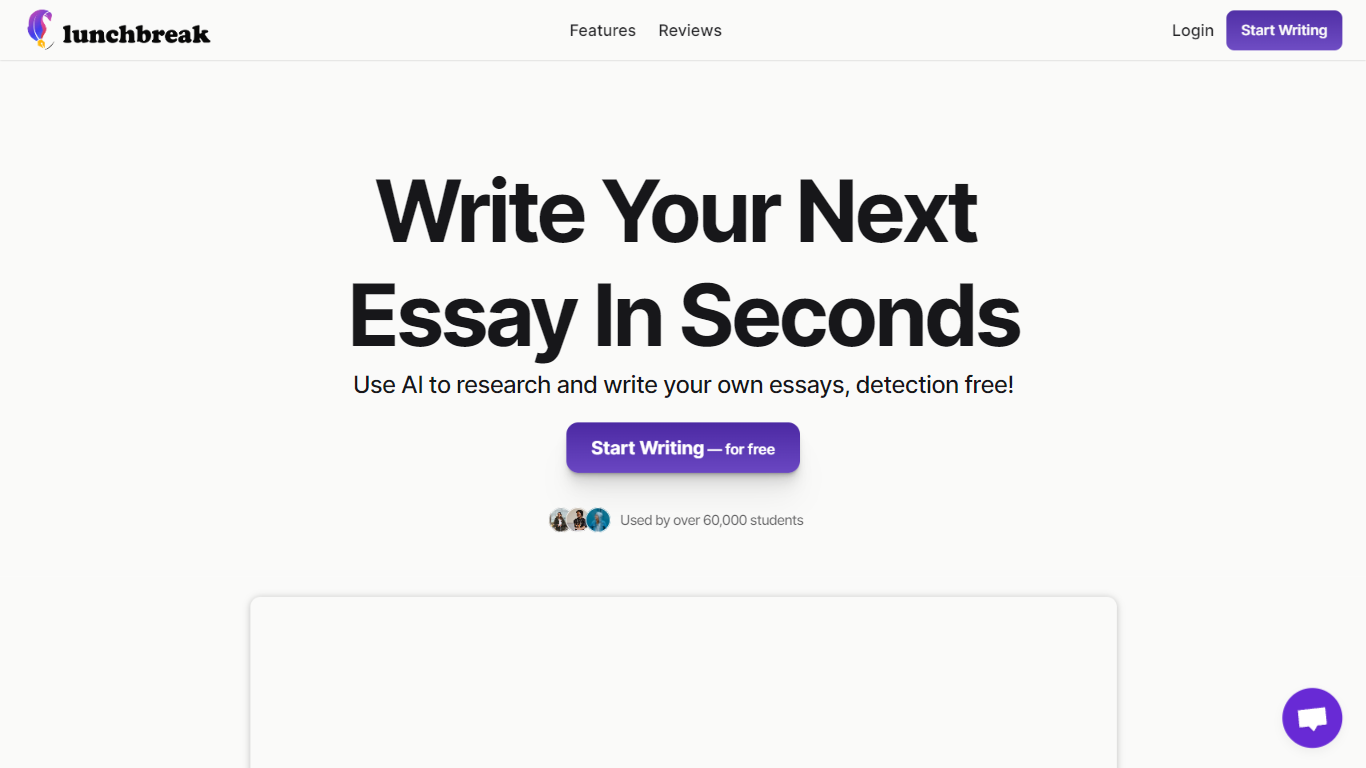
Lunchbreak AI is an education writing checker that scans drafts for AI detection risk before you submit them. Paste an essay or article and it runs the text past Turnitin, GPTZero, Originality, Copyleaks, Writer, and Sapling in one pass, then shows each score side by side instead of hiding them behind a single number.
Most AI checkers give you one verdict. Lunchbreak shows what each major detector flags separately, then rewrites only the phrasing those models react to and re-checks the result. That two-step loop matters when one detector clears your text while another still marks it, which happens more often than students expect.
Students, graduate researchers, and freelance writers use Lunchbreak to review ChatGPT, Claude, or Gemini drafts before handing work to a professor or client. Checking is free with no credit card, and the app keeps your text private rather than feeding it into any detector training database.
Learnitive
What is Learnitive?
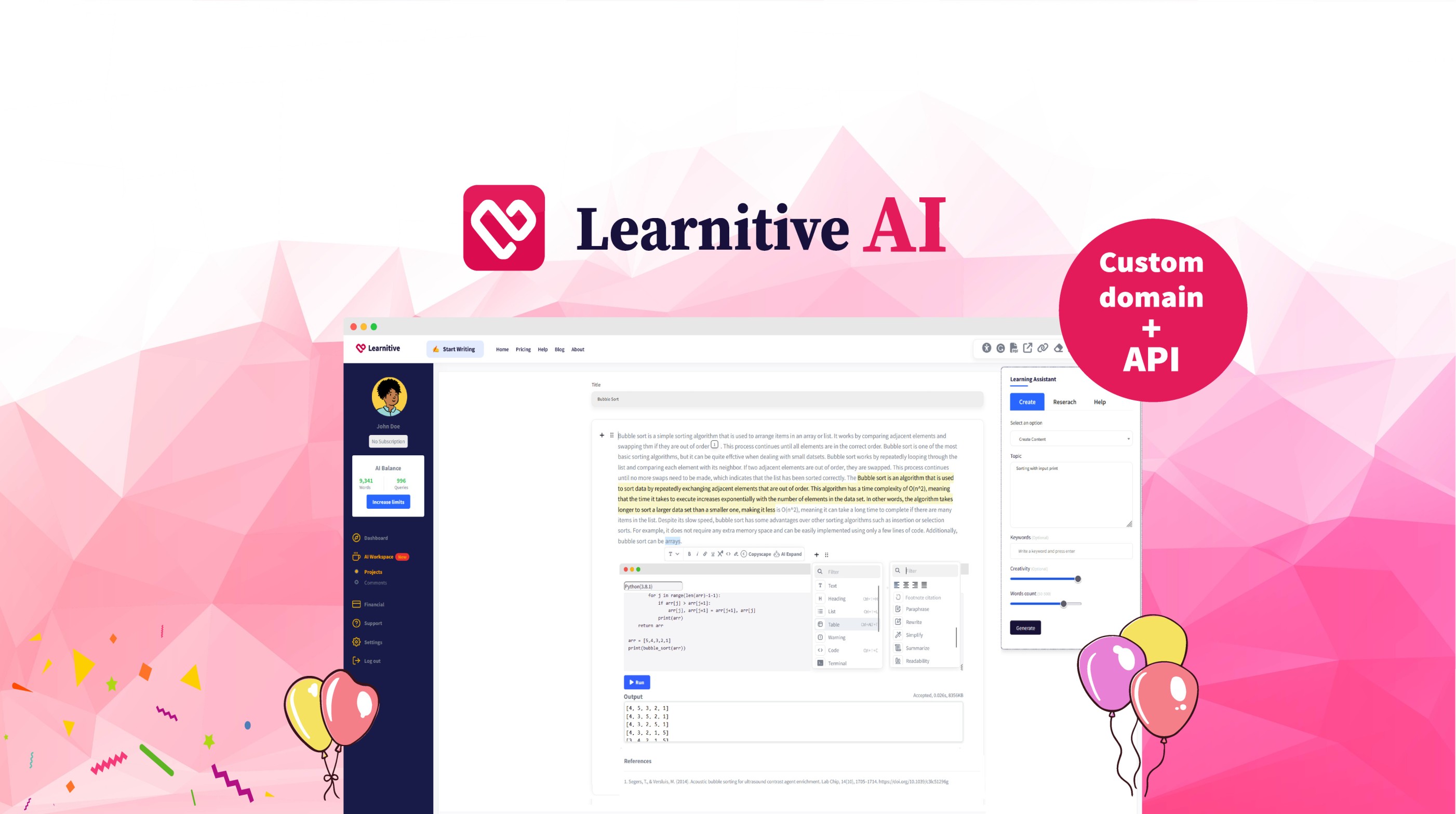
Learnitive helps students and researchers draft academic writing with AI while grounding answers in a library of 250 million papers. The editor includes plagiarism checks through Copyscape and a Judge0 code sandbox for runnable examples inside lessons.
Paid tiers sell prepaid word credits instead of a flat monthly seat. Learn30 covers 25,000 words for $9, Learn365 delivers 1 million words for $99, and a $49 lifetime option targets writers who want a one-time purchase rather than recurring billing.
WordPress plugins extend the same writing and research workflow into blogs and course sites, so teams can publish from familiar CMS dashboards without retraining authors on a new interface.
Lunchbreak AI Upvotes
Learnitive Upvotes
Lunchbreak AI Top Features
Runs pasted text through 6 detectors: Turnitin, GPTZero, Originality, Copyleaks, Writer, and Sapling
Free checking with no credit card required on the homepage
Rewrites only the phrasing detectors flag, then re-checks so you see updated scores
Works with drafts from ChatGPT, Claude, and Gemini pasted into app.lunchbreak.ai
Privacy policy states your writing is never shared or added to any detector database
Join 400,000+ researchers and students listed on the sign-in page
Learnitive Top Features
Search and cite from a corpus of 250 million academic papers
Free tier includes 1,000 words before you buy credits
Learn30 adds 25,000 words for $9 and Learn365 adds 1 million words for $99
Copyscape plagiarism checks run inside the writing workflow
Judge0 code sandbox executes snippets without leaving the editor
WordPress plugins bring the editor into existing blogs and course sites
Lunchbreak AI Category
- Education
Learnitive Category
- Education
Lunchbreak AI Pricing Type
- Freemium
Learnitive Pricing Type
- Freemium