
Last updated 08-03-2026
Category:
Reviews:
Join thousands of AI enthusiasts in the World of AI!
Lunchbreak AI
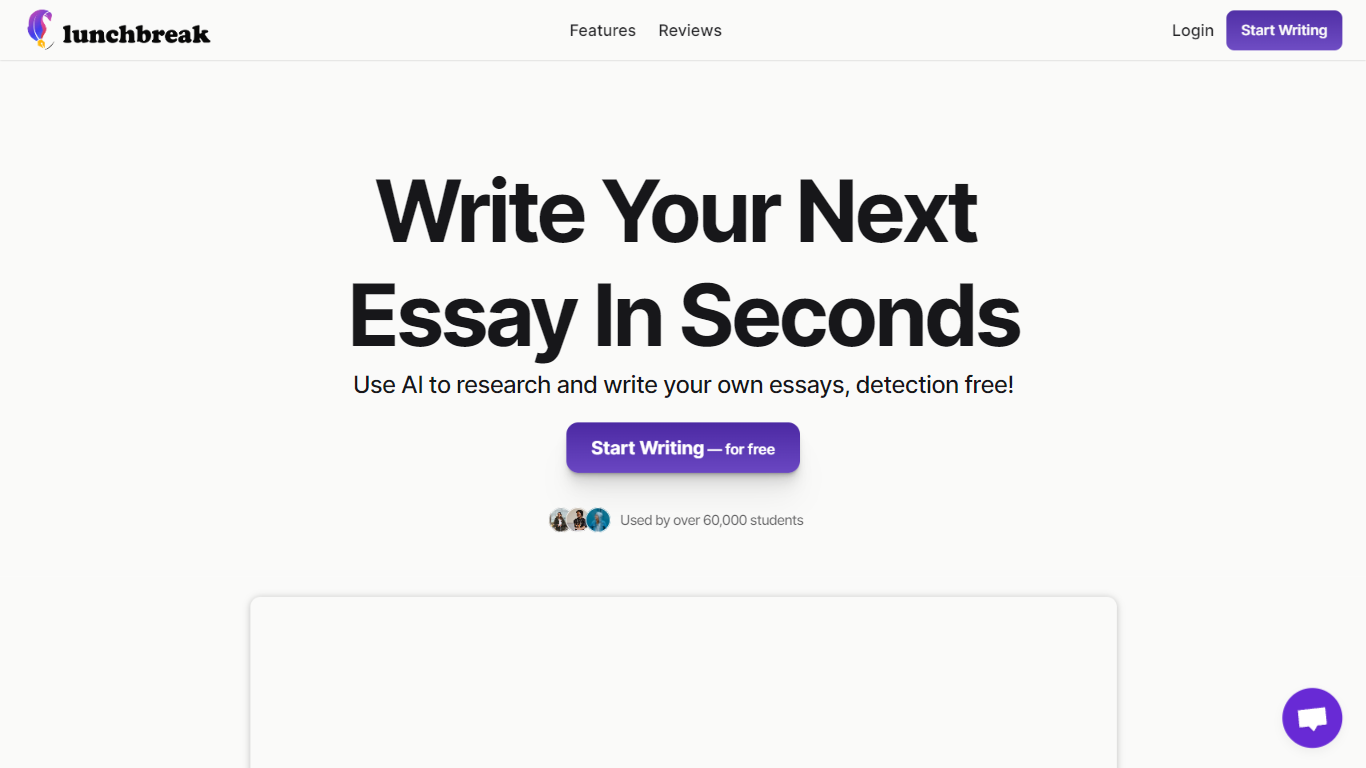
Lunchbreak AI is an education writing checker that scans drafts for AI detection risk before you submit them. Paste an essay or article and it runs the text past Turnitin, GPTZero, Originality, Copyleaks, Writer, and Sapling in one pass, then shows each score side by side instead of hiding them behind a single number.
Most AI checkers give you one verdict. Lunchbreak shows what each major detector flags separately, then rewrites only the phrasing those models react to and re-checks the result. That two-step loop matters when one detector clears your text while another still marks it, which happens more often than students expect.
Students, graduate researchers, and freelance writers use Lunchbreak to review ChatGPT, Claude, or Gemini drafts before handing work to a professor or client. Checking is free with no credit card, and the app keeps your text private rather than feeding it into any detector training database.
Runs pasted text through 6 detectors: Turnitin, GPTZero, Originality, Copyleaks, Writer, and Sapling
Free checking with no credit card required on the homepage
Rewrites only the phrasing detectors flag, then re-checks so you see updated scores
Works with drafts from ChatGPT, Claude, and Gemini pasted into app.lunchbreak.ai
Privacy policy states your writing is never shared or added to any detector database
Join 400,000+ researchers and students listed on the sign-in page
Shows side-by-side scores from six major detectors instead of one blended result.
Checking is free and does not require a credit card on the marketing site.
Rewrites target only flagged phrasing, which helps preserve your original argument.
Full humanization and paid plan pricing are only visible after signing in at app.lunchbreak.ai.
No honest tool can guarantee a specific detector score because models update and disagree.
Browser-based workflow only; there is no dedicated mobile app listed on the site.
Is Lunchbreak AI free to use?
Yes, Lunchbreak AI lets you check writing for free with no credit card required. Paid plans unlock full humanization and additional usage, and you can upgrade or downgrade from your account settings at any time.
Which AI detectors does Lunchbreak AI check?
Lunchbreak AI runs your text past Turnitin, GPTZero, Originality, Copyleaks, Writer, and Sapling. It shows each detector result separately rather than averaging them into one score.
How does Lunchbreak AI humanize text?
Lunchbreak AI rewrites the phrasing detectors react to, such as uniform sentence length and stock transitions, into wording that reads more naturally. It then re-checks the draft so you can see what each detector reports after the rewrite.
Is my writing safe on Lunchbreak AI?
Yes. Lunchbreak AI states that your writing stays private, is never shared, and is never added to any detector database. The privacy policy lists [email protected] for privacy requests.
Who is Lunchbreak AI for?
Lunchbreak AI is built for students, researchers, and professional writers who draft with AI and want the final version to read as their own. The site highlights undergrads, grad students, and freelance writers as typical users.
Can Lunchbreak AI guarantee a zero AI score?
No. Lunchbreak AI does not promise a particular detector score because each model uses different methods and updates regularly. It rewrites flagged phrasing and shows you what each detector reports after the change.