Top 10 AI tools for Students in 2026
Being a student today isn't easy. With technology constantly evolving, keeping up with schoolwork can be tough, no matter where you study or what your major is. Luckily, there are amazing AI tools for students that can make your life much simpler.
These tools can help you with everything from finishing assignments to studying for exams. They can even create a better study environment for you. Whether you're facing tough homework or preparing for big tests, these AI tools have got your back. Perfect for both international and local students, these tools are here to help you succeed in your studies.
Frontdoor Labs (formerly Frontdoor)
How does Frontdoor Labs (formerly Frontdoor) work?
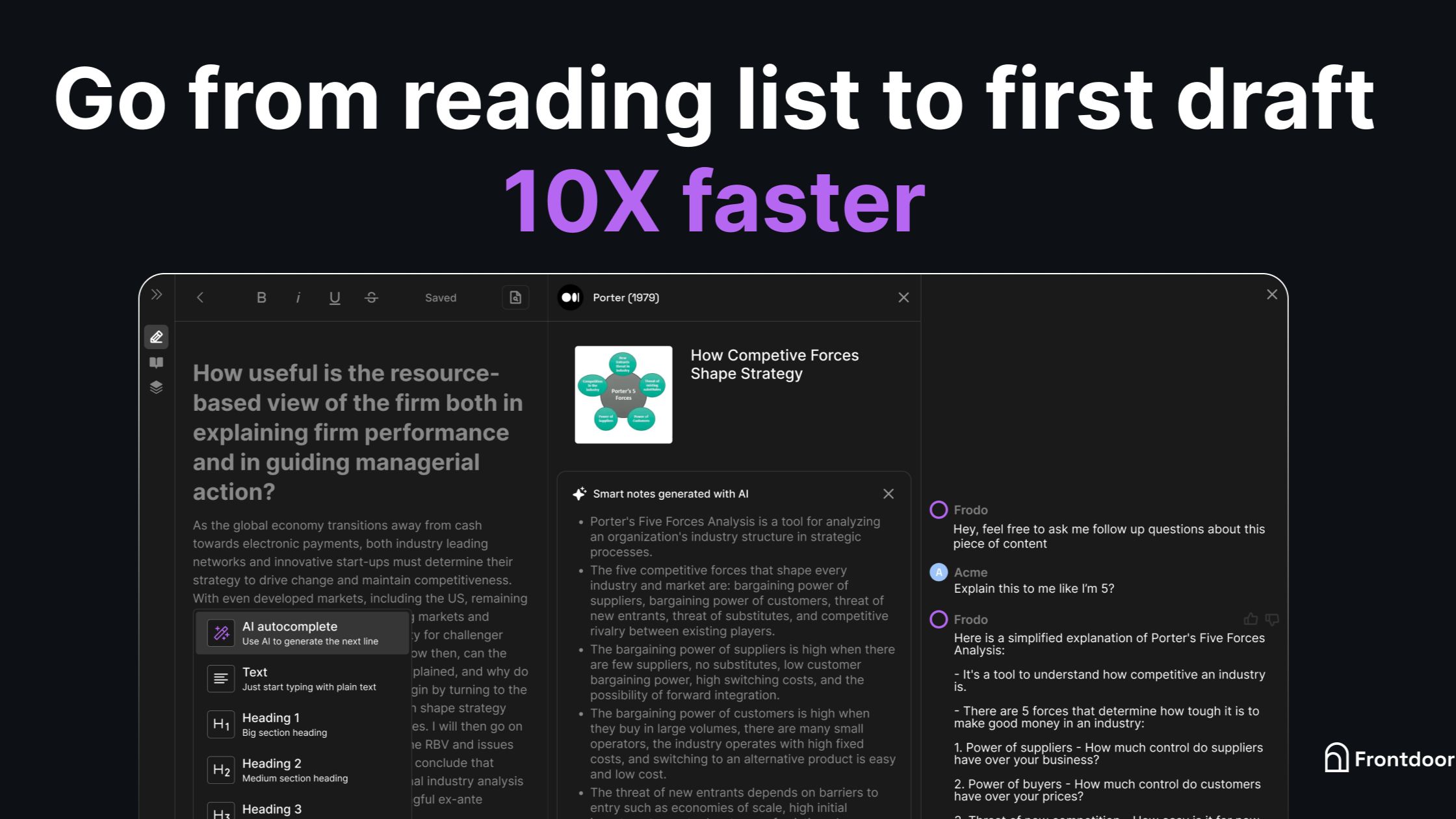
Frontdoor Labs builds research software that keeps documents, notes, PDFs, and knowledge bases in one workspace instead of scattered browser tabs. Its live product Otio lets you collect source material, ask questions against saved context, and turn reading into summaries, briefs, and drafts without hopping between apps.
Generic chatbots answer from memory and lose track of citations. Frontdoor Labs centers Otio on source-linked workflows so founders, students, and analysts can see which document grounded each answer. The lab stays small and product-led, shipping focused web tools rather than broad suites, with product line 002 still marked as in research beyond Otio.
Researchers, operators, students, and teams comparing long documents are the audiences named on frontdoor.xyz. Contact runs through [email protected], and the affiliate landing page at try.frontdoor.xyz routes to the same Frontdoor Labs story while Otio itself lives at otio.ai.
Otio workspace combines documents, research material, notes, and large knowledge bases in one interface
Source-first design lets users ask questions against saved PDFs, transcripts, and internal docs
Product line 001 links to otio.ai; product line 002 is marked In research on frontdoor.xyz
Marketing site lists Astro v7.1.3 in the page generator metadata on frontdoor.xyz
Support and partnership email [email protected] appears on the try.frontdoor.xyz landing page
Focus areas listed on the site cover documents, research workflows, and large knowledge-base systems
GPTionary
Why choose GPTionary?
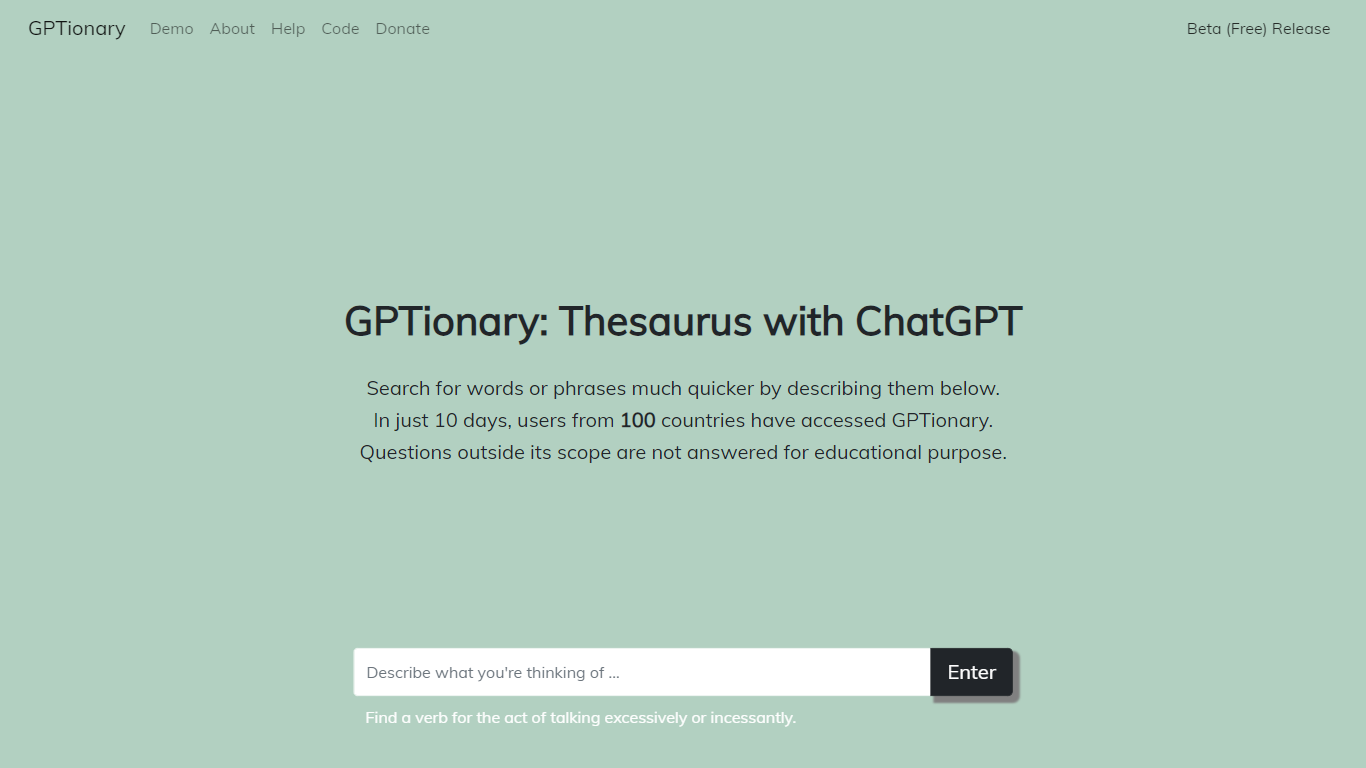
GPTionary is an innovative AI-powered platform that serves as both a thesaurus and dictionary, revolutionizing vocabulary acquisition for students, teachers, and lifelong learners. By harnessing the power of GPT and open-source language models, GPTionary offers concise, comprehensive word and phrase descriptions to enhance and expand one's knowledge base.
With GPTionary, users can easily explore a vast range of words and phrases, gaining a deeper understanding of their meanings, synonyms, antonyms, and contextual usage. The platform provides detailed explanations and examples, enabling users to grasp the nuances and subtleties of language effortlessly.
Whether you're a student striving to improve your writing skills, a teacher seeking to enrich your students' vocabulary, or a lifelong learner hungry for knowledge, GPTionary is the ideal tool for you. Its user-friendly interface and intuitive navigation make it easy to navigate and search for words and phrases, saving you valuable time and effort.
GPTionary also offers personalized features, tailoring the content to individual learning styles and preferences. Interactive exercises and quizzes further enhance the learning experience, allowing users to test their knowledge and reinforce their understanding of words and phrases.
In addition to its comprehensive collection of words and phrases, GPTionary continuously updates its database with new entries, ensuring that users have access to the latest language trends and expressions. The platform is constantly evolving and growing to meet the ever-changing needs of language learners.
GPTionary is not just a dictionary; it's a comprehensive language companion that empowers users with the tools they need to enhance their communication skills, expand their vocabulary, and articulate their thoughts more effectively.
Revive AI
Why use Revive AI?
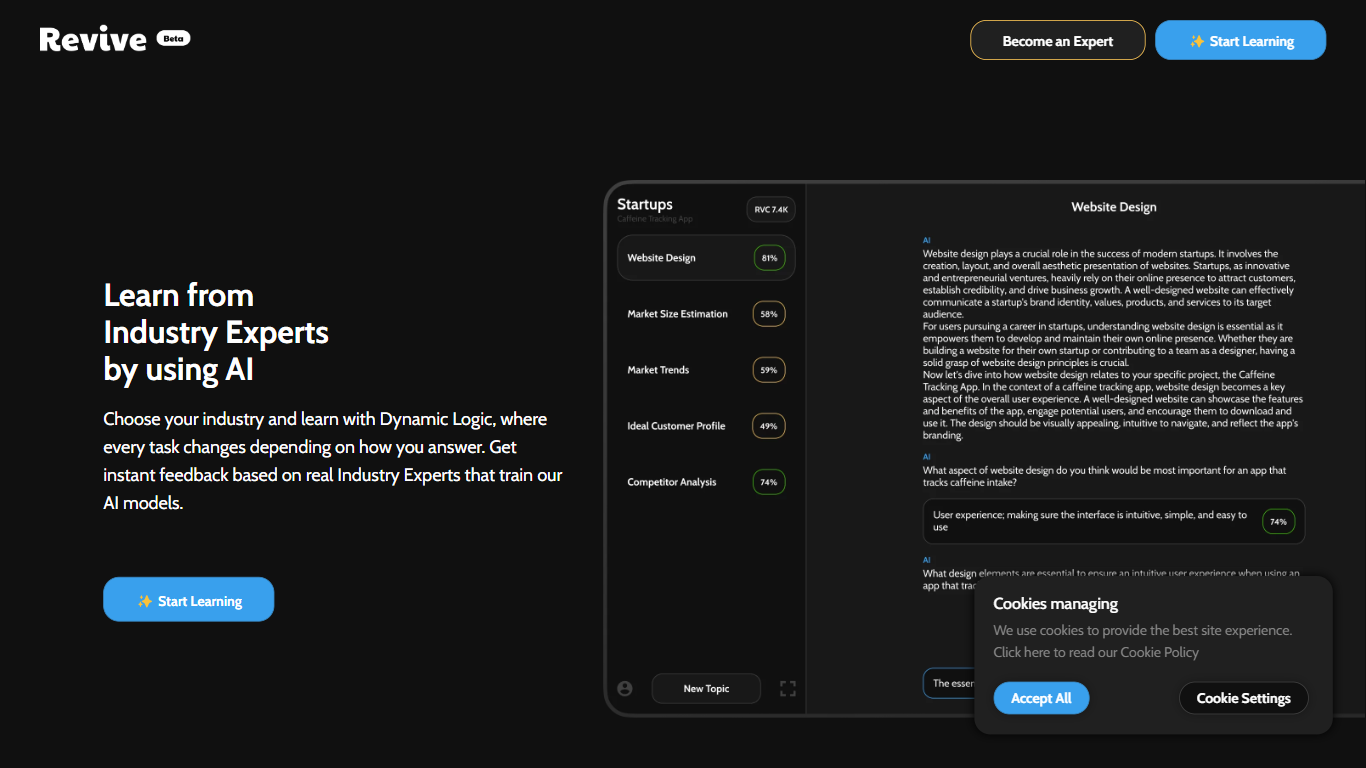
Education is outdated because it’s linear. We’re taught to think like a machine. But in the real world it’s logic and creativity that make you win. So we’ve build an app teaches you that using AI. Choose your industry and learn with Dynamic Logic, where every task changes depending on how you answer. Get instant feedback based on real Industry Experts that train our AI models.
✨Your AI Tailored Career Education Wiki
✨Learn what you need by engaging with AI
✨Get feedback from Industry Experts
✨Get Paid for Contribution
StudyNinja
Why choose StudyNinja?
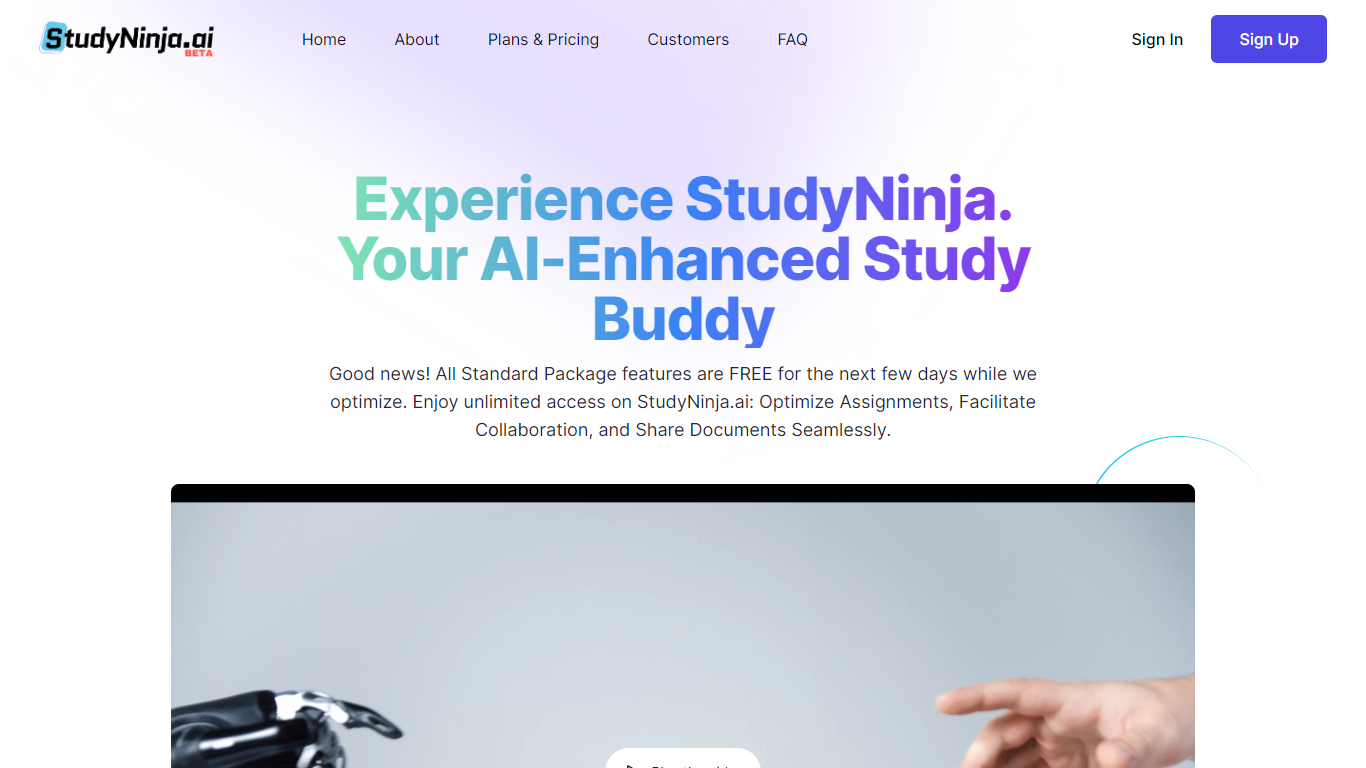
StudyNinja is an AI-powered study companion designed to help students improve their academic performance through personalized study goals, assignment and task management, and collaborative document sharing. It offers a flexible platform accessible on PC, tablet, or mobile without requiring software installation or updates. The AI Tutor feature provides interactive assistance by answering questions and supporting active learning. StudyNinja supports note-taking with easy sharing and exporting options, enhancing group projects with tools for delegation and communication. Its cloud-based design ensures students can manage their studies efficiently from anywhere. The platform offers tiered plans to suit different needs, including a free Starter plan and paid Standard and Ultimate plans with expanded storage and collaboration features.
🎯 Personalized Study Goals: Set and track your learning targets to stay focused and motivated.
📝 Collaborative Document Editing: Work together on assignments with real-time sharing and communication.
🤖 AI Tutor Assistance: Get instant answers and explanations to your study questions anytime.
📚 Interactive Study Tools: Use digital flashcards and enhanced note-taking to deepen understanding.
📱 Multi-Device Access: Study seamlessly on PC, tablet, or mobile without installing software.
StudentMate
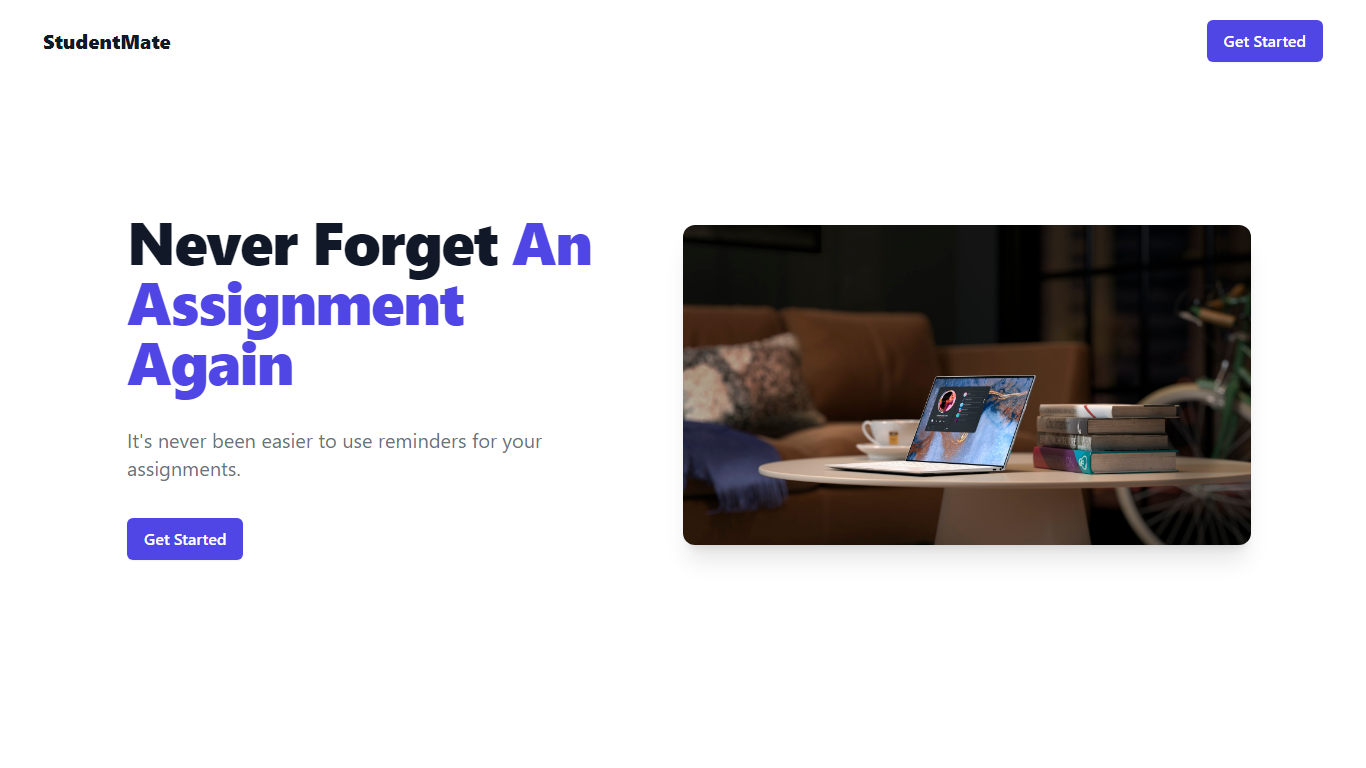
Why use StudentMate? and how does it work?
Maximize your academic efficiency with StudentMate, the innovative tool designed to help you stay on top of your coursework without ever missing a deadline. Whether it's through seamless integration with Blackboard or leveraging cutting-edge AI to extract assignments from teachers' Google Slides, StudentMate is your go-to for managing academic tasks. Enjoy features like automatic class and assignment updates, high-priority reminders via email, and user-friendly automations to streamline your study routine. With StudentMate, you can focus on learning and leave the organization to us.
📅 Never Forget An Assignment Again: Use reminders to keep track of all your assignments with ease.
🔗 Direct Blackboard Connection: Sync your Blackboard account for auto-refreshed classes and assignments.
🤖 Automate Your Assignments: Simplify your workflow with automated assignment updates.
📧 High-Priority Email Reminders: Get important notifications directly in your inbox.
🧠 AI-Powered Setup: Automatically receive assignments from teachers using AI with no extra steps needed.
Learnitive
Why choose Learnitive?
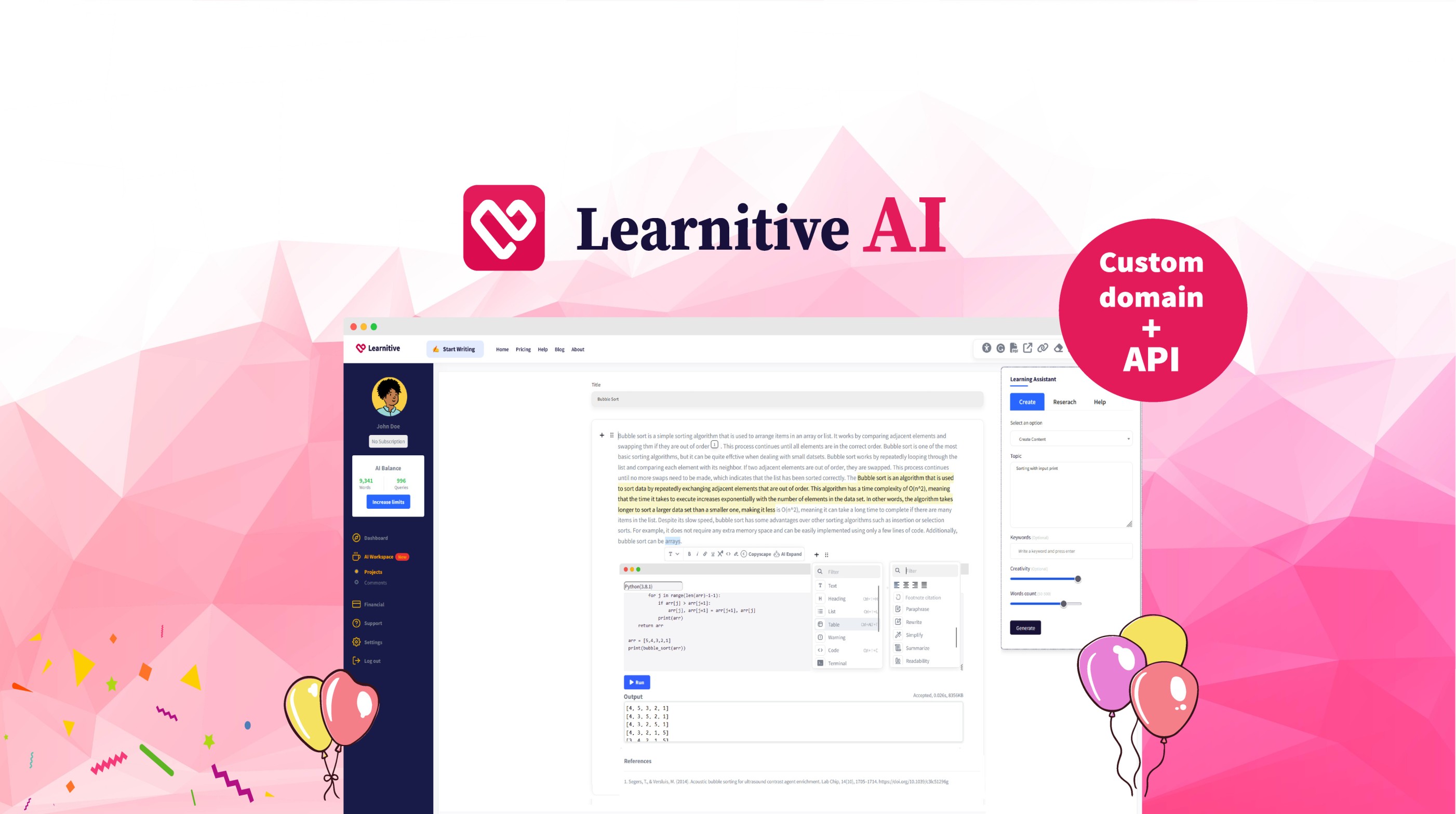
Learnitive helps students and researchers draft academic writing with AI while grounding answers in a library of 250 million papers. The editor includes plagiarism checks through Copyscape and a Judge0 code sandbox for runnable examples inside lessons.
Paid tiers sell prepaid word credits instead of a flat monthly seat. Learn30 covers 25,000 words for $9, Learn365 delivers 1 million words for $99, and a $49 lifetime option targets writers who want a one-time purchase rather than recurring billing.
WordPress plugins extend the same writing and research workflow into blogs and course sites, so teams can publish from familiar CMS dashboards without retraining authors on a new interface.
Search and cite from a corpus of 250 million academic papers
Free tier includes 1,000 words before you buy credits
Learn30 adds 25,000 words for $9 and Learn365 adds 1 million words for $99
Copyscape plagiarism checks run inside the writing workflow
Judge0 code sandbox executes snippets without leaving the editor
WordPress plugins bring the editor into existing blogs and course sites
PathMatch
Why use PathMatch? and how does it work?
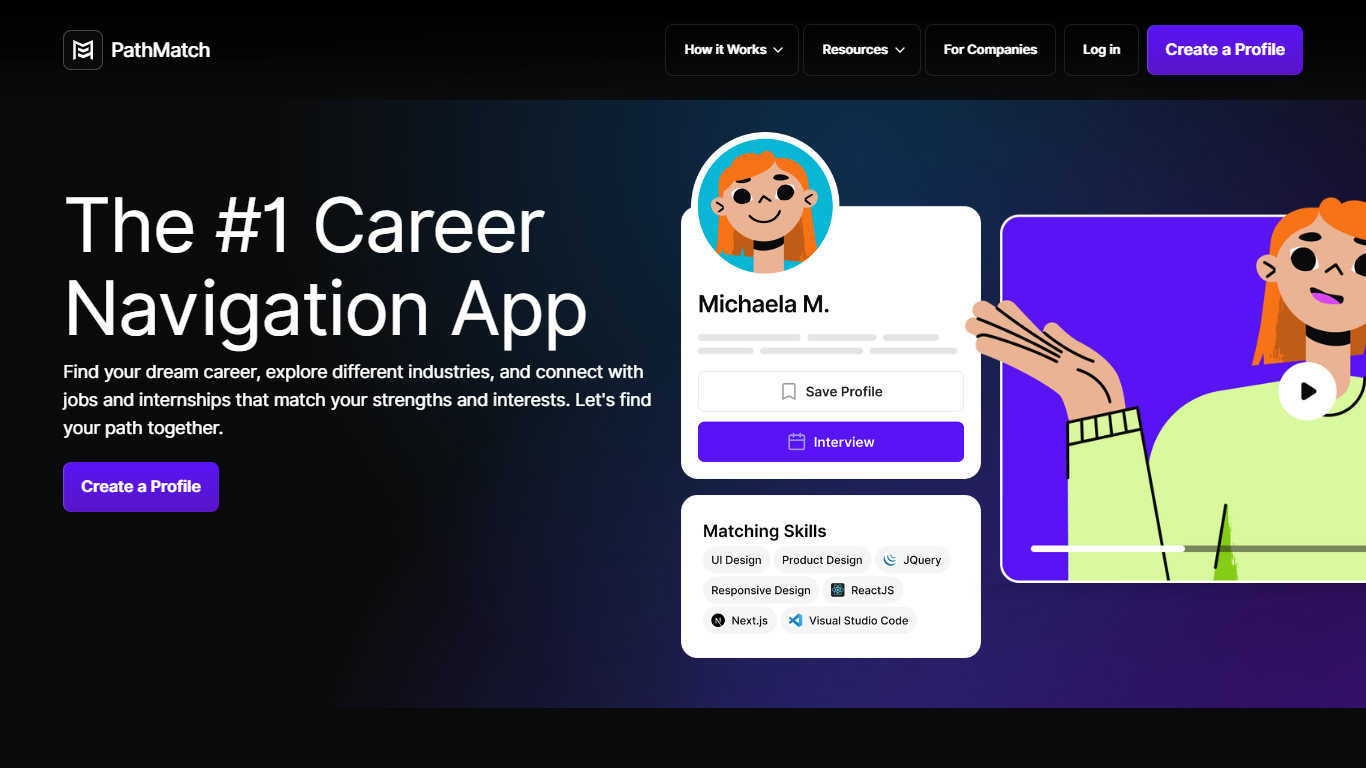
PathMatch is revolutionizing the way college students and the Gen Z workforce connect with their dream careers. Designed as the ultimate career navigator, PathMatch offers a seamless experience, from discovering potential career paths to landing the perfect job. The platform's AI-powered system personalizes the journey, matching users to modern careers based on individual strengths, interests, personality, and goals.
With a simple profile creation and one-click job application process, PathMatch eliminates the hassle of traditional job searching. It extends beyond just matching, providing valuable insights through its blog, company guides, and the College Scorecard Tracker to ensure that users are well-informed and prepared for their professional life.
Whether you're a freshman eager to identify your direction or a graduate ready to enter the workforce, PathMatch is your partner in carving out a successful future.
AI-Powered Career Matching: Utilizes an insightful questionnaire to match college students and Gen Z with suitable modern careers.
One-Click Job Application: Streamlines the job application process by allowing users to send their PathMatch profile to potential employers in a single click.
Comprehensive Job Board: Offers a curated selection of entry-level jobs and internships accessible directly through the platform.
Career Path Exploration: Helps users explore over 150 different careers to discover their passion and the right professional path.
Educational Resources: Includes the PathMatch Blog, Company Guides, and College Scorecard Tracker for thorough preparation and industry knowledge.
Mindgrasp AI
What is Mindgrasp AI?
Mindgrasp AI turns lectures, PDFs, slides, videos, and article links into a full study session with notes, summaries, flashcards, quizzes, and a 24/7 AI tutor. Upload one file or record a class, and the platform builds every study aid from that same source so you are not copying material between apps.
General chatbots answer from the open web; Mindgrasp is built around coursework uploads and study workflows like active recall, practice testing, and spaced review. It accepts PDFs, DOCX, MP3, MP4, PowerPoints, YouTube, Vimeo, and article URLs, then keeps notes, quizzes, and flashcards tied to the original session.
The product targets students, self-learners, educators, and professionals who need faster review without manual note-taking. Mindgrasp reports 5 million plus users across 128 countries, offers iOS and Chrome extension access, and includes unlimited uploads on paid plans according to its homepage FAQ.
Study Sessions bundle notes, summaries, flashcards, quizzes, and an AI tutor
Accepts PDFs, DOCX, MP3, MP4, PowerPoints, YouTube, Vimeo, and article links
Live lecture recording on iOS with browser recording on higher tiers
Unlimited uploads and no daily usage caps on paid plans per homepage FAQ
Chrome extension for Canvas, Blackboard, and Panopto workflows
iOS app for iPhone and iPad with mobile lecture capture
Supports 20 plus languages across study sessions
Lunchbreak AI
What is Lunchbreak AI? and how does it work?
Lunchbreak AI is an education writing checker that scans drafts for AI detection risk before you submit them. Paste an essay or article and it runs the text past Turnitin, GPTZero, Originality, Copyleaks, Writer, and Sapling in one pass, then shows each score side by side instead of hiding them behind a single number.
Most AI checkers give you one verdict. Lunchbreak shows what each major detector flags separately, then rewrites only the phrasing those models react to and re-checks the result. That two-step loop matters when one detector clears your text while another still marks it, which happens more often than students expect.
Students, graduate researchers, and freelance writers use Lunchbreak to review ChatGPT, Claude, or Gemini drafts before handing work to a professor or client. Checking is free with no credit card, and the app keeps your text private rather than feeding it into any detector training database.
Runs pasted text through 6 detectors: Turnitin, GPTZero, Originality, Copyleaks, Writer, and Sapling
Free checking with no credit card required on the homepage
Rewrites only the phrasing detectors flag, then re-checks so you see updated scores
Works with drafts from ChatGPT, Claude, and Gemini pasted into app.lunchbreak.ai
Privacy policy states your writing is never shared or added to any detector database
Join 400,000+ researchers and students listed on the sign-in page
Edward Teach Bot
What does Edward Teach Bot do?
Edward Teach Bot is an education chatbot on Telegram that turns any topic you name into a five-chapter mini-course with quiz questions and a PDF at the end. You message @EdardTeachBot, pick a subject in a few words, and get lessons delivered as a magazine-style link inside the chat.
Most study bots dump a wall of text. Edward Teach Bot splits each topic into five chapters, lets you dive deeper per section, tests you with captain's questions mid-course, and packs the finished lesson into a sharable magazine link plus PDF download.
Courses land in an open community library with 800+ topics other users have studied, from SEO and quantum computing to history and programming. A /pirate command toggles the pirate accent on or off, and /remaining shows how many new courses you can start.
Generates five-chapter mini-courses from a one-word Telegram topic prompt
Delivers finished lessons as magazine-style sharable links and PDF downloads
Open library with 800+ community-studied courses to browse
Mid-course quiz questions via the /study flow in @EdardTeachBot
/pirate command toggles the pirate persona accent on or off
Sample topics include SEO, quantum computers, Egypt, and programming