Made Live vs Microsoft Designer
In the contest of Made Live vs Microsoft Designer, which AI Design tool is the champion? We evaluate pricing, alternatives, upvotes, features, reviews, and more.
If you had to choose between Made Live and Microsoft Designer, which one would you go for?
When we examine Made Live and Microsoft Designer, both of which are AI-enabled design tools, what unique characteristics do we discover? The community has spoken, Microsoft Designer leads with more upvotes. Microsoft Designer has garnered 10 upvotes, and Made Live has garnered 6 upvotes.
Want to flip the script? Upvote your favorite tool and change the game!
Made Live


What is Made Live?
Made Live enables authors and artists to create, publish, and distribute illustrated books such as children's stories, comics, and graphic novels. It provides tools that support the entire publishing process from initial creation to reaching readers.
This tool stands out by focusing specifically on richly illustrated content, offering features tailored to the unique needs of visual storytelling. Unlike general publishing tools, Made Live emphasizes creative control and accessibility for both beginners and experienced creators.
Made Live combines a user-friendly interface with end-to-end publishing solutions, allowing users to maintain ownership of their work while simplifying distribution. This approach helps creators share their illustrated stories with a broad audience without sacrificing artistic vision.
Microsoft Designer
What is Microsoft Designer?
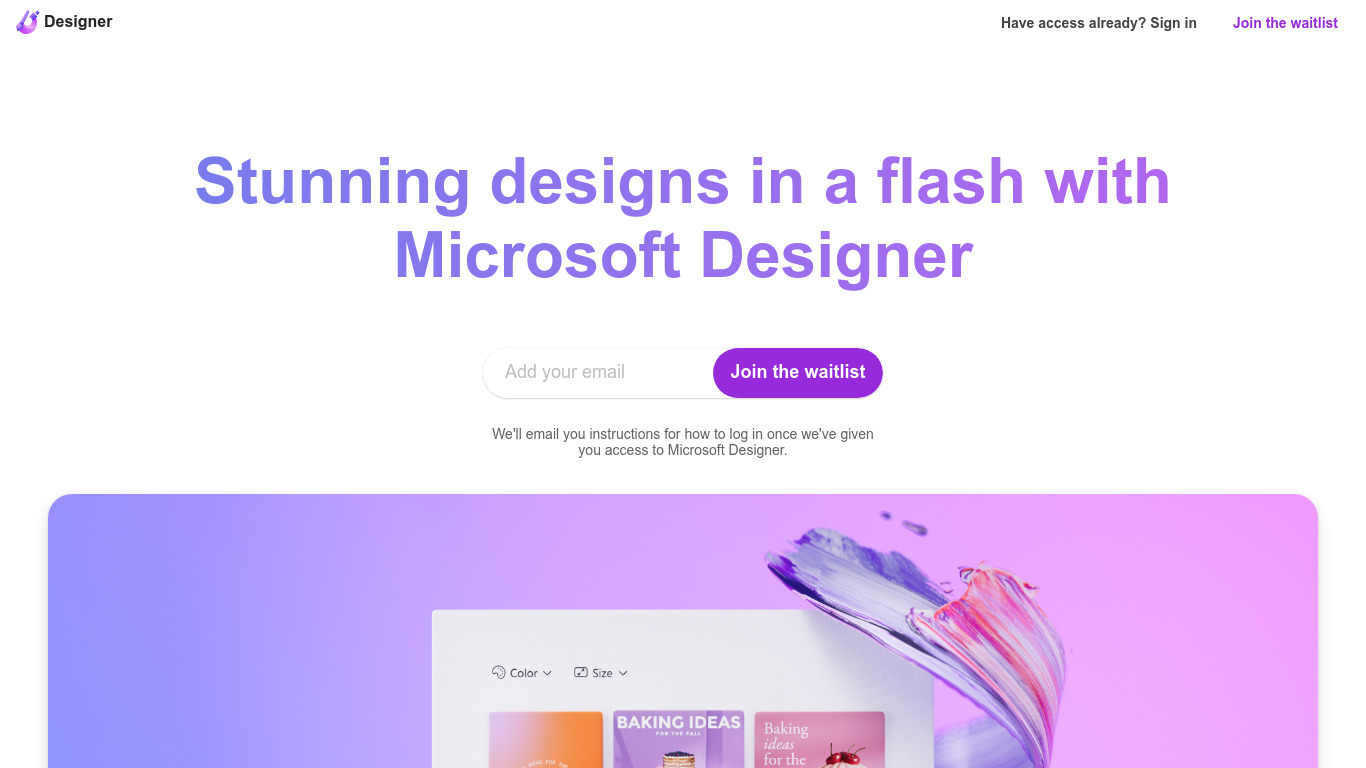
Microsoft Designer helps you build social posts, invitations, flyers, and graphics from prompt templates inside a browser app. Pick a category such as Instagram posts, LinkedIn banners, or Outlook headers, then use Create with AI, Edit with AI, or blank canvas layouts sized for each platform. Sign-in with a Microsoft account unlocks the editor.
Canva gives you a broad template marketplace, while Microsoft Designer ties layouts directly to Microsoft 365 surfaces like Teams headers, SharePoint banners, Word covers, and PowerPoint slides. Its Edit with AI tools add background removal, generative erase, and image framing without leaving the Microsoft ecosystem, which matters if your files already live in Office apps.
Microsoft Designer fits small business owners making weekly social content, internal comms teams publishing Teams and Outlook assets, and creators who want sized templates instead of resizing manually. Teachers, event planners, and marketers who already use Microsoft sign-in can start from the homepage categories without installing desktop software.
Made Live Upvotes
Microsoft Designer Upvotes
Made Live Top Features
📚 End-to-End Publishing: Manage creation, publishing, and distribution in one platform.
🎨 Illustration-Focused Tools: Designed specifically for children's books, comics, and graphic novels.
🖥️ User-Friendly Interface: Accessible to both beginners and experienced creators.
🌍 Broad Distribution: Features to help reach a wide audience effectively.
🔒 Full Creative Control: Maintain ownership and control over your published work.
📄 Supports Multiple Formats: Publish in formats suitable for illustrated content.
💡 Streamlined Workflow: Simplifies the publishing process from start to finish.
Microsoft Designer Top Features
Create with AI templates for images, icons, wallpapers, avatars, stickers, and social posts
Edit with AI includes background removal, generative erase, and image framing tools
Design-from-scratch presets for Instagram, Facebook, LinkedIn, Pinterest, and Twitter formats
Built-in sizes for Outlook headers, Teams banners, SharePoint covers, Word, and PowerPoint layouts
Document presets cover A4, A5, US letter, and common photo print dimensions
Sign in with a Microsoft account to save and continue designs in the web app
Made Live Category
- Design
Microsoft Designer Category
- Design
Made Live Pricing Type
- Freemium
Microsoft Designer Pricing Type
- Freemium