Made Live vs Tango on Chrome Web Store
When comparing Made Live vs Tango on Chrome Web Store, which AI Design tool shines brighter? We look at pricing, alternatives, upvotes, features, reviews, and more.
In a comparison between Made Live and Tango on Chrome Web Store, which one comes out on top?
When we put Made Live and Tango on Chrome Web Store side by side, both being AI-powered design tools, The community has spoken, Tango on Chrome Web Store leads with more upvotes. Tango on Chrome Web Store has been upvoted 7 times by aitools.fyi users, and Made Live has been upvoted 6 times.
Think we got it wrong? Cast your vote and show us who's boss!
Made Live


What is Made Live?
Made Live enables authors and artists to create, publish, and distribute illustrated books such as children's stories, comics, and graphic novels. It provides tools that support the entire publishing process from initial creation to reaching readers.
This tool stands out by focusing specifically on richly illustrated content, offering features tailored to the unique needs of visual storytelling. Unlike general publishing tools, Made Live emphasizes creative control and accessibility for both beginners and experienced creators.
Made Live combines a user-friendly interface with end-to-end publishing solutions, allowing users to maintain ownership of their work while simplifying distribution. This approach helps creators share their illustrated stories with a broad audience without sacrificing artistic vision.
Tango on Chrome Web Store
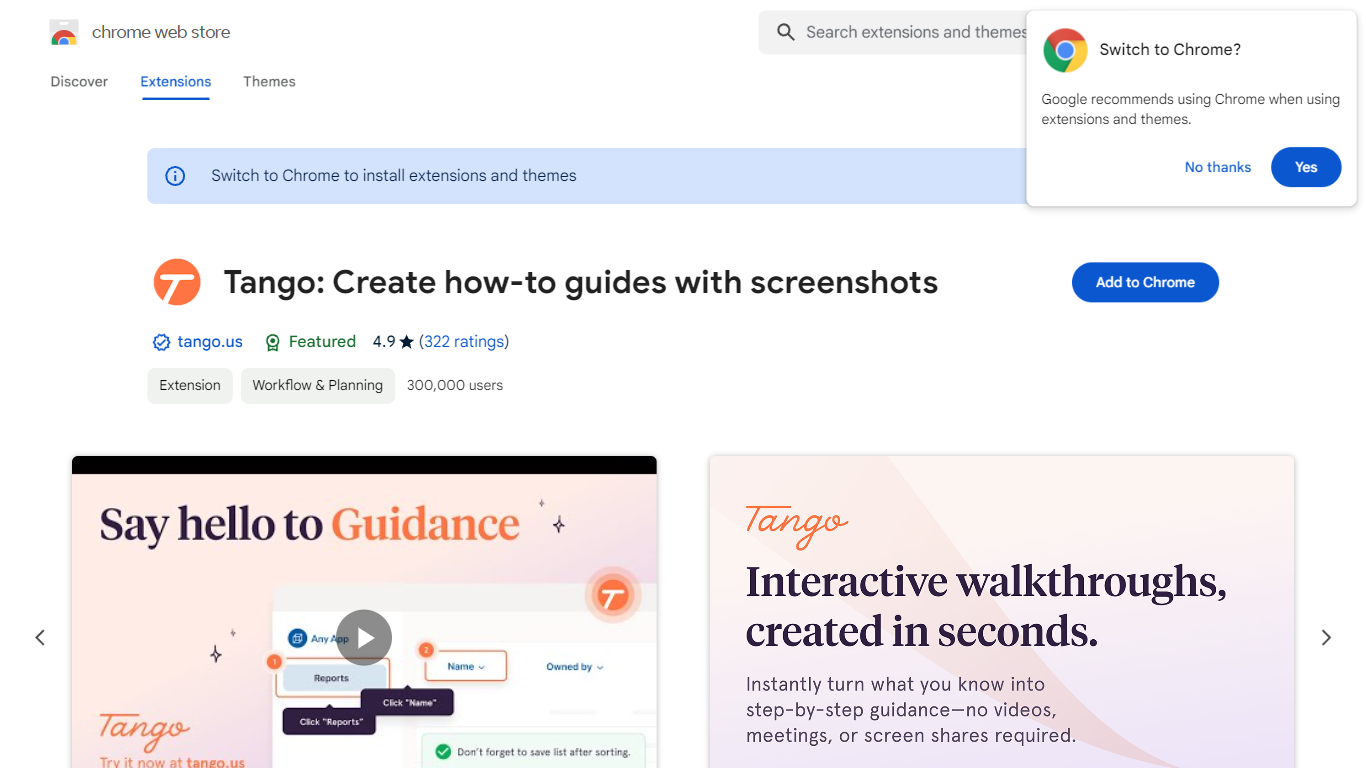
What is Tango on Chrome Web Store?
Tango is a Chrome extension that records your clicks and turns workflows into step-by-step how-to guides with cropped screenshots. The extension also builds interactive walkthroughs through Guide Me, pins knowledge with Nuggets inside the tools teams already use, and on Enterprise plans automates CRM tasks in Salesforce and HubSpot without APIs. The Chrome Web Store listing reports 400,000 users and a 4.8 average rating.
Compared with manual screenshot documentation or static Loom videos, Tango captures processes as you work and exports guides to PDF, HTML, or Markdown. Guide Me overlays steps directly on screen so employees learn by doing, while Nuggets surfaces guides inside live apps instead of sending people to stale wikis.
Operations, IT, sales, support, and training teams use Tango for SOPs, onboarding, and CRM hygiene. The free browser extension documents any web app with no integration setup, and Enterprise customers unlock cross-tab automations for data entry, opportunity updates, and billing handoffs with SOC 2 compliance and advanced blur controls.
Made Live Upvotes
Tango on Chrome Web Store Upvotes
Made Live Top Features
📚 End-to-End Publishing: Manage creation, publishing, and distribution in one platform.
🎨 Illustration-Focused Tools: Designed specifically for children's books, comics, and graphic novels.
🖥️ User-Friendly Interface: Accessible to both beginners and experienced creators.
🌍 Broad Distribution: Features to help reach a wide audience effectively.
🔒 Full Creative Control: Maintain ownership and control over your published work.
📄 Supports Multiple Formats: Publish in formats suitable for illustrated content.
💡 Streamlined Workflow: Simplifies the publishing process from start to finish.
Tango on Chrome Web Store Top Features
Chrome extension with 400,000 users and a 4.8 rating on the Web Store
Captures clicks into step-by-step guides with auto-cropped screenshots
Guide Me turns guides into on-screen interactive walkthroughs
Nuggets pins guides and knowledge inside the apps teams already use
Exports guides to PDF, HTML, or Markdown with shareable links
Enterprise plans automate Salesforce and HubSpot tasks without APIs
SOC 2 compliance with advanced blur for sensitive on-screen data
Made Live Category
- Design
Tango on Chrome Web Store Category
- Design
Made Live Pricing Type
- Freemium
Tango on Chrome Web Store Pricing Type
- Freemium