Magic Brush AI vs SketchImage.AI
In the face-off between Magic Brush AI vs SketchImage.AI, which AI Design tool takes the crown? We scrutinize features, alternatives, upvotes, reviews, pricing, and more.
In a face-off between Magic Brush AI and SketchImage.AI, which one takes the crown?
If we were to analyze Magic Brush AI and SketchImage.AI, both of which are AI-powered design tools, what would we find? Interestingly, both tools have managed to secure the same number of upvotes. Every vote counts! Cast yours and contribute to the decision of the winner.
Don't agree with the result? Cast your vote and be a part of the decision-making process!
Magic Brush AI


What is Magic Brush AI?
Magic Brush AI introduces an innovative AI-powered plugin specifically designed for Figma users who wish to enhance their design process. The Magic Brush AI plugin seamlessly integrates with Figma, allowing designers to generate and edit images directly within the application. If you're looking to speed up your design workflow and leverage artificial intelligence in your projects, Magic Brush AI offers a simple yet powerful solution. With easy installation and a user-friendly interface, Magic Brush expands creative possibilities without ever leaving your favorite design platform. Additionally, the community aspect is emphasized with an invitation to join their Discord, suggesting a focus on user engagement and support. Designed by Elie Toubiana from sunshine-filled Los Angeles, CA, Magic Brush AI is poised to transform how creatives interact with Figma and image editing.
SketchImage.AI
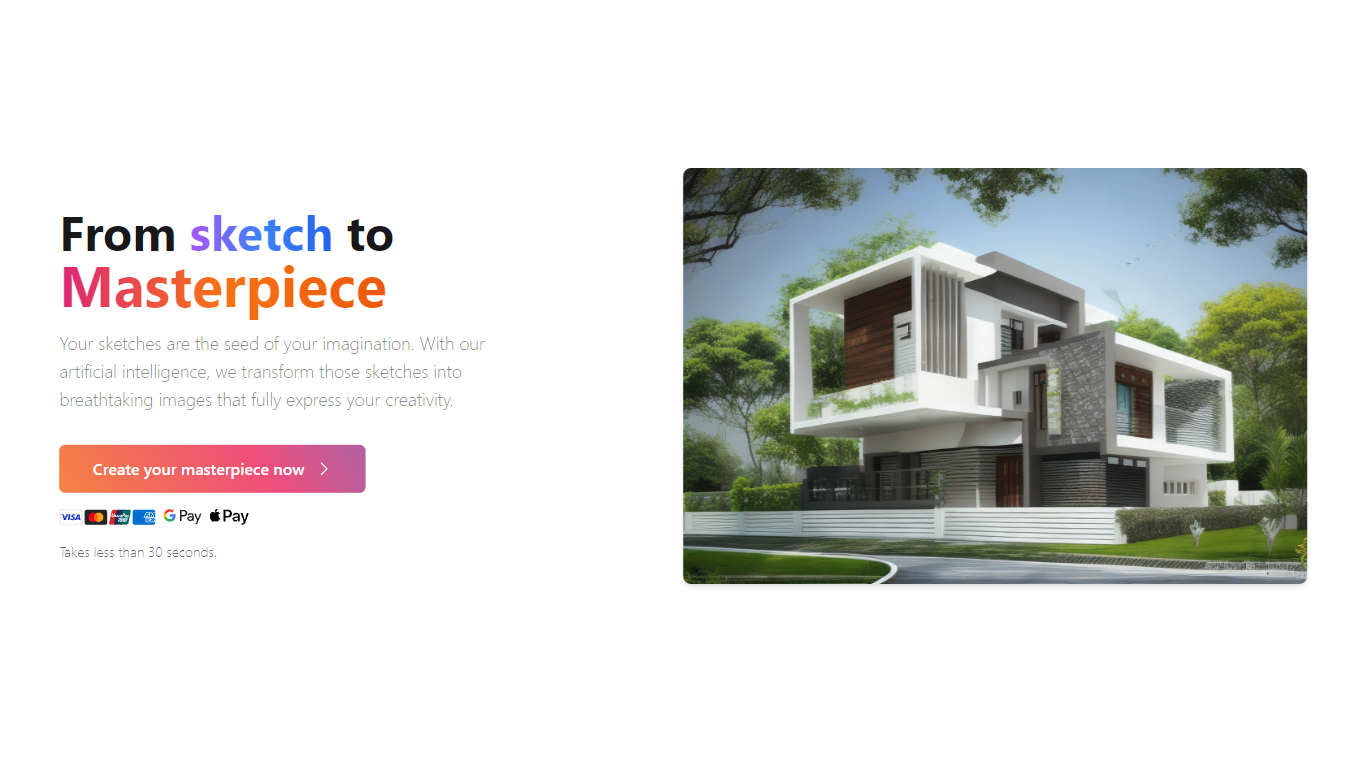
What is SketchImage.AI?
SketchImage.AI turns rough sketches into finished images through a browser dashboard. You upload a drawing, add an optional text prompt, and the site returns a rendered image in under 30 seconds.
General image generators start from text alone. SketchImage.AI is built around a sketch as the starting point, so the output stays tied to your original lines rather than drifting into a wholly new composition. You can also mark creations public or private before generating.
The workflow suits hobby illustrators, concept artists, and designers who want quick visual polish without opening a full desktop suite. Login options include Google and email, and the homepage lists credit card, Google Pay, and Apple Pay support for purchases.
Magic Brush AI Upvotes
SketchImage.AI Upvotes
Magic Brush AI Top Features
AI Powered Plugin: A convenient Figma plugin that utilizes AI for image generation and editing.
Seamless Integration: Integrates with Figma for a streamlined design workflow.
Easy Installation: Simple process to install the plugin directly on Figma.
Community Support: Access to a Discord community for networking and support.
Frequent Updates: Continual improvements and feature additions to enhance user experience.
SketchImage.AI Top Features
Homepage states the sketch-to-image process takes less than 30 seconds
Upload a sketch file and add an optional text prompt before generating
Toggle each creation between public and private visibility
Sign in with Google or email to access the dashboard
Accepts credit cards, Google Pay, and Apple Pay on the homepage
Magic Brush AI Category
- Design
SketchImage.AI Category
- Design
Magic Brush AI Pricing Type
- Freemium
SketchImage.AI Pricing Type
- Freemium