
Last updated 08-11-2026
Category:
Reviews:
Join thousands of AI enthusiasts in the World of AI!
SketchImage.AI
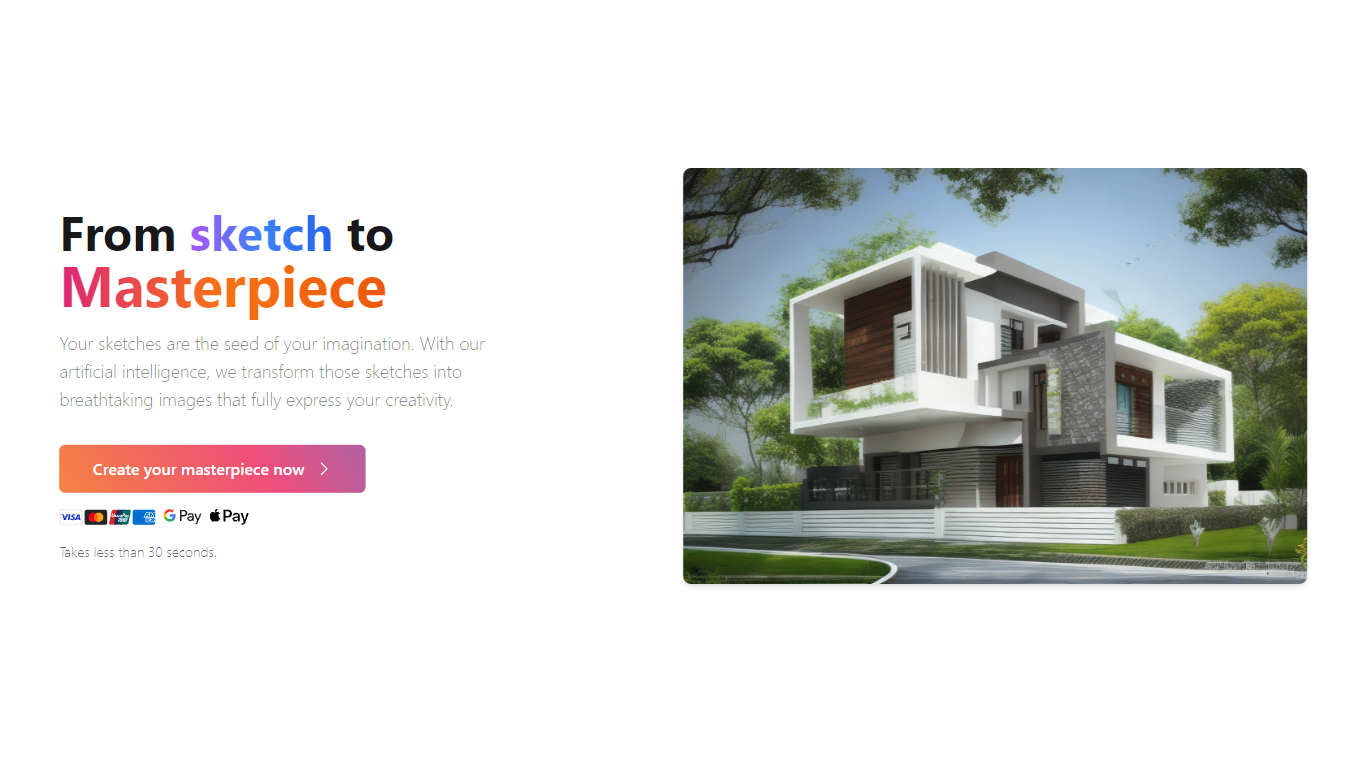
SketchImage.AI turns rough sketches into finished images through a browser dashboard. You upload a drawing, add an optional text prompt, and the site returns a rendered image in under 30 seconds.
General image generators start from text alone. SketchImage.AI is built around a sketch as the starting point, so the output stays tied to your original lines rather than drifting into a wholly new composition. You can also mark creations public or private before generating.
The workflow suits hobby illustrators, concept artists, and designers who want quick visual polish without opening a full desktop suite. Login options include Google and email, and the homepage lists credit card, Google Pay, and Apple Pay support for purchases.
Homepage states the sketch-to-image process takes less than 30 seconds
Upload a sketch file and add an optional text prompt before generating
Toggle each creation between public and private visibility
Sign in with Google or email to access the dashboard
Accepts credit cards, Google Pay, and Apple Pay on the homepage
Sketch-first workflow keeps your original drawing as the starting point
Homepage promises results in under 30 seconds
Public or private toggle per generation
Google and email login options
No desktop software install required
No public pricing page with plan names or credit costs
Dashboard requires login before you can test the tool
Thin public documentation beyond the homepage and dashboard
What does SketchImage.AI do?
SketchImage.AI transforms uploaded sketches into rendered images. You open the dashboard, upload your drawing, optionally add a prompt, and click Create image to generate the result.
How fast is SketchImage.AI?
SketchImage.AI advertises that turning a sketch into an image takes less than 30 seconds on the homepage.
Do I need an account for SketchImage.AI?
Yes. SketchImage.AI requires login through Google or email before you can upload a sketch and create images in the dashboard.
Can I keep SketchImage.AI images private?
Yes. SketchImage.AI lets you set each generation to Public or Private before you click Create image in the dashboard.
What payment methods does SketchImage.AI accept?
SketchImage.AI displays credit card, Google Pay, and Apple Pay icons on its homepage, indicating those payment options are supported.
Where do I use SketchImage.AI?
SketchImage.AI runs in the browser at sketchimage.ai. The main creation workflow lives on the /dashboard page after you log in.