Magic Brush AI vs Slidesgo
In the face-off between Magic Brush AI vs Slidesgo, which AI Design tool takes the crown? We scrutinize features, alternatives, upvotes, reviews, pricing, and more.
In a face-off between Magic Brush AI and Slidesgo, which one takes the crown?
If we were to analyze Magic Brush AI and Slidesgo, both of which are AI-powered design tools, what would we find? Neither tool takes the lead, as they both have the same upvote count. Join the aitools.fyi users in deciding the winner by casting your vote.
You don't agree with the result? Cast your vote to help us decide!
Magic Brush AI


What is Magic Brush AI?
Magic Brush AI introduces an innovative AI-powered plugin specifically designed for Figma users who wish to enhance their design process. The Magic Brush AI plugin seamlessly integrates with Figma, allowing designers to generate and edit images directly within the application. If you're looking to speed up your design workflow and leverage artificial intelligence in your projects, Magic Brush AI offers a simple yet powerful solution. With easy installation and a user-friendly interface, Magic Brush expands creative possibilities without ever leaving your favorite design platform. Additionally, the community aspect is emphasized with an invitation to join their Discord, suggesting a focus on user engagement and support. Designed by Elie Toubiana from sunshine-filled Los Angeles, CA, Magic Brush AI is poised to transform how creatives interact with Figma and image editing.
Slidesgo
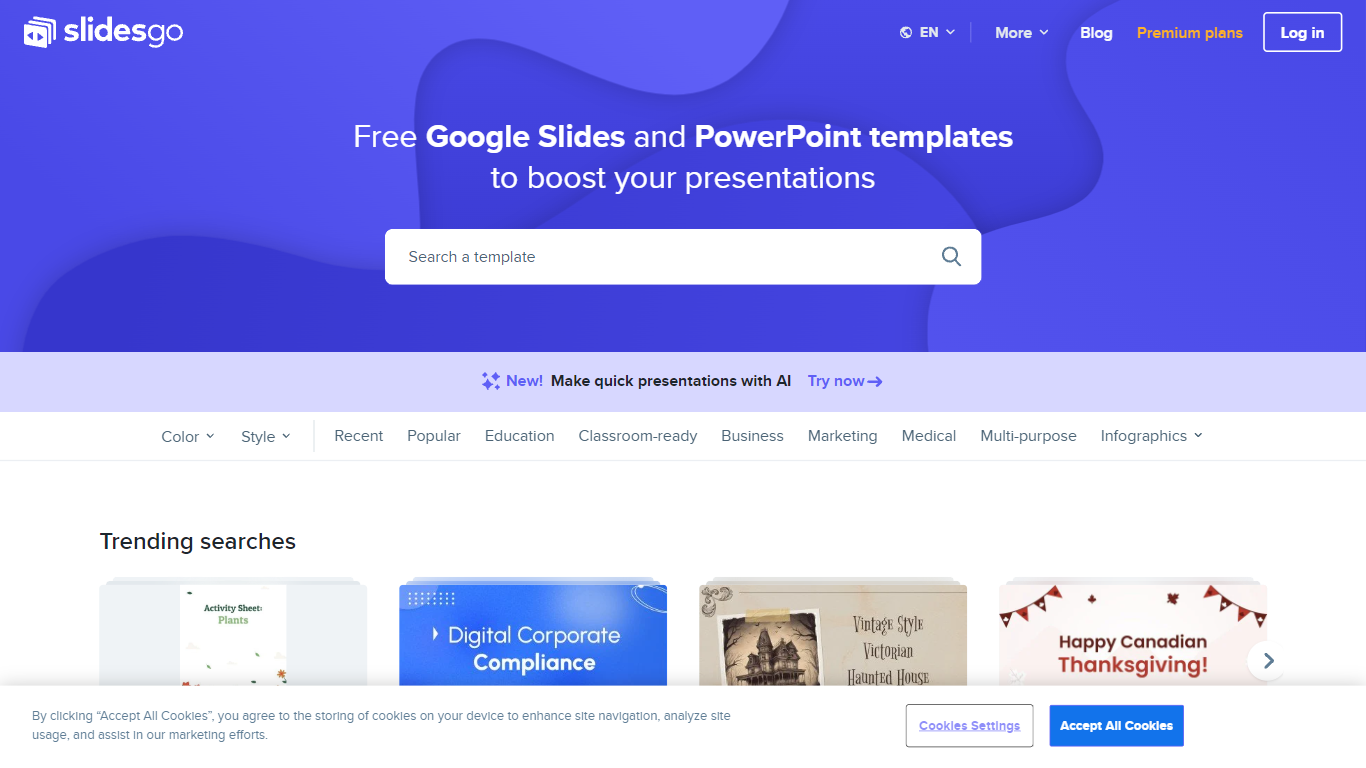
What is Slidesgo?
Free Google Slides themes and Powerpoint templates offers a wide range of professionally designed presentation templates that can be used for both Google Slides and Powerpoint. With a variety of colors and styles to choose from, including yellow, blue, white, gray, cream, gold, orange, brown, silver, black, pink, purple, green, and red, you can find the perfect template to suit your needs. Whether you need a template for education, business, marketing, medical, or any other purpose, this website has you covered. Additionally, there are various infographic templates available for creating visually appealing and informative presentations. The website also provides access to free vectors, photos, customizable icons, online template editing, editable illustrations, and free videos and motion graphics.
Magic Brush AI Upvotes
Slidesgo Upvotes
Magic Brush AI Top Features
AI Powered Plugin: A convenient Figma plugin that utilizes AI for image generation and editing.
Seamless Integration: Integrates with Figma for a streamlined design workflow.
Easy Installation: Simple process to install the plugin directly on Figma.
Community Support: Access to a Discord community for networking and support.
Frequent Updates: Continual improvements and feature additions to enhance user experience.
Slidesgo Top Features
Wide variety of templates: There is a diverse selection of templates available catering to different needs and preferences.
Professional design: The templates are professionally designed to ensure a polished and visually appealing presentation.
Compatibility: The templates can be used for both Google Slides and Powerpoint providing flexibility and convenience.
Infographic templates: The website offers a collection of infographic templates for creating visually engaging presentations.
Additional resources: In addition to templates the website provides access to free vectors photos customizable icons online template editing editable illustrations and free videos and motion graphics.
Magic Brush AI Category
- Design
Slidesgo Category
- Design
Magic Brush AI Pricing Type
- Freemium
Slidesgo Pricing Type
- Freemium