Magic Brush AI vs Tango on Chrome Web Store
Compare Magic Brush AI vs Tango on Chrome Web Store and see which AI Design tool is better when we compare features, reviews, pricing, alternatives, upvotes, etc.
Which one is better? Magic Brush AI or Tango on Chrome Web Store?
When we compare Magic Brush AI with Tango on Chrome Web Store, which are both AI-powered design tools, The upvote count favors Tango on Chrome Web Store, making it the clear winner. Tango on Chrome Web Store has 7 upvotes, and Magic Brush AI has 6 upvotes.
Feeling rebellious? Cast your vote and shake things up!
Magic Brush AI


What is Magic Brush AI?
Magic Brush AI introduces an innovative AI-powered plugin specifically designed for Figma users who wish to enhance their design process. The Magic Brush AI plugin seamlessly integrates with Figma, allowing designers to generate and edit images directly within the application. If you're looking to speed up your design workflow and leverage artificial intelligence in your projects, Magic Brush AI offers a simple yet powerful solution. With easy installation and a user-friendly interface, Magic Brush expands creative possibilities without ever leaving your favorite design platform. Additionally, the community aspect is emphasized with an invitation to join their Discord, suggesting a focus on user engagement and support. Designed by Elie Toubiana from sunshine-filled Los Angeles, CA, Magic Brush AI is poised to transform how creatives interact with Figma and image editing.
Tango on Chrome Web Store
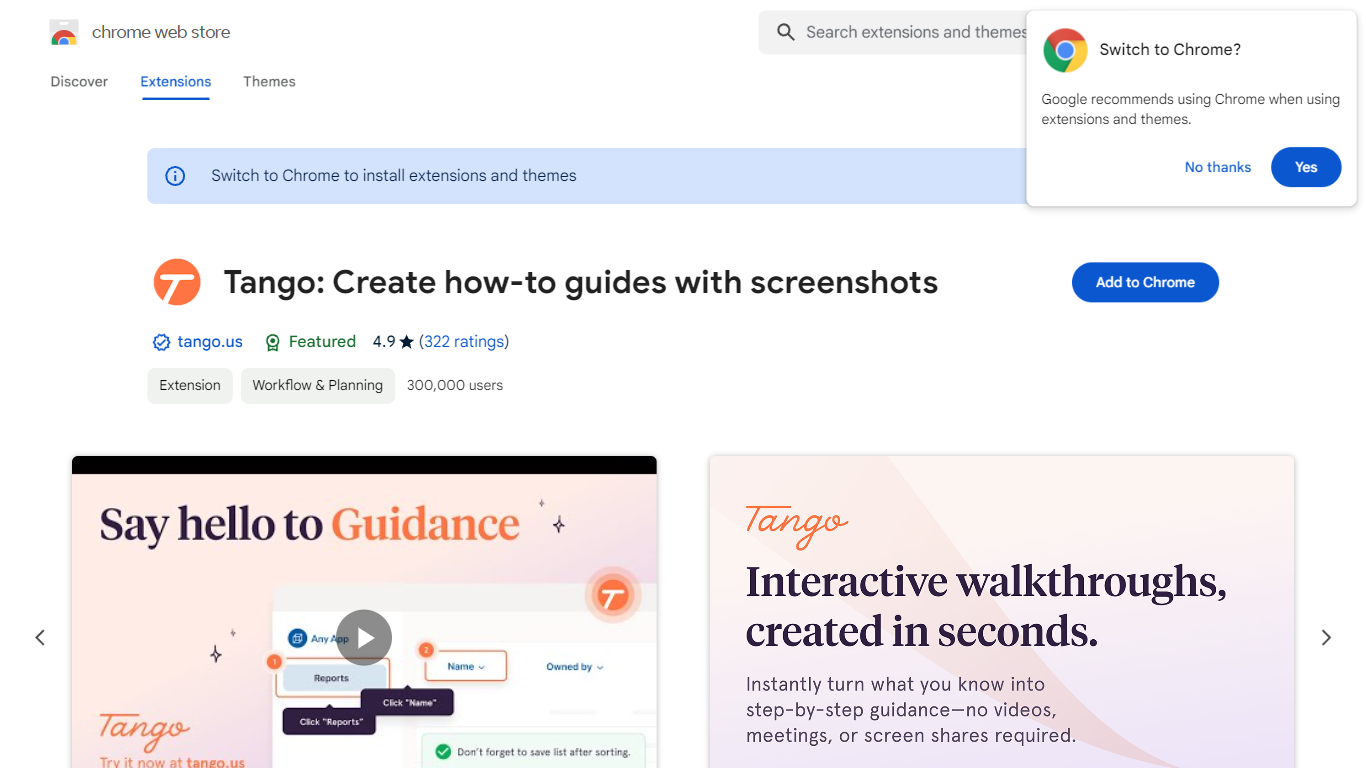
What is Tango on Chrome Web Store?
Tango is a Chrome extension that records your clicks and turns workflows into step-by-step how-to guides with cropped screenshots. The extension also builds interactive walkthroughs through Guide Me, pins knowledge with Nuggets inside the tools teams already use, and on Enterprise plans automates CRM tasks in Salesforce and HubSpot without APIs. The Chrome Web Store listing reports 400,000 users and a 4.8 average rating.
Compared with manual screenshot documentation or static Loom videos, Tango captures processes as you work and exports guides to PDF, HTML, or Markdown. Guide Me overlays steps directly on screen so employees learn by doing, while Nuggets surfaces guides inside live apps instead of sending people to stale wikis.
Operations, IT, sales, support, and training teams use Tango for SOPs, onboarding, and CRM hygiene. The free browser extension documents any web app with no integration setup, and Enterprise customers unlock cross-tab automations for data entry, opportunity updates, and billing handoffs with SOC 2 compliance and advanced blur controls.
Magic Brush AI Upvotes
Tango on Chrome Web Store Upvotes
Magic Brush AI Top Features
AI Powered Plugin: A convenient Figma plugin that utilizes AI for image generation and editing.
Seamless Integration: Integrates with Figma for a streamlined design workflow.
Easy Installation: Simple process to install the plugin directly on Figma.
Community Support: Access to a Discord community for networking and support.
Frequent Updates: Continual improvements and feature additions to enhance user experience.
Tango on Chrome Web Store Top Features
Chrome extension with 400,000 users and a 4.8 rating on the Web Store
Captures clicks into step-by-step guides with auto-cropped screenshots
Guide Me turns guides into on-screen interactive walkthroughs
Nuggets pins guides and knowledge inside the apps teams already use
Exports guides to PDF, HTML, or Markdown with shareable links
Enterprise plans automate Salesforce and HubSpot tasks without APIs
SOC 2 compliance with advanced blur for sensitive on-screen data
Magic Brush AI Category
- Design
Tango on Chrome Web Store Category
- Design
Magic Brush AI Pricing Type
- Freemium
Tango on Chrome Web Store Pricing Type
- Freemium