Magic Design | Canva vs Magic Brush AI
Dive into the comparison of Magic Design | Canva vs Magic Brush AI and discover which AI Design tool stands out. We examine alternatives, upvotes, features, reviews, pricing, and beyond.
When comparing Magic Design | Canva and Magic Brush AI, which one rises above the other?
When we compare Magic Design | Canva and Magic Brush AI, two exceptional design tools powered by artificial intelligence, and place them side by side, several key similarities and differences come to light. The upvote count is neck and neck for both Magic Design | Canva and Magic Brush AI. The power is in your hands! Cast your vote and have a say in deciding the winner.
Want to flip the script? Upvote your favorite tool and change the game!
Magic Design | Canva
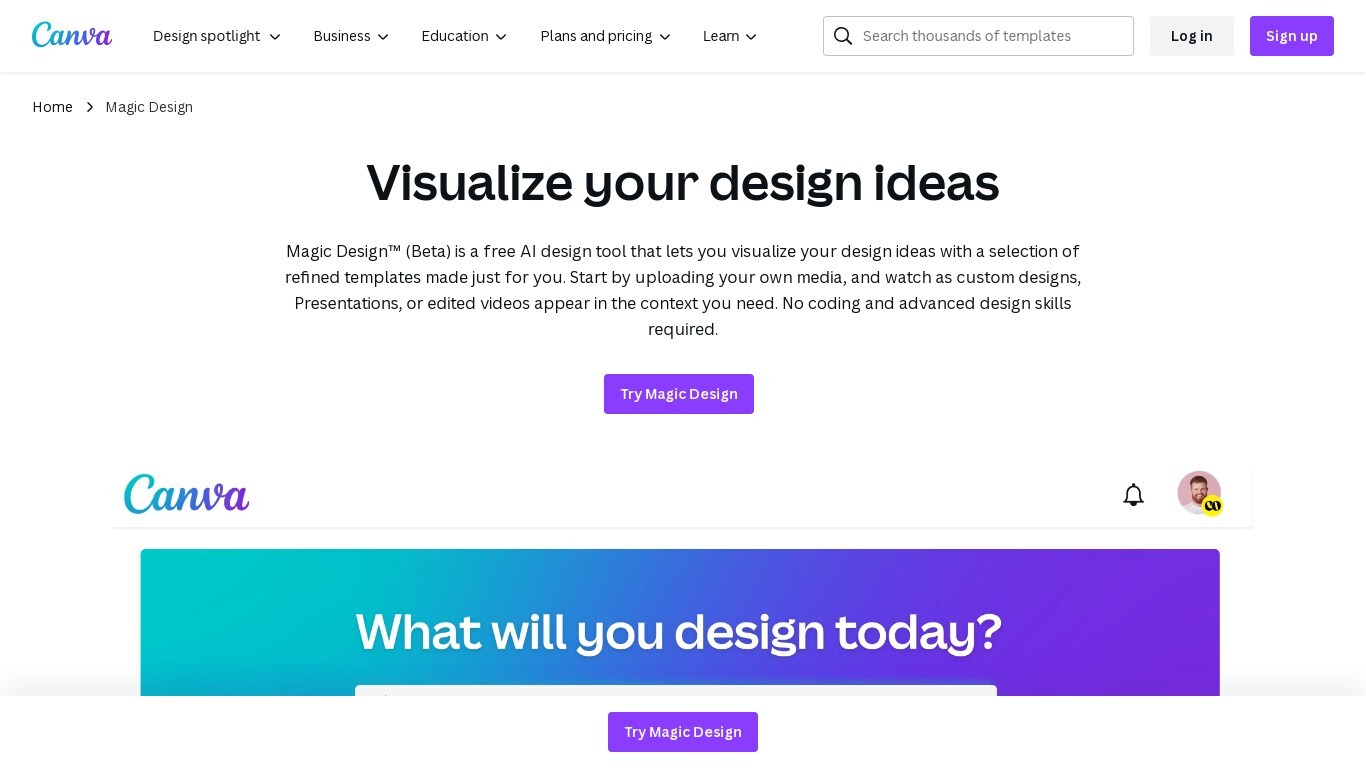

What is Magic Design | Canva?
Magic Design™ is an AI design generator integrated into Canva that helps you create custom, on-brand designs quickly. Start by describing your idea with text or uploading your own images, and Magic Design generates professional templates tailored to your needs. It supports various design types including social media posts, presentations, and videos.
The tool is trained and reviewed by Canva's designers to reduce editing time and improve design accuracy. You can further customize designs by applying your brand colors and fonts using Canva's Brand Kit. Magic Design is designed for users without advanced design skills, enabling fast creation of polished visuals.
It includes safeguards to ensure safe and appropriate content generation. Currently, Magic Design is available in English and is part of Canva’s broader suite of creative tools.
Magic Brush AI

What is Magic Brush AI?
Magic Brush AI introduces an innovative AI-powered plugin specifically designed for Figma users who wish to enhance their design process. The Magic Brush AI plugin seamlessly integrates with Figma, allowing designers to generate and edit images directly within the application. If you're looking to speed up your design workflow and leverage artificial intelligence in your projects, Magic Brush AI offers a simple yet powerful solution. With easy installation and a user-friendly interface, Magic Brush expands creative possibilities without ever leaving your favorite design platform. Additionally, the community aspect is emphasized with an invitation to join their Discord, suggesting a focus on user engagement and support. Designed by Elie Toubiana from sunshine-filled Los Angeles, CA, Magic Brush AI is poised to transform how creatives interact with Figma and image editing.
Magic Design | Canva Upvotes
Magic Brush AI Upvotes
Magic Design | Canva Top Features
✨ Generate designs from text or images to jumpstart creativity
🎨 Apply your brand colors and fonts instantly with Brand Kit integration
⚡ Fast AI-powered creation of presentations, social posts, and videos
🔒 Built-in safeguards ensure safe and appropriate content generation
🤝 Collaborate in real-time with team members on your designs
Magic Brush AI Top Features
AI Powered Plugin: A convenient Figma plugin that utilizes AI for image generation and editing.
Seamless Integration: Integrates with Figma for a streamlined design workflow.
Easy Installation: Simple process to install the plugin directly on Figma.
Community Support: Access to a Discord community for networking and support.
Frequent Updates: Continual improvements and feature additions to enhance user experience.
Magic Design | Canva Category
- Design
Magic Brush AI Category
- Design
Magic Design | Canva Pricing Type
- Freemium
Magic Brush AI Pricing Type
- Freemium