MAIA AI vs Brancher AI
Dive into the comparison of MAIA AI vs Brancher AI and discover which AI Web Apps tool stands out. We examine alternatives, upvotes, features, reviews, pricing, and beyond.
When comparing MAIA AI and Brancher AI, which one rises above the other?
When we compare MAIA AI and Brancher AI, two exceptional web apps tools powered by artificial intelligence, and place them side by side, several key similarities and differences come to light. The community has spoken, MAIA AI leads with more upvotes. The upvote count for MAIA AI is 6, and for Brancher AI it's 4.
Does the result make you go "hmm"? Cast your vote and turn that frown upside down!
MAIA AI

What is MAIA AI?
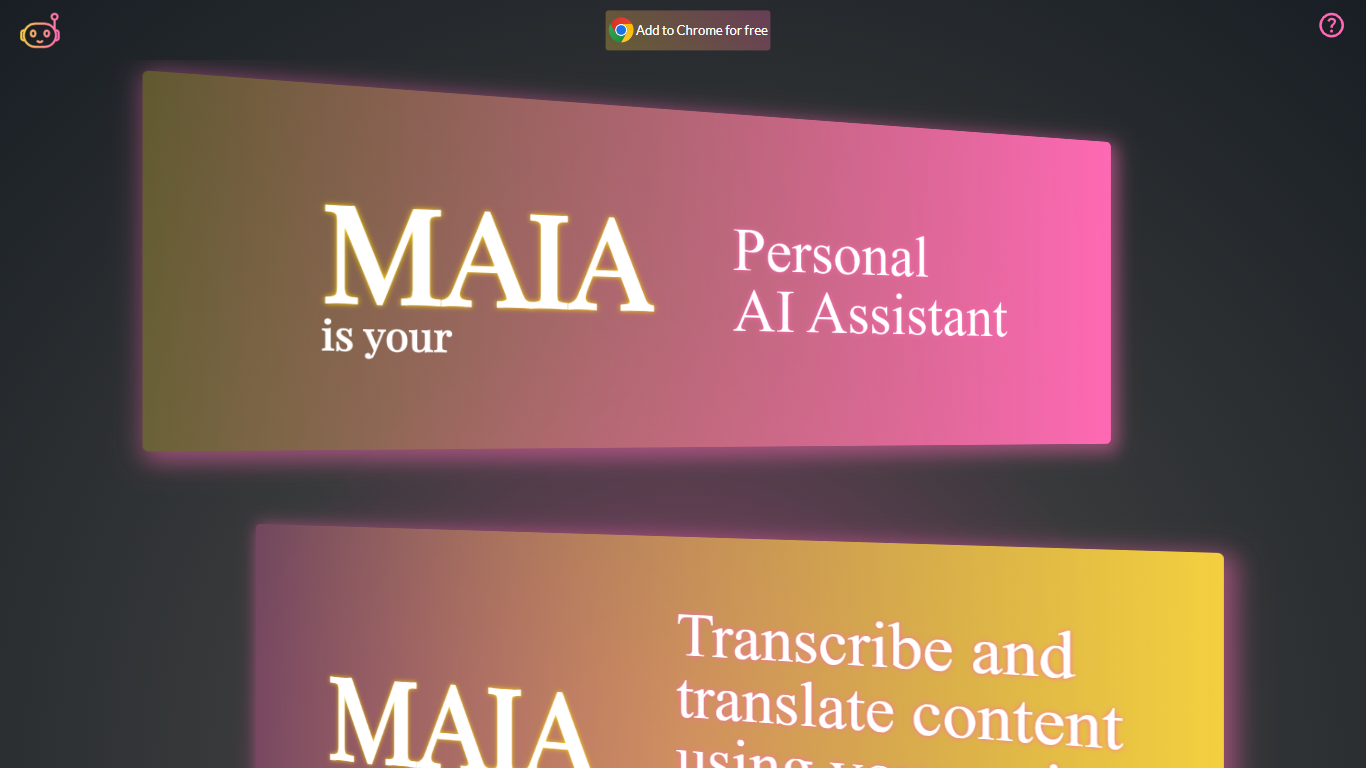
MAIA AI (My AI Assistant) is a Google Chrome extension that puts OpenAI models in a side panel while you browse. Select text on a page, send a prompt, and get summaries, rewrites, or answers without copying content into a separate chat tab.
Unlike all-in-one AI chat wrappers that resell token access, MAIA charges a flat $5 per month subscription and sends every request to your own OpenAI account with zero markup on usage. The extension is built around page context: highlight text on articles, emails, or other sites, then run tasks like summarizing long posts, simplifying complex topics, generating social copy, or turning emails into to-do lists.
Pricing splits into two parts: a MAIA subscription after a 14-day trial, plus pay-as-you-go OpenAI API usage billed directly by OpenAI. You bring your own OpenAI API key, so requests go straight to OpenAI without a markup on token costs.
It fits researchers, writers, and anyone who reads a lot online and wants quick help on the current page. MAIA runs only in Google Chrome on devices that support extensions.
Brancher AI
What is Brancher AI?
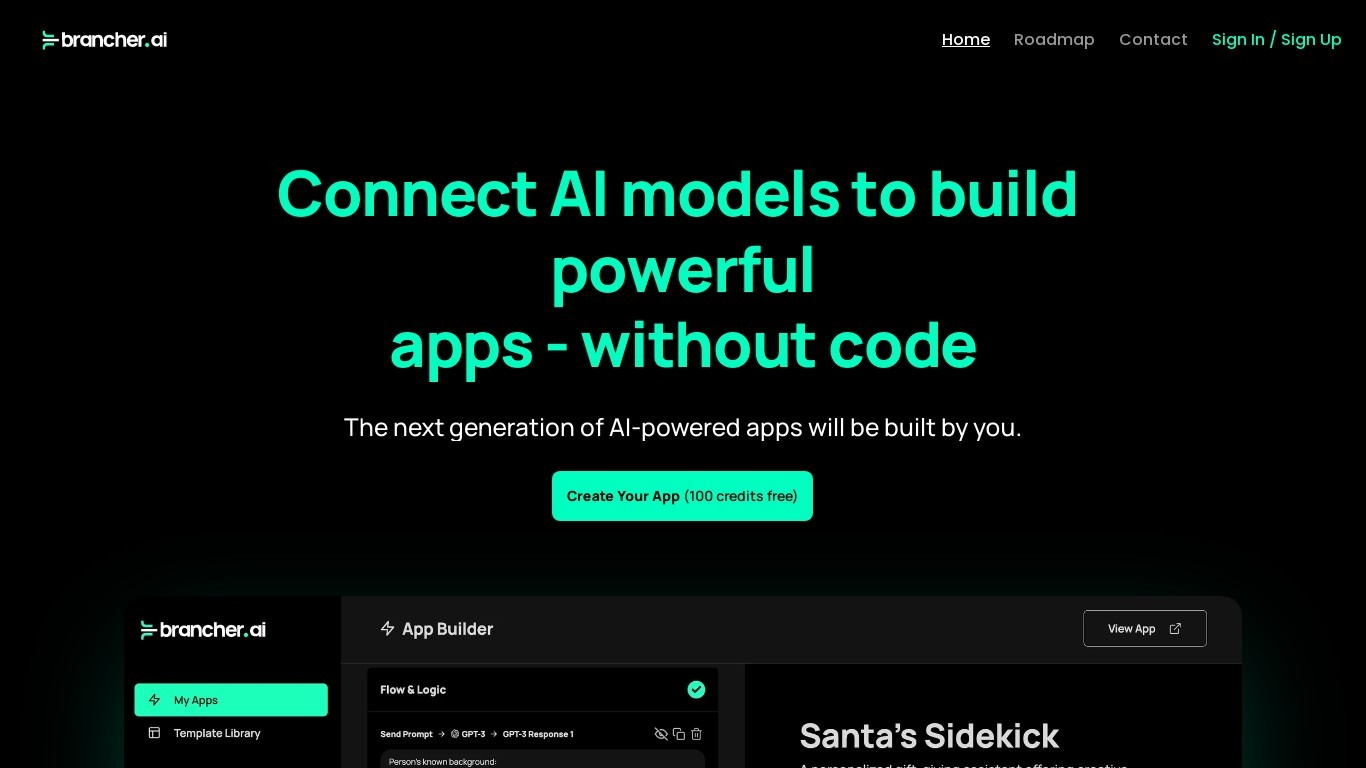
Brancher.ai lets you connect AI models and publish no-code web apps in minutes without writing backend code. You pick models, wire them together in a visual builder, and launch from over 100 ready-made templates with 100 free credits when you sign up at app.brancher.ai.
Generic chat wrappers give you one model in a chat box. Brancher.ai focuses on chaining models and inputs into shareable mini-apps, so you can combine text, image, and workflow steps in one interface. The platform also sells Brancher One for enterprises that need private agents, audit logs, and consolidated billing across departments.
Indie builders use the self-serve builder to prototype ideas fast. Larger teams adopt Brancher One for custom agents on private data, a Researcher search tool, workflow diagramming, and image generation through Flux LoRa, DALL-E 3, and SDXL. Fresh Consulting operates the product and offers help center docs, Discord support, and email contact at [email protected].
MAIA AI Upvotes
Brancher AI Upvotes
MAIA AI Top Features
Lives in Chrome's side panel so you can browse and chat at the same time
Highlight page text and send it to MAIA with one click
Talk instead of type with voice recording and transcription up to 20 minutes
Switch between GPT-4 and GPT-3.5 Turbo in settings
100+ starter prompts to kick off common writing and research tasks
Connects with your own OpenAI API key with no markup on usage
Brancher AI Top Features
100+ ready-made templates to start new AI apps quickly
100 free credits included when you create an account
No-code builder connects multiple AI models without coding
Brancher One offers custom agents, apps, and enterprise ChatGPT access
Image generation via Flux LoRa, DALL-E 3, and SDXL models
LLM-agnostic platform with audit logs and consolidated billing
Trusted by 140,000 users globally per Brancher One marketing page
MAIA AI Category
- Web Apps
Brancher AI Category
- Web Apps
MAIA AI Pricing Type
- Freemium
Brancher AI Pricing Type
- Freemium