MAIA AI vs UiMagic
In the battle of MAIA AI vs UiMagic, which AI Web Apps tool comes out on top? We compare reviews, pricing, alternatives, upvotes, features, and more.
Which one is better? MAIA AI or UiMagic?
Upon comparing MAIA AI with UiMagic, which are both AI-powered web apps tools, UiMagic is the clear winner in terms of upvotes. UiMagic has 7 upvotes, and MAIA AI has 6 upvotes.
Don't agree with the result? Cast your vote and be a part of the decision-making process!
MAIA AI

What is MAIA AI?
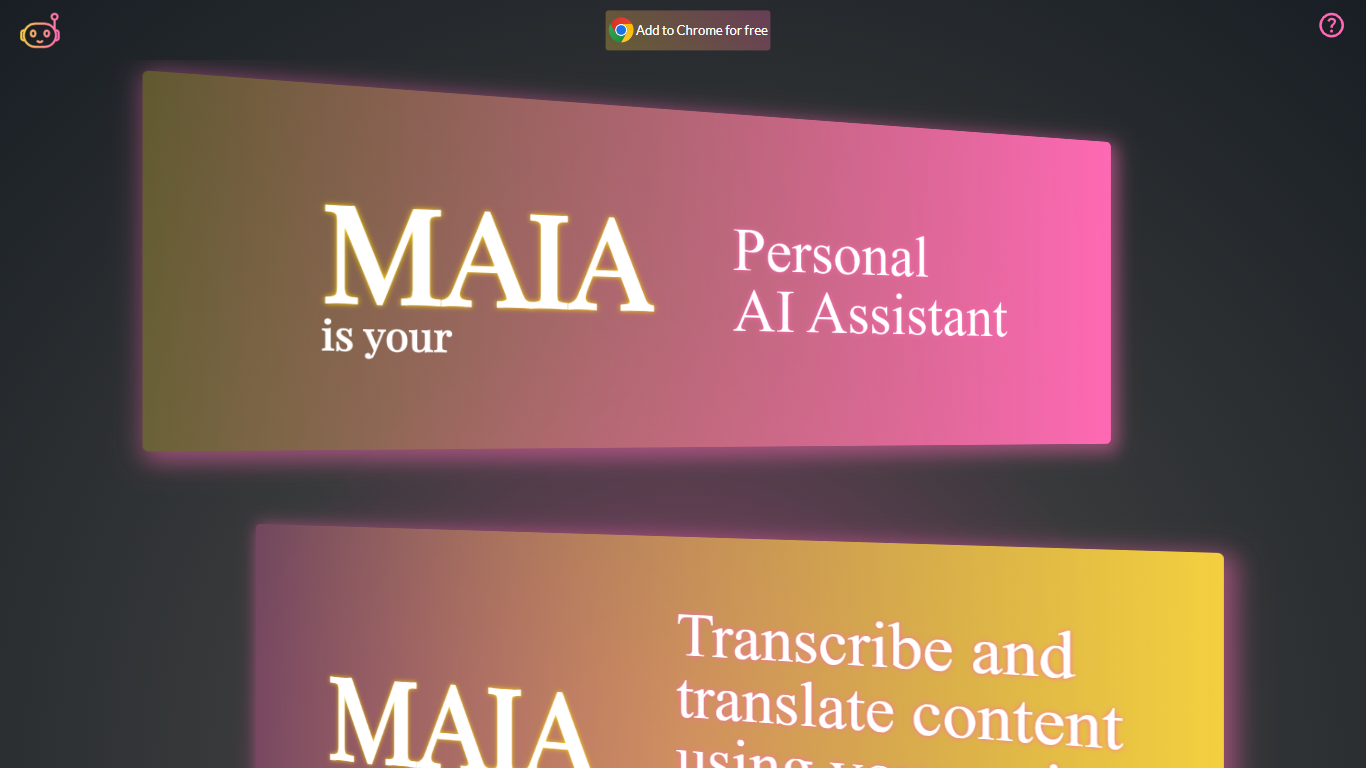
MAIA AI (My AI Assistant) is a Google Chrome extension that puts OpenAI models in a side panel while you browse. Select text on a page, send a prompt, and get summaries, rewrites, or answers without copying content into a separate chat tab.
Unlike all-in-one AI chat wrappers that resell token access, MAIA charges a flat $5 per month subscription and sends every request to your own OpenAI account with zero markup on usage. The extension is built around page context: highlight text on articles, emails, or other sites, then run tasks like summarizing long posts, simplifying complex topics, generating social copy, or turning emails into to-do lists.
Pricing splits into two parts: a MAIA subscription after a 14-day trial, plus pay-as-you-go OpenAI API usage billed directly by OpenAI. You bring your own OpenAI API key, so requests go straight to OpenAI without a markup on token costs.
It fits researchers, writers, and anyone who reads a lot online and wants quick help on the current page. MAIA runs only in Google Chrome on devices that support extensions.
UiMagic
What is UiMagic?
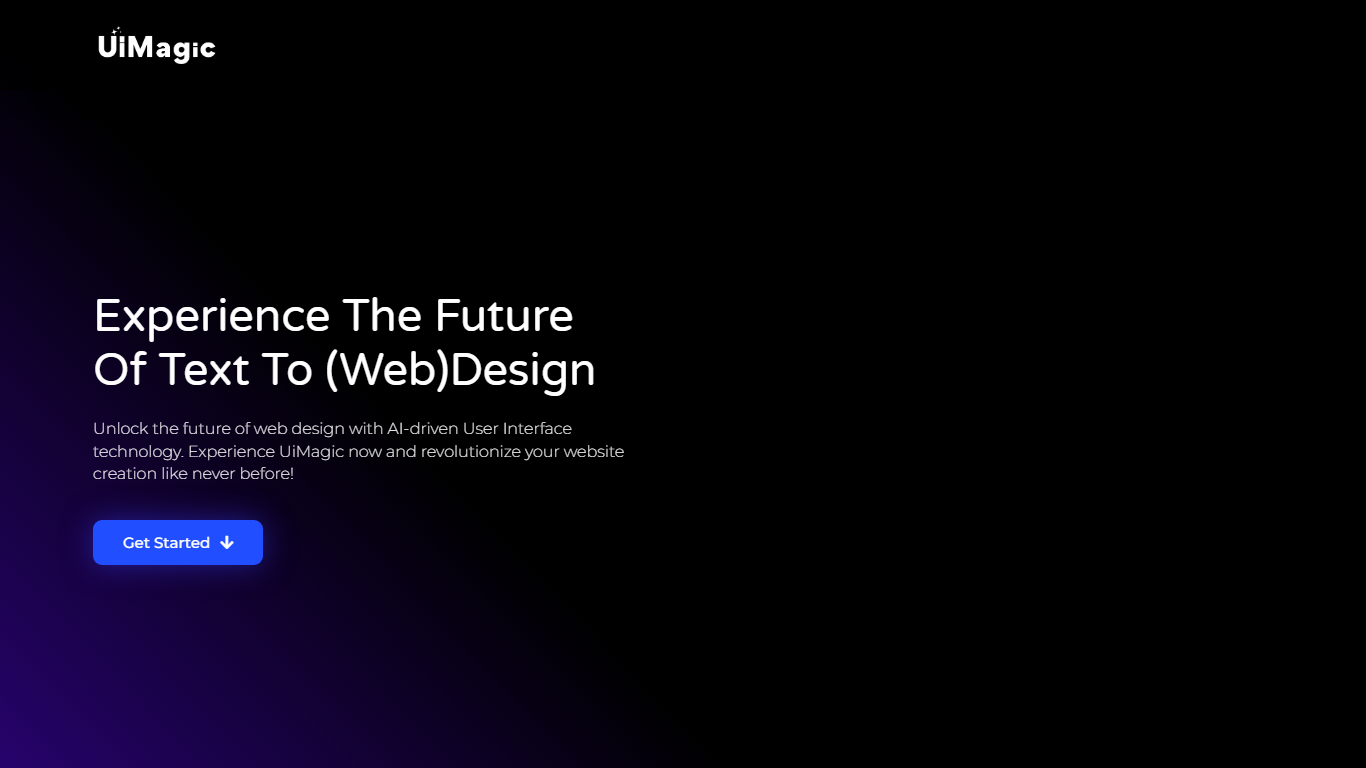
UiMagic turns text descriptions into full-stack web applications you can edit and deploy. Describe what you want in plain language, and the platform generates frontend, backend logic, and deployment setup from that prompt.
The homepage positions it as text-to-website creation, with paths for users who already have branding and for those who want to build a name and logo first through Monstric. The product is currently in beta.
UiMagic targets startup founders prototyping ideas, designers turning concepts into live pages, and developers who want to skip repetitive setup. Supported project types listed on the site include landing pages, SaaS apps, and portfolio websites.
MAIA AI Upvotes
UiMagic Upvotes
MAIA AI Top Features
Lives in Chrome's side panel so you can browse and chat at the same time
Highlight page text and send it to MAIA with one click
Talk instead of type with voice recording and transcription up to 20 minutes
Switch between GPT-4 and GPT-3.5 Turbo in settings
100+ starter prompts to kick off common writing and research tasks
Connects with your own OpenAI API key with no markup on usage
UiMagic Top Features
Describe your app in plain language and get a generated full-stack application back
Refine the build through conversation instead of editing code by hand
Deploy to production with one click from inside the platform
Create landing pages, SaaS apps, or portfolio sites from the same builder
Start for free with no credit card required on signup
MAIA AI Category
- Web Apps
UiMagic Category
- Web Apps
MAIA AI Pricing Type
- Freemium
UiMagic Pricing Type
- Freemium