MailEcho vs AI Email Writer | HubSpot
In the face-off between MailEcho vs AI Email Writer | HubSpot, which AI Email Assistant tool takes the crown? We scrutinize features, alternatives, upvotes, reviews, pricing, and more.
In a face-off between MailEcho and AI Email Writer | HubSpot, which one takes the crown?
If we were to analyze MailEcho and AI Email Writer | HubSpot, both of which are AI-powered email assistant tools, what would we find? Interestingly, both tools have managed to secure the same number of upvotes. The power is in your hands! Cast your vote and have a say in deciding the winner.
Don't agree with the result? Cast your vote and be a part of the decision-making process!
MailEcho

What is MailEcho?
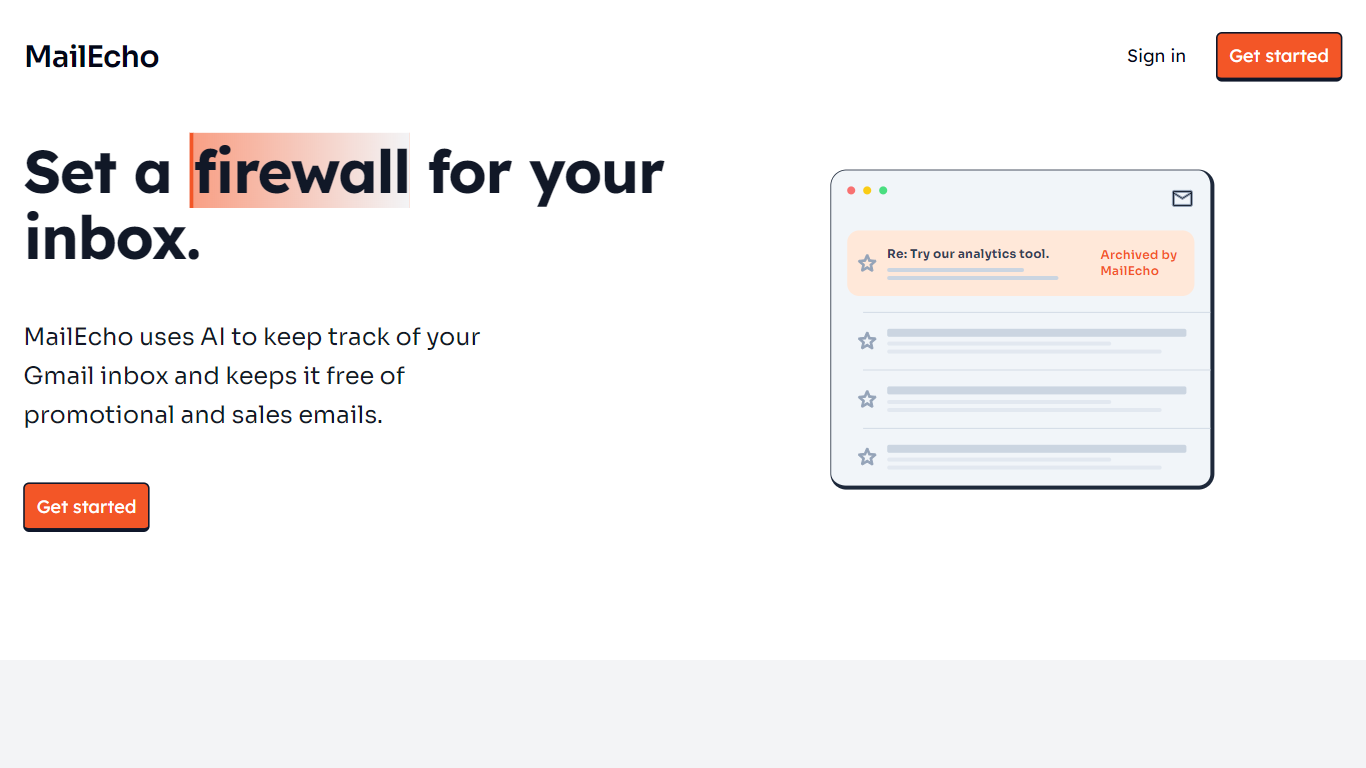
MailEcho is an AI-powered email management tool that helps you keep your Gmail inbox organized by automatically filtering and archiving unwanted emails. It focuses on identifying sales, marketing, and promotional messages, moving them out of your main inbox to reduce distractions. The tool runs in real-time, ensuring your inbox stays tidy without manual effort. MailEcho offers an easy setup and customizable filtering options to suit your preferences. It prioritizes user privacy and data security, making sure your important emails remain accessible and safe. While primarily designed for individual Gmail users, it also benefits professionals who want to focus on critical communications without clutter. The service integrates smoothly with Gmail, requiring no complex technical setup, and operates quietly in the background to improve your email experience.
AI Email Writer | HubSpot
What is AI Email Writer | HubSpot?
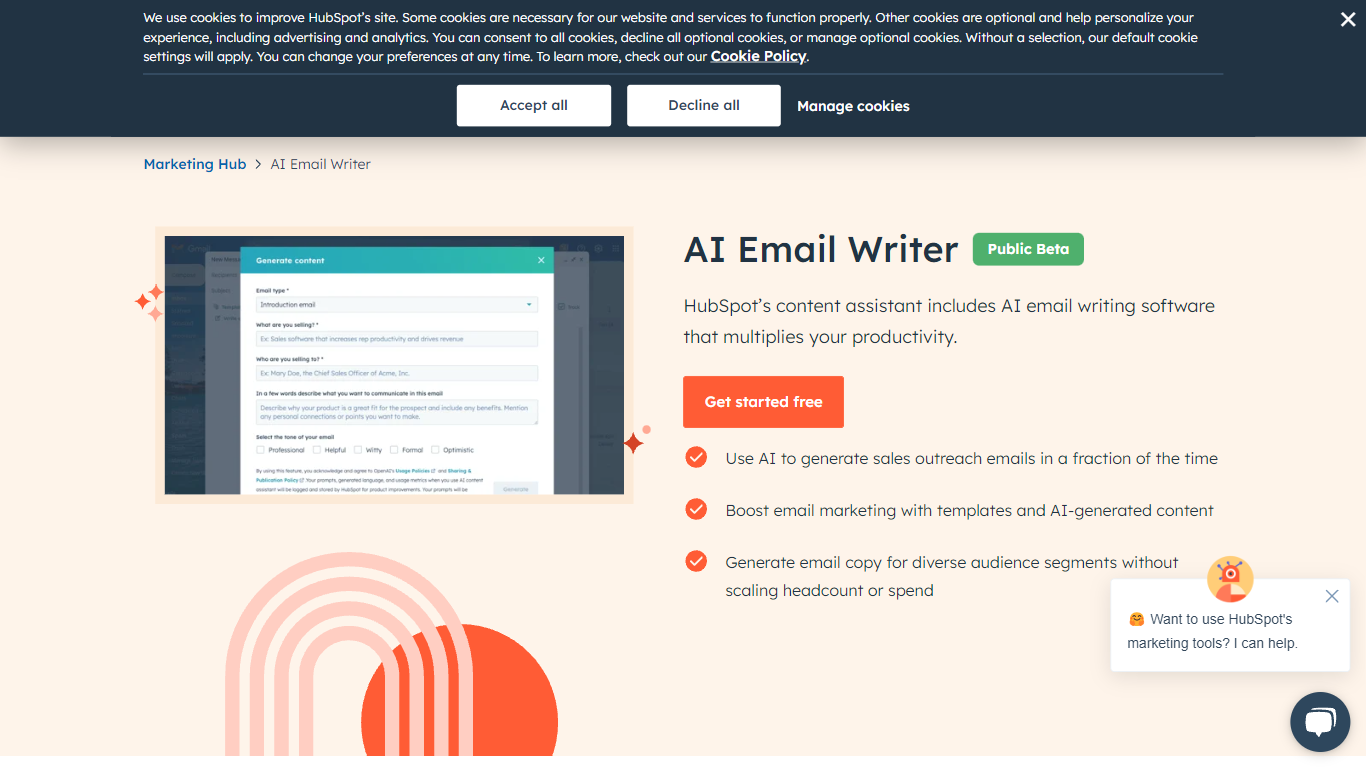
HubSpot's AI Email Writer is an email assistant built into Marketing Hub that drafts marketing campaigns and sales outreach from text prompts. You pick an email template, use slash and highlight commands to generate or rewrite copy, then send and track everything from the same HubSpot CRM dashboard.
Standalone AI writing tools stop at the draft. HubSpot ties generation to your contact database, so personalization tokens pull from CRM records and campaign analytics log open rates and lead submissions automatically. That integration is the trade-off: you get less flexibility than a general-purpose writer, but you skip exporting copy into a separate ESP.
Marketing teams use it for blast campaigns and segmented messaging. Sales reps use it to generate cold outreach drafts at scale and customize tone, length, and spelling with inline commands. The free tier covers basic AI writing with no credit card; Starter, Professional, and Enterprise Marketing Hub plans unlock advanced automation and analytics.
MailEcho Upvotes
AI Email Writer | HubSpot Upvotes
MailEcho Top Features
📥 Real-time email filtering keeps inbox clutter low
⚙️ Customizable rules let you control which emails get archived
🔒 Strong privacy safeguards protect your email data
📤 Automatic archiving removes unwanted sales and promo emails
🛠️ Easy setup with no technical skills required
AI Email Writer | HubSpot Top Features
Generate and edit email copy with slash and highlight commands inside HubSpot
Free AI email writing with no credit card required
CRM auto-logs campaign data including open rates and lead submissions
Generate hundreds of sales outreach drafts in minutes
Audience segmentation for personalized messaging per contact list
Works in HubSpot desktop and mobile app plus Gmail inbox integration
Drag-and-drop email builder with professionally designed templates
MailEcho Category
- Email Assistant
AI Email Writer | HubSpot Category
- Email Assistant
MailEcho Pricing Type
- Freemium
AI Email Writer | HubSpot Pricing Type
- Freemium