Mailr vs Parsio
When comparing Mailr vs Parsio, which AI Email Assistant tool shines brighter? We look at pricing, alternatives, upvotes, features, reviews, and more.
In a comparison between Mailr and Parsio, which one comes out on top?
When we put Mailr and Parsio side by side, both being AI-powered email assistant tools, In the race for upvotes, Parsio takes the trophy. Parsio has been upvoted 7 times by aitools.fyi users, and Mailr has been upvoted 6 times.
Does the result make you go "hmm"? Cast your vote and turn that frown upside down!
Mailr

What is Mailr?
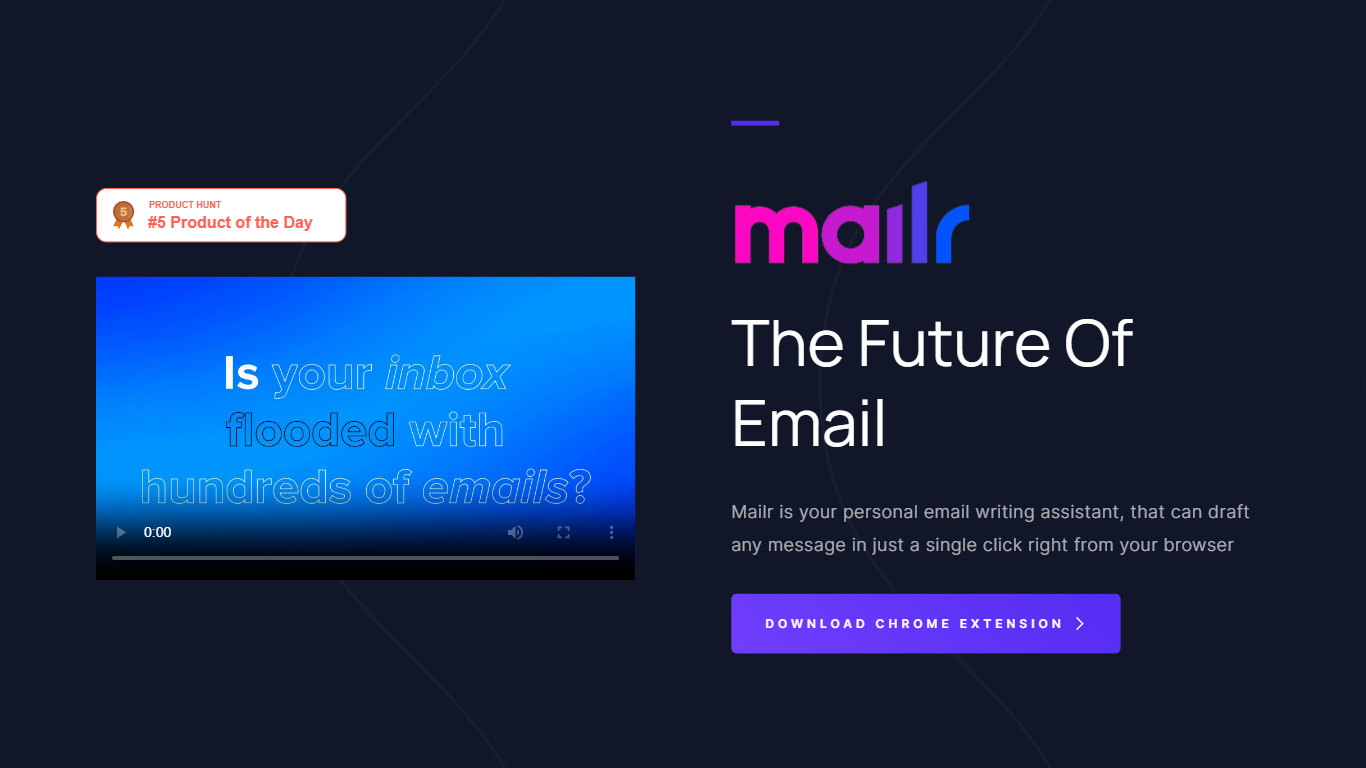
Mailr drafts and replies to email from a Chrome extension you open right in the browser. You type a short instruction describing what you want to say, pick one of more than 10 tones such as friendly, informal, or persuasive, and Mailr generates the full message in one click.
Compared with inbox-native assistants that plug into Gmail directly, Mailr stays a lightweight Chrome add-on focused on composing new mail and quick replies rather than auto-drafting every incoming thread. The free tier caps you at 2,000 words, while Premium raises that to 100,000 words per month with faster generation and early beta access.
Mailr suits professionals who live in Chrome and want help starting or finishing messages without switching tabs. The site notes Mailr was acquired by MailWiz, which now offers a separate Gmail-integrated product at mailwiz.app, but the Mailr extension and pricing page remain live on mailr-ai.com.
Parsio
What is Parsio?
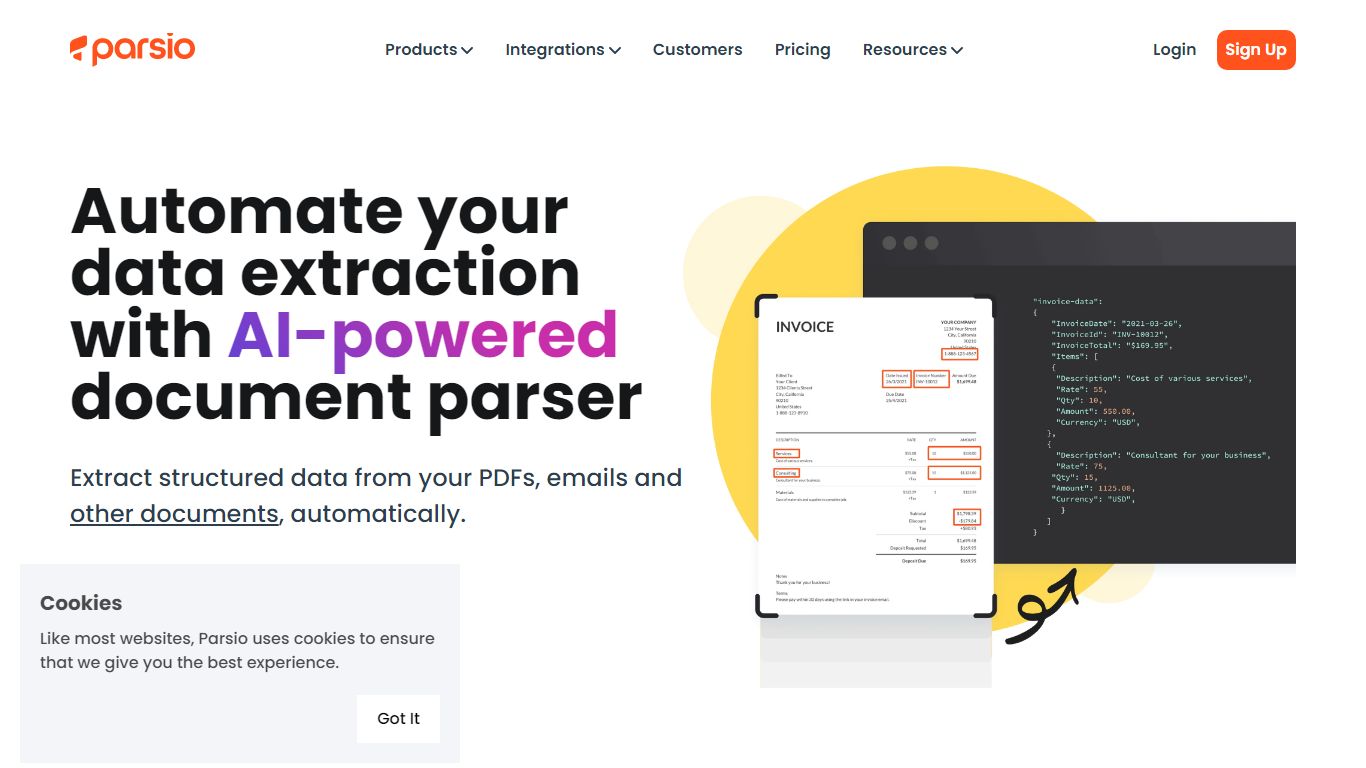
Parsio is an email assistant that turns incoming messages and attached documents into structured data you can export to spreadsheets or automation tools. It routes each file through one of four parser engines: template rules, AI extraction, GPT parsing, or OCR for scanned PDFs.
Where basic email parsers rely on brittle regex, Parsio lets you pick the engine that matches the document. Template mode handles fixed layouts like invoices, while GPT parsing covers changing formats, and the AI parser auto-extracts 15+ common document types including bank statements and receipts.
Operations teams, bookkeepers, and RevOps leads use Parsio to pull fields from vendor emails, bank alerts, and PDF attachments into Google Sheets, Zapier, Make, n8n, or webhooks. Credit-based pricing starts free at 30 parses per month.
Mailr Upvotes
Parsio Upvotes
Mailr Top Features
Generates full email drafts from a short goal instruction in one click
More than 10 tone presets including friendly, informal, and persuasive
Free plan includes 2,000 words and new email composition
Premium plan at $4.99 per month unlocks 100,000+ words monthly
Chrome extension available on the Chrome Web Store for all Chrome platforms
Parsio Top Features
Four parser engines: AI, GPT, template, and OCR for scanned PDFs
Free Sandbox plan includes 30 credits per month with no credit card
Starter plan from $24 per month with 100 to 1000 monthly credits
Exports to Excel, CSV, JSON, and Google Sheets plus Zapier, Make, and n8n
Parses invoices, receipts, bank statements, IDs, and email signatures
Webhook and API access on every plan including the free tier
1 to 3 credits per parsed page depending on the parser engine used
Mailr Category
- Email Assistant
Parsio Category
- Email Assistant
Mailr Pricing Type
- Freemium
Parsio Pricing Type
- Freemium