
Last updated 07-29-2026
Category:
Reviews:
Join thousands of AI enthusiasts in the World of AI!
Mailr
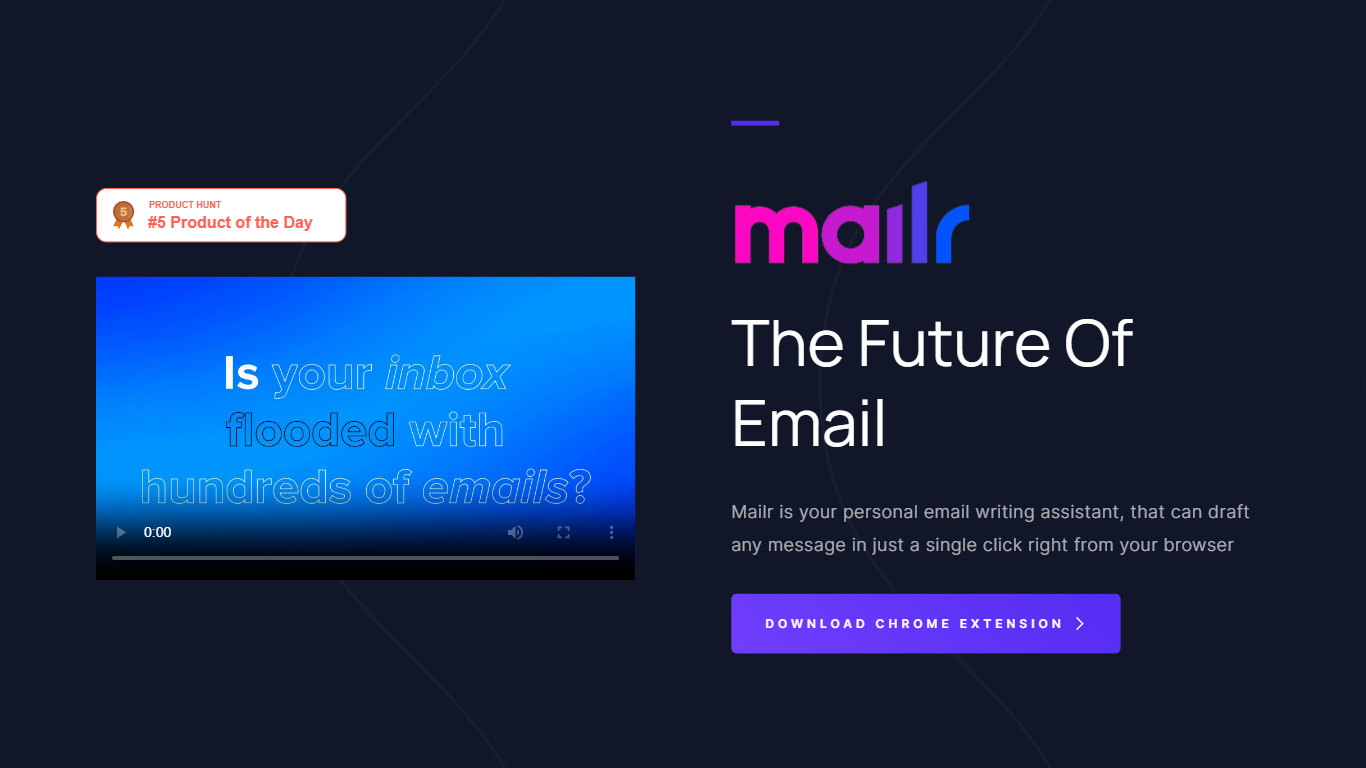
Mailr drafts and replies to email from a Chrome extension you open right in the browser. You type a short instruction describing what you want to say, pick one of more than 10 tones such as friendly, informal, or persuasive, and Mailr generates the full message in one click.
Compared with inbox-native assistants that plug into Gmail directly, Mailr stays a lightweight Chrome add-on focused on composing new mail and quick replies rather than auto-drafting every incoming thread. The free tier caps you at 2,000 words, while Premium raises that to 100,000 words per month with faster generation and early beta access.
Mailr suits professionals who live in Chrome and want help starting or finishing messages without switching tabs. The site notes Mailr was acquired by MailWiz, which now offers a separate Gmail-integrated product at mailwiz.app, but the Mailr extension and pricing page remain live on mailr-ai.com.
Generates full email drafts from a short goal instruction in one click
More than 10 tone presets including friendly, informal, and persuasive
Free plan includes 2,000 words and new email composition
Premium plan at $4.99 per month unlocks 100,000+ words monthly
Chrome extension available on the Chrome Web Store for all Chrome platforms
One-click drafting from a short instruction saves setup time inside Chrome.
More than 10 tone presets cover common professional and casual email styles.
Free tier lets you test composition before paying for higher word limits.
Chrome extension only; no native Gmail integration like the successor MailWiz product.
Free plan stops at 2,000 words, which runs out quickly on longer threads.
Acquisition by MailWiz may mean fewer future updates to the original extension.
Is Mailr free to use?
Yes. Mailr offers a free forever plan with a 2,000-word limit, new email composition, and access to more than 10 custom tones. Premium costs $4.99 per month for 100,000+ words, faster generation, and early beta features.
How do I install Mailr?
Mailr installs as a Chrome extension from the Chrome Web Store listing titled Mailr AI Email Assistant. The mailr-ai.com homepage links directly to the extension for download on Chrome devices.
What tones does Mailr support?
Mailr lets you choose from more than 10 custom tones when drafting a message, including friendly, informal, and persuasive options. You set the tone after entering a short instruction that states the goal of your email.
What is the word limit on Mailr?
Mailr's free plan caps usage at 2,000 words. The Premium tier at $4.99 per month raises the allowance to more than 100,000 words per month with faster email generation.
Was Mailr acquired by another company?
Yes. Mailr displays a notice on mailr-ai.com that it was acquired by MailWiz, which now runs a separate Gmail-focused assistant at mailwiz.app. The Mailr Chrome extension and pricing remain available on the original site.
How do I contact Mailr support?
Mailr lists [email protected] for questions about needing more words beyond plan limits. The site footer also links to the MailrOfficial Twitter account and a Facebook profile.