MailWizard vs Email Bind
In the clash of MailWizard vs Email Bind, which AI Email Assistant tool emerges victorious? We assess reviews, pricing, alternatives, features, upvotes, and more.
When we put MailWizard and Email Bind head to head, which one emerges as the victor?
Let's take a closer look at MailWizard and Email Bind, both of which are AI-driven email assistant tools, and see what sets them apart. Both tools have received the same number of upvotes from aitools.fyi users. Since other aitools.fyi users could decide the winner, the ball is in your court now to cast your vote and help us determine the winner.
You don't agree with the result? Cast your vote to help us decide!
MailWizard
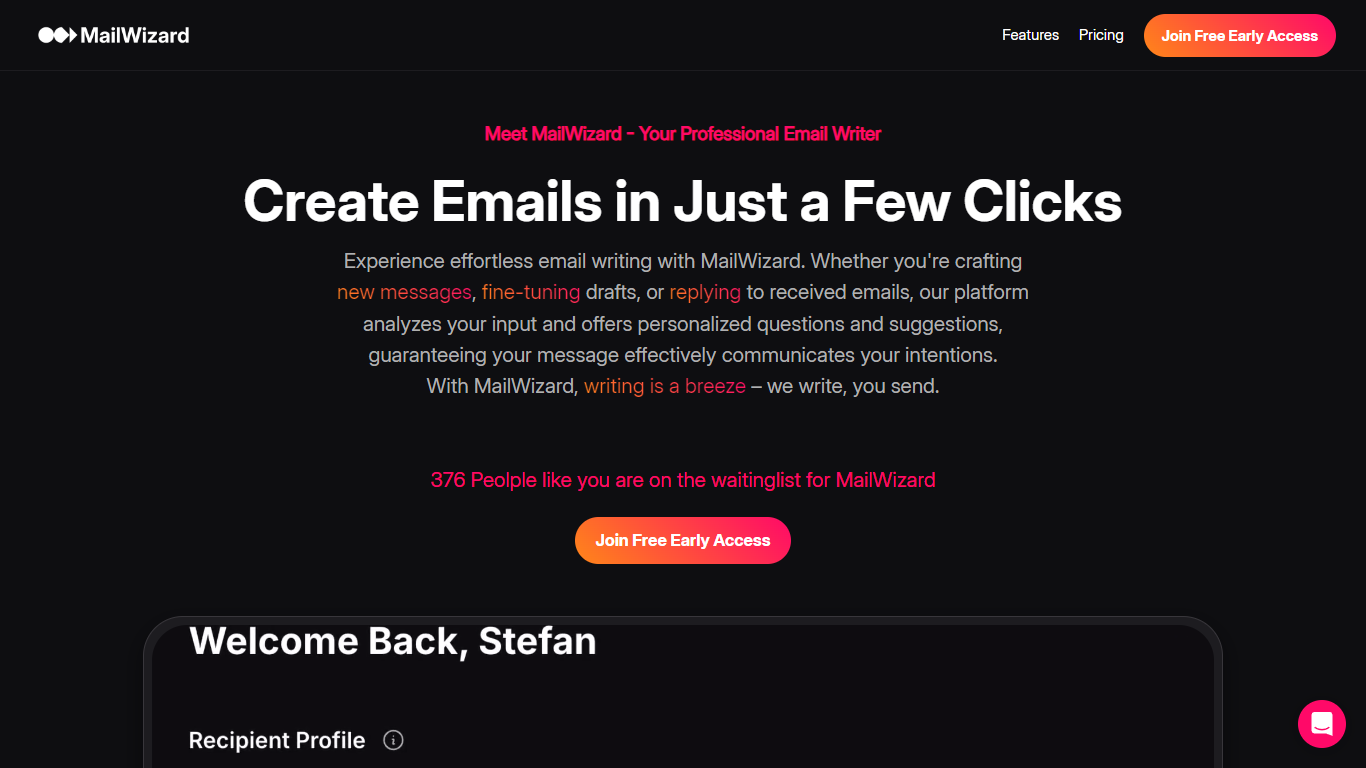

What is MailWizard?
MailWizard is an email assistant that filters, summarizes, and automates your inbox so you only see messages that matter. It connects to Gmail or Outlook, then uses natural-language workflows to decide which emails stay in your inbox and which get bundled into scheduled digests. Instead of writing emails for you, it keeps urgent client requests and payment alerts front and center while newsletters, notifications, and FYI threads drop into summarized batches.
Where tools like SaneBox sort mail into separate folders you still have to check, MailWizard keeps one inbox and routes the rest into AI-generated digests you read on your schedule. You describe what counts as important in plain English ("emails from my boss" or "frustrated customer emails"), and it builds workflows that archive, label, or move the rest directly inside Gmail or Outlook. Audio digests on the Pro plan turn your filtered mail into a listenable briefing for commutes.
Freelancers, consultants, and managers drowning in CC threads and marketing noise use it to cut daily inbox time from 45 minutes down to a short morning check. Setup takes about five minutes: connect your account, define what matters, pick digest timing, and let the filters run in the background.
Email Bind
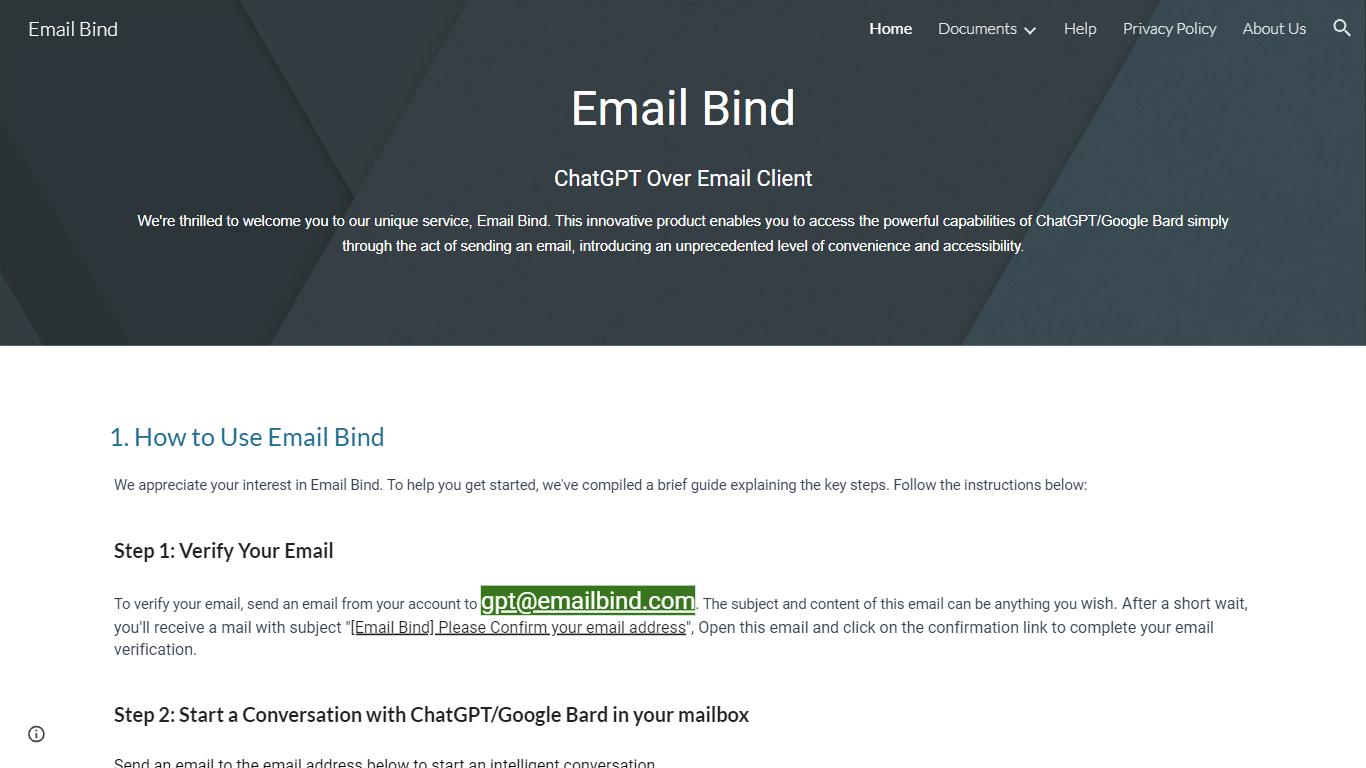
What is Email Bind?
Email Bind is an email assistant that lets you chat with ChatGPT or Google Bard by sending normal emails from any inbox. Verify your address by mailing [email protected], then email prompts to [email protected] for GPT-3.5/4 replies or [email protected] for web-connected answers. Replies land back in your mailbox, including multi-turn threads when you hit reply.
Most AI chat tools expect a browser login and a stable internet path to OpenAI or Google. Email Bind routes prompts through email instead, which helps users on restricted networks or anyone who already lives in Gmail, Outlook, or QQ Mail. Bard replies can pull newer web information, and the service documents Chinese-language support on the Bard path.
Professionals, students, and non-technical teams use Email Bind for drafts, translations, meeting summaries, and coding help without opening a separate chat UI. Early Access includes 100,000 tokens per month, caps single conversations at 2,000 words, and deletes message content from servers within minutes. The iPhone app unlocks prompt templates, GPT-4, token limits, and temperature controls through a Pro upgrade.
MailWizard Upvotes
Email Bind Upvotes
MailWizard Top Features
Unlimited plain-English workflows (e.g. "urgent client messages" or "frustrated customer emails")
Starter processes up to 750 emails per month on 1 account; Pro handles 3,000 emails across 2 accounts
Scheduled email digests with per-email AI summaries (e.g. "12 client emails, 2 urgent")
Audio summaries on Pro for listening to digest briefings on mobile
Native Gmail and Outlook integration with archive, label, and folder actions
14-day free trial with no credit card required
EU-only data processing with AES-256 encryption in transit and at rest
Email Bind Top Features
Email [email protected] to use ChatGPT GPT-3.5 and GPT-4 models by mail
Email [email protected] for Google Bard replies with internet access
Early Access includes 100,000 tokens per month at no listed cost
Multi-turn conversations work by replying to Email Bind response messages
iPhone app adds prompt templates, GPT-4 toggles, max tokens, and temperature controls
Message content is deleted from servers within 1 to 10 minutes after processing
MailWizard Category
- Email Assistant
Email Bind Category
- Email Assistant
MailWizard Pricing Type
- Paid
Email Bind Pricing Type
- Freemium