
Last updated 07-27-2026
Category:
Reviews:
Join thousands of AI enthusiasts in the World of AI!
MailWizard
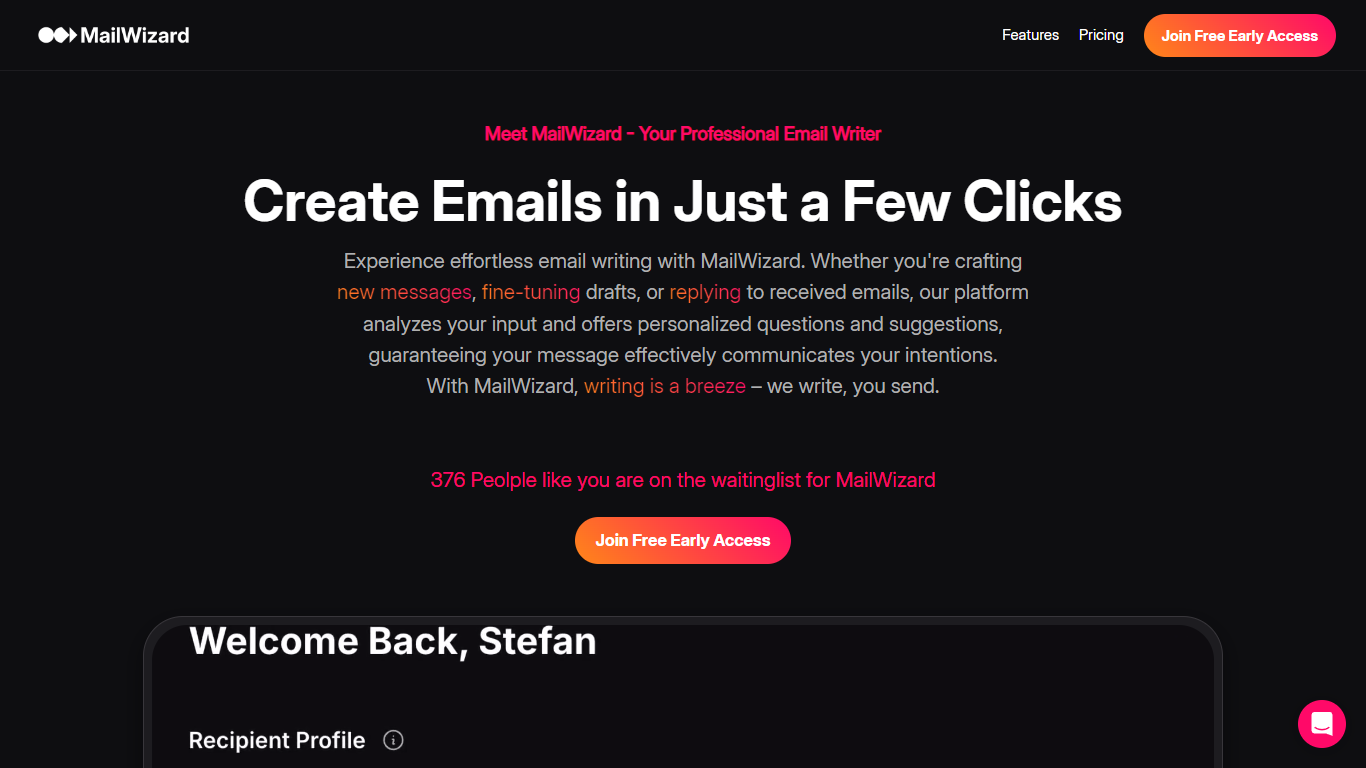
MailWizard is an email assistant that filters, summarizes, and automates your inbox so you only see messages that matter. It connects to Gmail or Outlook, then uses natural-language workflows to decide which emails stay in your inbox and which get bundled into scheduled digests. Instead of writing emails for you, it keeps urgent client requests and payment alerts front and center while newsletters, notifications, and FYI threads drop into summarized batches.
Where tools like SaneBox sort mail into separate folders you still have to check, MailWizard keeps one inbox and routes the rest into AI-generated digests you read on your schedule. You describe what counts as important in plain English ("emails from my boss" or "frustrated customer emails"), and it builds workflows that archive, label, or move the rest directly inside Gmail or Outlook. Audio digests on the Pro plan turn your filtered mail into a listenable briefing for commutes.
Freelancers, consultants, and managers drowning in CC threads and marketing noise use it to cut daily inbox time from 45 minutes down to a short morning check. Setup takes about five minutes: connect your account, define what matters, pick digest timing, and let the filters run in the background.
Unlimited plain-English workflows (e.g. "urgent client messages" or "frustrated customer emails")
Starter processes up to 750 emails per month on 1 account; Pro handles 3,000 emails across 2 accounts
Scheduled email digests with per-email AI summaries (e.g. "12 client emails, 2 urgent")
Audio summaries on Pro for listening to digest briefings on mobile
Native Gmail and Outlook integration with archive, label, and folder actions
14-day free trial with no credit card required
EU-only data processing with AES-256 encryption in transit and at rest
Plain-English workflow rules instead of folder training
Scheduled AI digests with per-email summaries and audio playback on Pro
EU-only data hosting with GDPR compliance and anonymized AI processing
14-day free trial without a credit card
Direct Gmail and Outlook actions (archive, label, move) from workflows
Starter caps at 750 emails per month on a single account
Only Gmail and Outlook are supported; no other email clients listed
Audio summaries require the Pro plan at ???19 per month
No dedicated mobile app; browser-based setup and digest access only
Is MailWizard free to use?
MailWizard is not free long-term, but it includes a 14-day free trial with no credit card required. After the trial, the Starter plan costs ???9 per month and the Pro plan costs ???19 per month for early users.
Which email clients does MailWizard support?
MailWizard works with Gmail and Outlook. You connect your account during setup, and MailWizard workflows run actions like archiving, labeling, or moving emails directly inside those inboxes.
How many emails can MailWizard process?
On MailWizard, the Starter plan handles up to 750 emails per month (~25 daily) on 1 account. The Pro plan processes up to 3,000 emails per month (~100 daily) across 2 email accounts.
What happens to emails that leave my inbox in MailWizard?
MailWizard bundles filtered emails into scheduled digests with AI summaries for each message. You choose digest timing (daily, specific weekdays, or every two days) and can listen to summaries as audio on the Pro plan.
How does MailWizard handle data privacy?
MailWizard processes data on EU servers under GDPR. Personal data is anonymized before processing, emails use AES-256 encryption in transit and at rest, and European AI partners only access anonymized patterns.
What is the difference between Starter and Pro on MailWizard?
Both MailWizard plans include unlimited workflows, email actions, and summaries. Pro adds audio summaries, up to 3,000 monthly emails (versus 750 on Starter), and support for 2 email accounts instead of 1.
Can I cancel MailWizard anytime?
Yes, MailWizard bills monthly and you can cancel anytime. When you cancel, MailWizard stops processing new emails and your inbox returns to normal filtering.