MailWizard vs Inbox Zero
In the contest of MailWizard vs Inbox Zero, which AI Email Assistant tool is the champion? We evaluate pricing, alternatives, upvotes, features, reviews, and more.
If you had to choose between MailWizard and Inbox Zero, which one would you go for?
When we examine MailWizard and Inbox Zero, both of which are AI-enabled email assistant tools, what unique characteristics do we discover? The upvote count is neck and neck for both MailWizard and Inbox Zero. Since other aitools.fyi users could decide the winner, the ball is in your court now to cast your vote and help us determine the winner.
You don't agree with the result? Cast your vote to help us decide!
MailWizard

What is MailWizard?
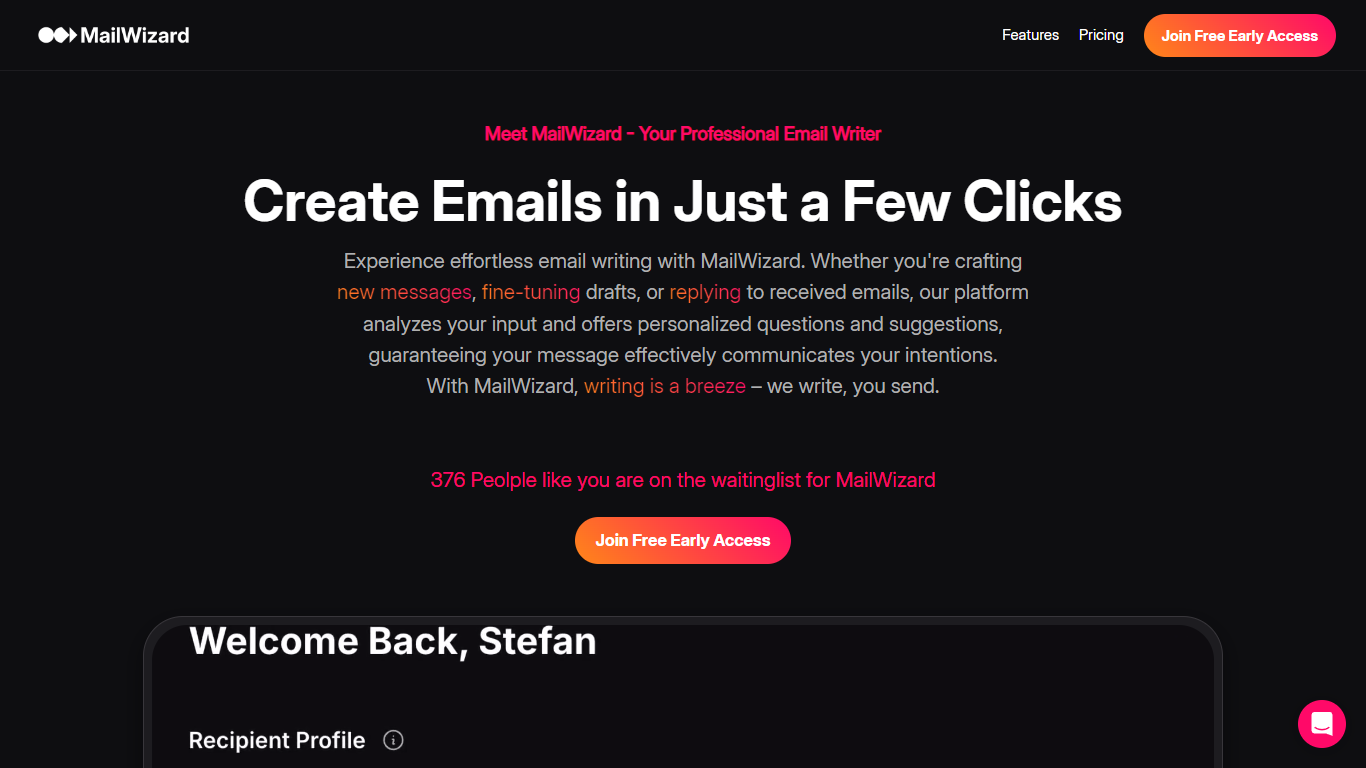
MailWizard is an email assistant that filters, summarizes, and automates your inbox so you only see messages that matter. It connects to Gmail or Outlook, then uses natural-language workflows to decide which emails stay in your inbox and which get bundled into scheduled digests. Instead of writing emails for you, it keeps urgent client requests and payment alerts front and center while newsletters, notifications, and FYI threads drop into summarized batches.
Where tools like SaneBox sort mail into separate folders you still have to check, MailWizard keeps one inbox and routes the rest into AI-generated digests you read on your schedule. You describe what counts as important in plain English ("emails from my boss" or "frustrated customer emails"), and it builds workflows that archive, label, or move the rest directly inside Gmail or Outlook. Audio digests on the Pro plan turn your filtered mail into a listenable briefing for commutes.
Freelancers, consultants, and managers drowning in CC threads and marketing noise use it to cut daily inbox time from 45 minutes down to a short morning check. Setup takes about five minutes: connect your account, define what matters, pick digest timing, and let the filters run in the background.
Inbox Zero
What is Inbox Zero?
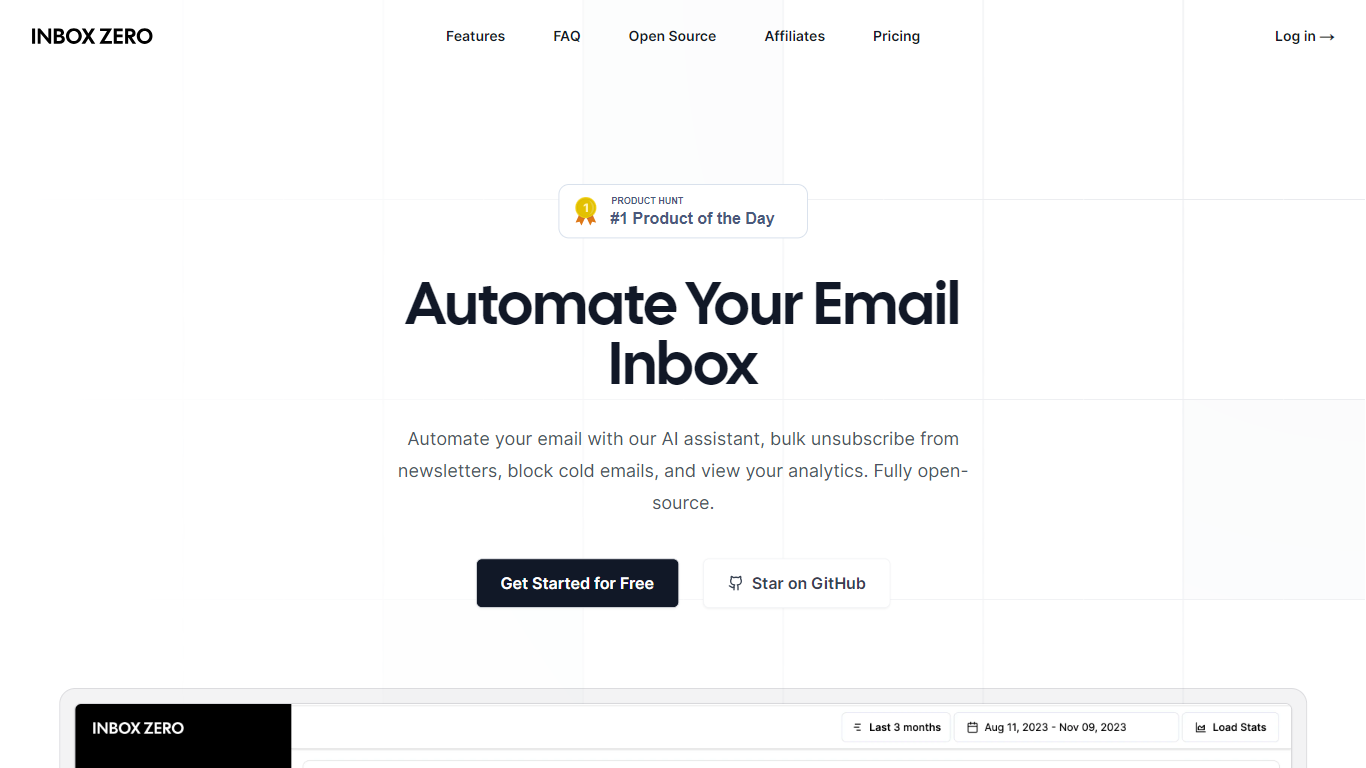
Inbox Zero connects to Gmail or Outlook and uses AI to label incoming mail, draft replies in your voice, and surface what needs attention first. You get pre-written responses waiting when you open your inbox, plus bulk unsubscribe tools for newsletters you never read. The product works on web, iOS, Android, Slack, and Telegram so you can triage mail without living in your email tab.
Most email assistants stop at summarization. Inbox Zero also blocks cold emails, files attachments automatically on higher tiers, and pulls calendar and CRM context into drafts so scheduling replies match your real availability. The codebase is open source with 9k GitHub stars, SOC 2 Type 2 certification, and a self-host option for teams that want full control.
Starter plans cover solo operators who want labels, analytics, and reply drafts. Plus adds Slack, Notion, Stripe integrations, and an unlimited knowledge base. Professional adds team analytics and dedicated onboarding. Over 20,000 professionals use Inbox Zero, and every paid plan includes a 7-day free trial.
MailWizard Upvotes
Inbox Zero Upvotes
MailWizard Top Features
Unlimited plain-English workflows (e.g. "urgent client messages" or "frustrated customer emails")
Starter processes up to 750 emails per month on 1 account; Pro handles 3,000 emails across 2 accounts
Scheduled email digests with per-email AI summaries (e.g. "12 client emails, 2 urgent")
Audio summaries on Pro for listening to digest briefings on mobile
Native Gmail and Outlook integration with archive, label, and folder actions
14-day free trial with no credit card required
EU-only data processing with AES-256 encryption in transit and at rest
Inbox Zero Top Features
Connect Gmail or Outlook in two clicks and auto-label mail into categories like To Reply, Newsletter, and Urgent
Pre-drafted replies in your tone appear for every email that needs a response
Bulk unsubscribe and archive shows newsletters you never read with one-click cleanup
Works on Slack, Telegram, iOS, Android, and web without switching apps
Starter plan at $20 per user per month includes analytics and cold email blocking
Open-source codebase with 9k GitHub stars and SOC 2 Type 2 certification
MailWizard Category
- Email Assistant
Inbox Zero Category
- Email Assistant
MailWizard Pricing Type
- Paid
Inbox Zero Pricing Type
- Freemium