ManyExcel vs Arcwise AI
In the contest of ManyExcel vs Arcwise AI, which AI Excel tool is the champion? We evaluate pricing, alternatives, upvotes, features, reviews, and more.
If you had to choose between ManyExcel and Arcwise AI, which one would you go for?
When we examine ManyExcel and Arcwise AI, both of which are AI-enabled excel tools, what unique characteristics do we discover? Both tools have received the same number of upvotes from aitools.fyi users. Your vote matters! Help us decide the winner among aitools.fyi users by casting your vote.
You don't agree with the result? Cast your vote to help us decide!
ManyExcel

What is ManyExcel?
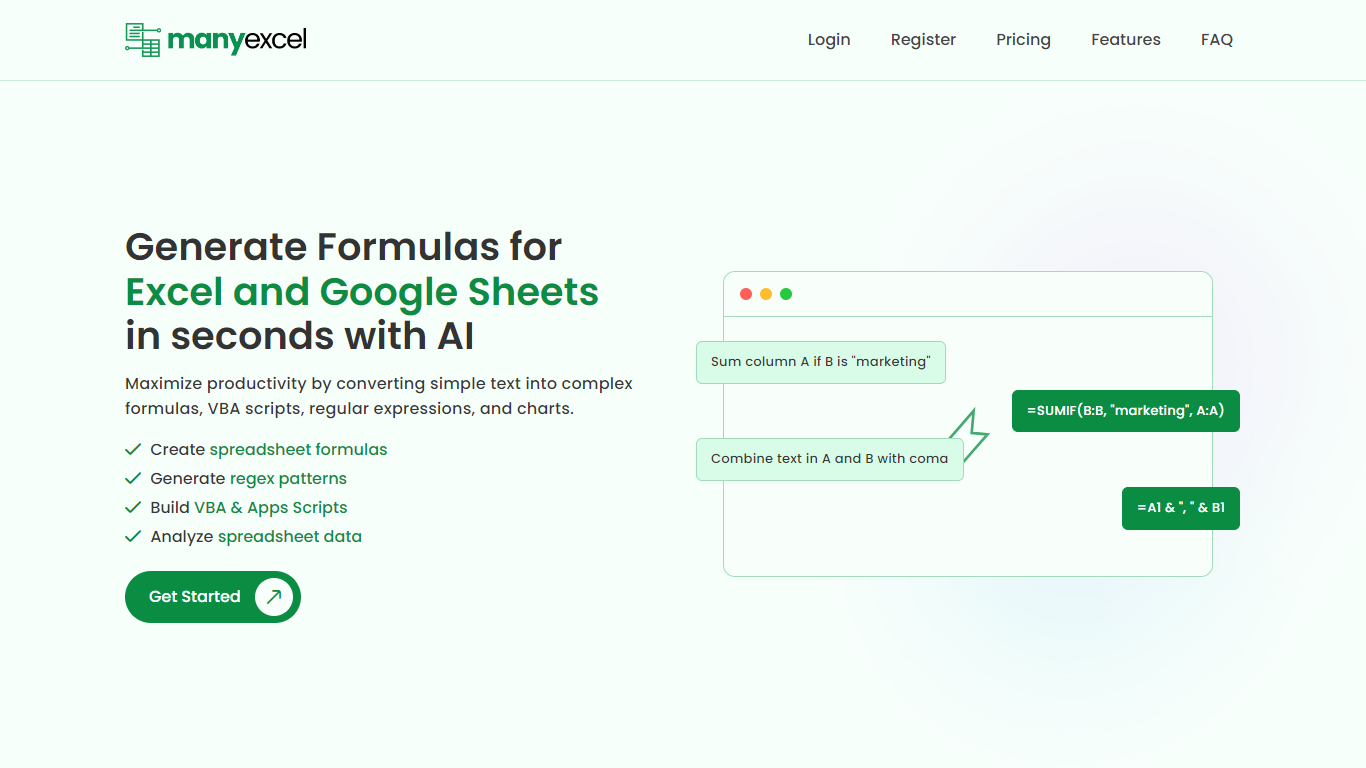
ManyExcel turns plain-English prompts into spreadsheet formulas, regex patterns, and automation scripts for Excel and Google Sheets. You describe what you want in everyday language, and the tool returns the formula or code plus an explanation of how it works.
Most formula assistants stop at cell logic. ManyExcel also generates regex patterns from text instructions and writes VBA for Excel plus Apps Scripts for Google Workspace, so you can automate repetitive workbook tasks without opening separate tools. Pro subscribers get access to the Data Analysis Tool for working with uploaded spreadsheet files.
ManyExcel is built for analysts, accountants, and anyone who lives in spreadsheets but does not want to memorize function syntax. The free tier lets you try every generator without a credit card, and paid plans remove monthly caps on generation.
Arcwise AI

What is Arcwise AI?
Arcwise AI is a spreadsheet analytics copilot and decision platform for teams that live in Google Sheets and warehouse data. It began as a Chrome extension for ChatGPT-powered formulas and data cleanup, and now also sells traceable metric explanations tied to Snowflake, BigQuery, Databricks, and internal documentation.
The Sheets extension still ships as a free Chrome add-on with keyboard shortcuts, $AI.TRANSFORM and $AI.CLASSIFY functions, and PDF table extraction. That side competes with formula copilots, while the platform side targets analysts who need audited answers instead of generic chatbot guesses.
Arcwise backs explanations with source tracing rather than open-ended model text, which matters when finance or ops teams need to defend a number in a review. The stored listing URL at /old-ai now returns 404, so the live product homepage is arcwise.app.
ManyExcel Upvotes
Arcwise AI Upvotes
ManyExcel Top Features
Type a sentence like "sum column A if B is marketing" and get a working formula back
Free plan includes 5 formula, 5 regex, and 5 script generations per month with no credit card
Pro plan costs $2.50 per month when billed annually, with 40% off the monthly rate
Regex generator turns plain instructions into patterns with step-by-step breakdowns
VBA and Google Apps Script writer automates repetitive Excel and Sheets tasks
Unlimited formula, regex, and script explanations on every plan tier
Arcwise AI Top Features
Free Chrome extension for Google Sheets with Cmd+Shift+1 shortcut
$AI.TRANSFORM, $AI.CLASSIFY, and $AI.EXTRACT functions inside Sheets
Connects to Snowflake, BigQuery, and Databricks warehouses
Metric shift detection with explanations traced to source data
PDF upload extracts tables directly into spreadsheet cells
Chrome Web Store lists 10,000+ users and a 4.5 star rating
ManyExcel Category
- Excel
Arcwise AI Category
- Excel
ManyExcel Pricing Type
- Freemium
Arcwise AI Pricing Type
- Freemium