ManyExcel vs GPT Excel
In the battle of ManyExcel vs GPT Excel, which AI Excel tool comes out on top? We compare reviews, pricing, alternatives, upvotes, features, and more.
Between ManyExcel and GPT Excel, which one is superior?
Upon comparing ManyExcel with GPT Excel, which are both AI-powered excel tools, The upvote count shows a clear preference for GPT Excel. GPT Excel has received 8 upvotes from aitools.fyi users, while ManyExcel has received 6 upvotes.
Want to flip the script? Upvote your favorite tool and change the game!
ManyExcel
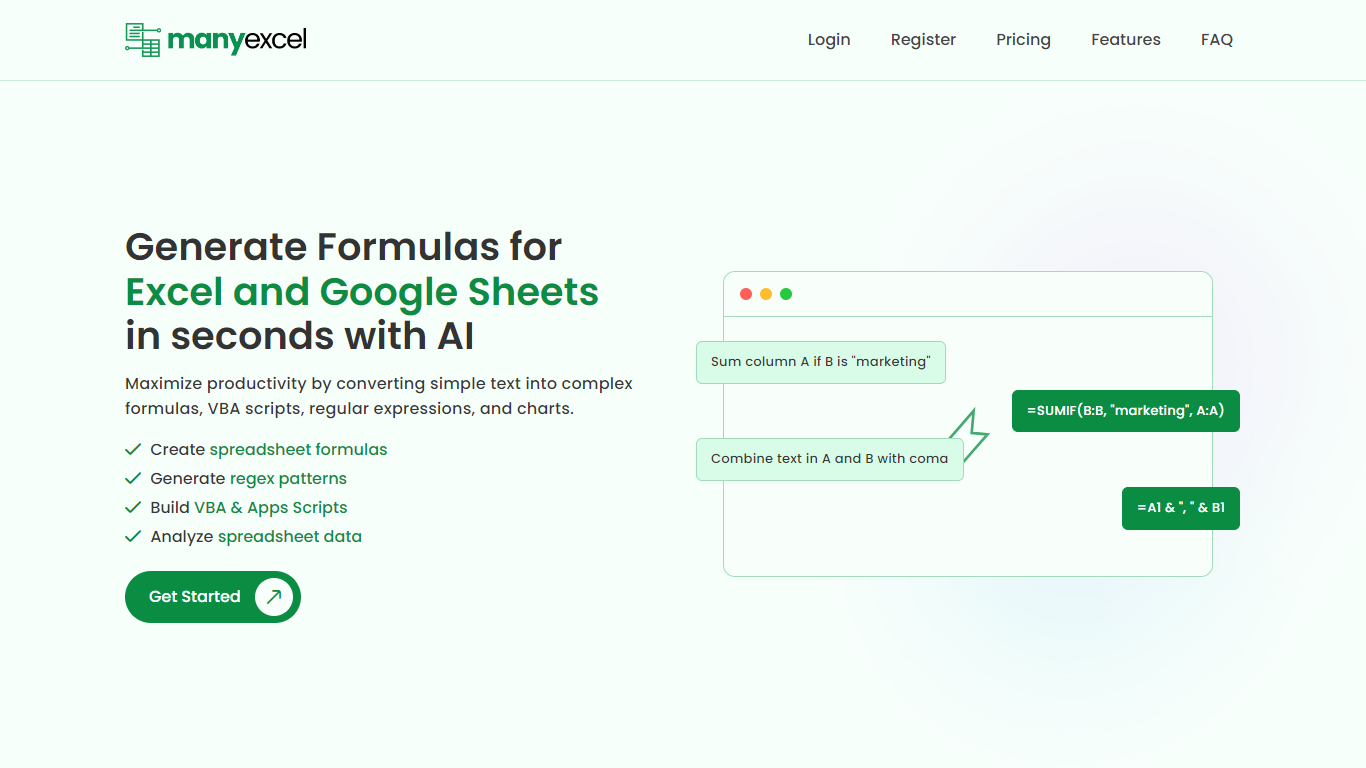

What is ManyExcel?
ManyExcel turns plain-English prompts into spreadsheet formulas, regex patterns, and automation scripts for Excel and Google Sheets. You describe what you want in everyday language, and the tool returns the formula or code plus an explanation of how it works.
Most formula assistants stop at cell logic. ManyExcel also generates regex patterns from text instructions and writes VBA for Excel plus Apps Scripts for Google Workspace, so you can automate repetitive workbook tasks without opening separate tools. Pro subscribers get access to the Data Analysis Tool for working with uploaded spreadsheet files.
ManyExcel is built for analysts, accountants, and anyone who lives in spreadsheets but does not want to memorize function syntax. The free tier lets you try every generator without a credit card, and paid plans remove monthly caps on generation.
GPT Excel
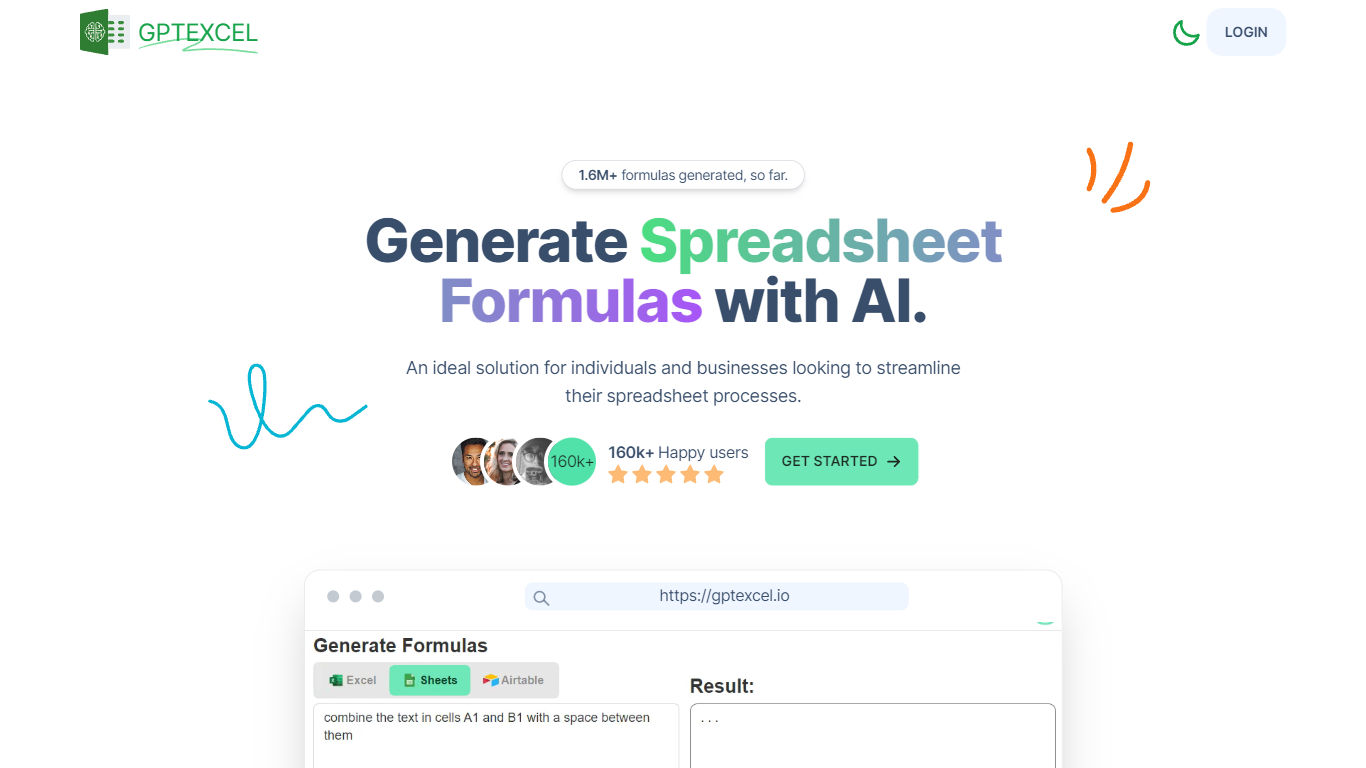
What is GPT Excel?
GPT Excel turns plain-language prompts into spreadsheet formulas, pivot tables, charts, SQL queries, regex patterns, and automation scripts for Excel, Google Sheets, and Airtable. Upload a workbook or start in chat, and it returns the formula or script you can paste back into your file.
Most spreadsheet copilots stop at single-cell formulas. GPT Excel bundles pivot builders, VBA and Apps Script generation, SQL helpers, and template creation in one web app, which saves context switching when a analysis task jumps from a SUMIFS fix to a pivot refresh to a reporting query.
Analysts, operators, and small business teams use it to speed up recurring spreadsheet work. The free plan covers light daily usage, while Pro and Pro Plus raise chat and tool limits for heavier monthly workloads.
ManyExcel Upvotes
GPT Excel Upvotes
ManyExcel Top Features
Type a sentence like "sum column A if B is marketing" and get a working formula back
Free plan includes 5 formula, 5 regex, and 5 script generations per month with no credit card
Pro plan costs $2.50 per month when billed annually, with 40% off the monthly rate
Regex generator turns plain instructions into patterns with step-by-step breakdowns
VBA and Google Apps Script writer automates repetitive Excel and Sheets tasks
Unlimited formula, regex, and script explanations on every plan tier
GPT Excel Top Features
Generates formulas for Excel, Google Sheets, LibreOffice Calc, and Airtable
Builds and modifies pivot tables from chat prompts
Creates VBA, Google Apps Script, and Airtable automation scripts
Writes and debugs SQL queries plus regex patterns for data validation
Free plan includes 10 AI chat messages every 30 days and 4 tool runs every 12 hours
Pro Plus supports up to 10,000 chat messages and 100 MB uploads per file
ManyExcel Category
- Excel
GPT Excel Category
- Excel
ManyExcel Pricing Type
- Freemium
GPT Excel Pricing Type
- Freemium