ManyExcel vs Rows AI
In the face-off between ManyExcel vs Rows AI, which AI Excel tool takes the crown? We scrutinize features, alternatives, upvotes, reviews, pricing, and more.
In a face-off between ManyExcel and Rows AI, which one takes the crown?
If we were to analyze ManyExcel and Rows AI, both of which are AI-powered excel tools, what would we find? With more upvotes, Rows AI is the preferred choice. Rows AI has been upvoted 7 times by aitools.fyi users, and ManyExcel has been upvoted 6 times.
Feeling rebellious? Cast your vote and shake things up!
ManyExcel

What is ManyExcel?
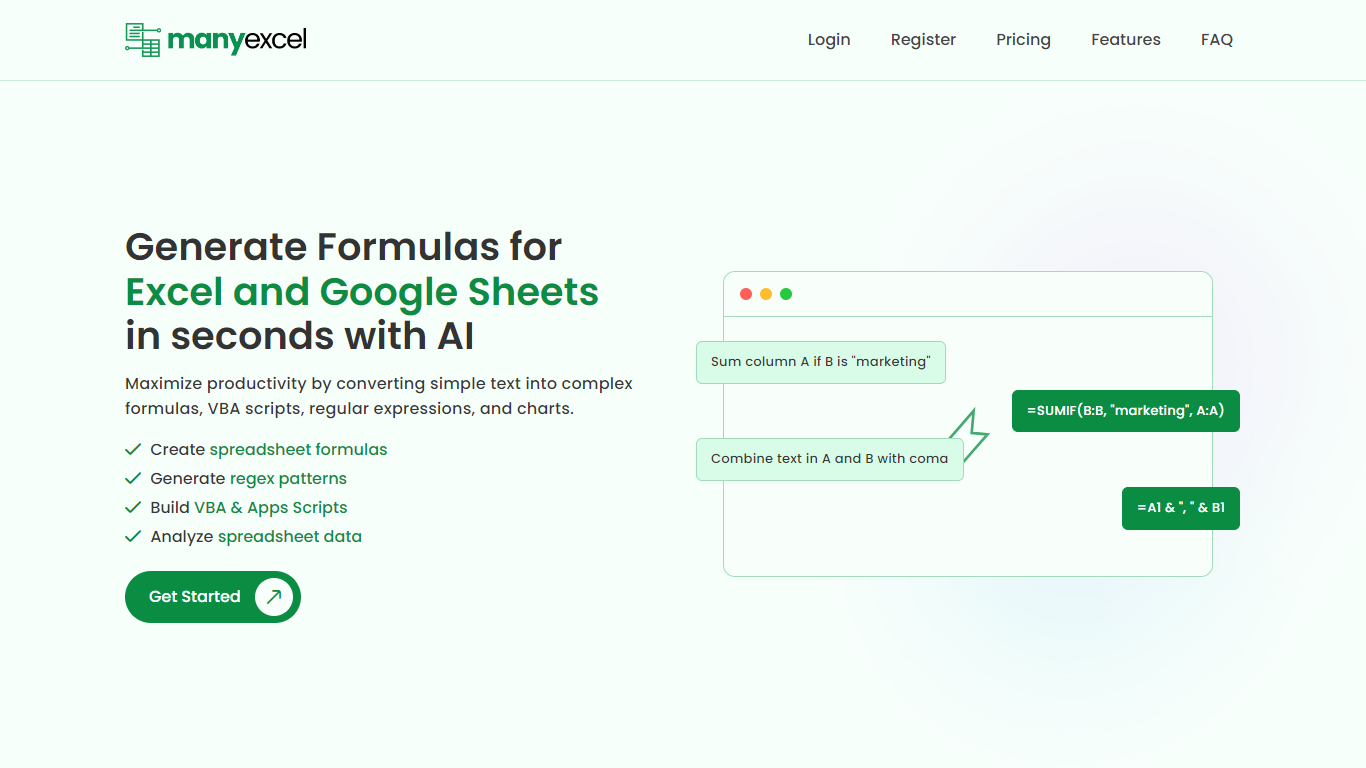
ManyExcel turns plain-English prompts into spreadsheet formulas, regex patterns, and automation scripts for Excel and Google Sheets. You describe what you want in everyday language, and the tool returns the formula or code plus an explanation of how it works.
Most formula assistants stop at cell logic. ManyExcel also generates regex patterns from text instructions and writes VBA for Excel plus Apps Scripts for Google Workspace, so you can automate repetitive workbook tasks without opening separate tools. Pro subscribers get access to the Data Analysis Tool for working with uploaded spreadsheet files.
ManyExcel is built for analysts, accountants, and anyone who lives in spreadsheets but does not want to memorize function syntax. The free tier lets you try every generator without a credit card, and paid plans remove monthly caps on generation.
Rows AI
What is Rows AI?
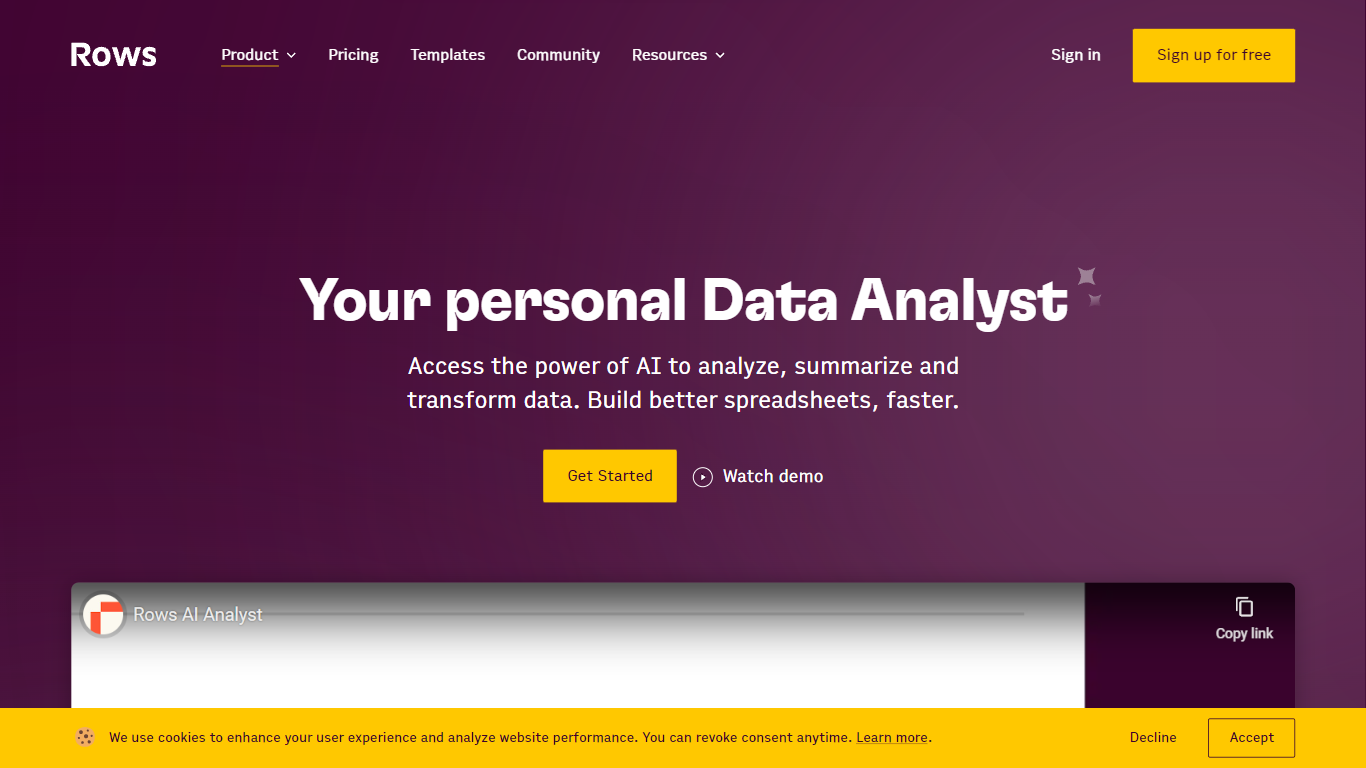
Rows AI is the AI layer inside Rows, a modern spreadsheet platform for teams. Type = in any cell, describe what you need in plain language, and Rows handles formulas, charts, imports, and analysis without menus or manual stitching. The product positions itself as your data team of one, from quick calculations to forecasting, pivoting, and multi-table work.
What sets Rows apart is how deeply AI is woven into spreadsheet workflows. You can extract tables from PDFs and images, classify text, enrich cells with company and location data, research the web in real time, and run Python-backed analysis without writing code. Built-in integrations pull live data from tools like Google Analytics, Search Console, Facebook Ads, Stripe, HubSpot, and dozens more.
Rows is built for analysts, operators, and teams who live in spreadsheets but want faster reporting, cleaner models, and less formula wrangling. Workspaces support real-time collaboration, embeddable charts, forms, and view modes for sharing dashboards internally or on the web. Rows joined Superhuman in 2026; the product remains available at rows.com while the company transitions under the Superhuman umbrella.
ManyExcel Upvotes
Rows AI Upvotes
ManyExcel Top Features
Type a sentence like "sum column A if B is marketing" and get a working formula back
Free plan includes 5 formula, 5 regex, and 5 script generations per month with no credit card
Pro plan costs $2.50 per month when billed annually, with 40% off the monthly rate
Regex generator turns plain instructions into patterns with step-by-step breakdowns
VBA and Google Apps Script writer automates repetitive Excel and Sheets tasks
Unlimited formula, regex, and script explanations on every plan tier
Rows AI Top Features
Type = in a cell and describe the task; Rows builds formulas, fixes errors, and creates charts from the prompt
Pull tables out of PDFs, invoices, and screenshots with vision models and custom extraction instructions
Join tables, add lookup columns, and run multi-table analysis without manual VLOOKUP wrangling
Built-in Python for cohorts, forecasts, segmentation, and advanced stats with no code required
Classify text into tags, run sentiment analysis, and enrich rows with company and location data
Connect to 50+ integrations including GA4, Google Ads, LinkedIn Ads, Stripe, HubSpot, and Snowflake
ManyExcel Category
- Excel
Rows AI Category
- Excel
ManyExcel Pricing Type
- Freemium
Rows AI Pricing Type
- Freemium