Martin vs AIGardenPlanner
In the face-off between Martin vs AIGardenPlanner , which AI Assistant tool takes the crown? We scrutinize features, alternatives, upvotes, reviews, pricing, and more.
In a face-off between Martin and AIGardenPlanner , which one takes the crown?
If we were to analyze Martin and AIGardenPlanner , both of which are AI-powered assistant tools, what would we find? Both tools have received the same number of upvotes from aitools.fyi users. You can help us determine the winner by casting your vote and tipping the scales in favor of one of the tools.
Want to flip the script? Upvote your favorite tool and change the game!
Martin

What is Martin?
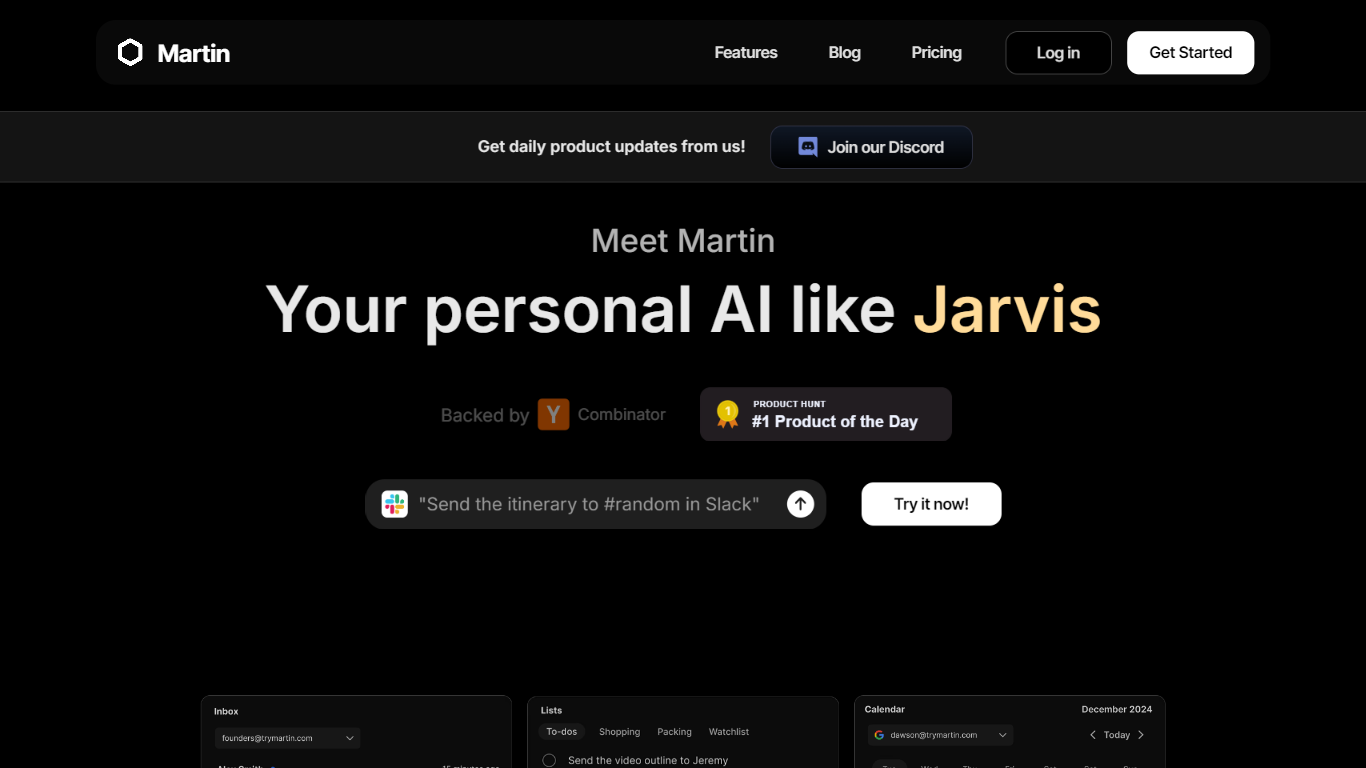
Martin is a personal assistant you reach by phone call, text, email, or Slack. It manages your calendar, inbox, reminders, and everyday tasks through conversation instead of clicking through separate productivity apps.
The product is built around the idea of a Jarvis-style helper that plugs into tools you already use. Gmail and Outlook inboxes, Google and Outlook calendars, SMS, WhatsApp, and Slack workspaces can be connected so Martin can search mail, draft replies, schedule events, and set reminders on request.
CC to Schedule is a standout workflow: copy [email protected] on an email thread and ask Martin to propose meeting times from your calendar. Pro subscribers also get morning email drafts, wake-up calls with weather and your daily schedule, and priority access to advanced models.
Martin runs as a web app and an iOS app with voice mode, push notifications, and shortcuts. DCWU, Inc. builds it as a Y Combinator company and announced a $2M seed round in January 2025.
AIGardenPlanner

What is AIGardenPlanner ?
AIGardenPlanner is a browser-based garden design platform for homeowners and landscaping pros who want to see yard ideas before buying plants or hiring crews. Upload a photo of your outdoor space, pick from 50+ garden styles, and get a rendered design back in about 60 seconds. A free 3D editor lets you drag plants, paths, and structures into a walkthrough model without paying first.
What sets it apart is how many visualization formats it covers from one photo. You can turn sketches or 3D model screenshots into photorealistic renders, step through interpretive photo edits, animate results into short videos, and explore generated 3D walkthroughs. Plant tools include identification from photos, climate-aware plant advisor plans, and a quick quiz for first-time planners.
Landscapers get commercial licensing, white-label branding, and batch generation on higher tiers. Home gardeners get a free editor, a gallery of community transformations, and garden calculators for soil, mulch, irrigation, and more.
Martin Upvotes
AIGardenPlanner Upvotes
Martin Top Features
Cc [email protected] and Martin proposes meeting times from your calendar
Morning email drafts ready before you wake up on the Pro plan
Wake-up calls with weather, schedule, and news read aloud
Gmail and Outlook search, draft, send, label, and archive from any channel
Reach Martin by phone, SMS, WhatsApp, email, Slack, or the iOS app
Parses images and PDF, TXT, or CSV files across every interface
AIGardenPlanner Top Features
Upload a yard photo and preview 50+ garden styles in about 60 seconds
Free browser 3D editor with 400+ drag-and-drop models and first-person walk mode
Turn sketches or SketchUp screenshots into photorealistic renders and videos
Plant Advisor builds location-specific plant lists with care guides for 5 credits
Animate any garden image into HD video with breeze or walkthrough styles
Identify plants in photos with species data and health checks for 1 credit
Batch-generate up to 16 designs at once on the Business plan
Martin Category
- Assistant
AIGardenPlanner Category
- Assistant
Martin Pricing Type
- Freemium
AIGardenPlanner Pricing Type
- Freemium