Martin vs Microsoft Copilot+ PC
In the clash of Martin vs Microsoft Copilot+ PC, which AI Assistant tool emerges victorious? We assess reviews, pricing, alternatives, features, upvotes, and more.
If you had to choose between Martin and Microsoft Copilot+ PC, which one would you go for?
Let's take a closer look at Martin and Microsoft Copilot+ PC, both of which are AI-driven assistant tools, and see what sets them apart. The upvote count reveals a draw, with both tools earning the same number of upvotes. The power is in your hands! Cast your vote and have a say in deciding the winner.
Don't agree with the result? Cast your vote and be a part of the decision-making process!
Martin

What is Martin?
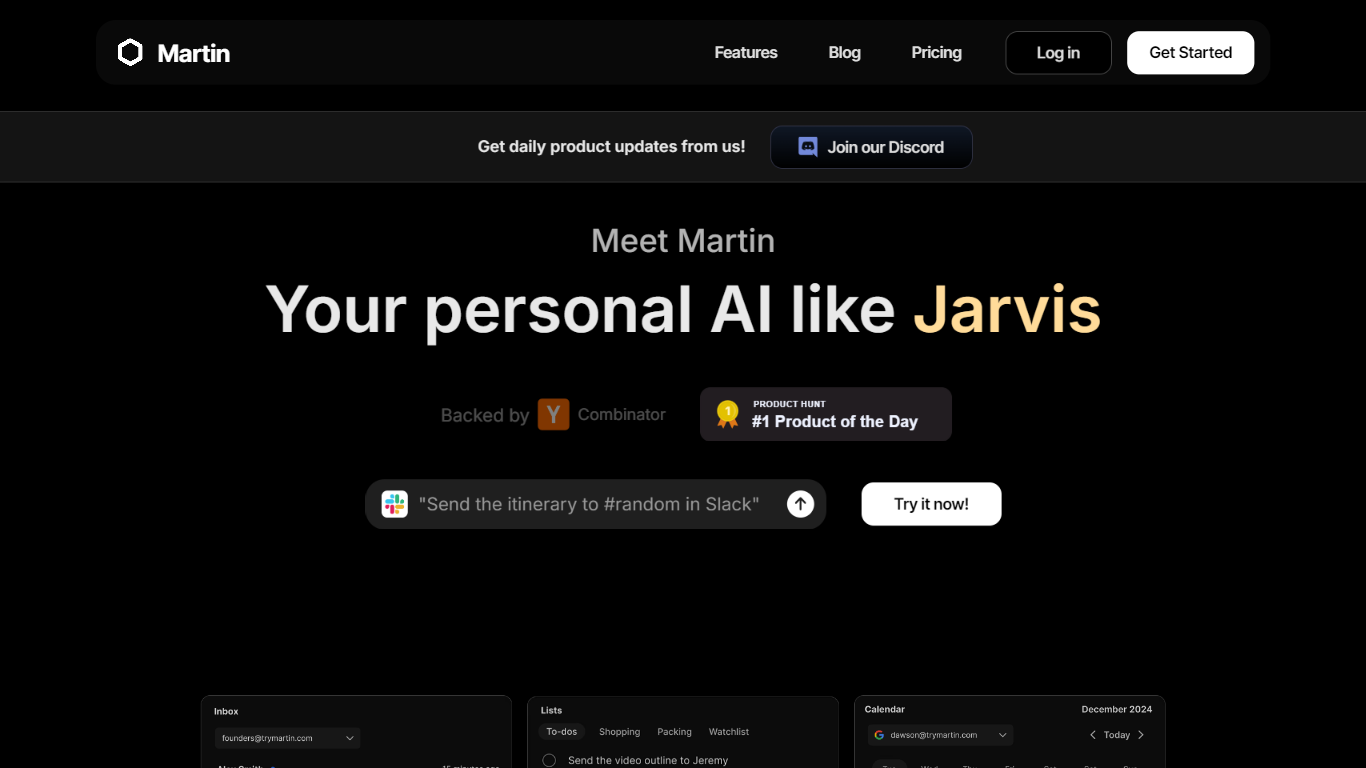
Martin is a personal assistant you reach by phone call, text, email, or Slack. It manages your calendar, inbox, reminders, and everyday tasks through conversation instead of clicking through separate productivity apps.
The product is built around the idea of a Jarvis-style helper that plugs into tools you already use. Gmail and Outlook inboxes, Google and Outlook calendars, SMS, WhatsApp, and Slack workspaces can be connected so Martin can search mail, draft replies, schedule events, and set reminders on request.
CC to Schedule is a standout workflow: copy [email protected] on an email thread and ask Martin to propose meeting times from your calendar. Pro subscribers also get morning email drafts, wake-up calls with weather and your daily schedule, and priority access to advanced models.
Martin runs as a web app and an iOS app with voice mode, push notifications, and shortcuts. DCWU, Inc. builds it as a Y Combinator company and announced a $2M seed round in January 2025.
Microsoft Copilot+ PC
What is Microsoft Copilot+ PC?
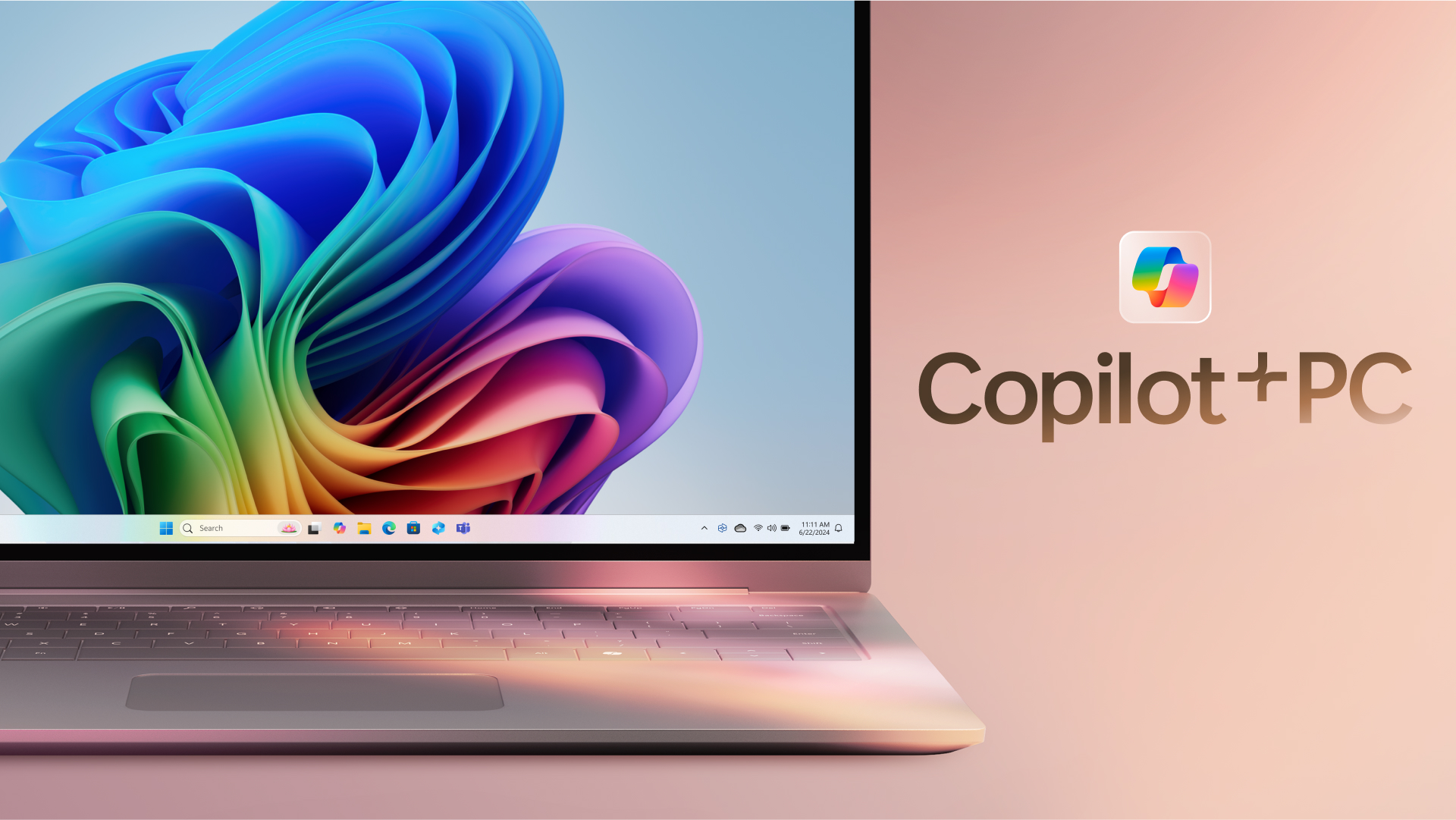
Microsoft Copilot+ PC is a Windows PC category built around a dedicated Neural Processing Unit (NPU) for on-device AI workloads. Microsoft introduced the lineup in May 2024 as thin, light laptops and 2-in-1s from Surface and major OEM partners, with silicon that delivers 40+ trillion operations per second alongside all-day battery life.
The hardware pairs CPU, GPU, and NPU with Windows 11 experiences that run locally instead of relying only on the cloud. That includes Recall for finding past activity on your PC, Cocreator for near real-time image generation in Paint and Photos, Live Captions with translation from 40+ languages, Click to Do, improved Windows search, and Windows Studio Effects for video calls.
Copilot+ PCs target students, remote workers, creators, and anyone who wants Windows with built-in local AI. Devices are sold through Microsoft and retailers such as Dell, HP, Lenovo, Samsung, Acer, and ASUS, with Copilot+ PC experiences that vary by device, market, and software updates.
Martin Upvotes
Microsoft Copilot+ PC Upvotes
Martin Top Features
Cc [email protected] and Martin proposes meeting times from your calendar
Morning email drafts ready before you wake up on the Pro plan
Wake-up calls with weather, schedule, and news read aloud
Gmail and Outlook search, draft, send, label, and archive from any channel
Reach Martin by phone, SMS, WhatsApp, email, Slack, or the iOS app
Parses images and PDF, TXT, or CSV files across every interface
Microsoft Copilot+ PC Top Features
Dedicated NPU rated at 40+ TOPS for on-device AI workloads without constant cloud calls
Recall helps you find apps, sites, and documents you have already seen on your PC
Cocreator in Paint and Photos generates and refines images in near real time on the device
Live Captions translates audio from 40+ languages into English subtitles across apps
Click to Do and improved Windows search speed up common tasks on Copilot+ PCs
Martin Category
- Assistant
Microsoft Copilot+ PC Category
- Assistant
Martin Pricing Type
- Freemium
Microsoft Copilot+ PC Pricing Type
- Paid