Matrices vs Formula Dog
Dive into the comparison of Matrices vs Formula Dog and discover which AI Excel tool stands out. We examine alternatives, upvotes, features, reviews, pricing, and beyond.
When comparing Matrices and Formula Dog, which one rises above the other?
When we compare Matrices and Formula Dog, two exceptional excel tools powered by artificial intelligence, and place them side by side, several key similarities and differences come to light. There's no clear winner in terms of upvotes, as both tools have received the same number. You can help us determine the winner by casting your vote and tipping the scales in favor of one of the tools.
Disagree with the result? Upvote your favorite tool and help it win!
Matrices
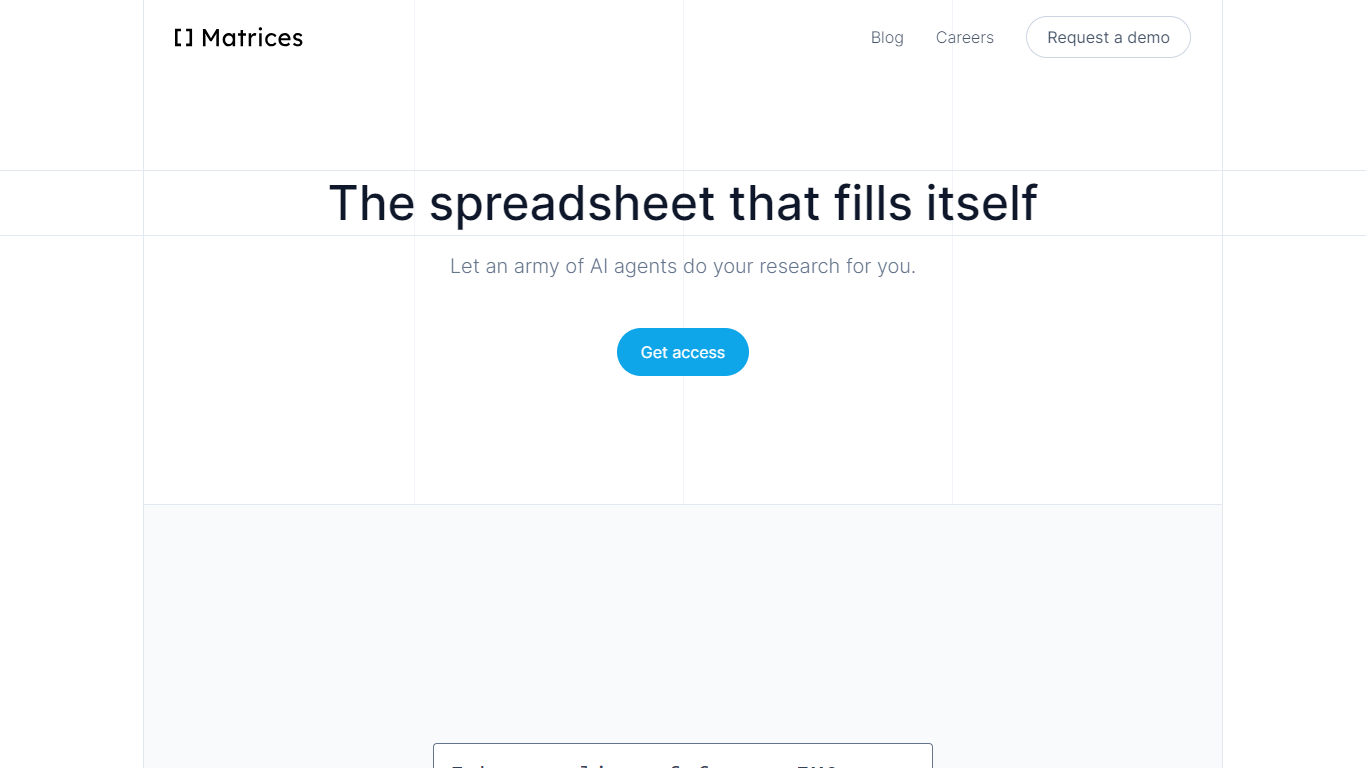

What is Matrices ?
Matrices transforms data analysis by combining AI-powered spreadsheets with an innovative platform for training AI agents in simulated environments. It automates research and data gathering by using AI agents that fill spreadsheets with data from multiple sources, providing confidence scores for transparency. Beyond spreadsheets, Matrices is pioneering a system of virtual 'escape rooms'—complex simulations where AI agents learn tasks through trial and error without real-world risks. This approach enables AI to practice and improve on tasks like market research, coding, and business operations in safe, scalable environments.
The platform supports two main user roles: engineers who build configurable simulation components, and creative designers who craft scenarios for AI to solve. This ecosystem aims to scale AI training by crowdsourcing simulation creation, eventually covering a wide range of real-world tasks. Matrices targets founders, investors, sales professionals, CEOs, and AI researchers who benefit from automated data workflows and advanced AI training environments.
Matrices emphasizes natural language commands to reduce the learning curve, allowing users to automate complex workflows without coding. Its extensible design adapts to diverse needs, from simple data tasks to intricate AI training challenges. The company is actively expanding its simulation library and plans to open its level editor to the public, inviting collaboration to accelerate AI automation across industries.
Technically, Matrices leverages reinforcement learning by placing AI agents in simulated environments where they can experiment and learn from feedback. This method moves beyond imitation learning, enabling AI to achieve higher competence in practical tasks. The platform’s modular architecture supports integration with various web apps and data sources, making it a versatile tool for both data analysis and AI development.
Overall, Matrices offers a unique blend of AI spreadsheet automation and a scalable framework for training AI agents in realistic, risk-free settings. This dual focus positions it as a forward-looking solution for businesses and AI practitioners aiming to automate complex workflows and accelerate AI capabilities.
Formula Dog
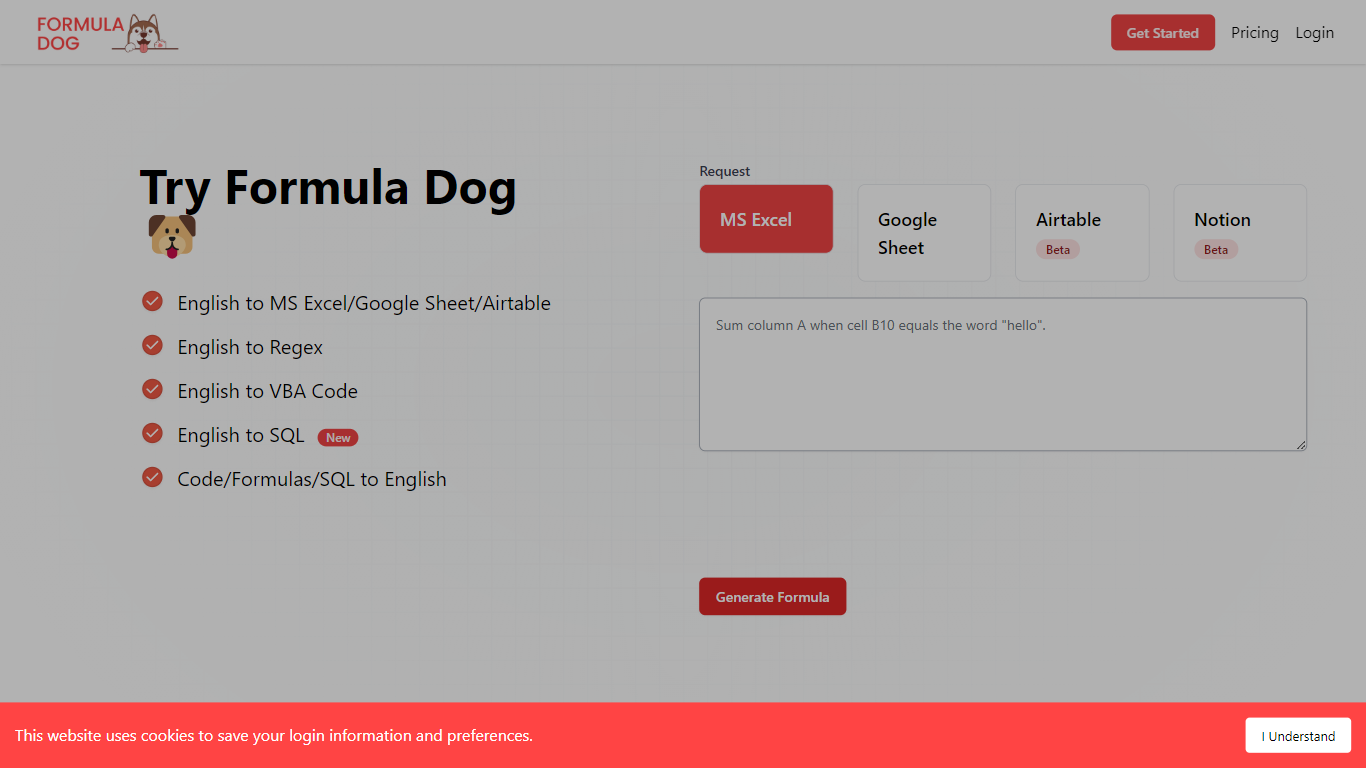
What is Formula Dog?
Formula Dog turns spreadsheet problems written in plain English into working Excel or Google Sheets formulas. You describe what you need, and the tool returns a paste-ready formula, often with a short explanation of how it works. The first five requests each day are free with no account required.
The product centers on a fine-tuned model trained on real spreadsheet formulas paired with human-written descriptions. That focus shows up in the output: fewer invented function names and syntax tuned for Excel, Google Sheets, VBA, regex helpers, and basic Airtable or Notion formulas.
It fits analysts, ops teams, and anyone who lives in spreadsheets but does not want to memorize every function variant. The site also ships a searchable cheat sheet, a playground with worked examples, and support for 12 interface languages.
Matrices Upvotes
Formula Dog Upvotes
Matrices Top Features
🧮 AI-powered spreadsheets that auto-fill data with confidence scores
🕹️ Virtual escape rooms for AI to safely practice complex tasks
🛠️ Modular components let engineers build custom simulation parts
🎨 Creative level editor enables designing AI training scenarios
🗣️ Natural language commands simplify automation without coding
Formula Dog Top Features
Describe a spreadsheet task in plain English and get a paste-ready formula back
Covers Excel, Google Sheets, VBA macros, regex helpers, and basic Airtable or Notion syntax
Five free formula generations per day with no signup required
Built-in playground with six worked examples from COUNTIF to conditional VBA
Searchable cheat sheet for common sums, lookups, dates, arrays, and VBA snippets
Interface available in 12 languages including English, French, German, Spanish, and Japanese
Matrices Category
- Excel
Formula Dog Category
- Excel
Matrices Pricing Type
- Freemium
Formula Dog Pricing Type
- Freemium