Meetext vs MeetGeek
Dive into the comparison of Meetext vs MeetGeek and discover which AI Meeting Assistant tool stands out. We examine alternatives, upvotes, features, reviews, pricing, and beyond.
When comparing Meetext and MeetGeek, which one rises above the other?
When we compare Meetext and MeetGeek, two exceptional meeting assistant tools powered by artificial intelligence, and place them side by side, several key similarities and differences come to light. The upvote count shows a clear preference for MeetGeek. MeetGeek has garnered 17 upvotes, and Meetext has garnered 7 upvotes.
Want to flip the script? Upvote your favorite tool and change the game!
Meetext
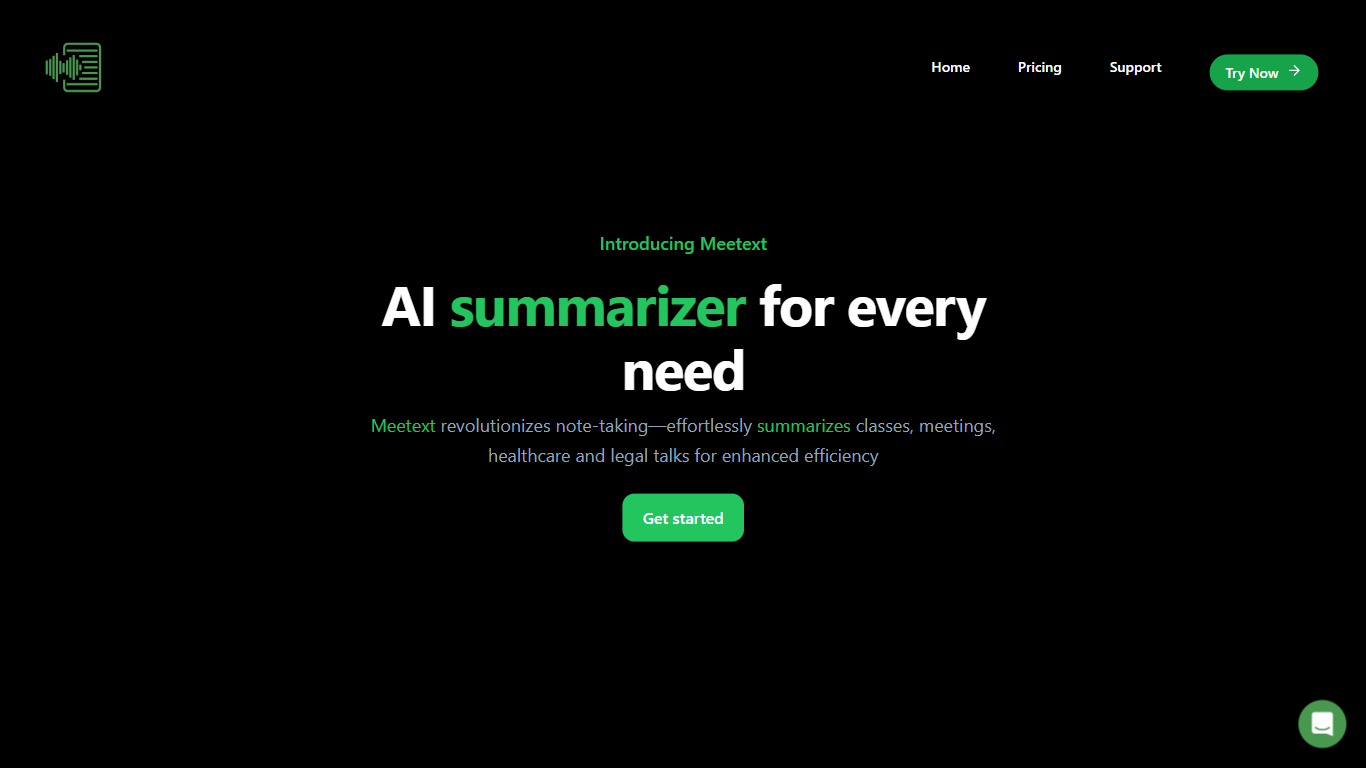

What is Meetext?
Meetext helps users organize and conduct meetings efficiently by simplifying scheduling, coordination, and collaboration. It connects with popular calendar and communication tools to streamline meeting setup and participant invitations.
What sets Meetext apart is its focus on real-time collaboration during meetings, allowing users to share notes, documents, and decisions instantly. This feature helps keep everyone aligned and productive, unlike basic scheduling tools that lack integrated collaboration.
Meetext also emphasizes user privacy and data security, ensuring sensitive meeting content remains protected. Its clean and intuitive interface reduces the learning curve, enabling users to focus on meeting content rather than technical complexities.
Additional features include automated meeting reminders and follow-up task tracking, which help keep projects moving forward. Meetext supports multi-device access, allowing users to join and contribute from anywhere, enhancing flexibility and convenience.
MeetGeek
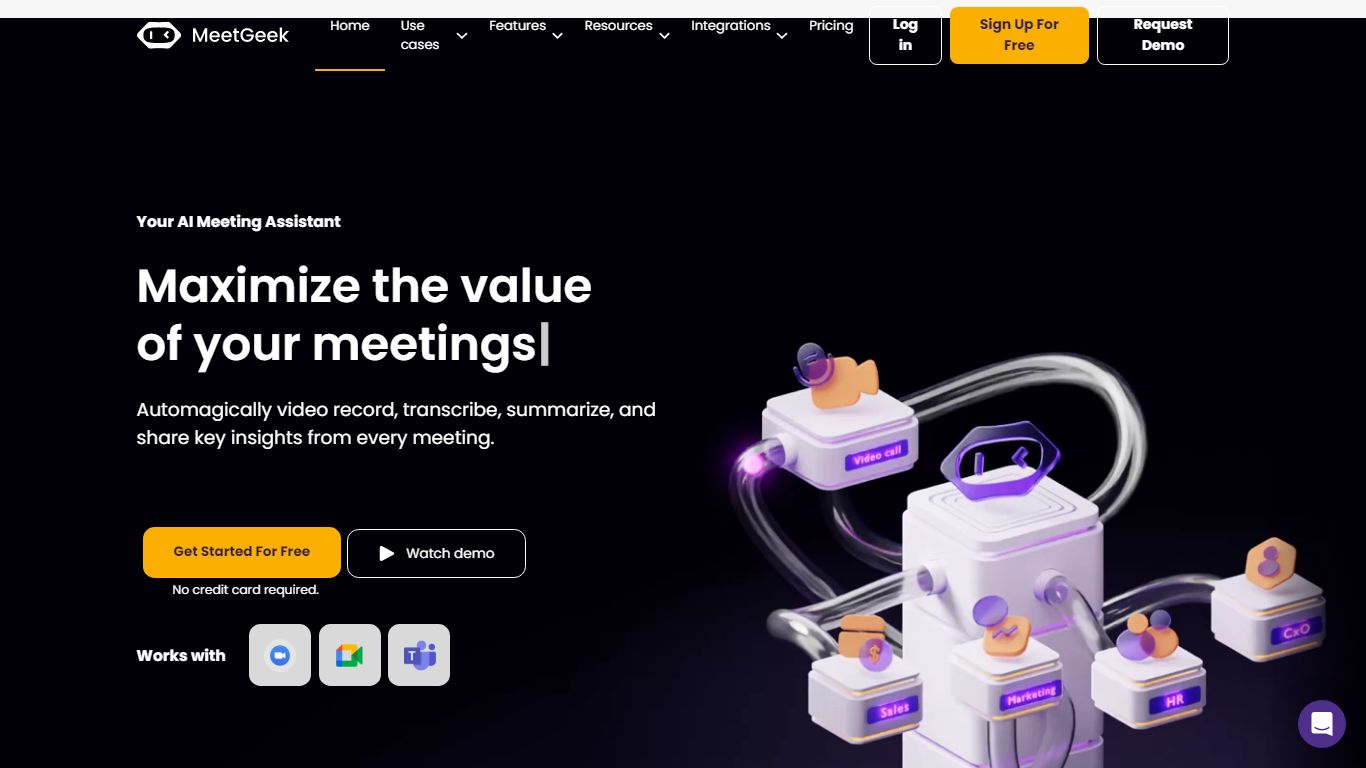
What is MeetGeek?
MeetGeek is a meeting assistant that records, transcribes, and summarizes calls across Zoom, Google Meet, Microsoft Teams, and other conferencing tools. It stores searchable transcripts, AI chat over past meetings, and workflow automations so teams can share notes without rewatching every recording.
Unlike lightweight note bots that only dump a summary, MeetGeek layers meeting templates, CRM integrations, and no-bot browser recording on top of transcription. That stack targets teams that need governance, analytics, and Zapier-style automation rather than a single post-call email.
Sales, customer success, and product teams use MeetGeek for customer calls, interviews, and internal standups. Educators and agencies also adopt it for online classes and client meetings where shared folders and role-based access matter.
Meetext Upvotes
MeetGeek Upvotes
Meetext Top Features
📅 Easy Scheduling: Connects with calendars like Google Calendar to quickly set up meetings and send invites.
💬 Real-Time Collaboration: Share notes and files instantly during meetings to stay aligned.
🔔 Automated Reminders: Sends alerts to participants to reduce no-shows and keep meetings on track.
🔒 Privacy Focused: Protects your meeting data with strong security measures.
✅ Task Tracking: Assign and monitor follow-up tasks directly from meeting notes.
MeetGeek Top Features
Auto-detects 100+ languages with speaker identification
Records Zoom, Google Meet, Microsoft Teams, and Webex calls
30+ meeting summary templates with meeting type auto-detection
No-bot recording via browser extension and desktop app
CRM sync to HubSpot, Salesforce, Pipedrive, and Zoho
API and MCP access for custom meeting workflows
Meetext Category
- Meeting Assistant
MeetGeek Category
- Meeting Assistant
Meetext Pricing Type
- Freemium
MeetGeek Pricing Type
- Freemium