MeetGeek vs Noty AI
In the face-off between MeetGeek vs Noty AI, which AI Meeting Assistant tool takes the crown? We scrutinize features, alternatives, upvotes, reviews, pricing, and more.
In a face-off between MeetGeek and Noty AI, which one takes the crown?
If we were to analyze MeetGeek and Noty AI, both of which are AI-powered meeting assistant tools, what would we find? MeetGeek stands out as the clear frontrunner in terms of upvotes. The upvote count for MeetGeek is 17, and for Noty AI it's 4.
Don't agree with the result? Cast your vote and be a part of the decision-making process!
MeetGeek

What is MeetGeek?
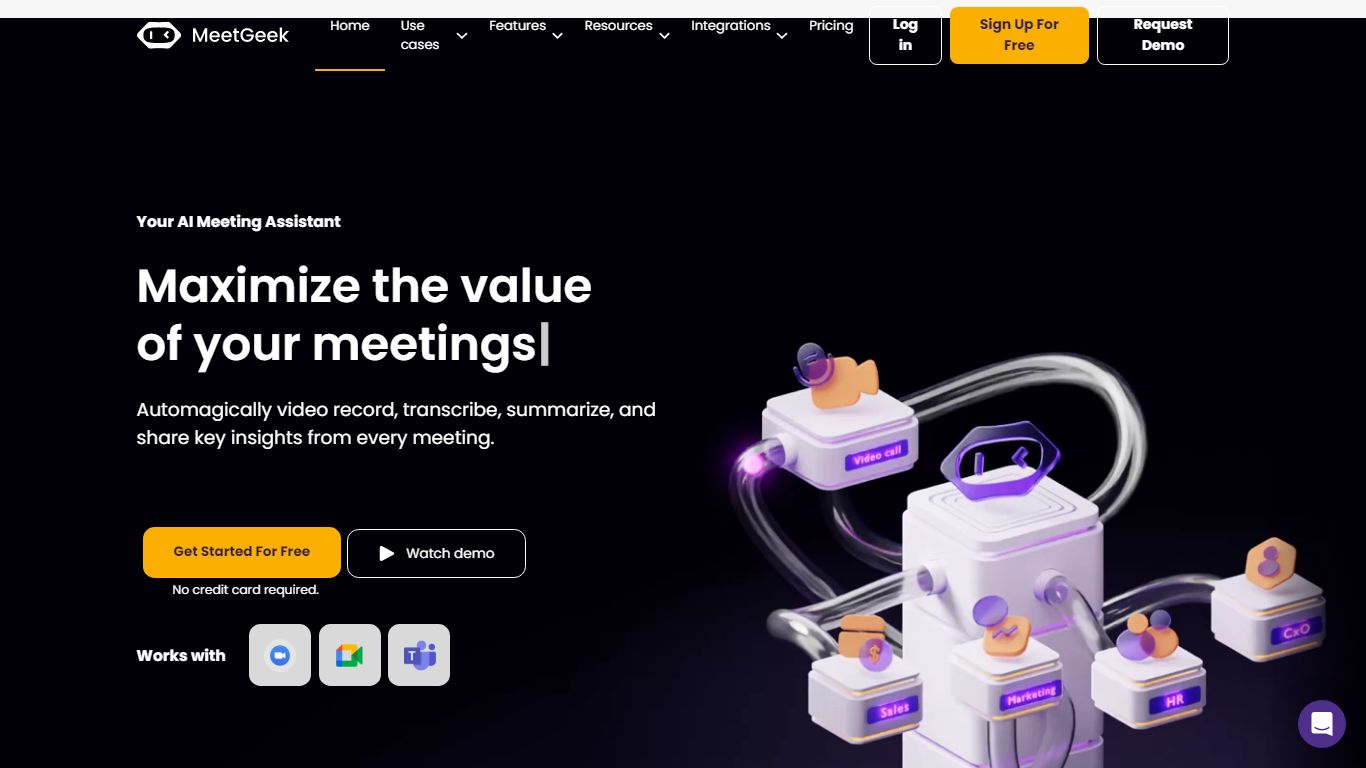
MeetGeek is a meeting assistant that records, transcribes, and summarizes calls across Zoom, Google Meet, Microsoft Teams, and other conferencing tools. It stores searchable transcripts, AI chat over past meetings, and workflow automations so teams can share notes without rewatching every recording.
Unlike lightweight note bots that only dump a summary, MeetGeek layers meeting templates, CRM integrations, and no-bot browser recording on top of transcription. That stack targets teams that need governance, analytics, and Zapier-style automation rather than a single post-call email.
Sales, customer success, and product teams use MeetGeek for customer calls, interviews, and internal standups. Educators and agencies also adopt it for online classes and client meetings where shared folders and role-based access matter.
Noty AI
What is Noty AI?
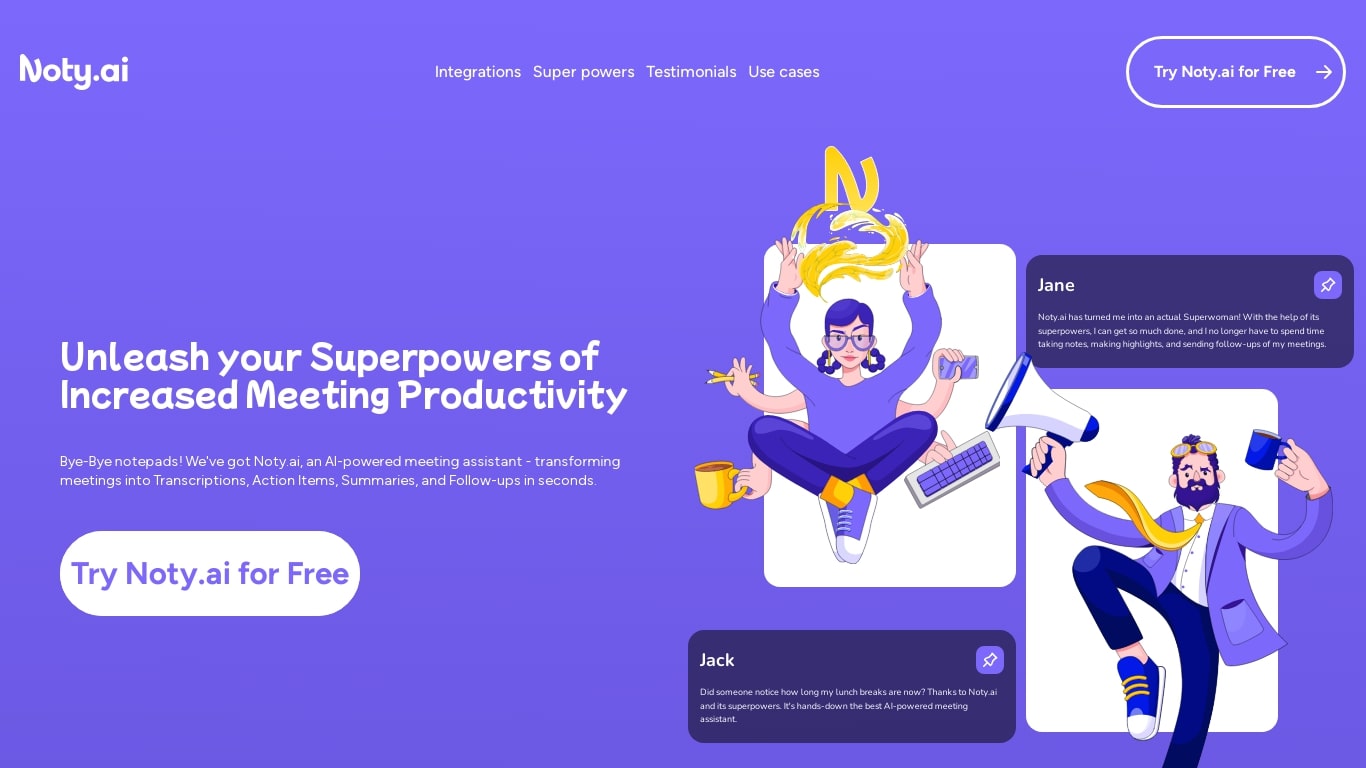
Noty AI is a meeting assistant that turns live video calls into transcripts, summaries, and tasks your team can act on. It records conversations in real time, highlights key moments during the call, and generates post-meeting recaps so nothing discussed gets lost between sessions.
Most meeting transcription tools stop at searchable text. Noty pushes output into assignable tasks, pre-drafted follow-ups, and a shared workspace so the meeting actually moves work forward. The site claims it handles about 95% of post-meeting admin, which is the gap note-taking apps typically leave open.
It works with Google Meet, Zoom, and Microsoft Teams, with live transcription during calls and 98% accuracy cited for Google Meet. After each session, Noty builds summaries, detects action items with deadlines and assignees, and lets you export to Docs, PDF, or plain text.
Project managers, customer success teams, and remote workers use Noty to cut post-meeting admin and keep projects moving without manual note-taking.
MeetGeek Upvotes
Noty AI Upvotes
MeetGeek Top Features
Auto-detects 100+ languages with speaker identification
Records Zoom, Google Meet, Microsoft Teams, and Webex calls
30+ meeting summary templates with meeting type auto-detection
No-bot recording via browser extension and desktop app
CRM sync to HubSpot, Salesforce, Pipedrive, and Zoho
API and MCP access for custom meeting workflows
Noty AI Top Features
Live transcription during Google Meet, Zoom, and Teams calls with 98% accuracy cited for Google Meet
100 hours of transcription per month on Pro with 3 AI credits per meeting
Post-meeting summaries you can review, edit, comment on, or query through in-app chat
Action items, deadlines, and assignees pulled from conversation into a shared to-do list
One-click follow-ups that send recap emails with takeaways and tasks to participants
Global search across all meeting data with export to Docs, PDF, or plain text
90 languages supported for transcription, with several still marked beta on the pricing page
MeetGeek Category
- Meeting Assistant
Noty AI Category
- Meeting Assistant
MeetGeek Pricing Type
- Freemium
Noty AI Pricing Type
- Freemium