MeetMoji vs SlidesAI
In the battle of MeetMoji vs SlidesAI, which AI Presentation tool comes out on top? We compare reviews, pricing, alternatives, upvotes, features, and more.
Between MeetMoji and SlidesAI, which one is superior?
Upon comparing MeetMoji with SlidesAI, which are both AI-powered presentation tools, The upvote count shows a clear preference for SlidesAI. SlidesAI has 9 upvotes, and MeetMoji has 7 upvotes.
Want to flip the script? Upvote your favorite tool and change the game!
MeetMoji

What is MeetMoji?
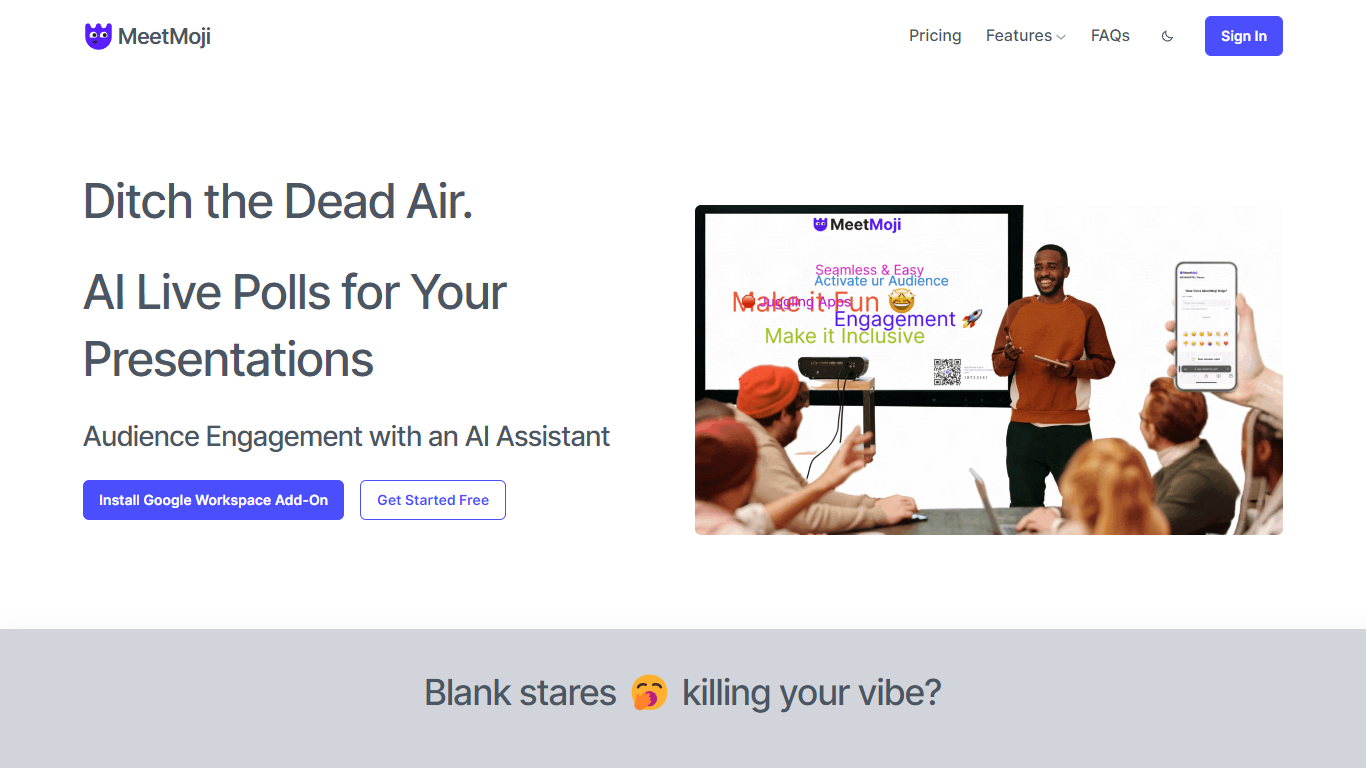
MeetMoji revolutionizes the way presentations are delivered, turning stagnant slides into interactive experiences that captivate audiences. With no downloads or logins necessary, participants can simply scan a QR code or click a link to join in on live polls, emoji streams, and other engagement features.
Utilizing AI assistance through ChatMoji.ai, presenters can easily create poll questions, word clouds, and gather open feedback to maintain a lively and inclusive presentation atmosphere. Real-time sentiment analysis and response summaries are also available to gauge audience reactions and streamline content delivery.
Whether for a single presentation or a full event with multiple speakers, MeetMoji simplifies the management process and maximizes audience participation, ensuring an engaging, stress-free experience.
SlidesAI
What is SlidesAI?
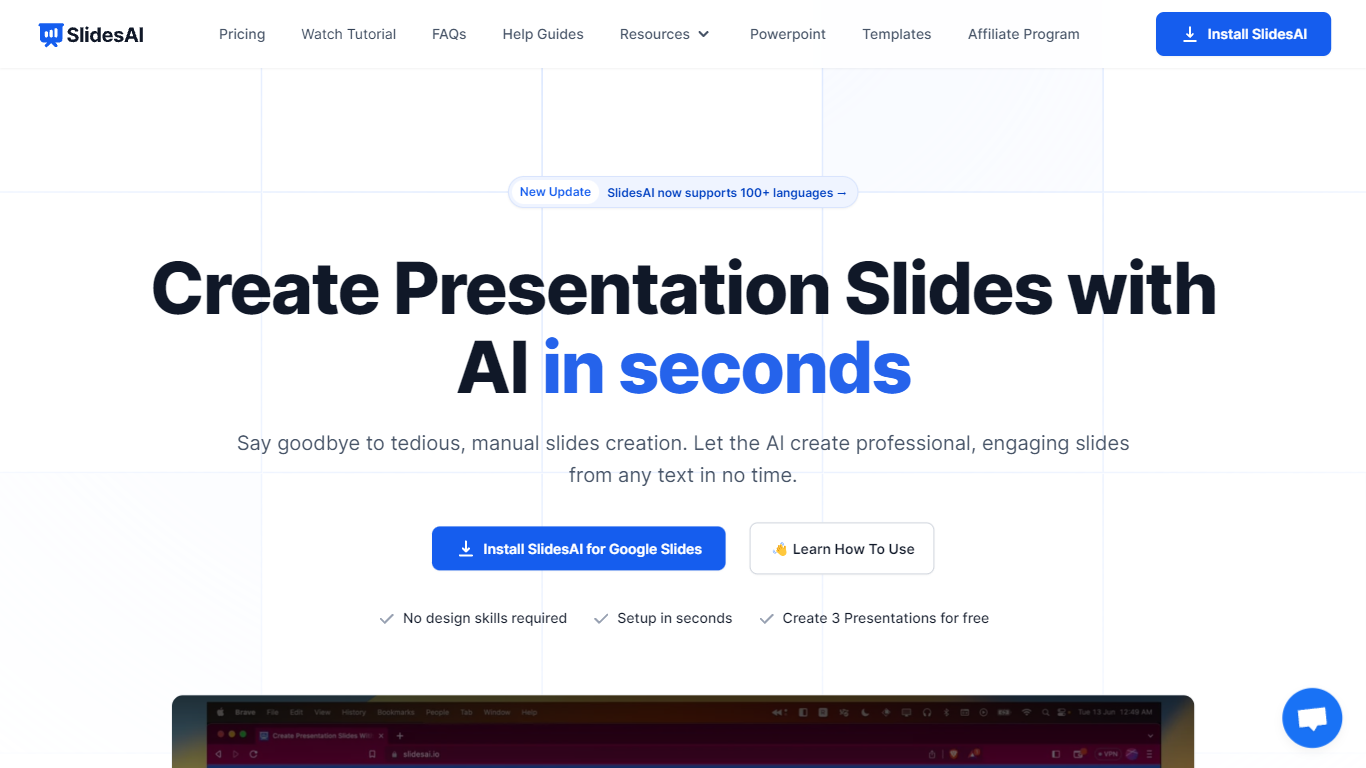
SlidesAI turns text, topics, or uploaded documents into structured presentation slides inside Google Slides, Microsoft PowerPoint, or its web app. You enter a prompt or paste notes, pick a theme, and the tool builds a full deck with layouts, speaker-ready content, and visuals.
It runs as a Google Workspace add-on, a PowerPoint add-in, a browser web app, and a ChatGPT integration that saves decks directly to Google Drive. That means you stay in the editors you already use instead of exporting files from a separate design tool.
SlidesAI is built for teachers, students, and professionals who need classroom lessons, pitch decks, or training slides without spending hours on formatting. It supports 100+ languages for slide content, offers quiz layouts for educators, and includes AI editing tools to rephrase, translate, or regenerate individual slides.
MeetMoji Upvotes
SlidesAI Upvotes
MeetMoji Top Features
Live Interactive Polling: Enhance your presentations with live polls that capture audience participation and increase engagement.
Full Audience Reach: Engage both online and in-person attendees equally, leaving no one behind.
Effortless Integration: Easily embed interactive elements into presentations using the Google Slides add-on.
AI-Powered Summaries: Quickly summarize audience feedback and perform sentiment analysis with ChatMoji.ai.
Seamless Event Management: Combine diverse presentation elements into a cohesive experience for events with multiple presentations.
SlidesAI Top Features
Build full slide decks from a topic, bullet list, or uploaded PDF and Word documents
Works inside Google Slides, PowerPoint, a web app, and ChatGPT with direct Google Drive saves
Rephrase, shorten, translate, or remix individual slides without leaving your editor
Insert AI-generated images or search royalty-free stock photos by category
Create classroom quiz slides with multiple-choice, true/false, and open-ended layouts
Generate presentations in 100+ languages with 22 app interface translations
MeetMoji Category
- Presentation
SlidesAI Category
- Presentation
MeetMoji Pricing Type
- Freemium
SlidesAI Pricing Type
- Freemium