MicroByte vs Microsoft Loop
Compare MicroByte vs Microsoft Loop and see which AI All In One tool is better when we compare features, reviews, pricing, alternatives, upvotes, etc.
Which one is better? MicroByte or Microsoft Loop?
When we compare MicroByte with Microsoft Loop, which are both AI-powered all in one tools, The upvote count favors MicroByte, making it the clear winner. MicroByte has received 7 upvotes from aitools.fyi users, while Microsoft Loop has received 6 upvotes.
Don't agree with the result? Cast your vote and be a part of the decision-making process!
MicroByte
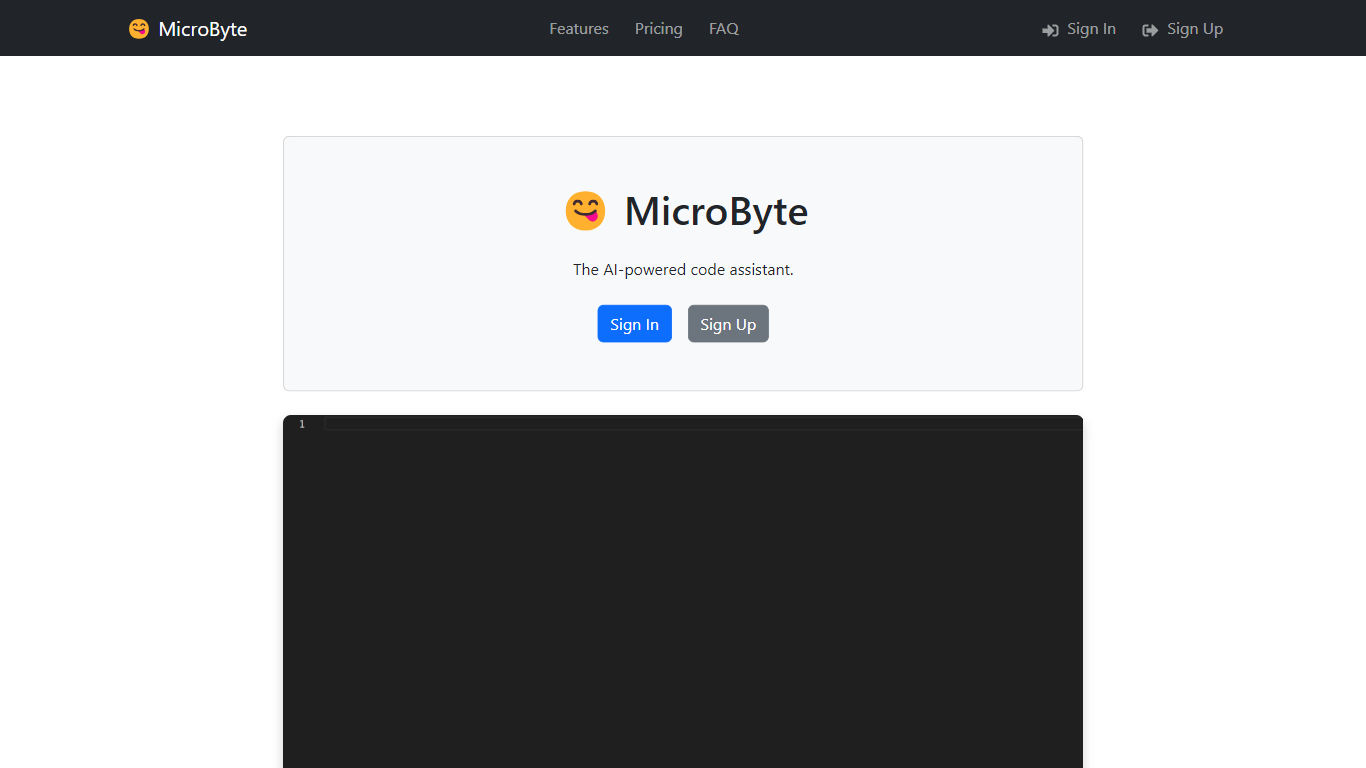

What is MicroByte?
MicroByte is an innovative solution designed to cater to your technological needs. It is a cutting-edge platform that simplifies complex tech processes and enhances user interaction with technology. MicroByte prides itself on delivering high-quality services that are tailored for efficiency and reliability. Whether you are a tech enthusiast or a professional seeking advanced tools, MicroByte provides an intuitive interface and a suite of powerful features to meet your requirements. Inherent in its design is the commitment to user satisfaction, making MicroByte a go-to resource for technology solutions.
Microsoft Loop
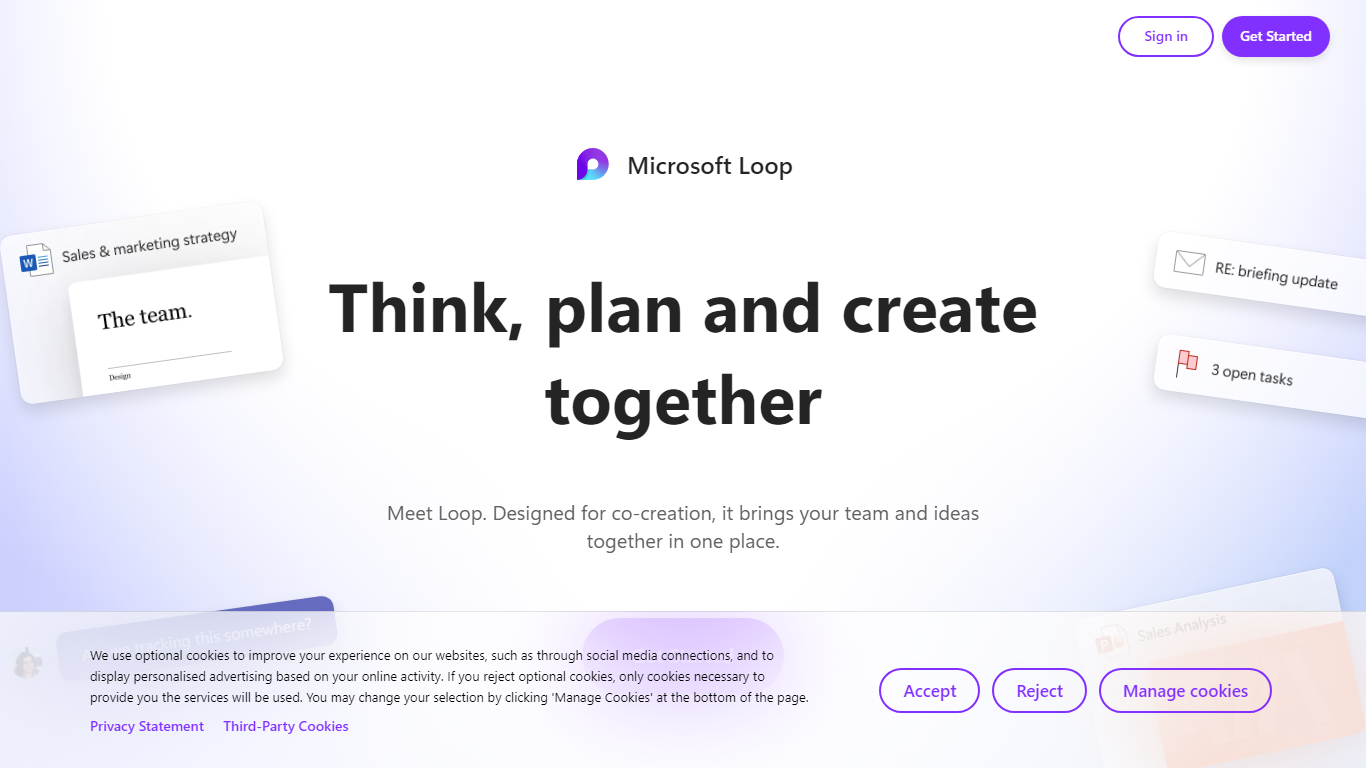
What is Microsoft Loop?
Microsoft Loop lets teams capture ideas, tasks, and notes on flexible pages that stay connected across Microsoft 365. Work lives in shared workspaces and portable Loop components you can drop into Teams chats, Outlook emails, OneNote notebooks, and Whiteboard sessions. Edits sync in real time whether someone works in the Loop web app, on iOS, or on Android.
Most planning tools trap content in one app. Loop components are built to travel: paste a task tracker or voting table into a Teams message or Outlook draft, and changes in either place update everywhere. That cross-app portability is the core design, not an integration add-on. Copilot blocks add group AI co-authoring when your organization has a Copilot for Microsoft 365 plan.
Loop fits teams already on Microsoft 365 who want an all-in-one surface for notes, tasks, tables, and decisions without leaving chat and email. Project leads spin up pages from templates like Team Decision, Project Plan, and Meeting Notes. Remote and hybrid groups use mentions, nudges, status changes, and task assignments to stay aligned across time zones.
MicroByte Upvotes
Microsoft Loop Upvotes
MicroByte Top Features
Intuitive Interface: Seamless user experience with easy navigation.
Advanced Tools: A comprehensive collection of tools for tech enthusiasts and professionals.
High-Quality Service: Reliable and efficient solutions tailored to user needs.
User Satisfaction: Commitment to exceed user expectations and foster loyalty.
Cutting-Edge Platform: Stay ahead with the latest in technological advancements.
Microsoft Loop Top Features
Loop components (lists, tables, notes, task trackers) stay in sync when pasted into Teams, Outlook, OneNote, or Whiteboard
Page templates include Team Decision, Project Plan, Project Goals, and Meeting Notes
Type "/" to open an insert menu for lists, tables, @mentions, files, and other block types
Copilot blocks support Create, Brainstorm, Summarize, and Answer modes for group co-authoring
Apps run on the web at loop.cloud.microsoft plus native iOS and Android clients
Voting tables let teammates rank options with live multi-user editing
MicroByte Category
- All In One
Microsoft Loop Category
- All In One
MicroByte Pricing Type
- Freemium
Microsoft Loop Pricing Type
- Freemium