Minilog vs CalcGen AI
Dive into the comparison of Minilog vs CalcGen AI and discover which AI Analytics tool stands out. We examine alternatives, upvotes, features, reviews, pricing, and beyond.
When comparing Minilog and CalcGen AI, which one rises above the other?
When we compare Minilog and CalcGen AI, two exceptional analytics tools powered by artificial intelligence, and place them side by side, several key similarities and differences come to light. Both tools are equally favored, as indicated by the identical upvote count. You can help us determine the winner by casting your vote and tipping the scales in favor of one of the tools.
Don't agree with the result? Cast your vote and be a part of the decision-making process!
Minilog

What is Minilog?
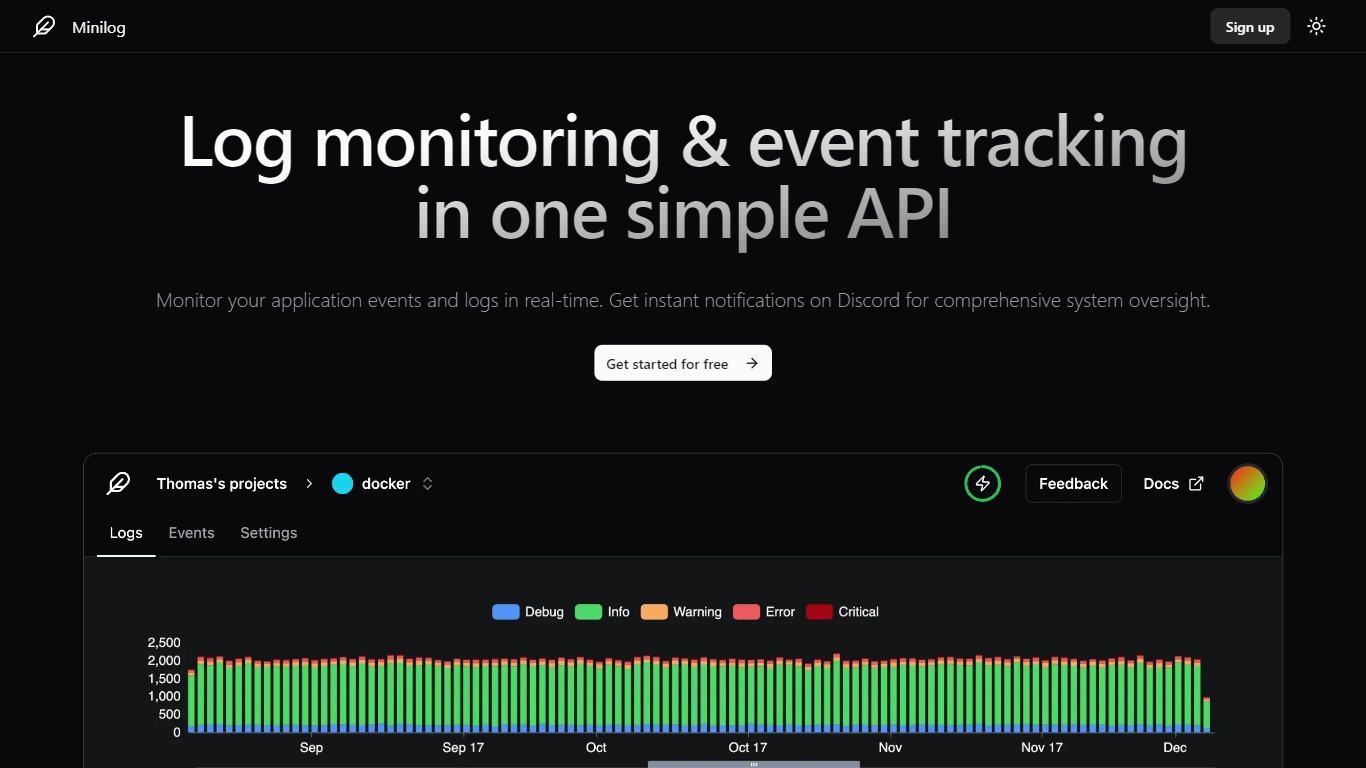
Minilog is an analytics and log monitoring service built around a single HTTP API. You POST JSON logs from any language, search and filter them on a timeline, and get push or email alerts when something critical hits. No agent install, no SDK dependency, just a bearer token and a curl command.
Most log platforms want you to run collectors, agents, or heavy integrations before you see a single line. Minilog flips that: send one POST request and monitoring starts. It also plugs into Docker's built-in Splunk logging driver, so container logs route to Minilog without extra sidecars.
Developers, DevOps engineers, and small teams running a handful of services fit here, especially when they want Discord or email alerts without standing up Elasticsearch or Datadog. The free tier covers 1 project and 1,000 logs per month, with paid plans scaling to 1 million logs.
CalcGen AI
What is CalcGen AI?
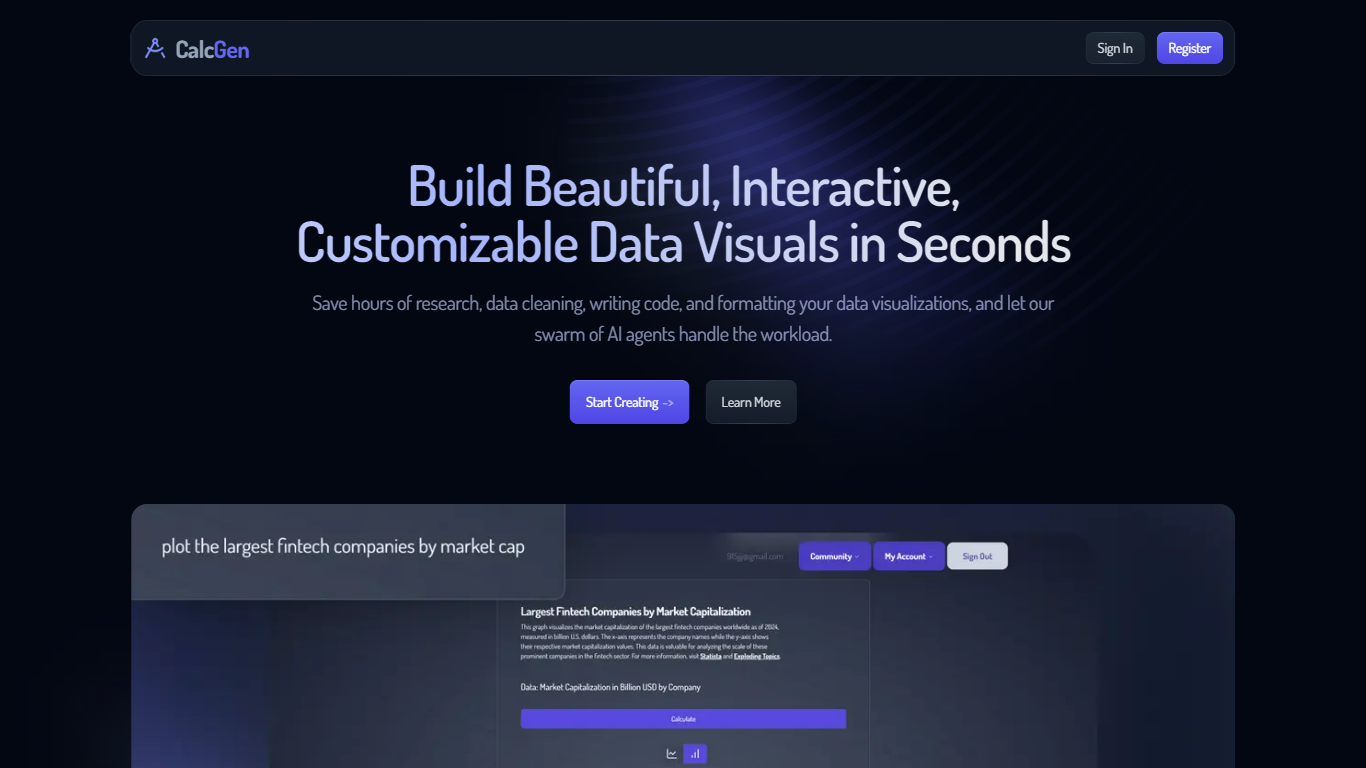
CalcGen AI turns a plain-language question into an interactive chart, graph, or calculator without you writing code or hunting down datasets. Type a prompt like smoking rates in the USA, and a swarm of search, analysis, and visualization agents finds credible sources, writes a summary, and renders a shareable visual you can embed in Notion, PowerPoint, or WordPress.
ChatGPT can sketch a chart from data you paste in. CalcGen goes further by sending a search agent to pull numbers from the web, linking every source, and letting you customize themes, filters, and chart types in a visual editor. The trade-off is beta maturity: the tutorial recommends datasets under 150 points for best results.
Analysts, educators, and marketers use it when they need a polished visualization fast but lack time for spreadsheet cleanup and formatting. CalcGen was featured on Product Hunt as a top 8 launch and in Rundown AI's trending products list in October 2024.
Minilog Upvotes
CalcGen AI Upvotes
Minilog Top Features
Start logging with a single HTTP POST to api.minilog.dev, no SDK or agent install
Docker Splunk logging driver routes container logs directly to Minilog
Push notifications and email alerts fire when critical log events trigger
Search and filter logs by content, metadata, application name, and severity level
Free plan includes 1 project and 1,000 logs per month with 1-month retention
Enterprise plan supports unlimited projects and 1 million logs per month
CalcGen AI Top Features
Search Agent finds data online and links credible sources to every visualization
Analysis Agent writes chart titles and detailed data summaries automatically
Visualization Agent builds interactive charts with custom filters and sorting from prompts
Embeds into Notion, PowerPoint, WordPress, Wix, and Miro
Theme library lets you match charts to your brand design language
Custom graph calculators plot equations dynamically from user inputs
Paid plans start at $9.99 per month according to the welcome page
Minilog Category
- Analytics
CalcGen AI Category
- Analytics
Minilog Pricing Type
- Freemium
CalcGen AI Pricing Type
- Freemium